At Pleasant Street Primary School, we believe that developing a child’s computing skills is vital for their successful future. In an ever-changing world where technology is leading the way, we aim to develop confidence and enthusiasm of the topic and to explore computational thinking.
We want pupils to grow throughout their computing education; for them to aim high in their future aspirations to become engineers, programmers, developers and anything they set their talents to. Our lessons are ones that pupils remember with fondness and to engage with the broad range of opportunities that go above and beyond that of a regular primary school curriculum expectation.
The safety of our children within the growing and developing technological world is paramount – we empower our pupils to become confident, aware, and capable users of the online world; through regular STEM opportunities being delivered and the higher-level technology present within the school. At our school, Computing is more than a curriculum subject, but a way to integrate a community within the school that provides up-to-date information to help families.
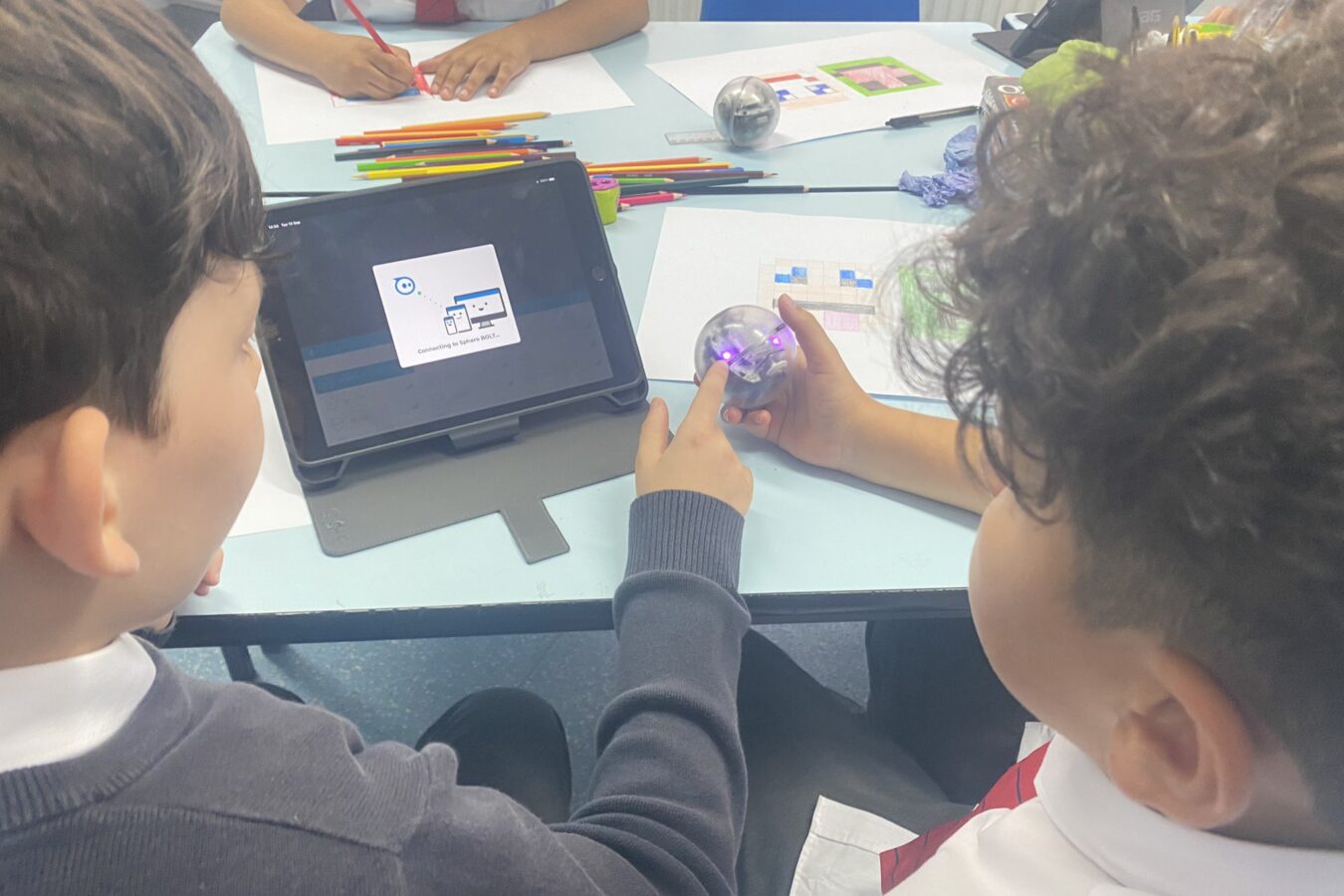
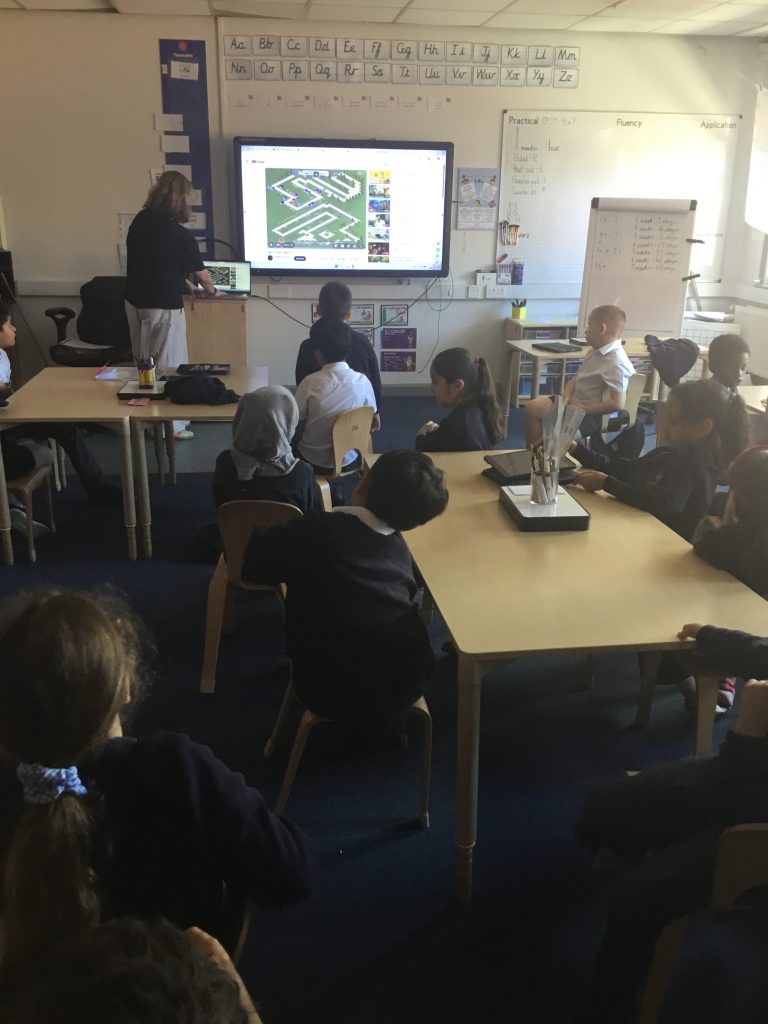
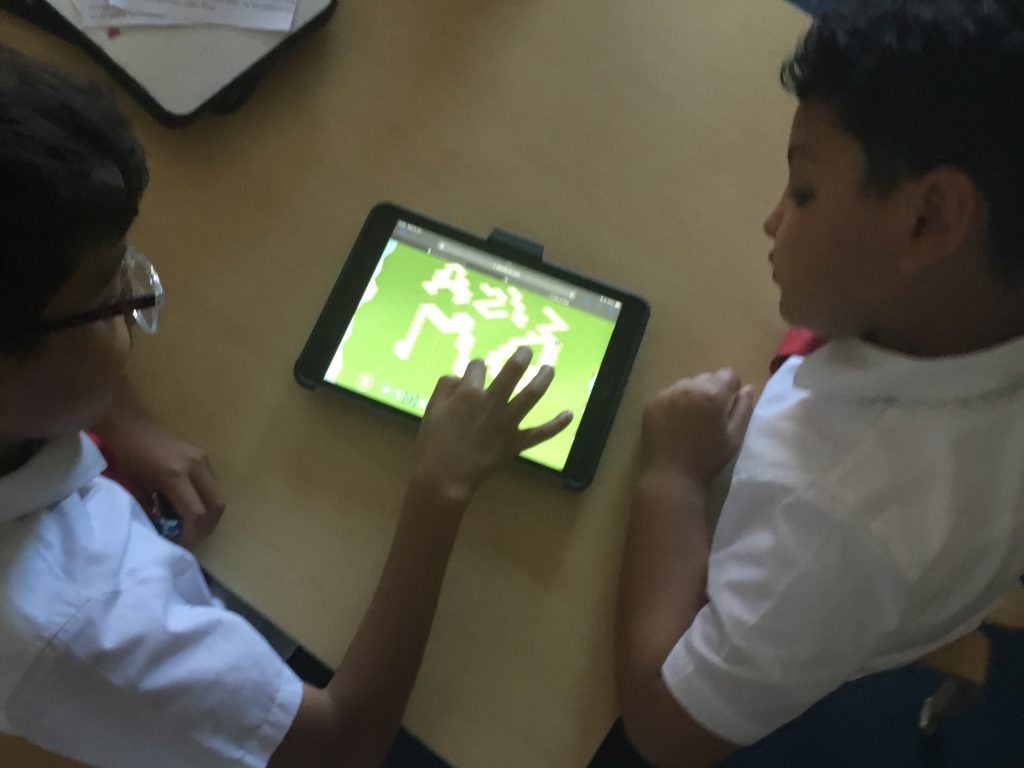
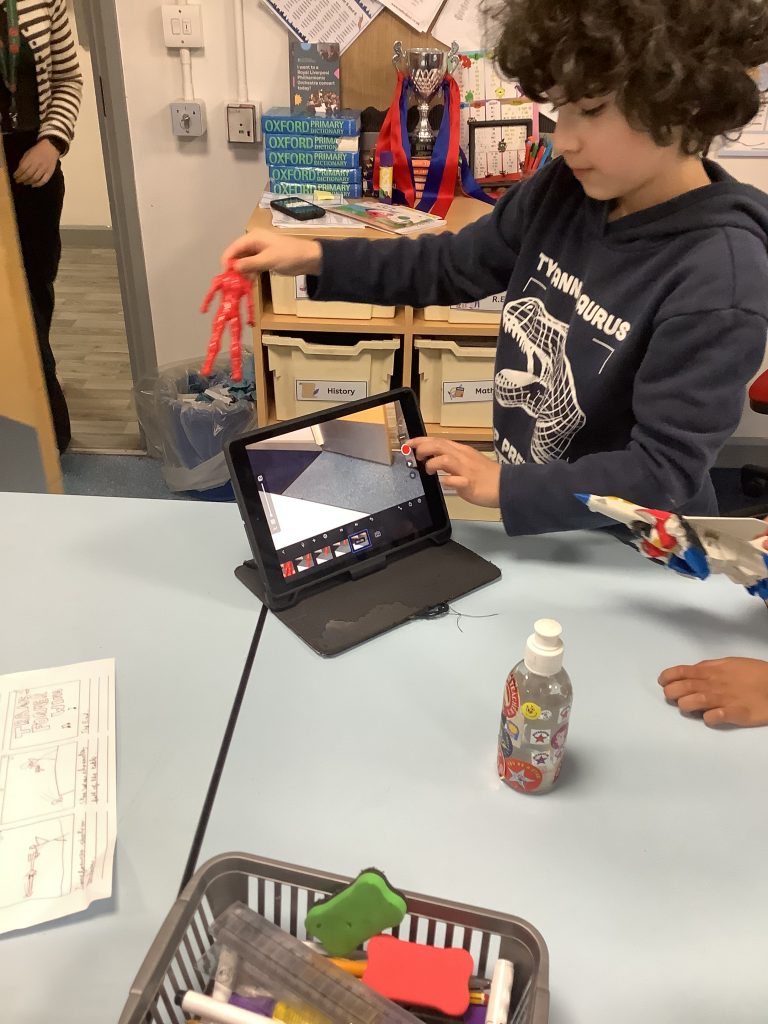
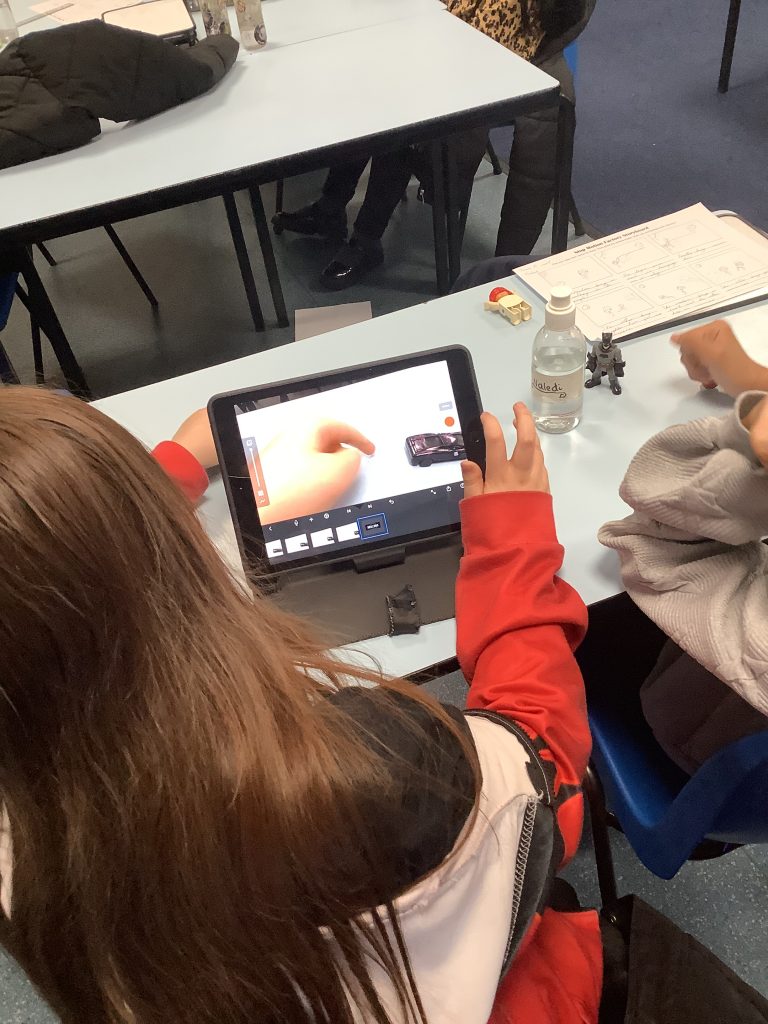
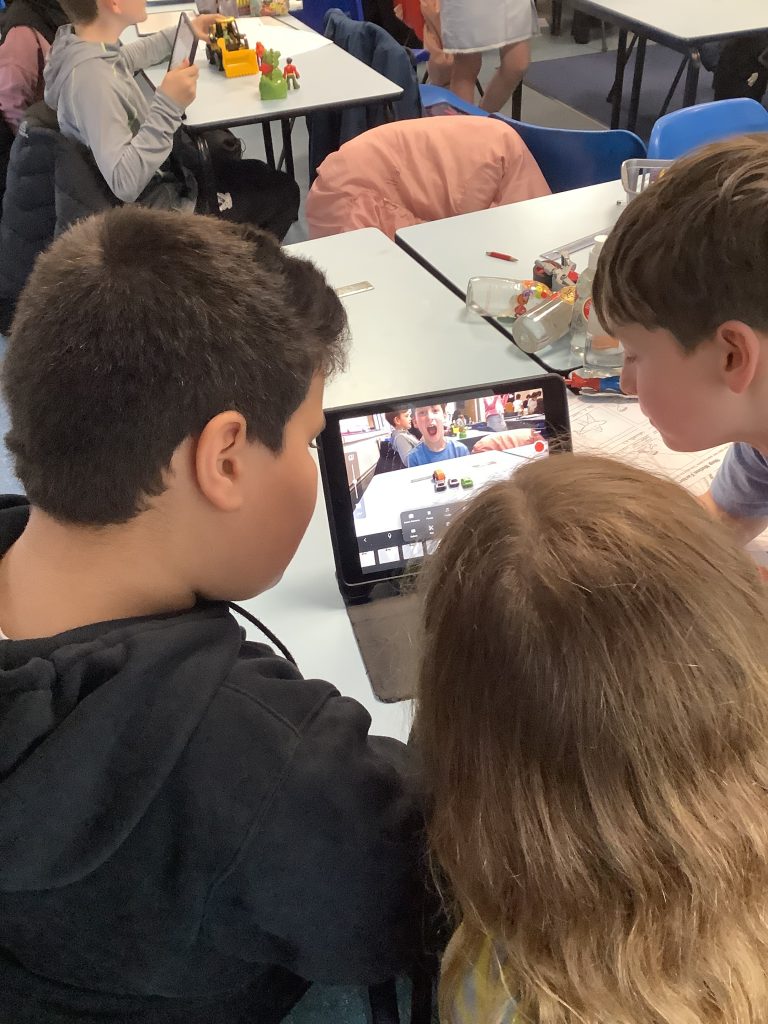
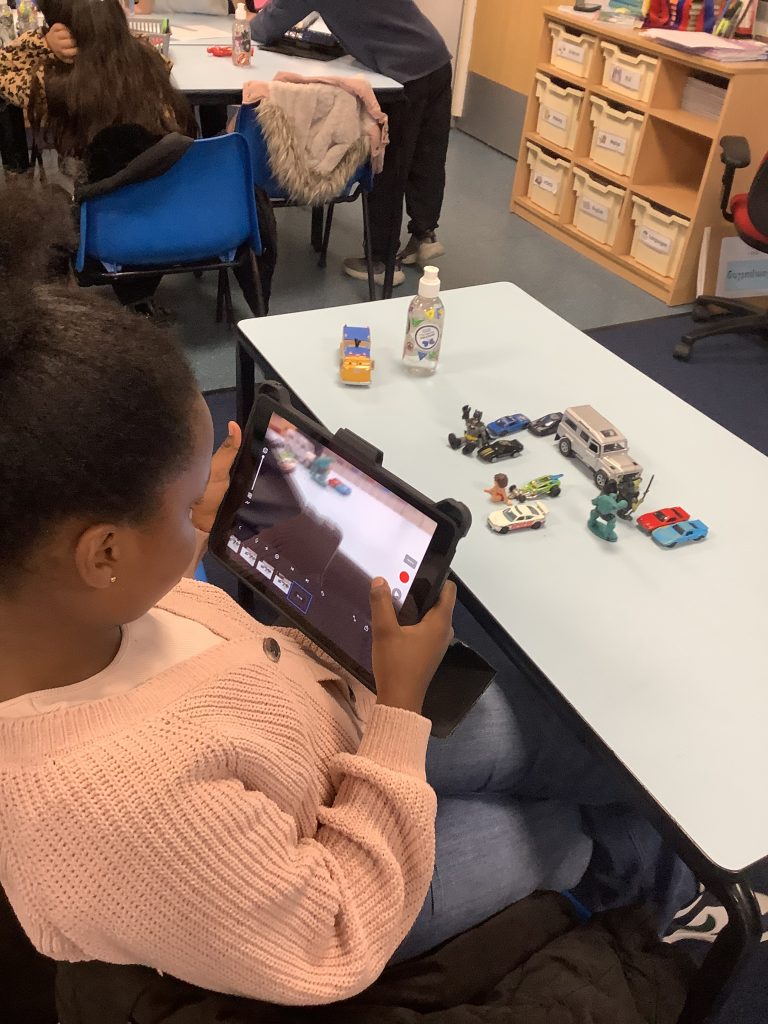
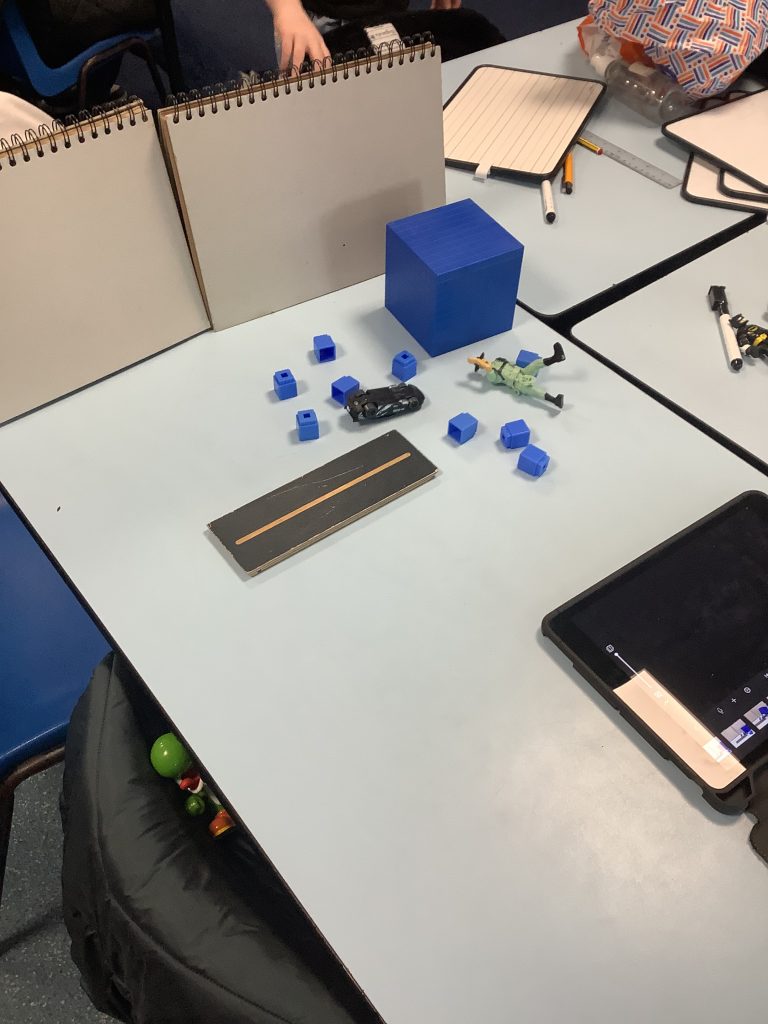
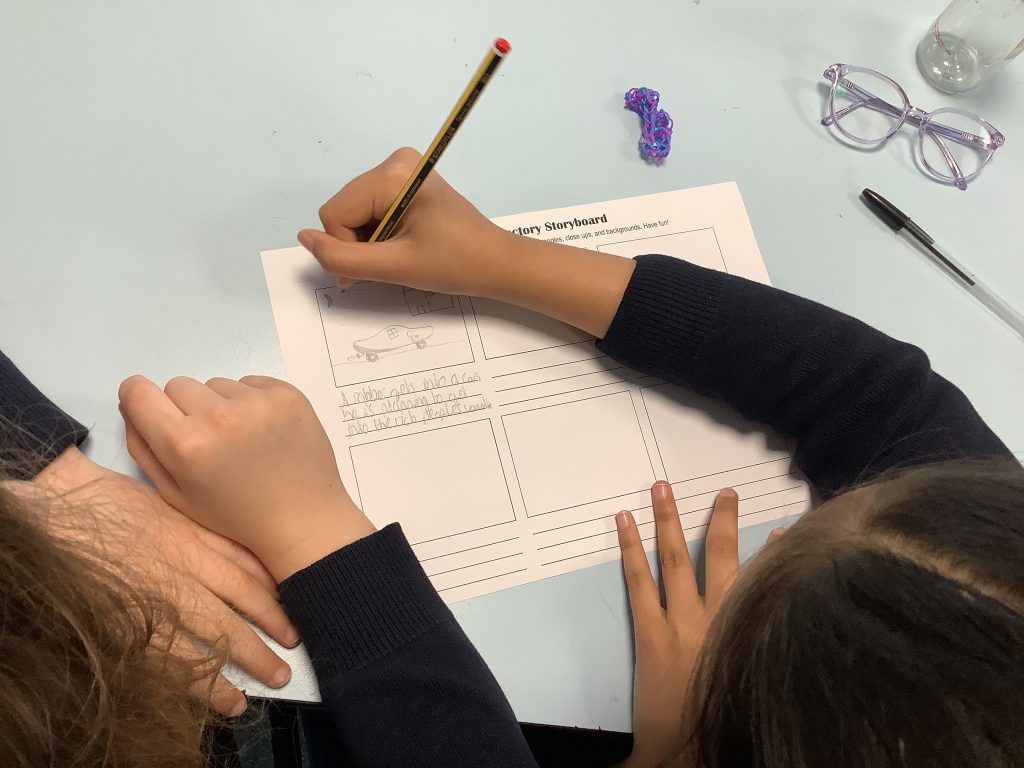
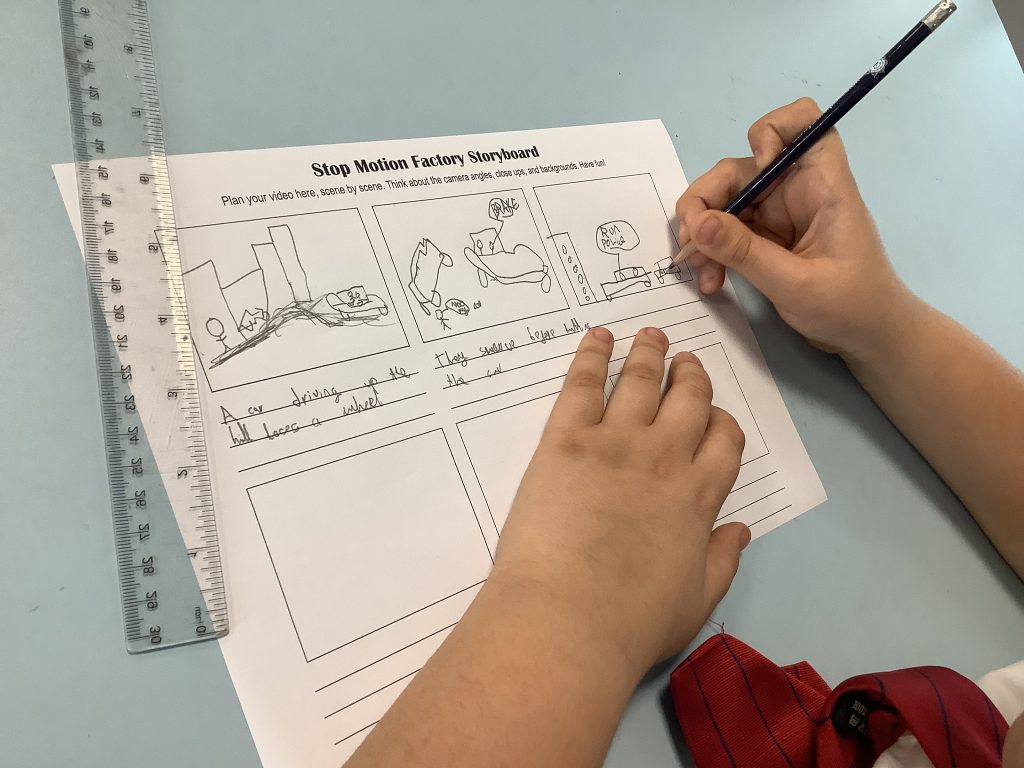
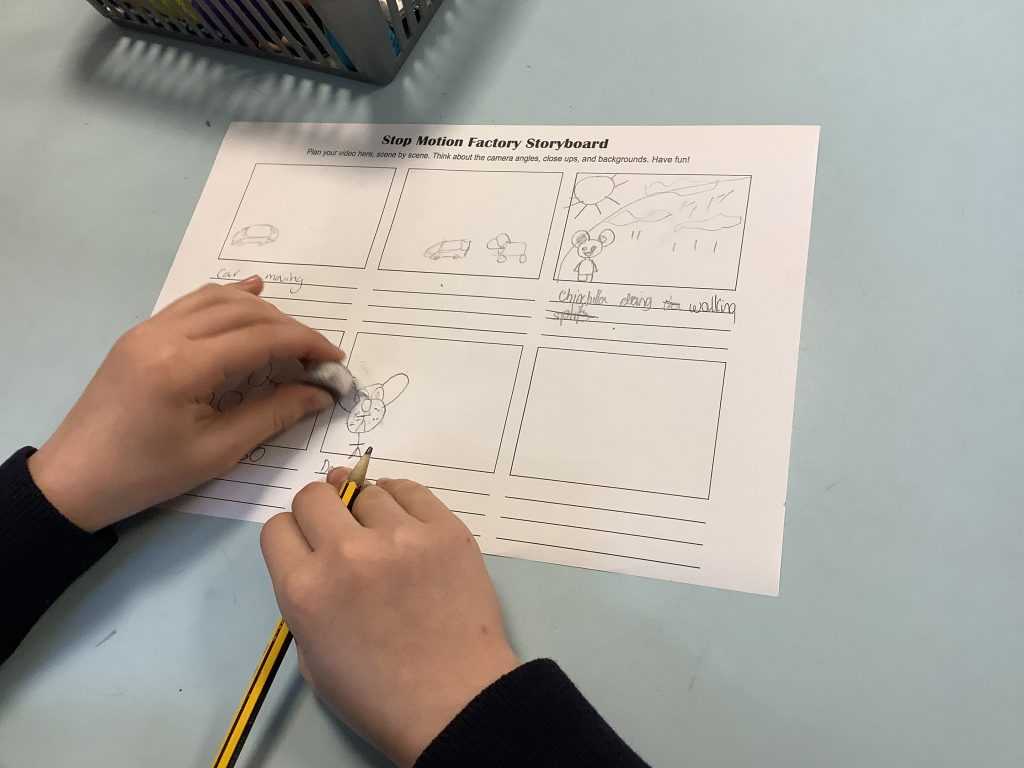
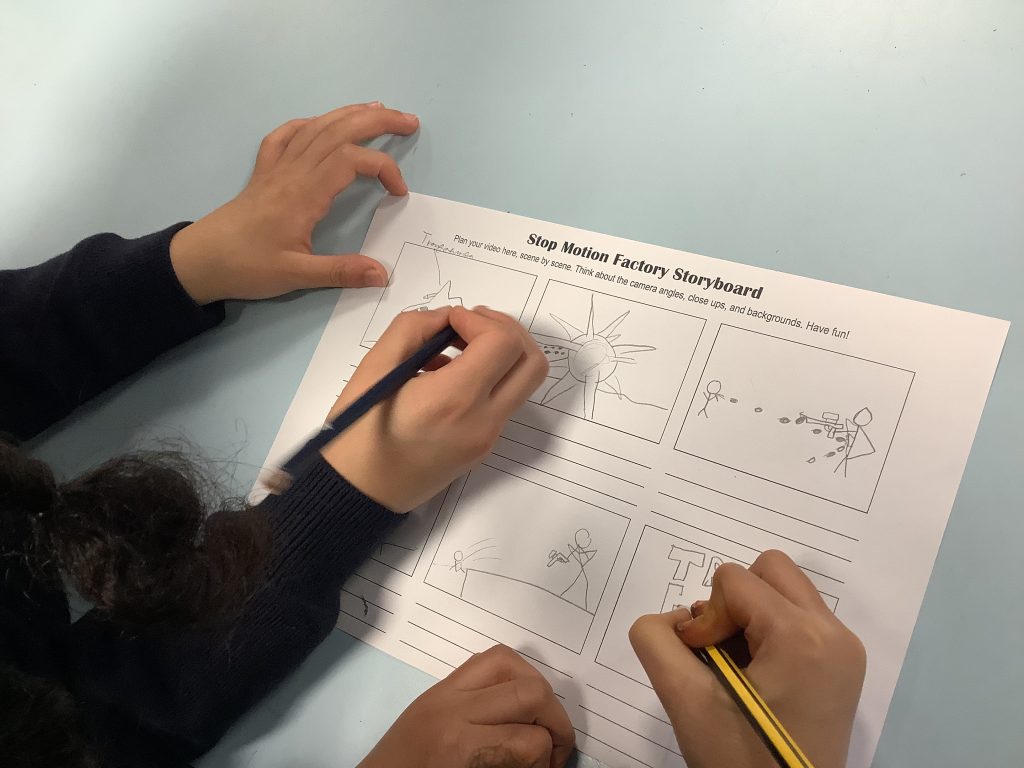
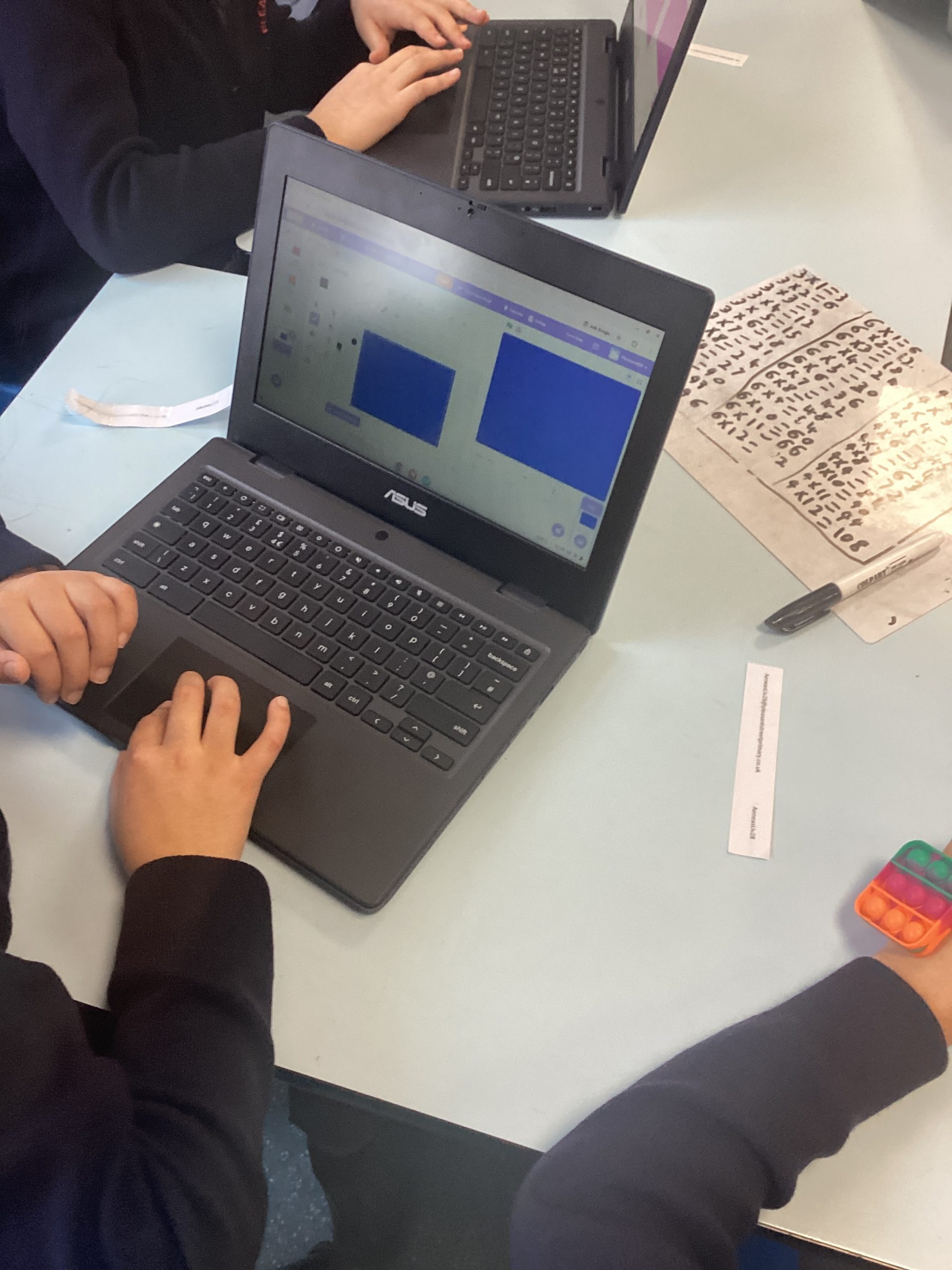
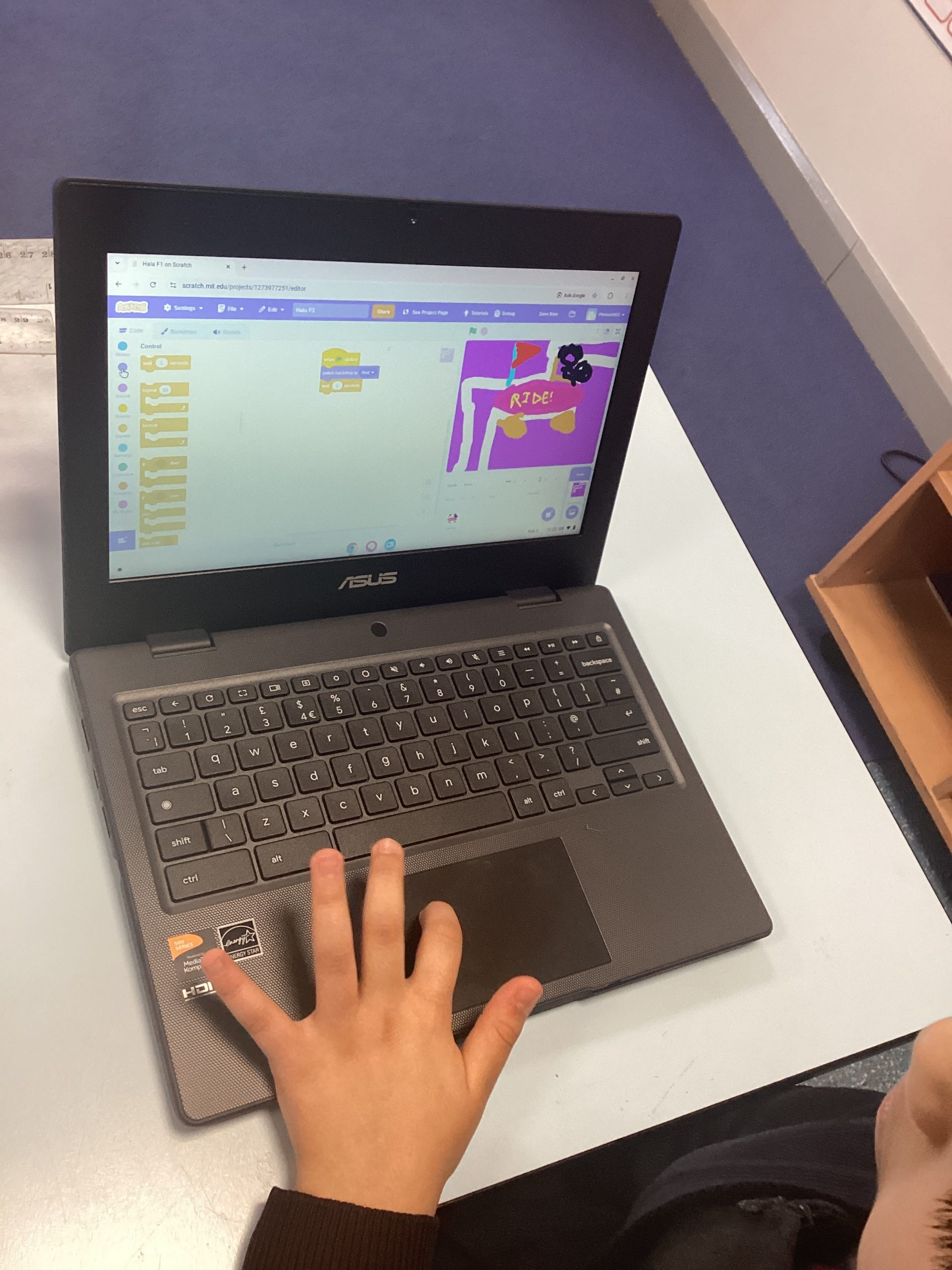
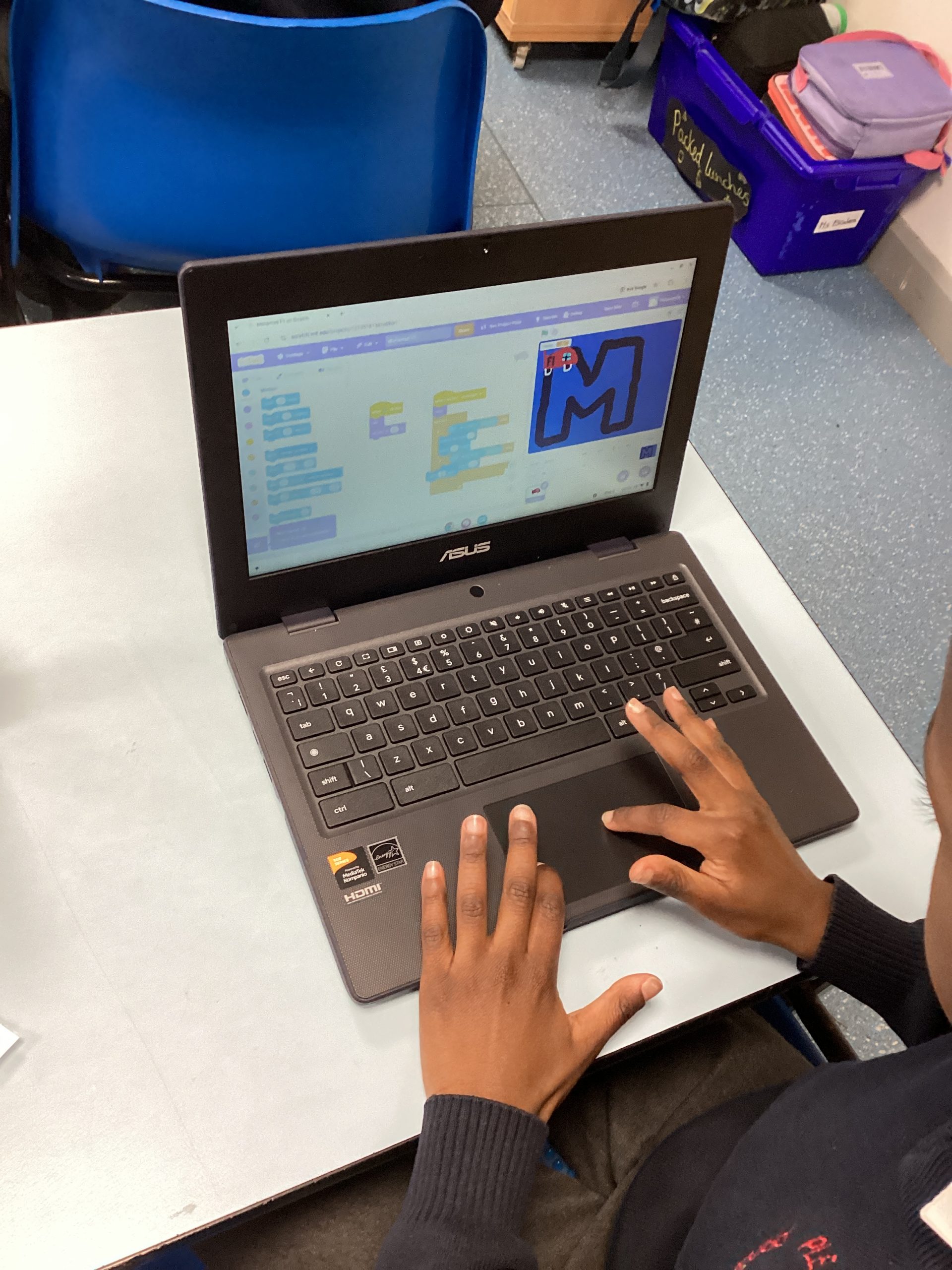
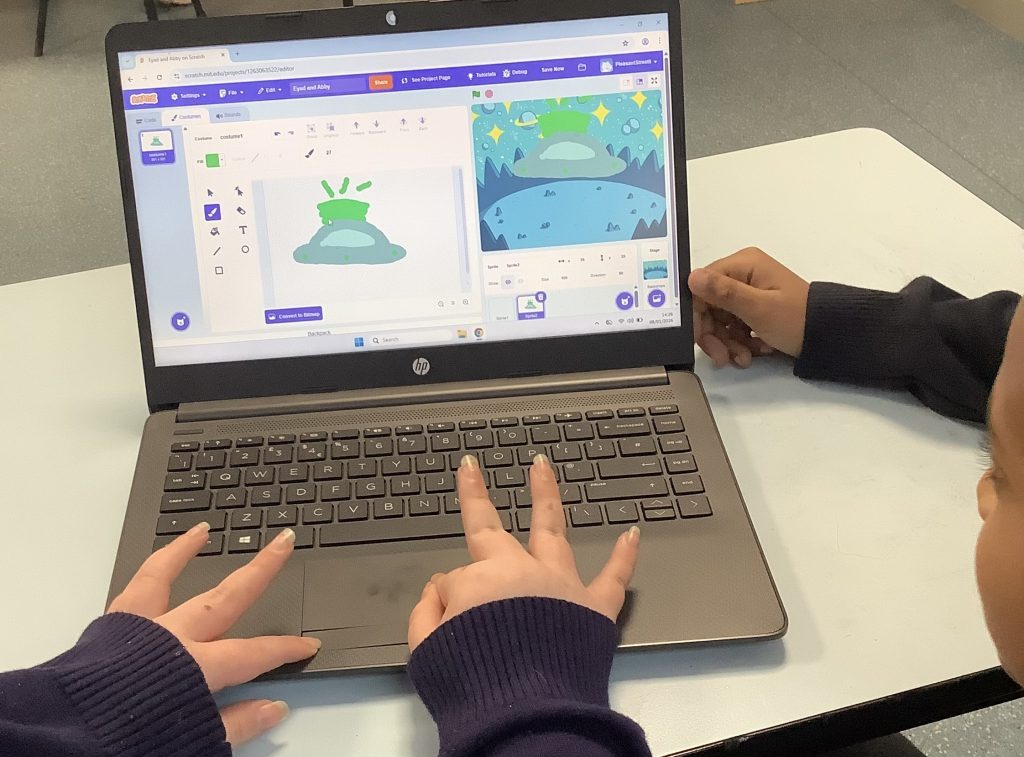
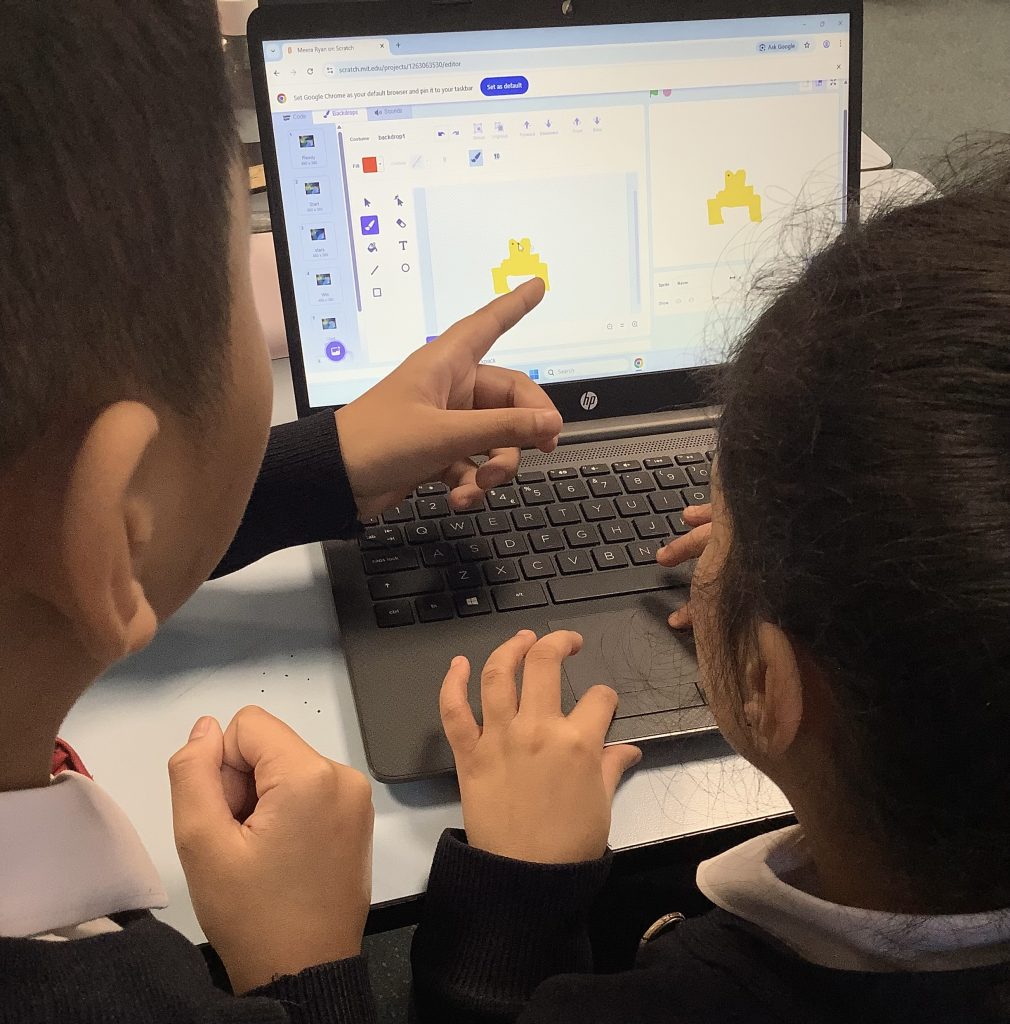
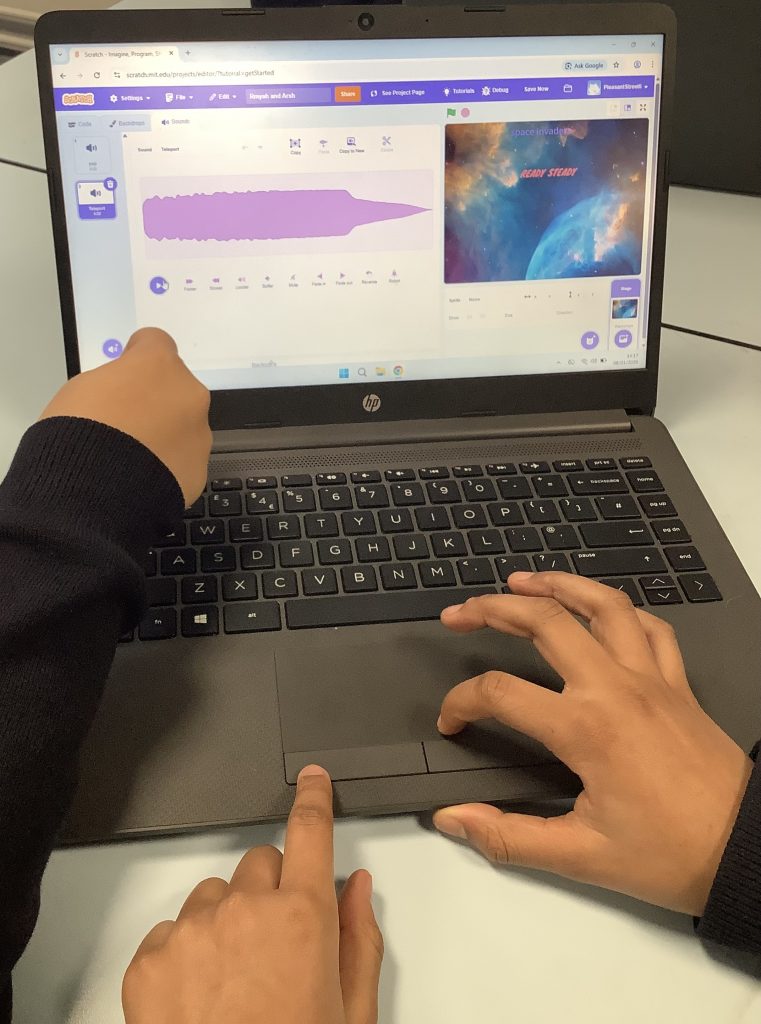
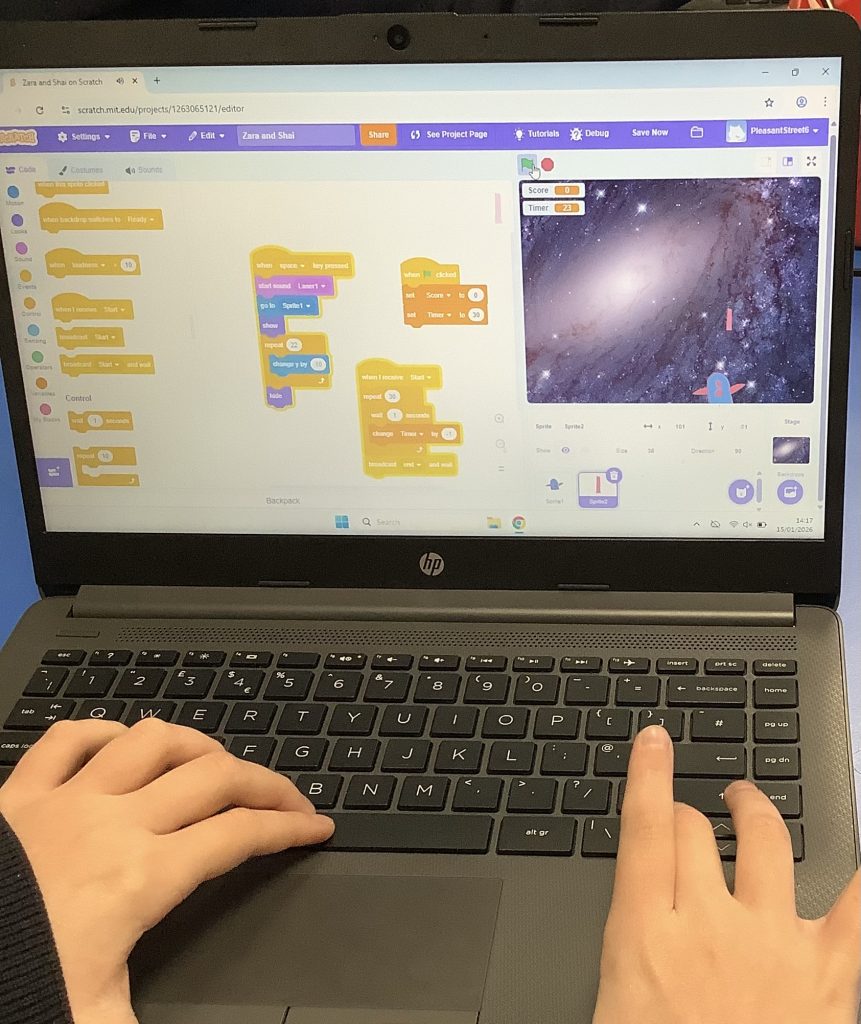
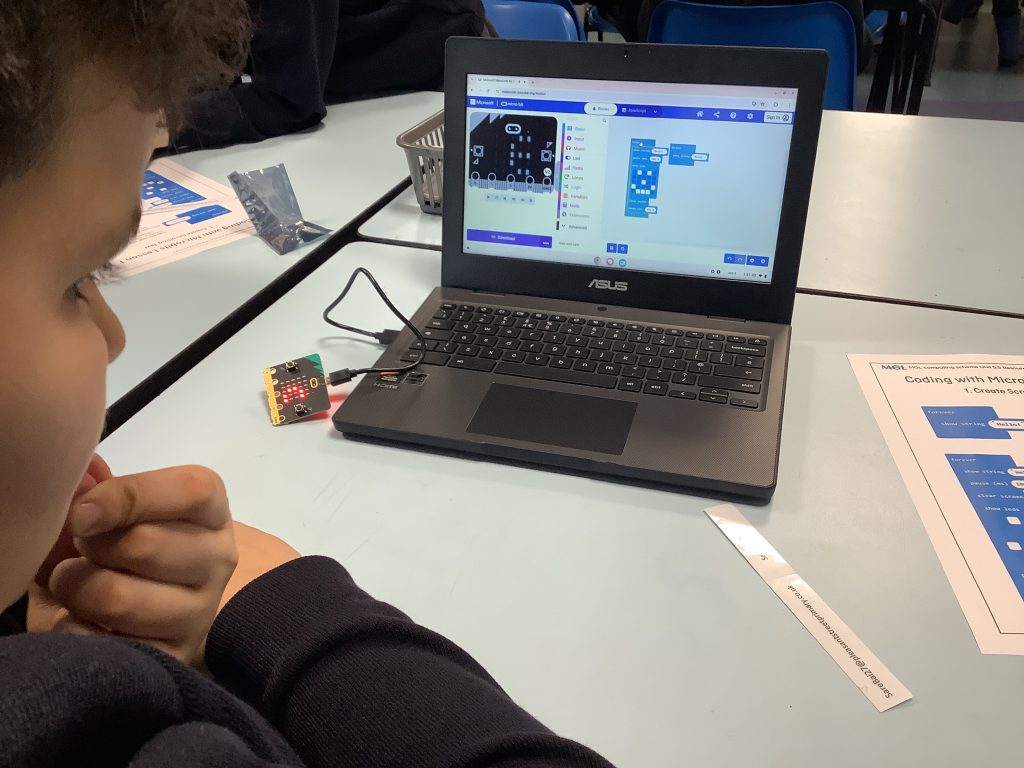
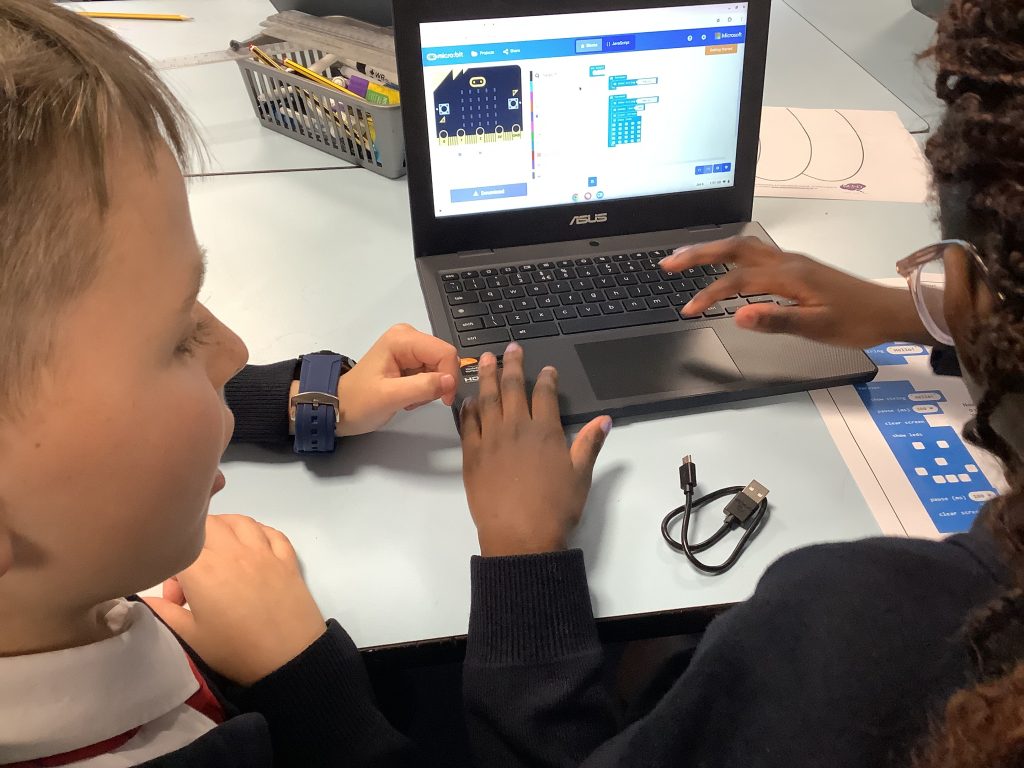
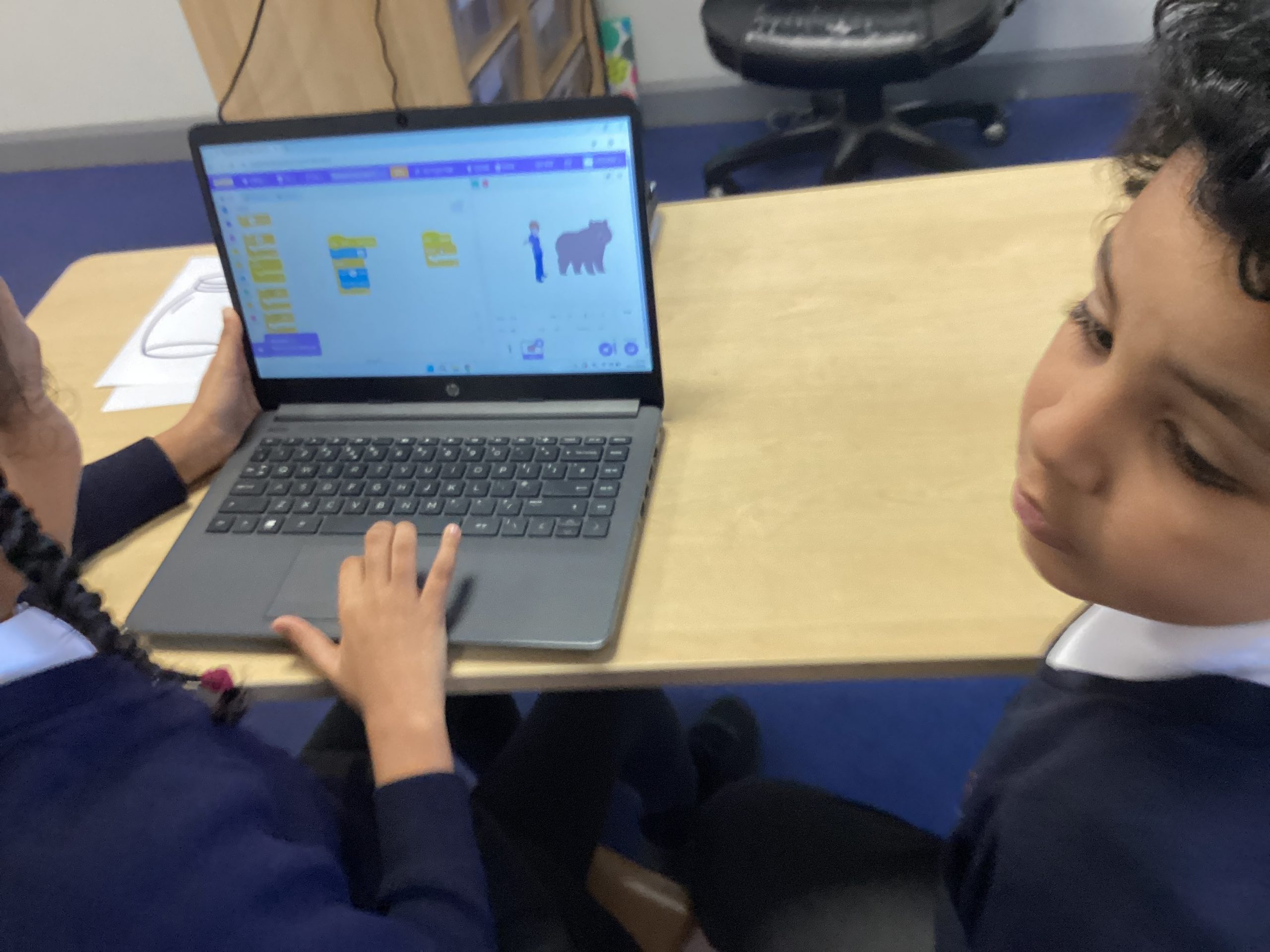
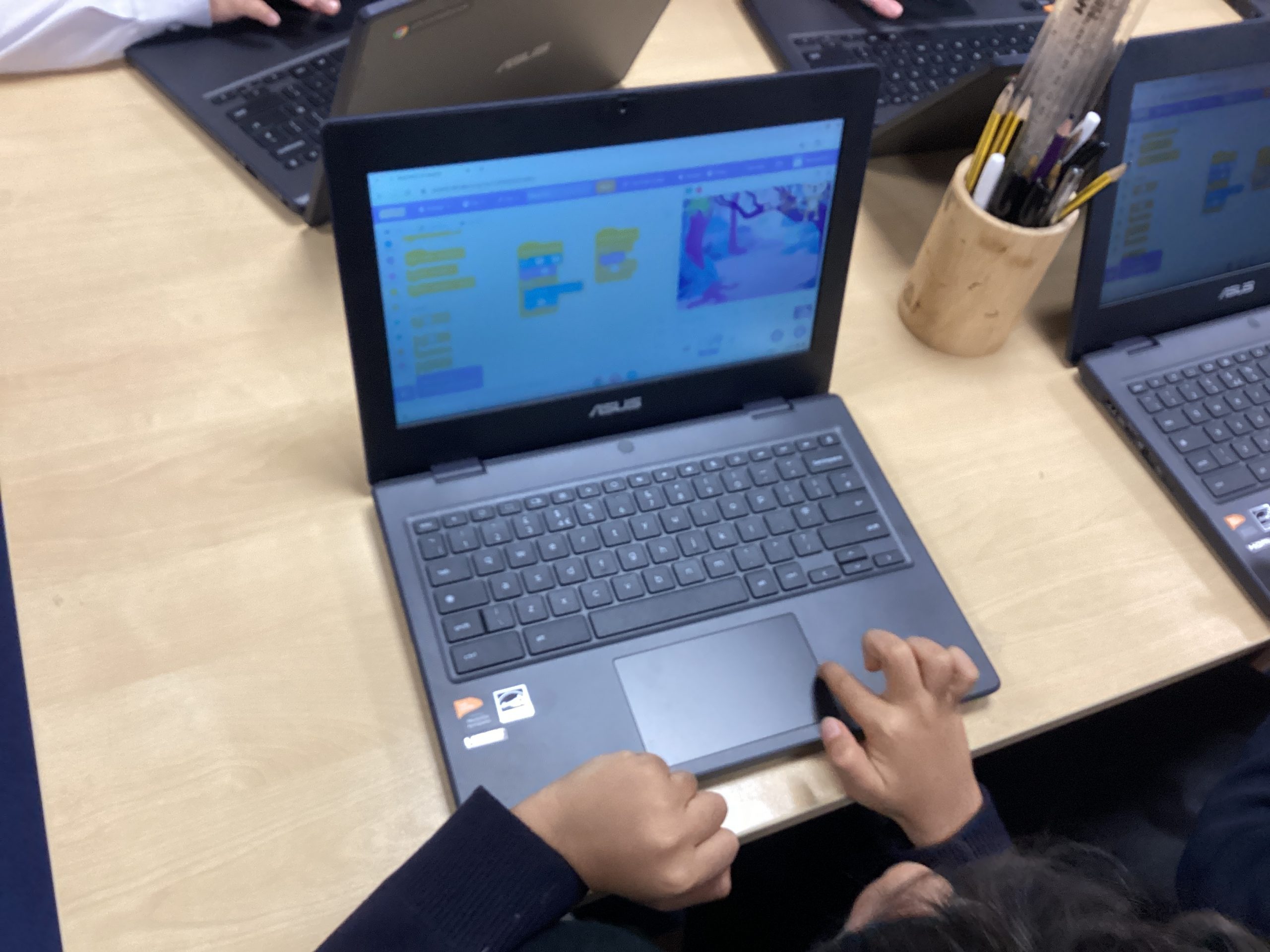
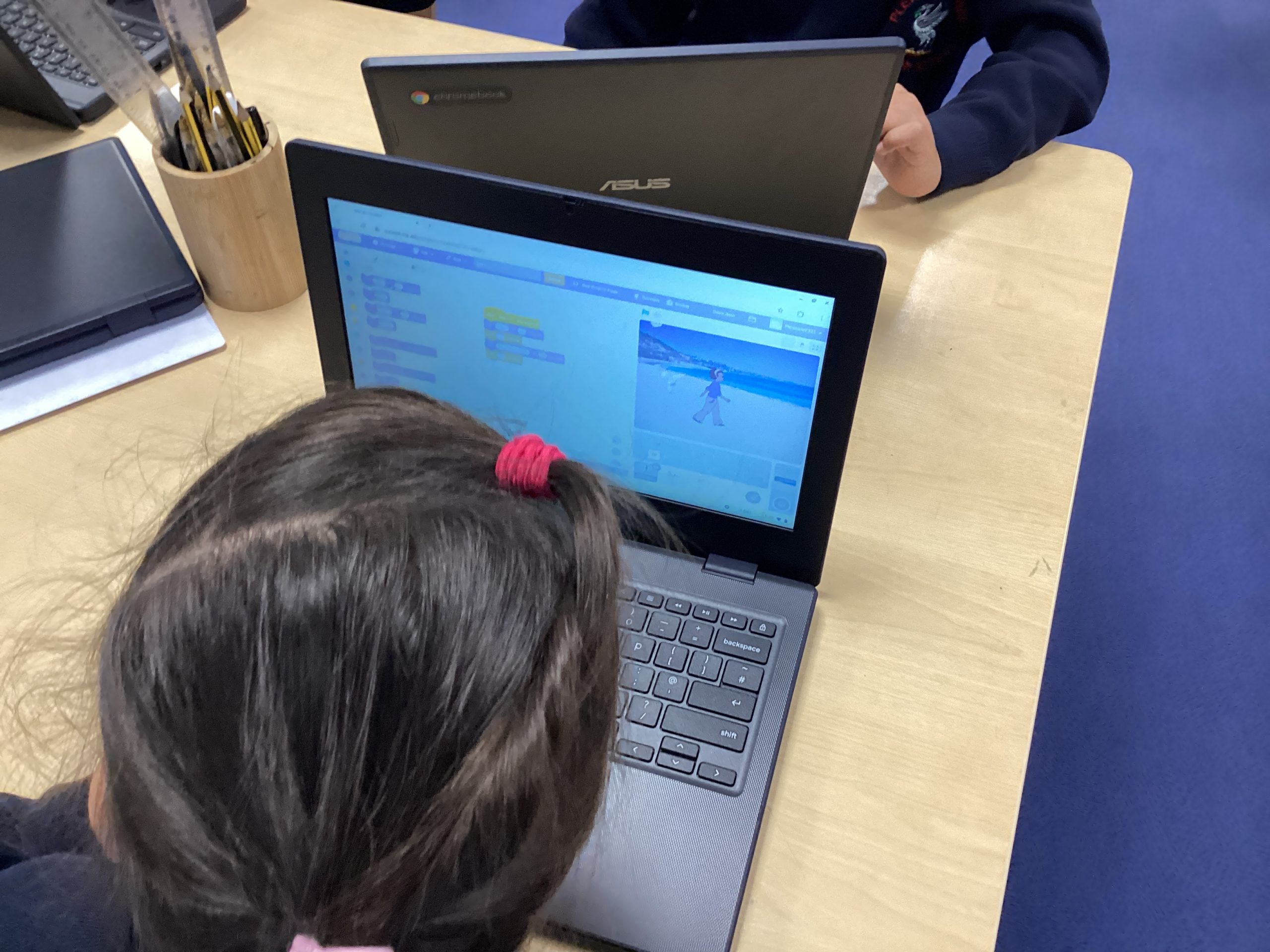
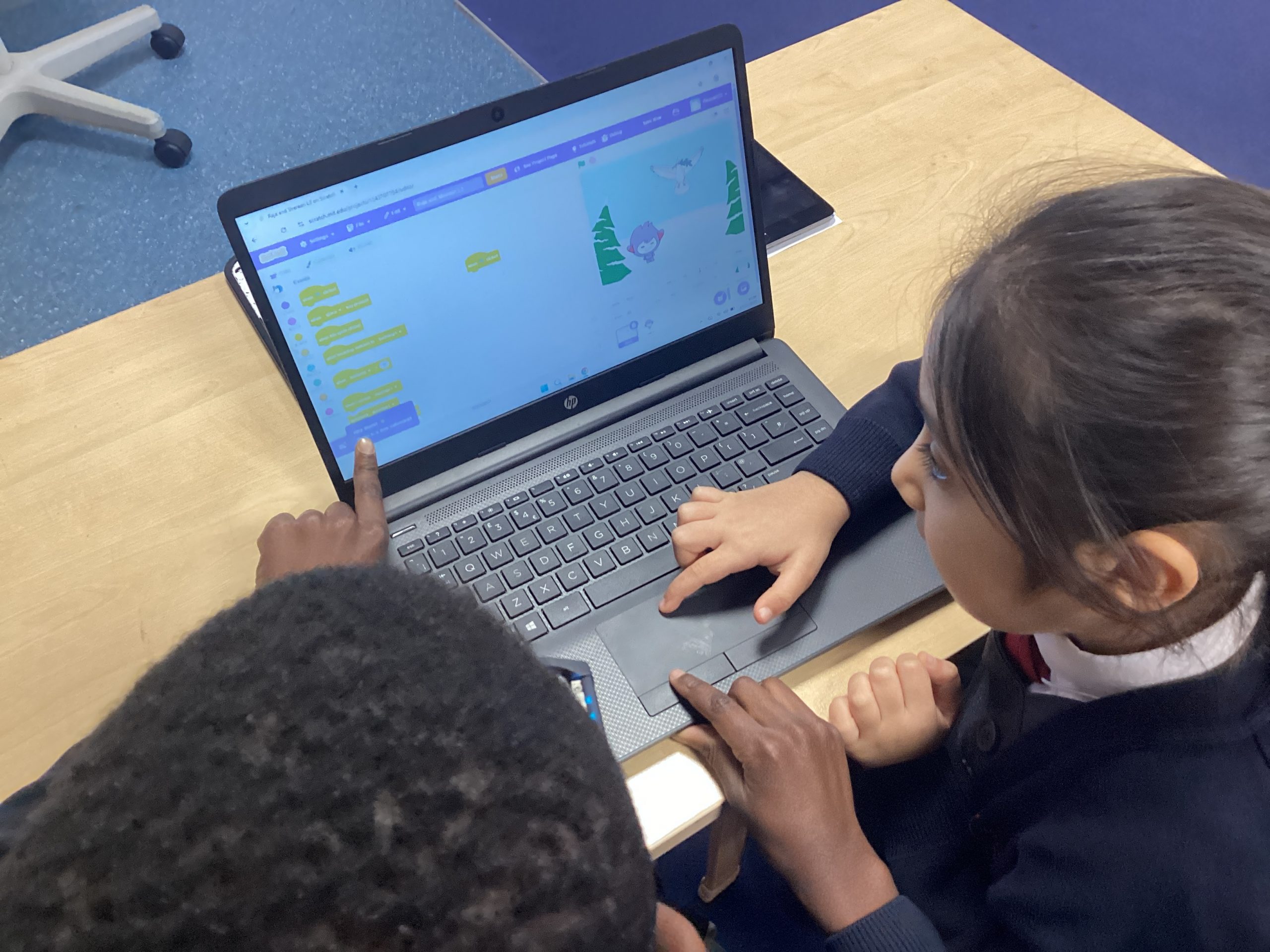
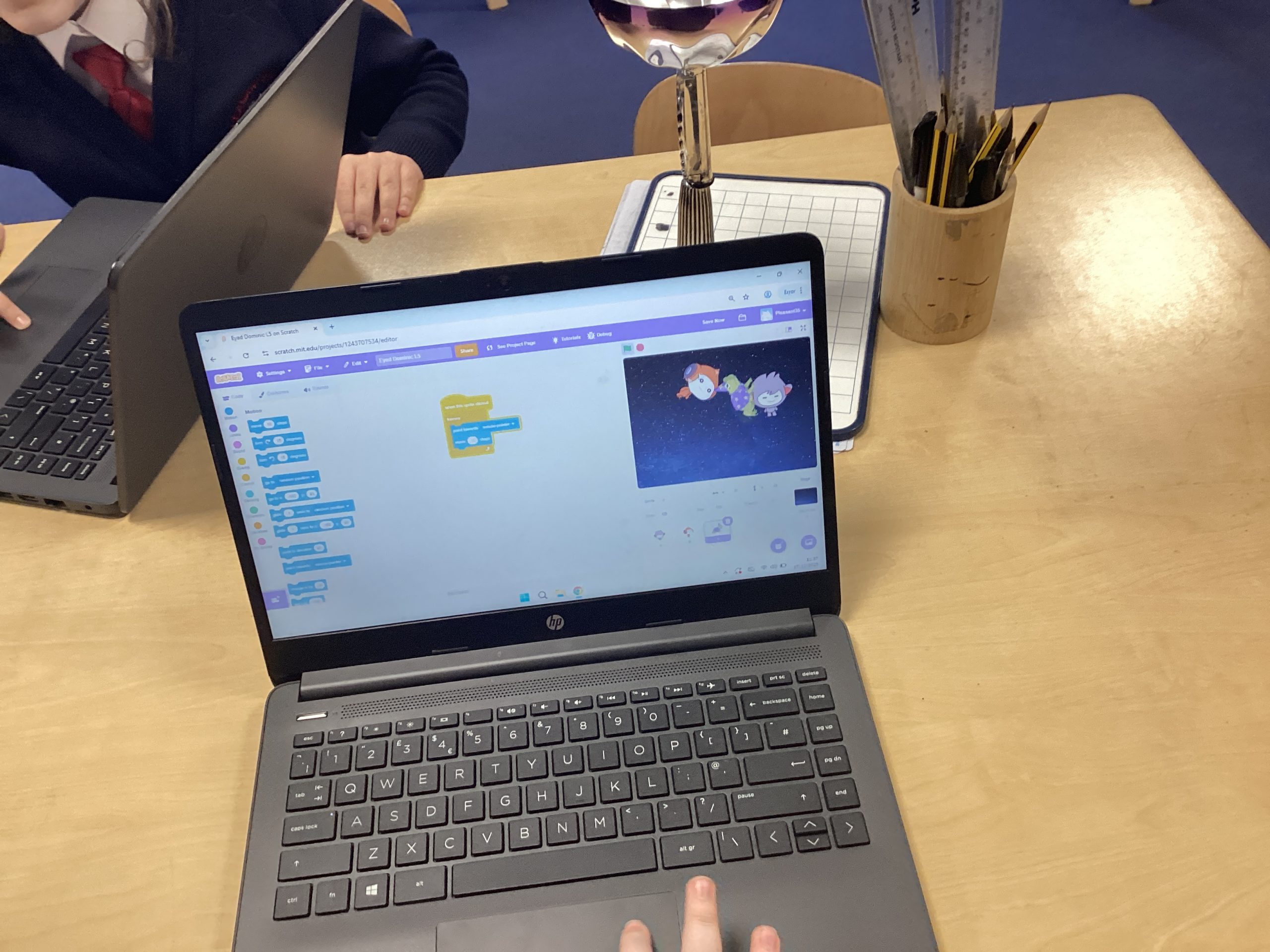
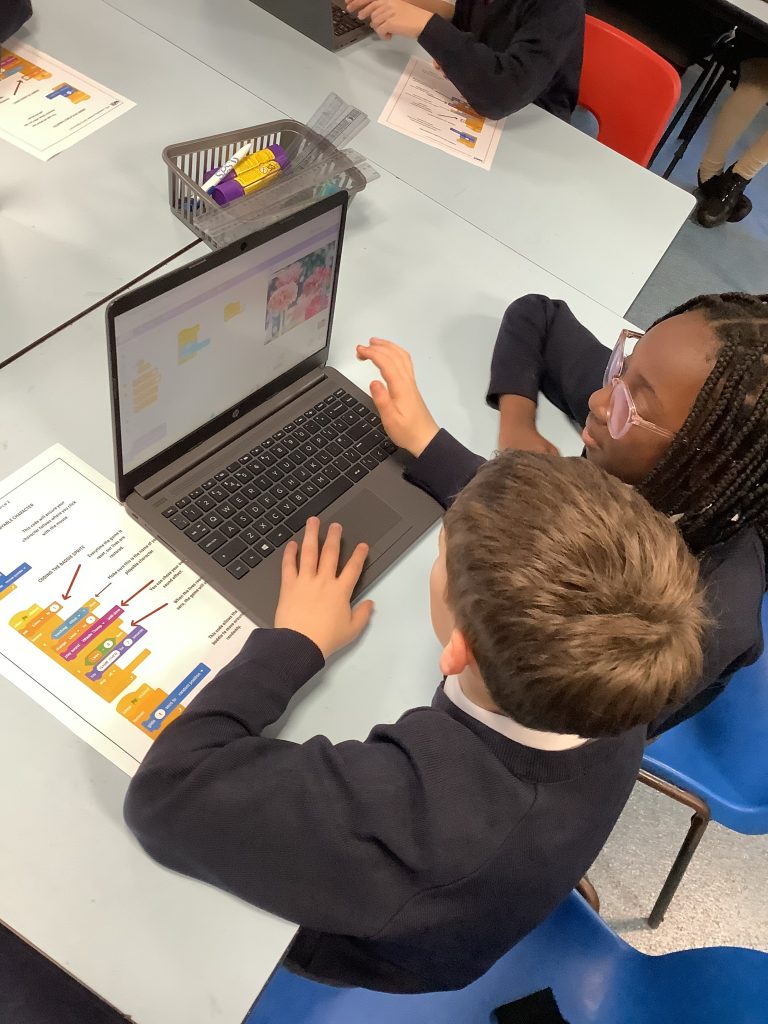
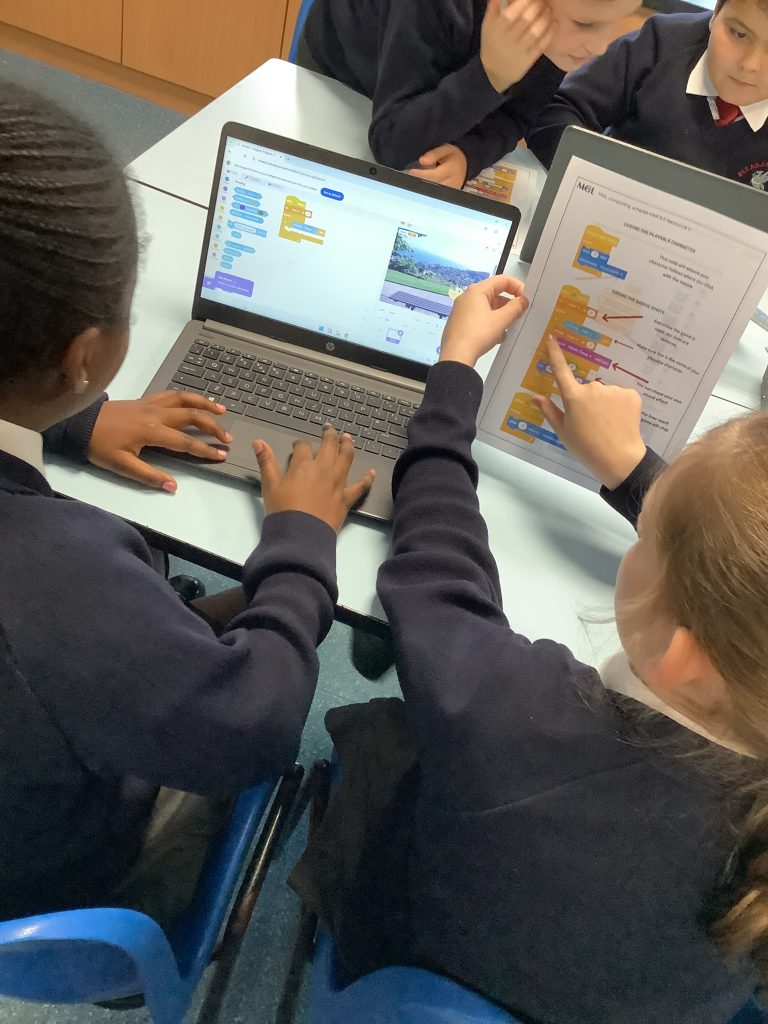
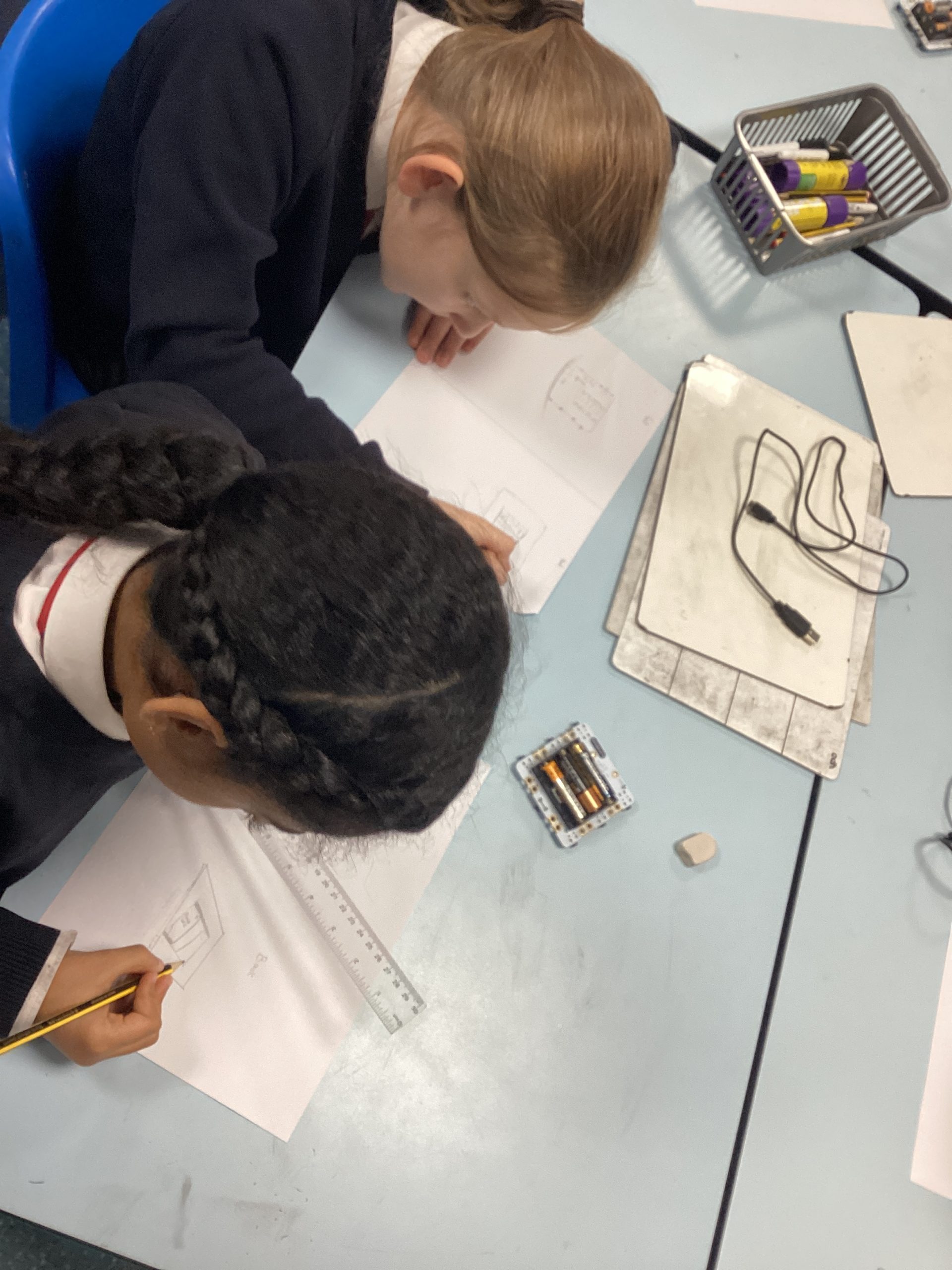
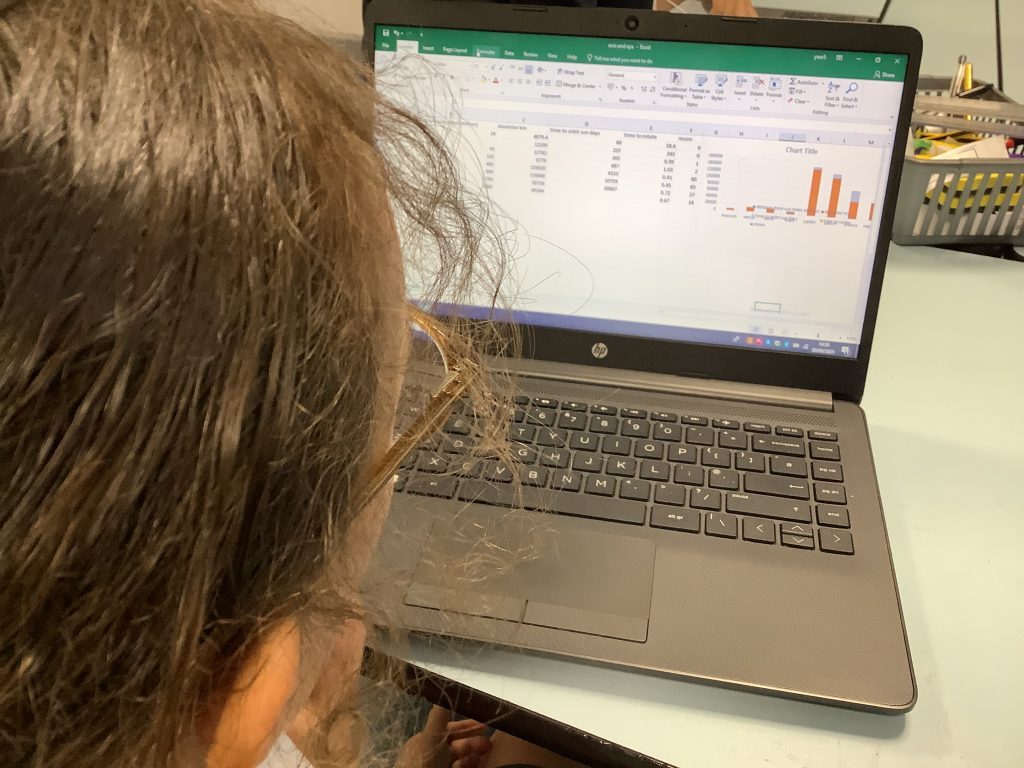
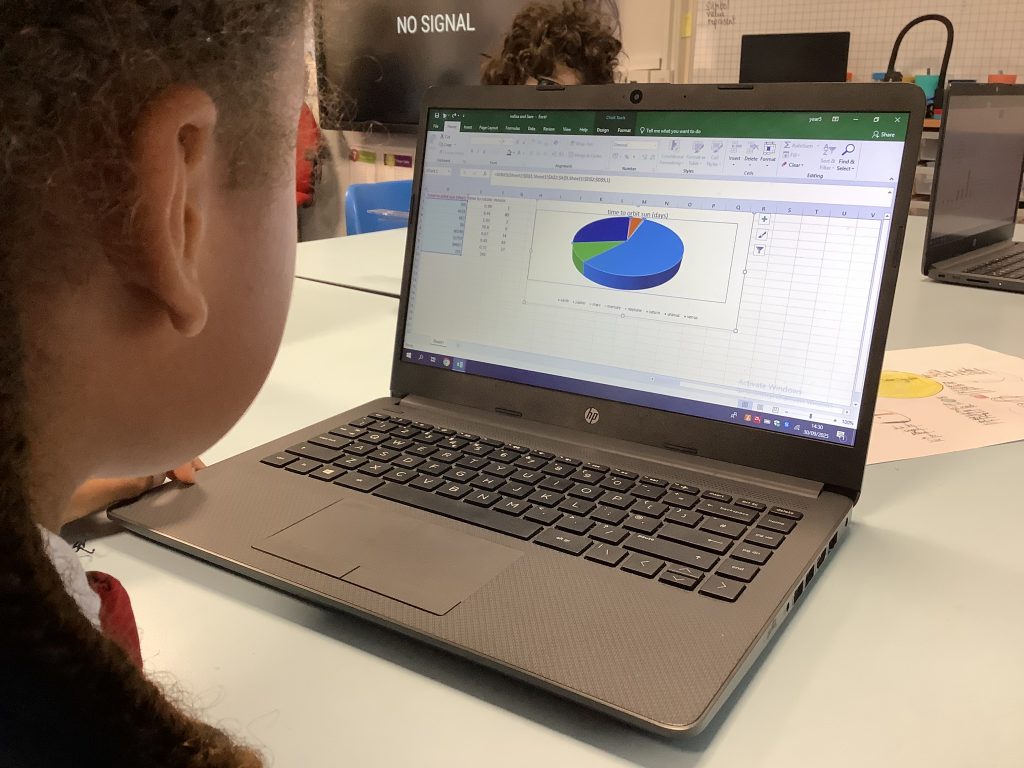
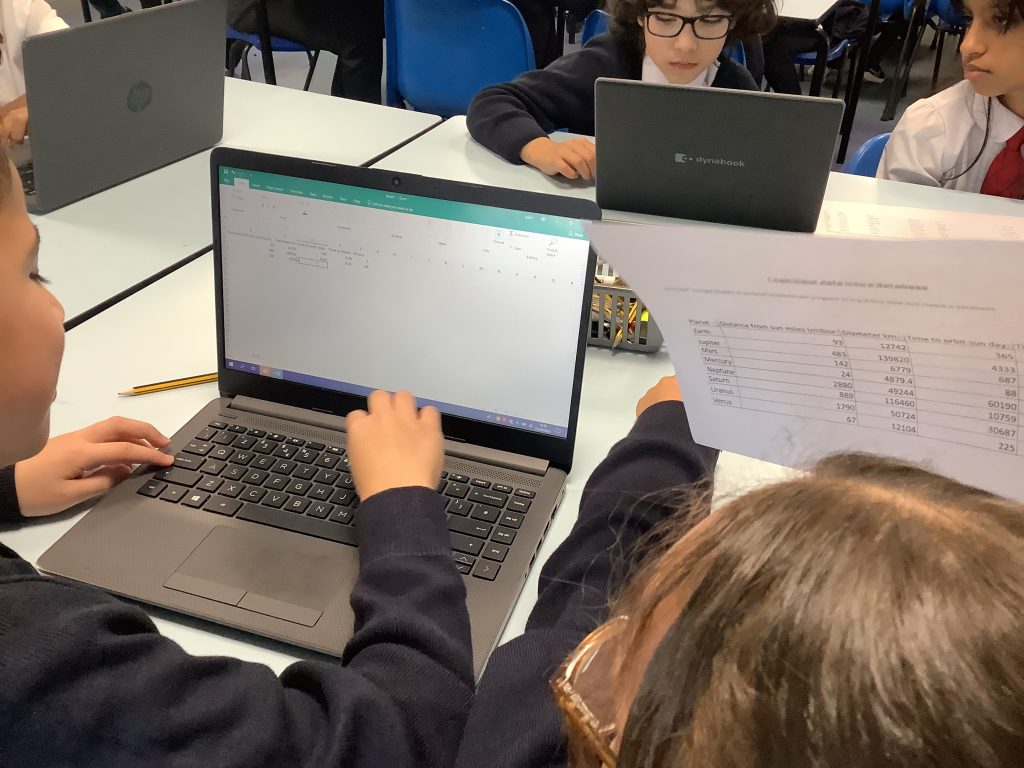
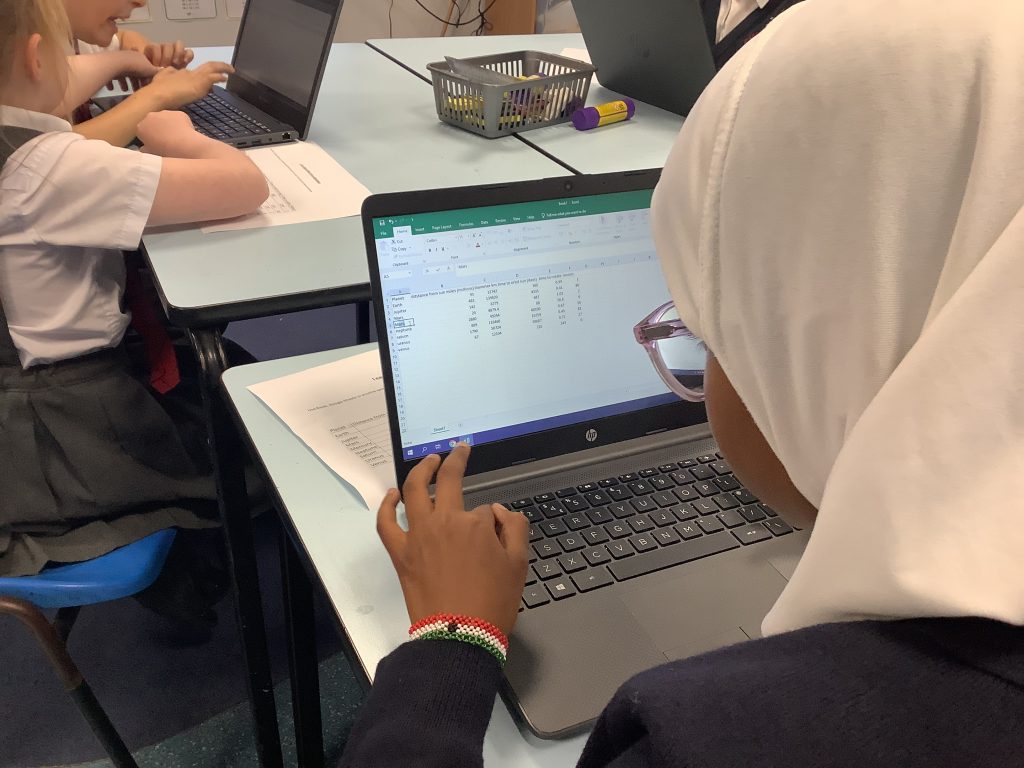
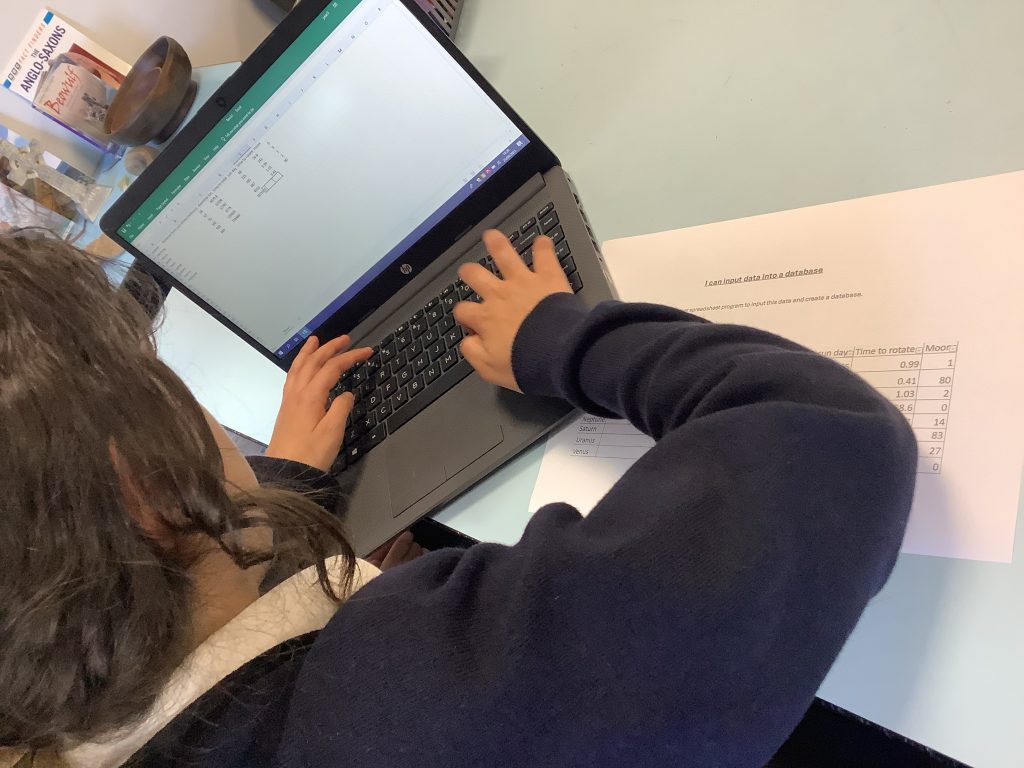
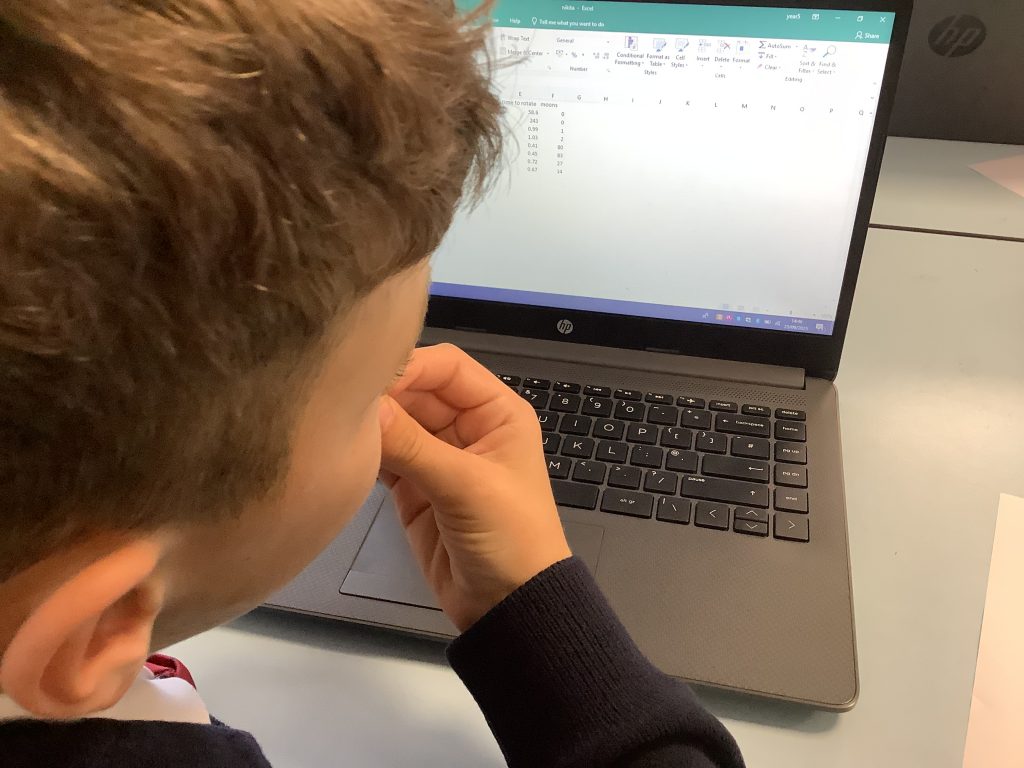
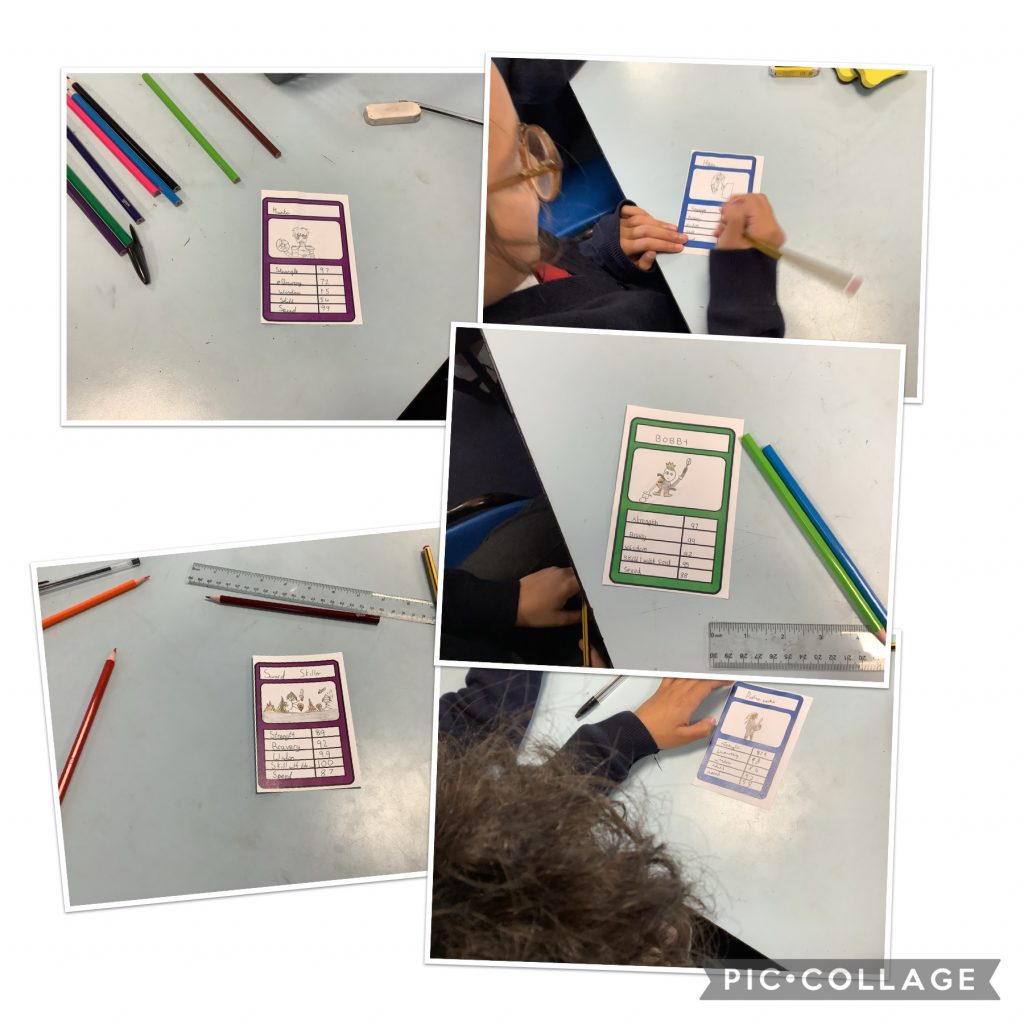
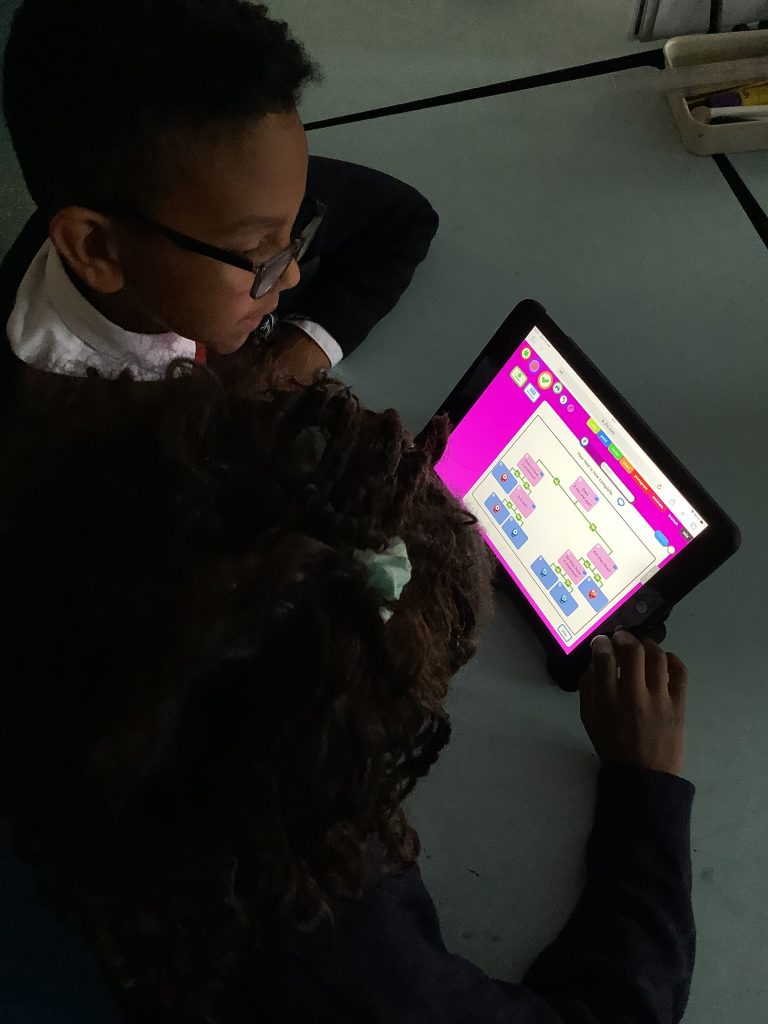
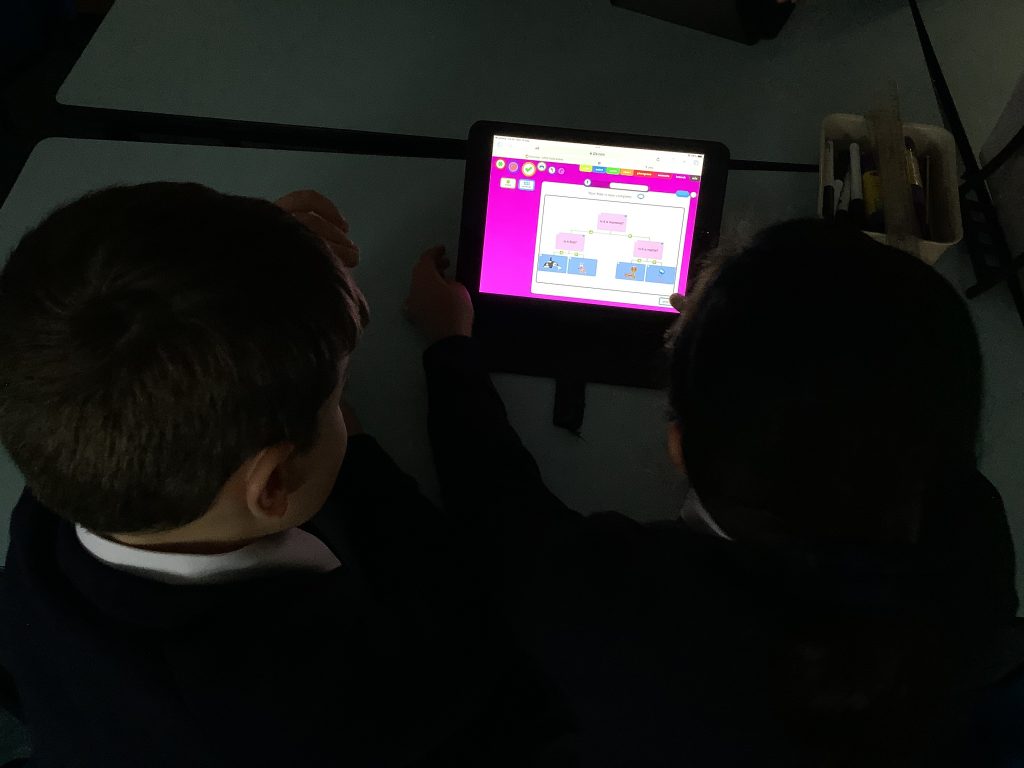
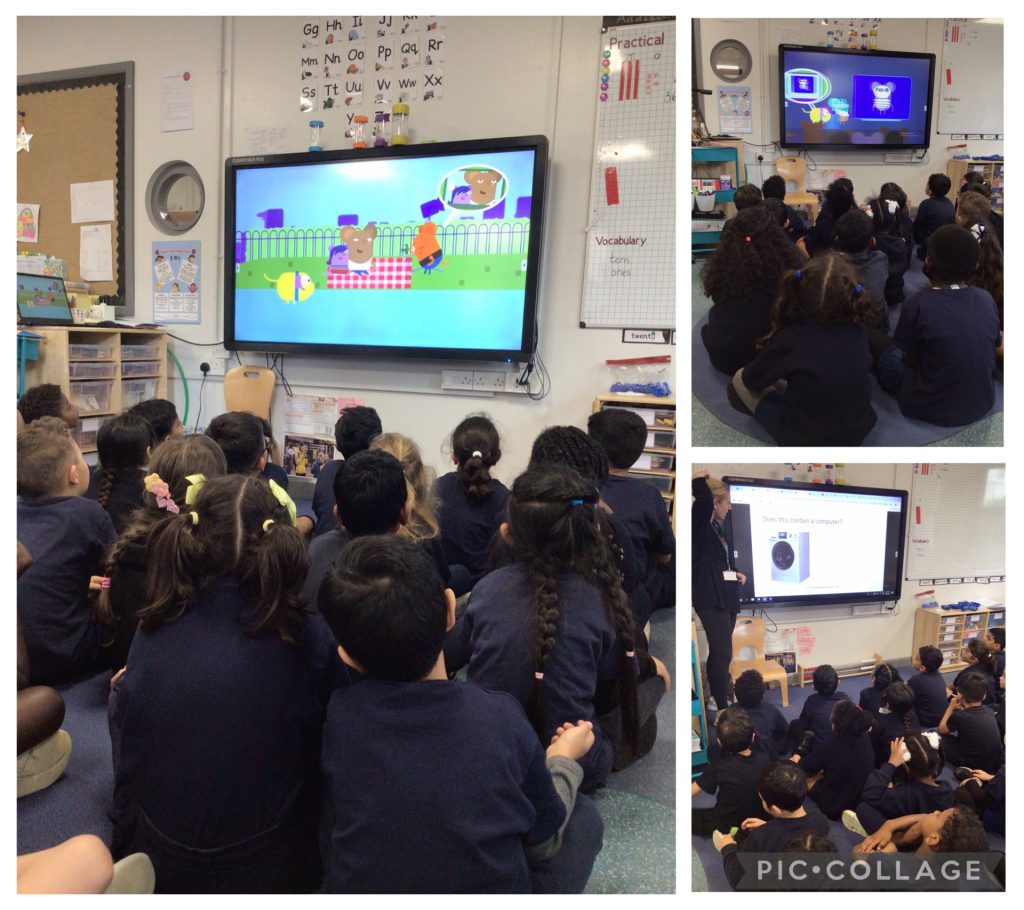
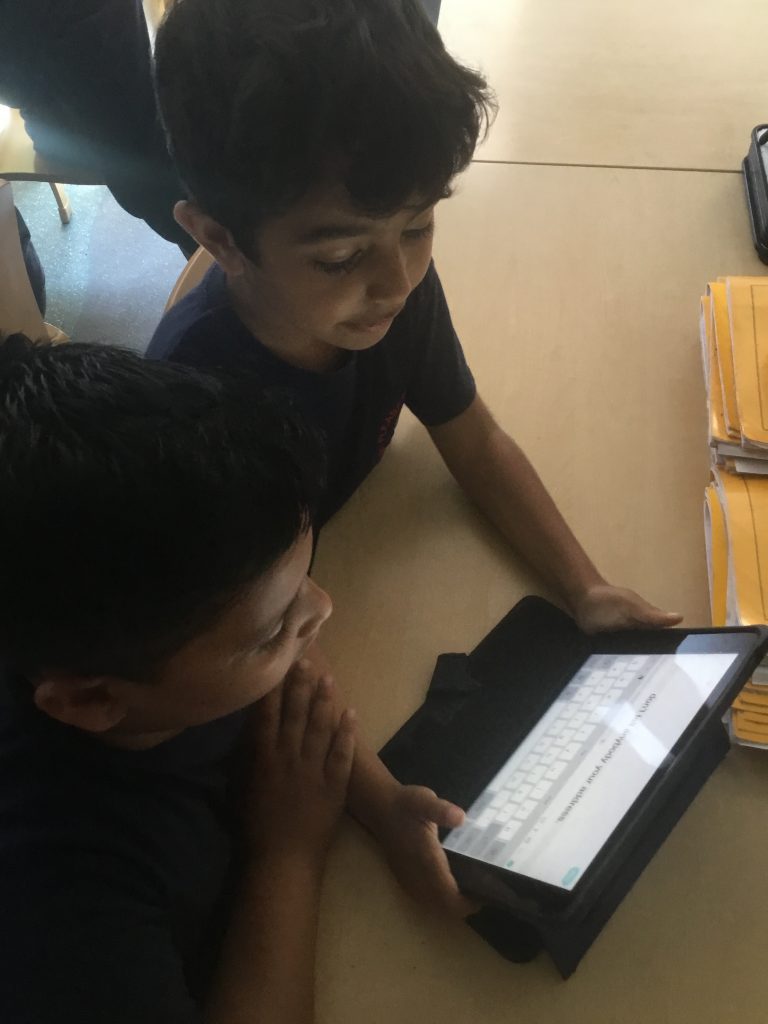
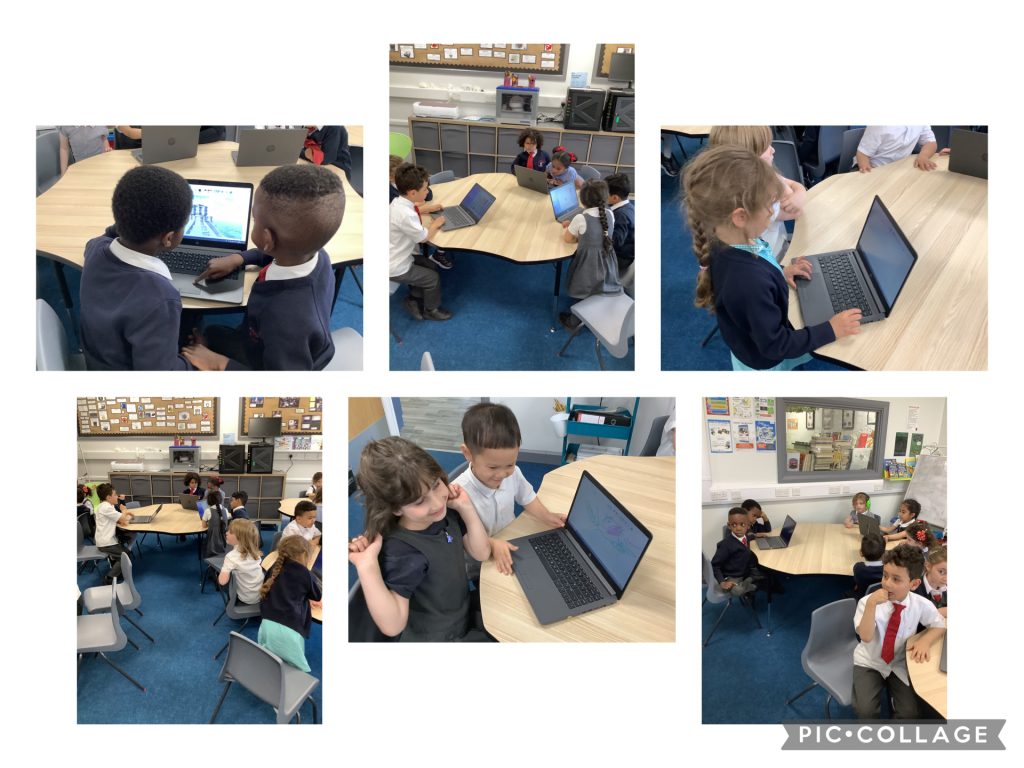
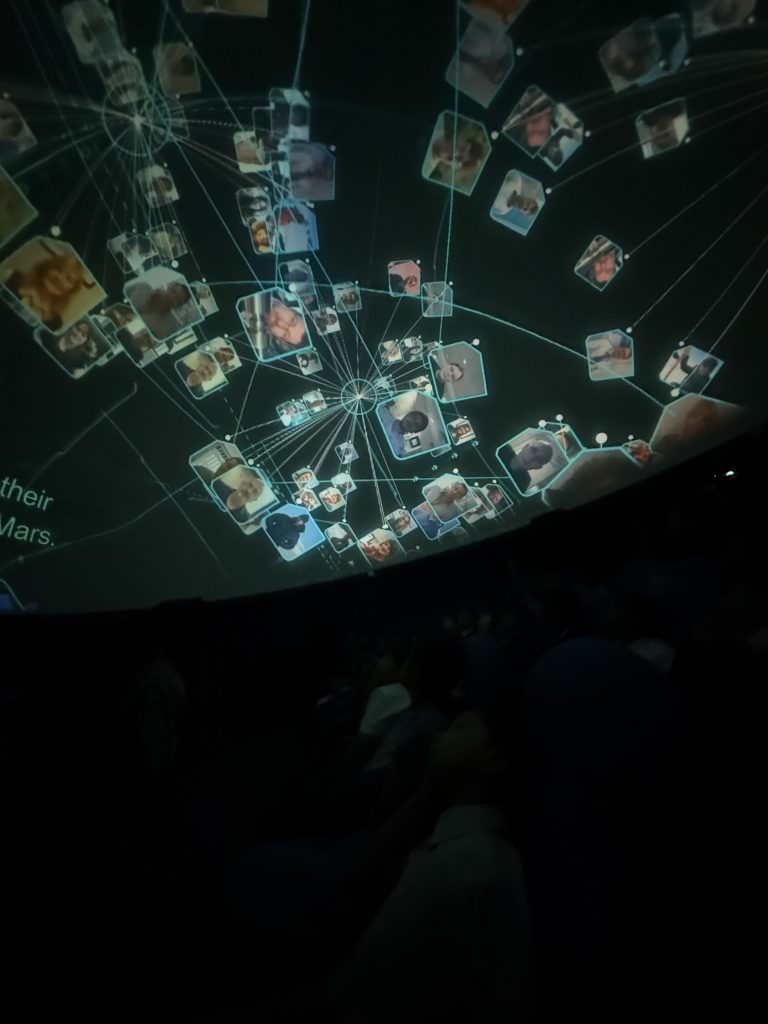
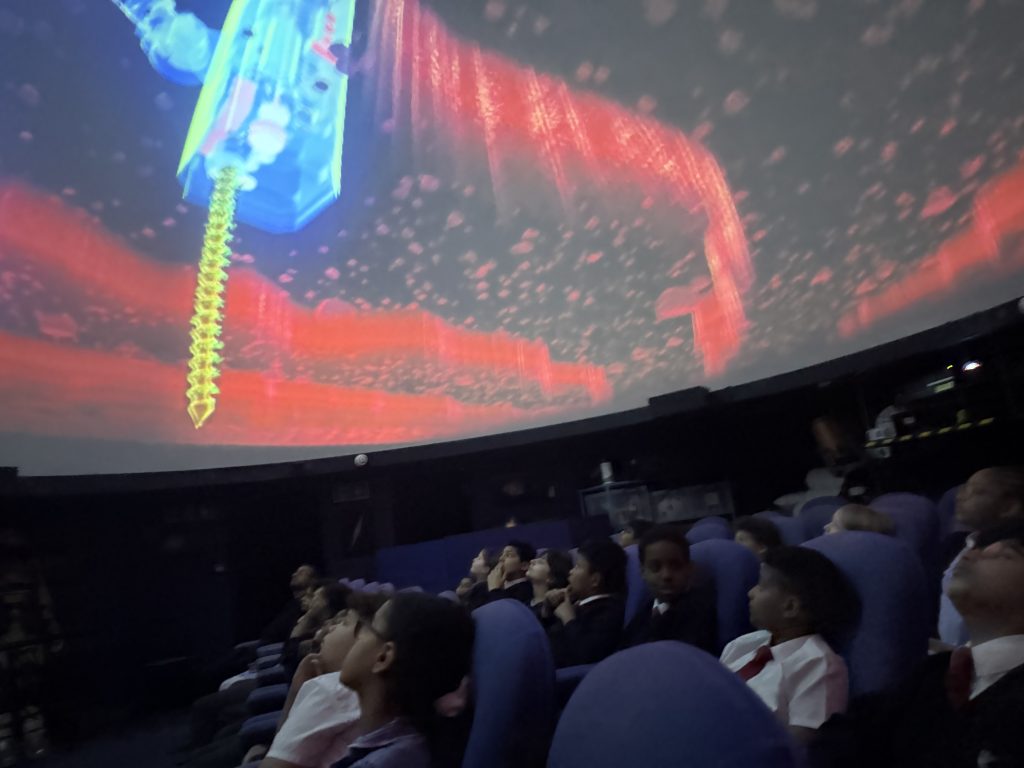
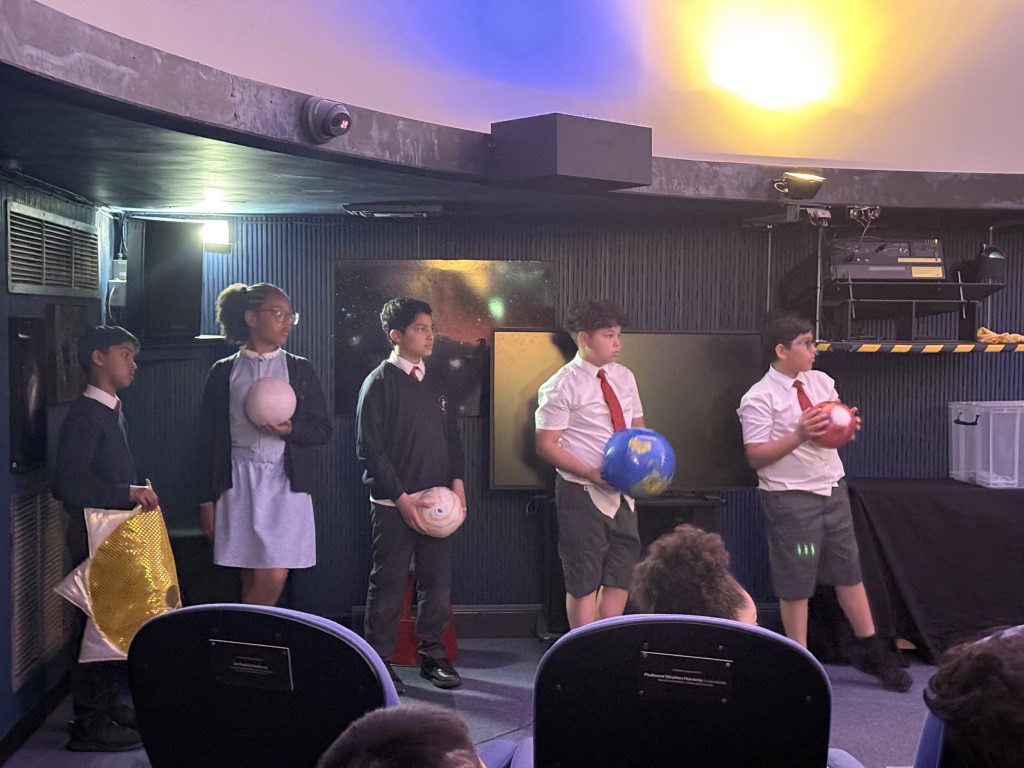
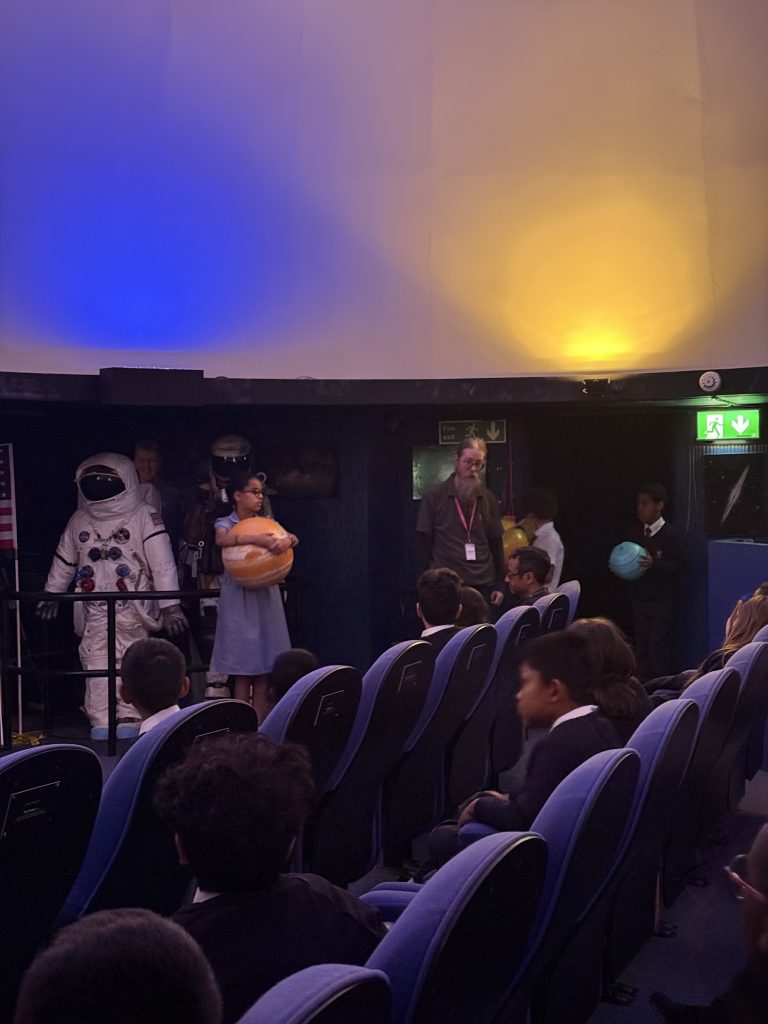
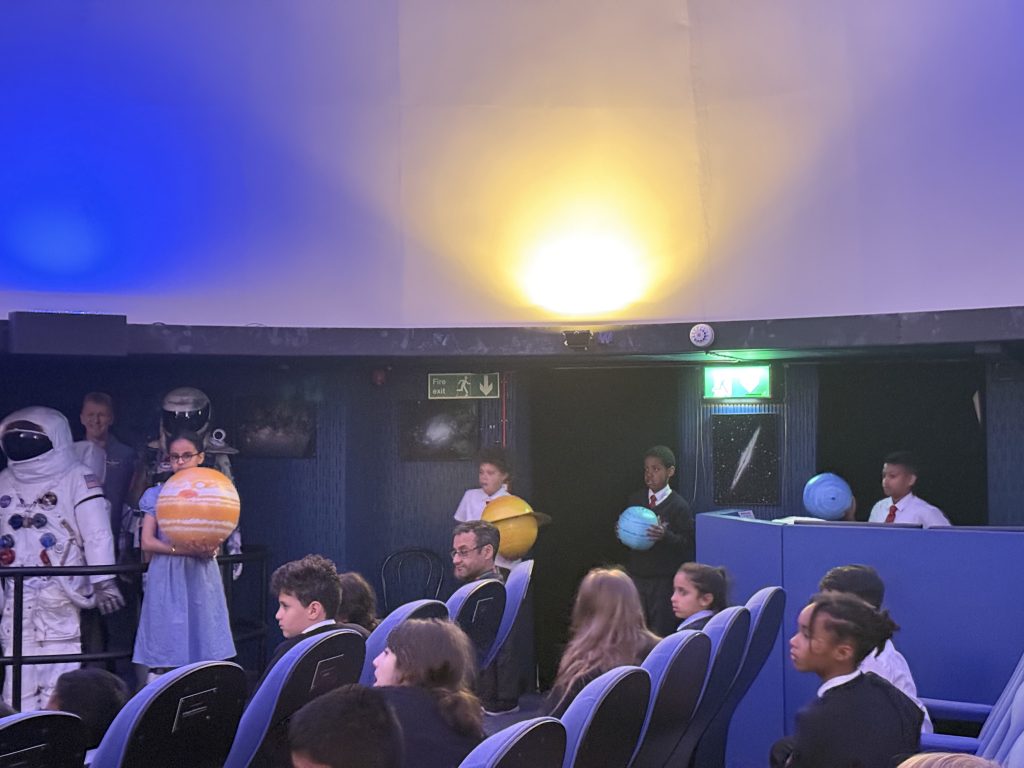
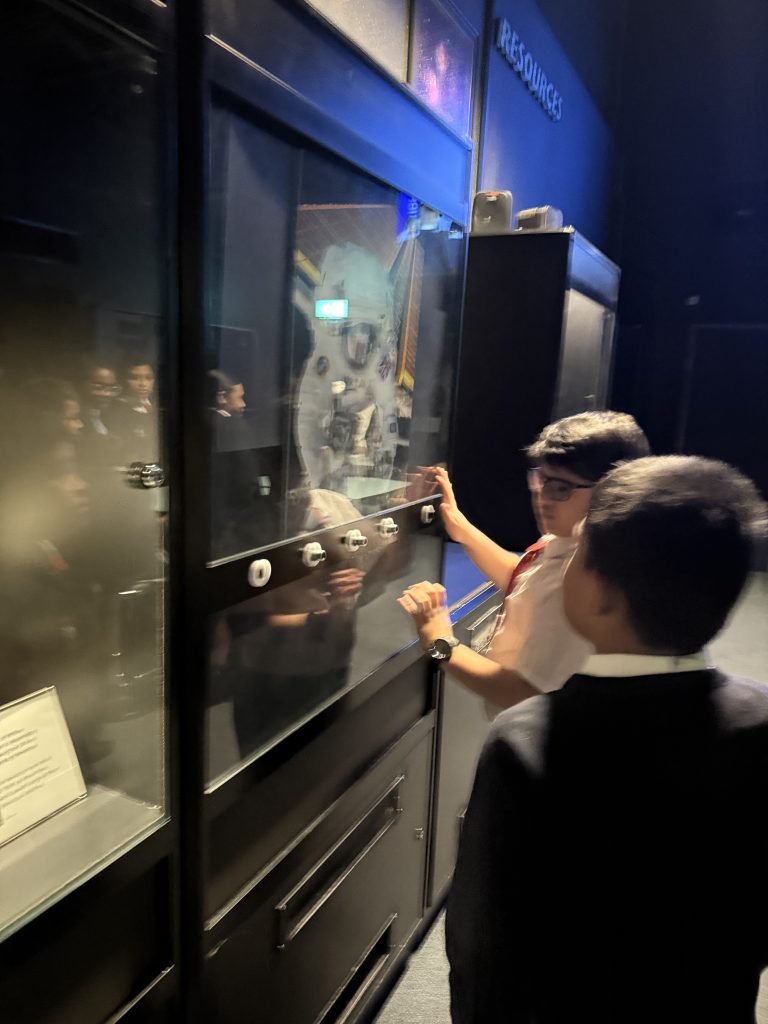
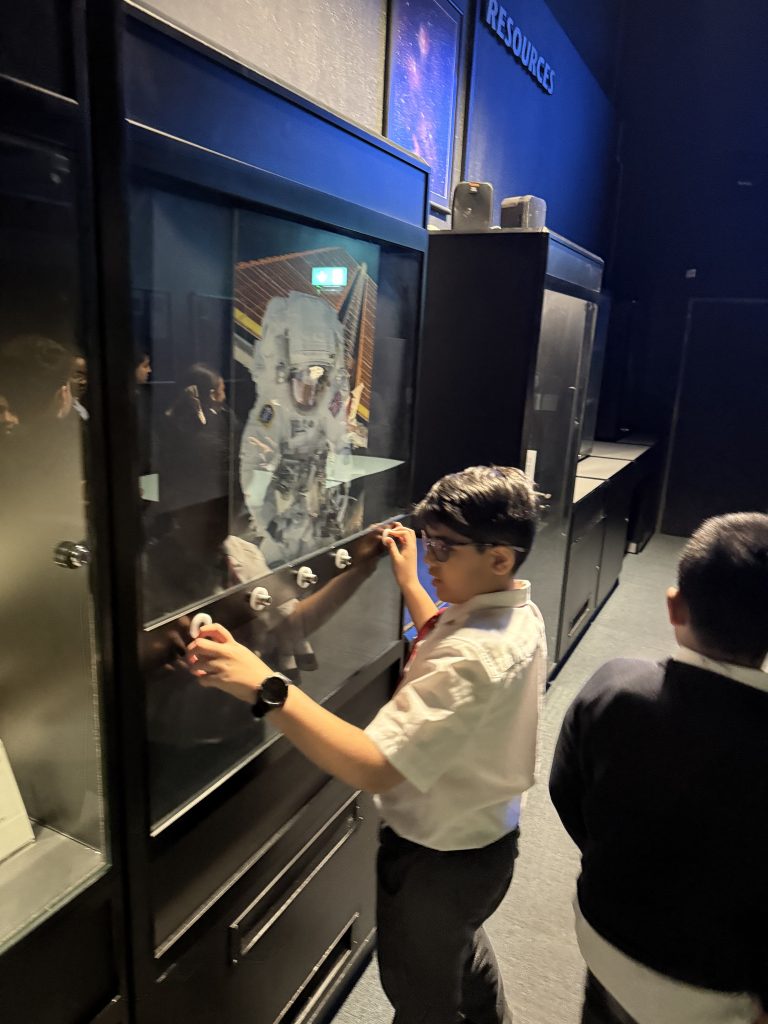
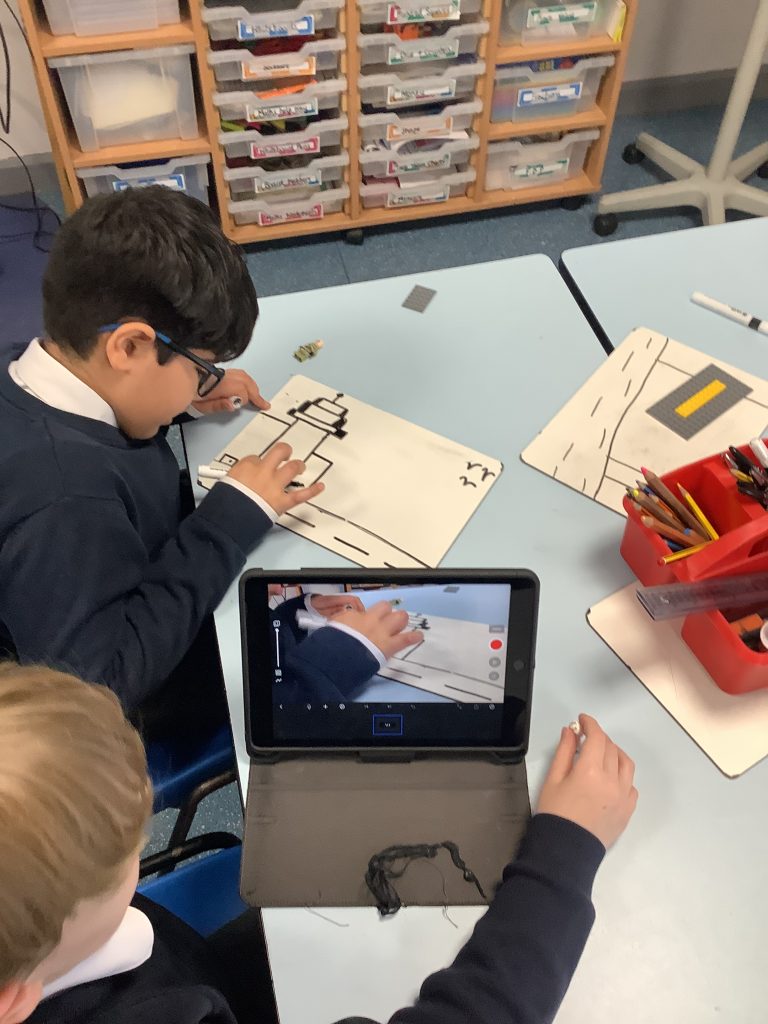
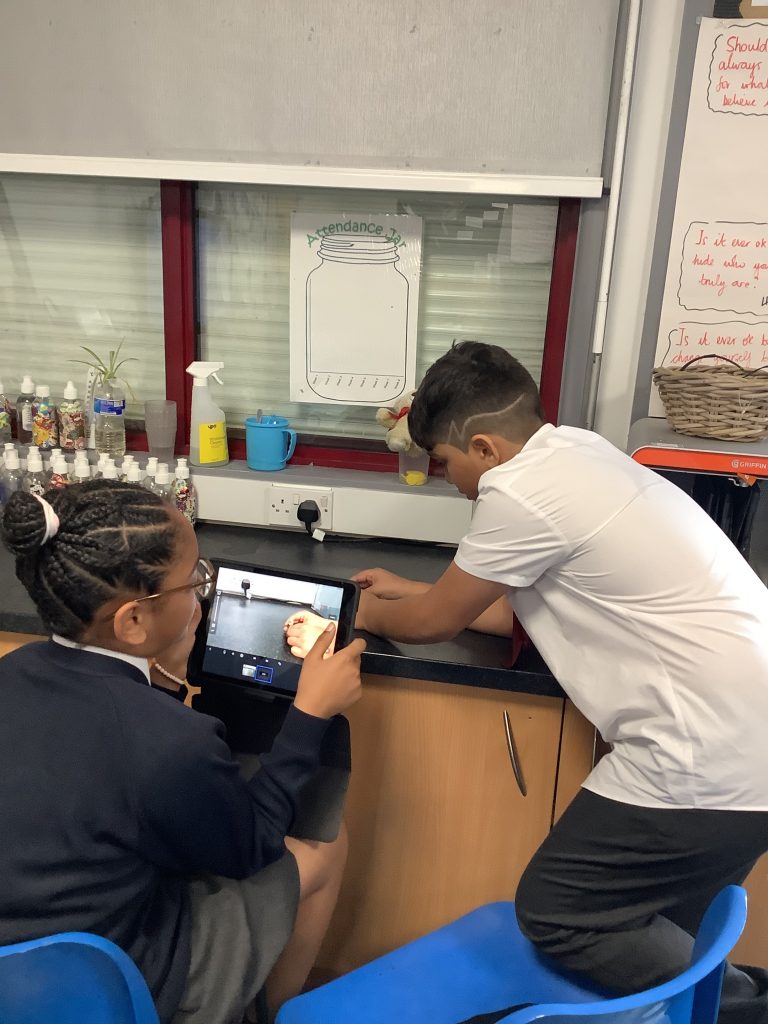
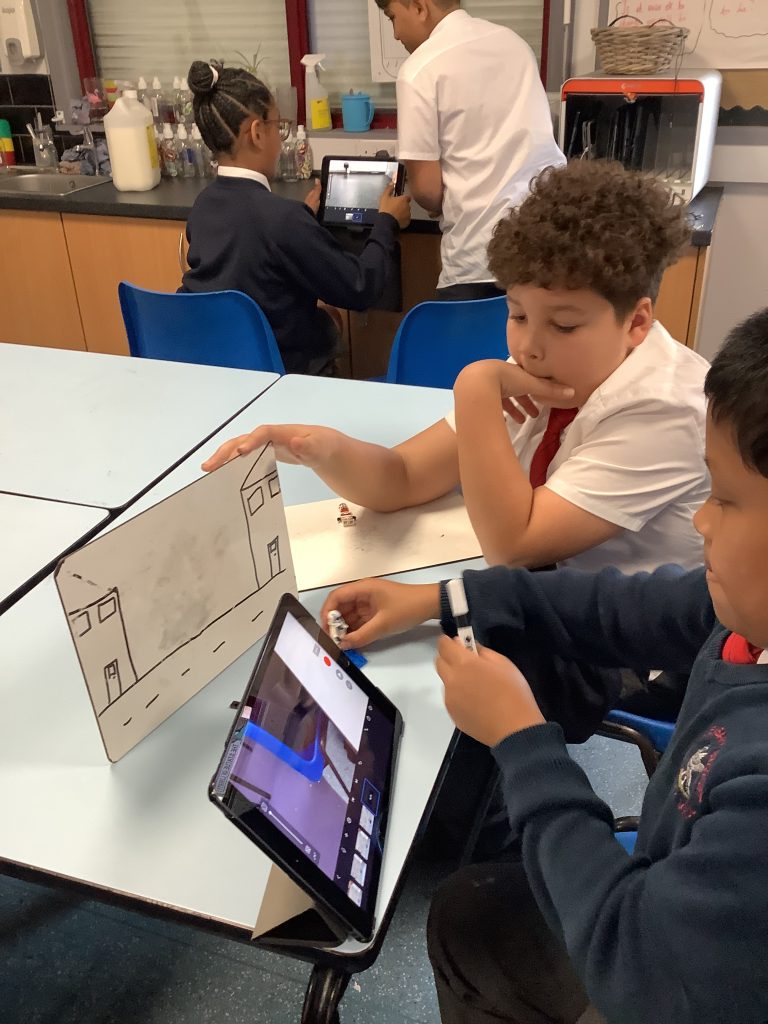
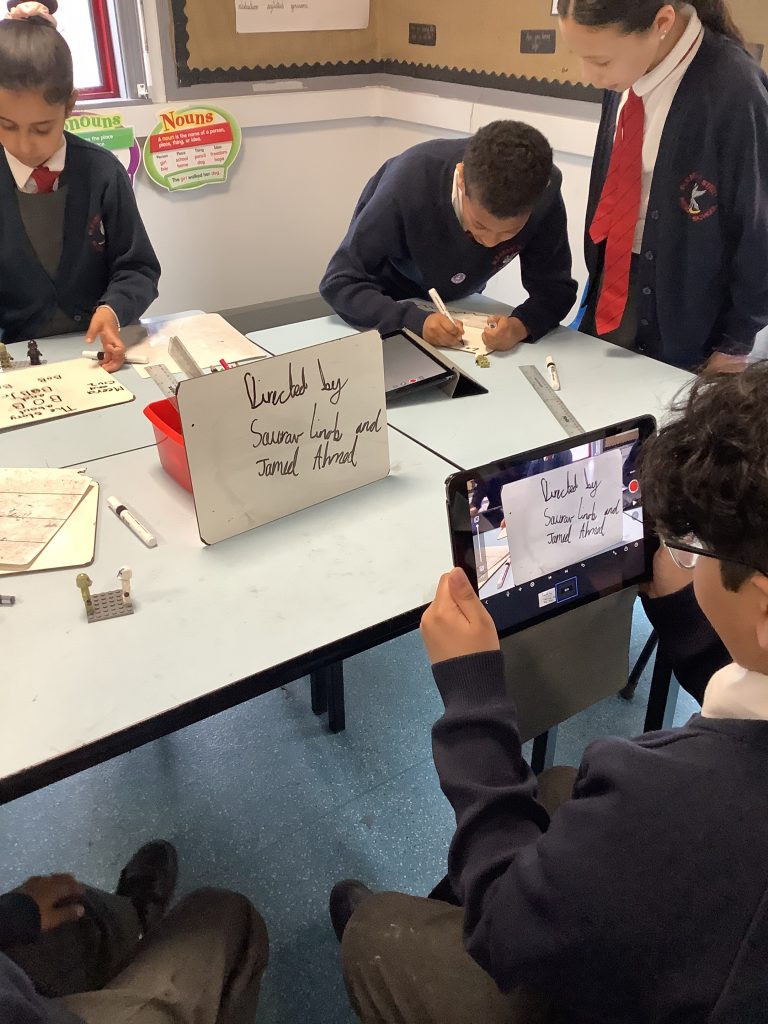
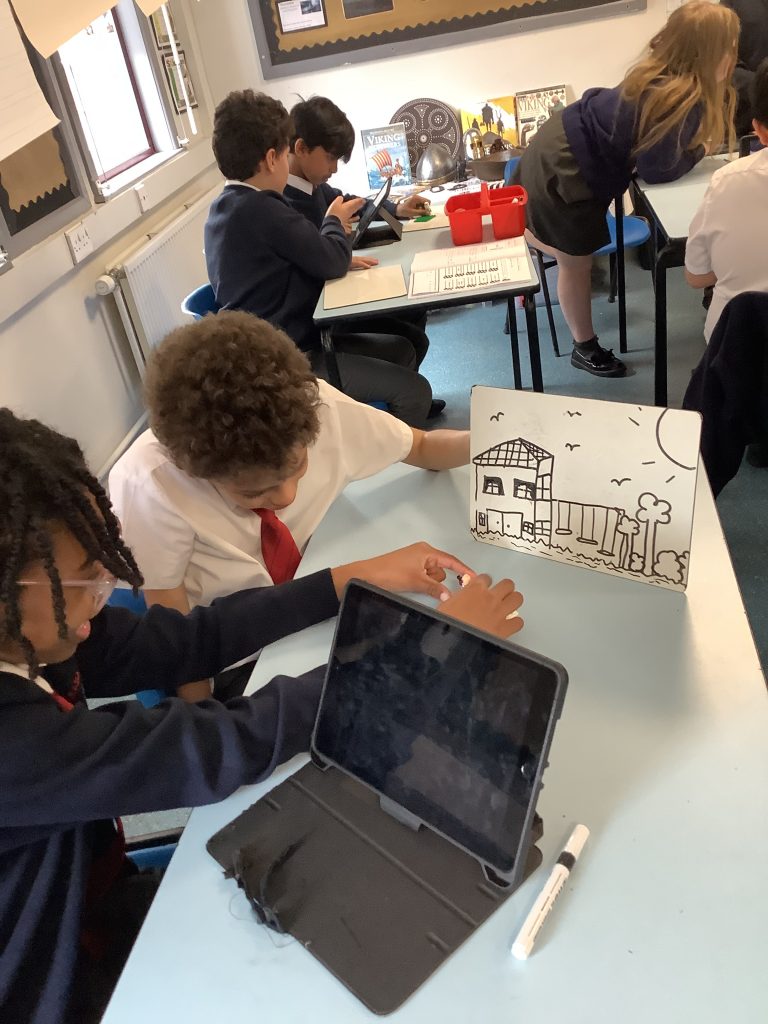
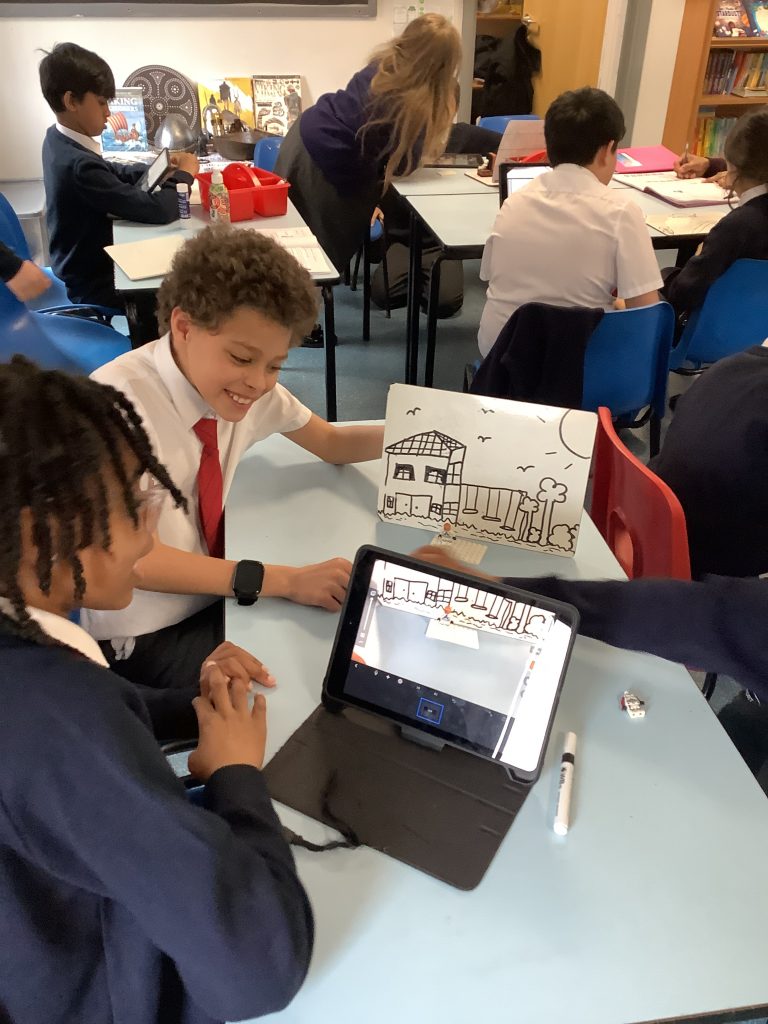
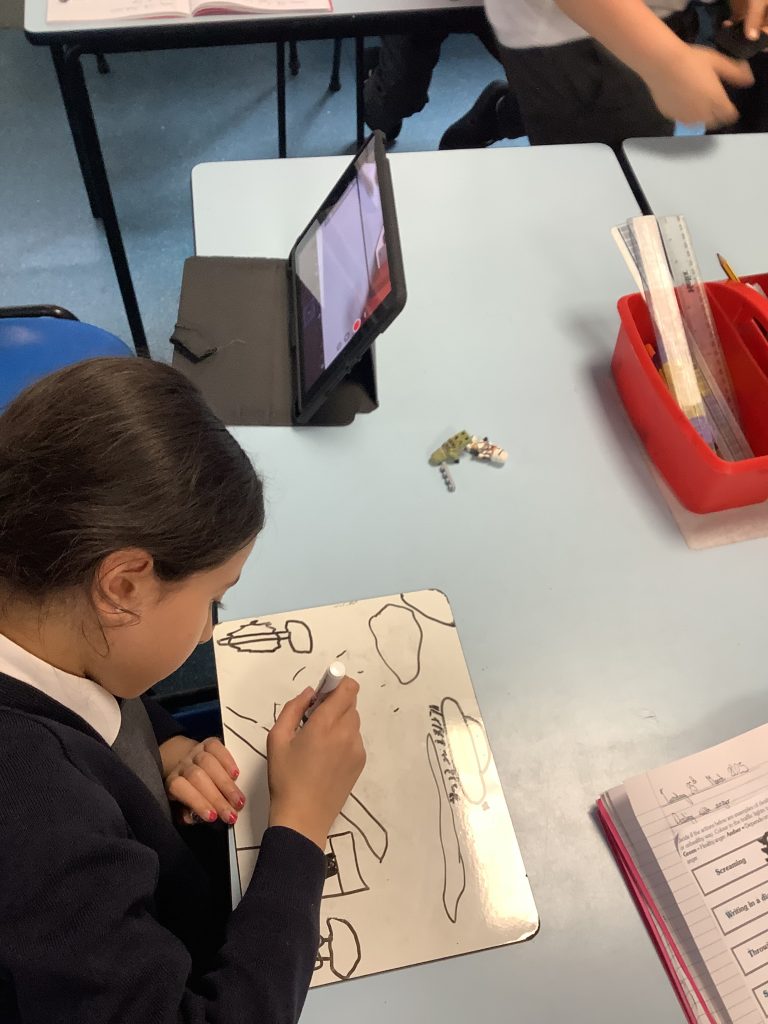
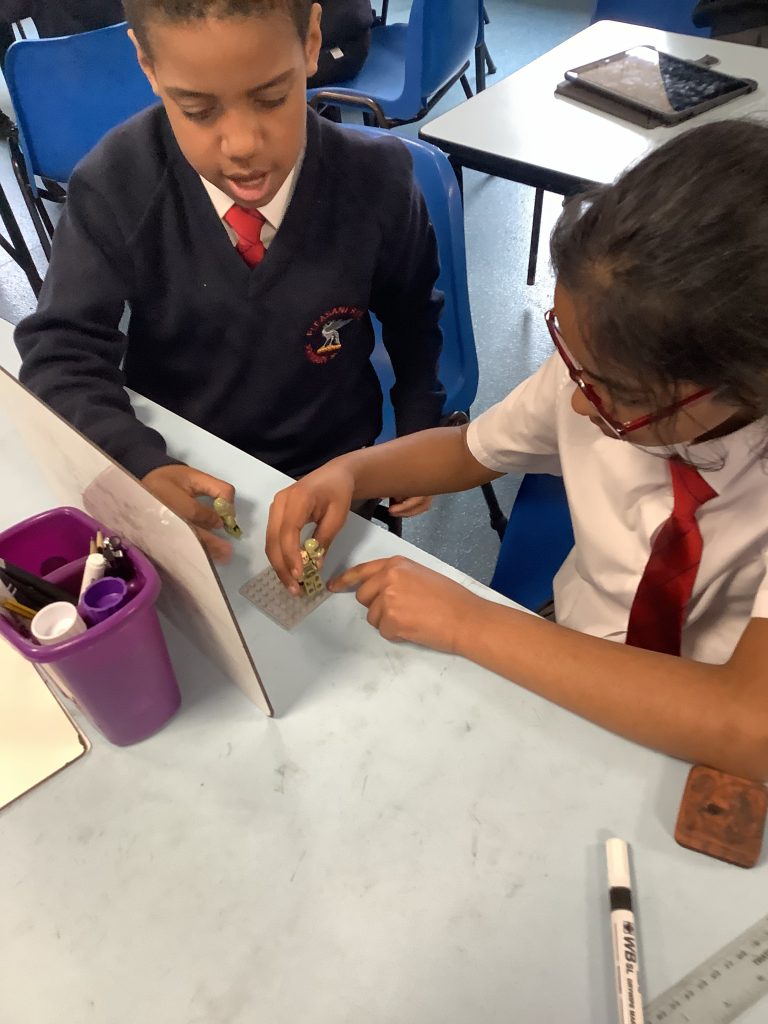
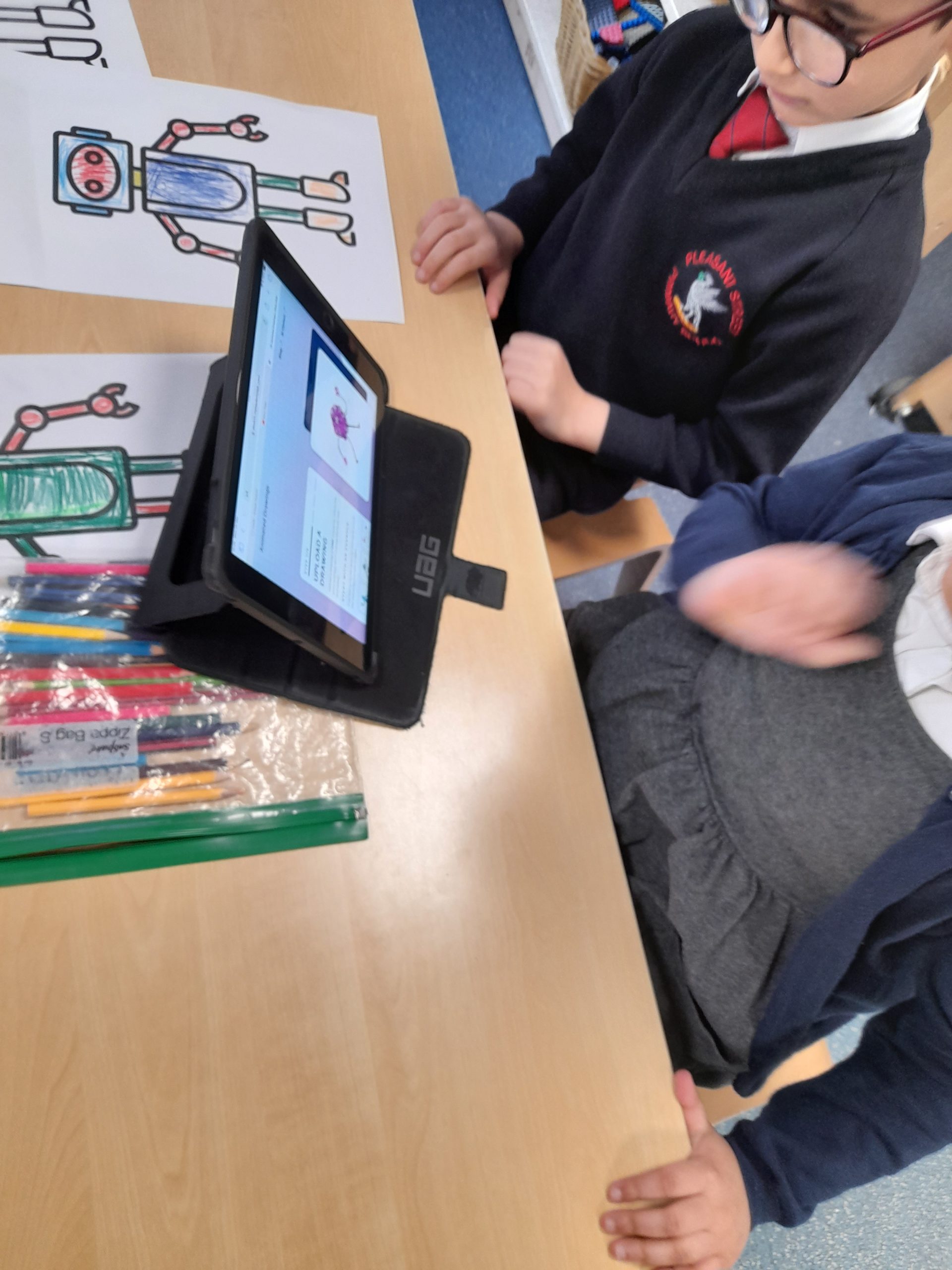
In addition to our computing curriculum, our children also experience ‘STEM’ sessions with a computing specialist teacher from MGL. We call these sessions “Awe & Wonder” sessions; they promote a high-level of enjoyment within Computing and captivate the imagination of the children to inspire and create awe. In these sessions the children work on different mini projects in teams. Take a look at some of the examples of the work produced below.
E-Safety is an important part of the school curriculum, to help support this at home we have uploaded a number of guides in the Online Safety part of the website, please click here to find out more.
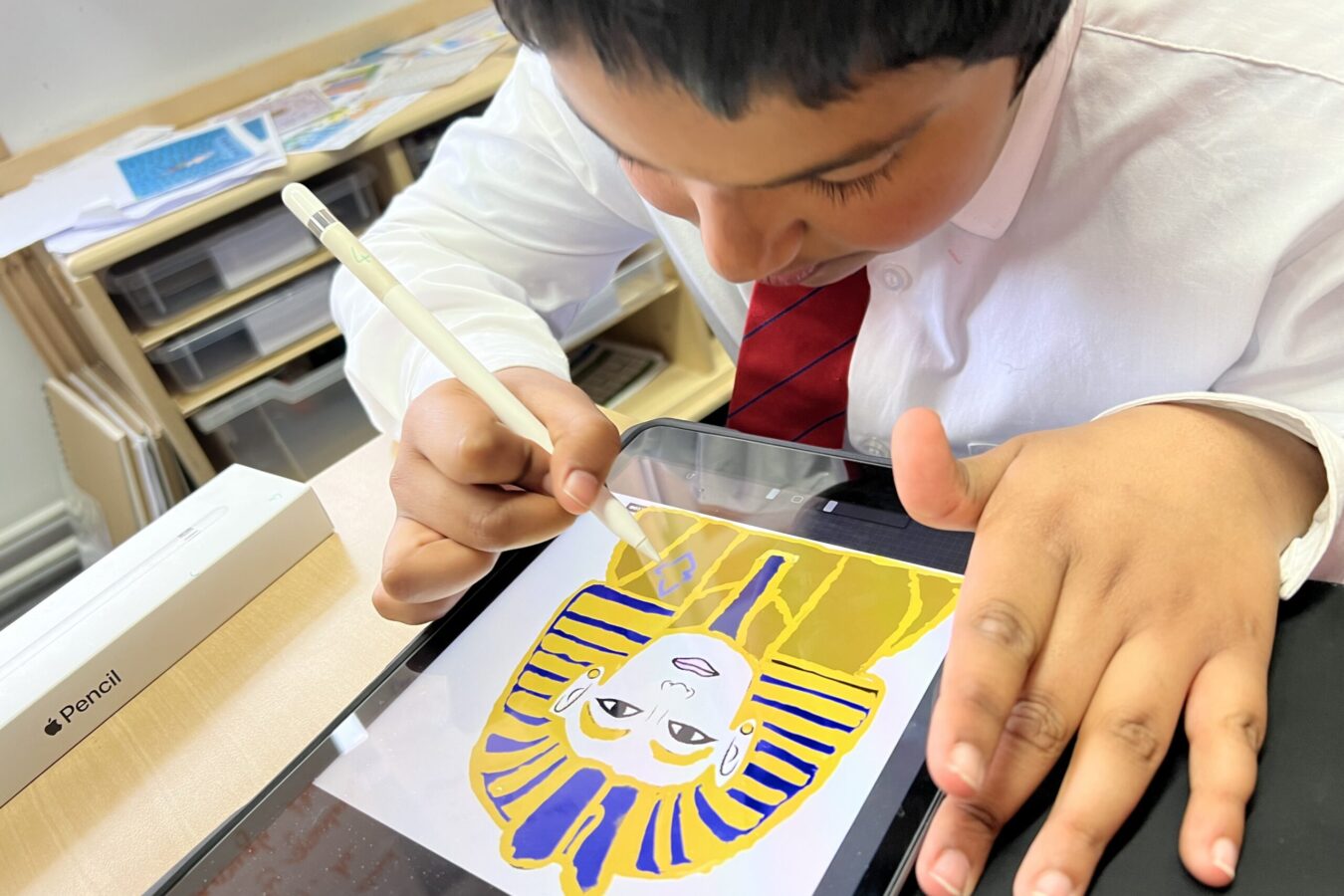
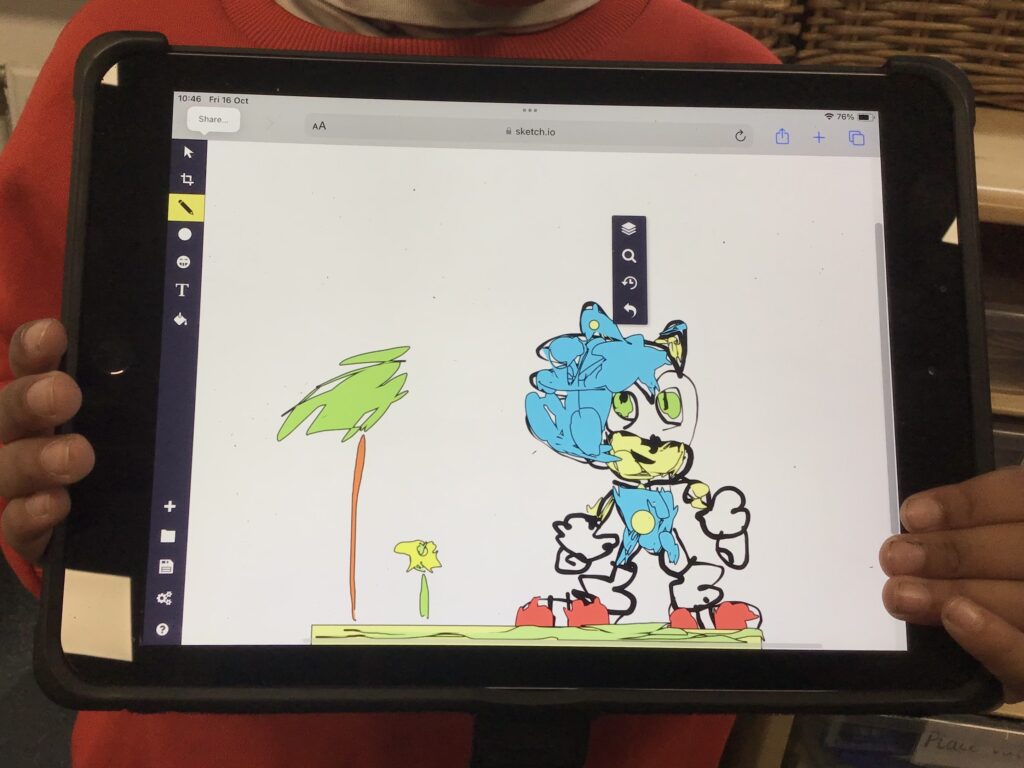
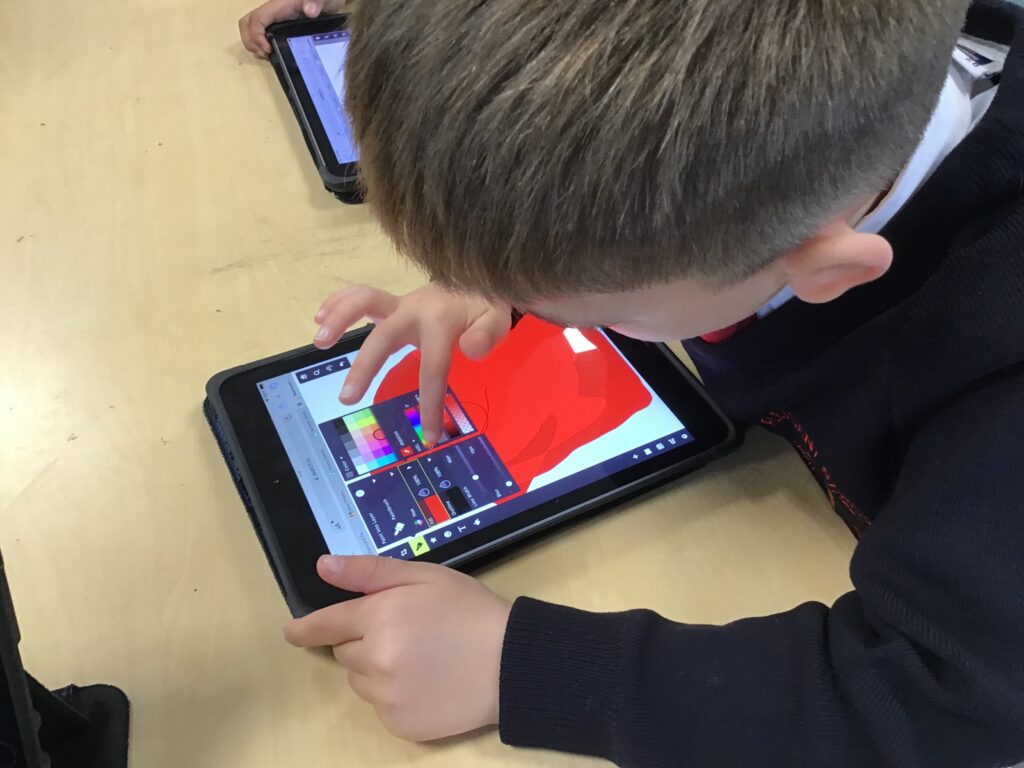
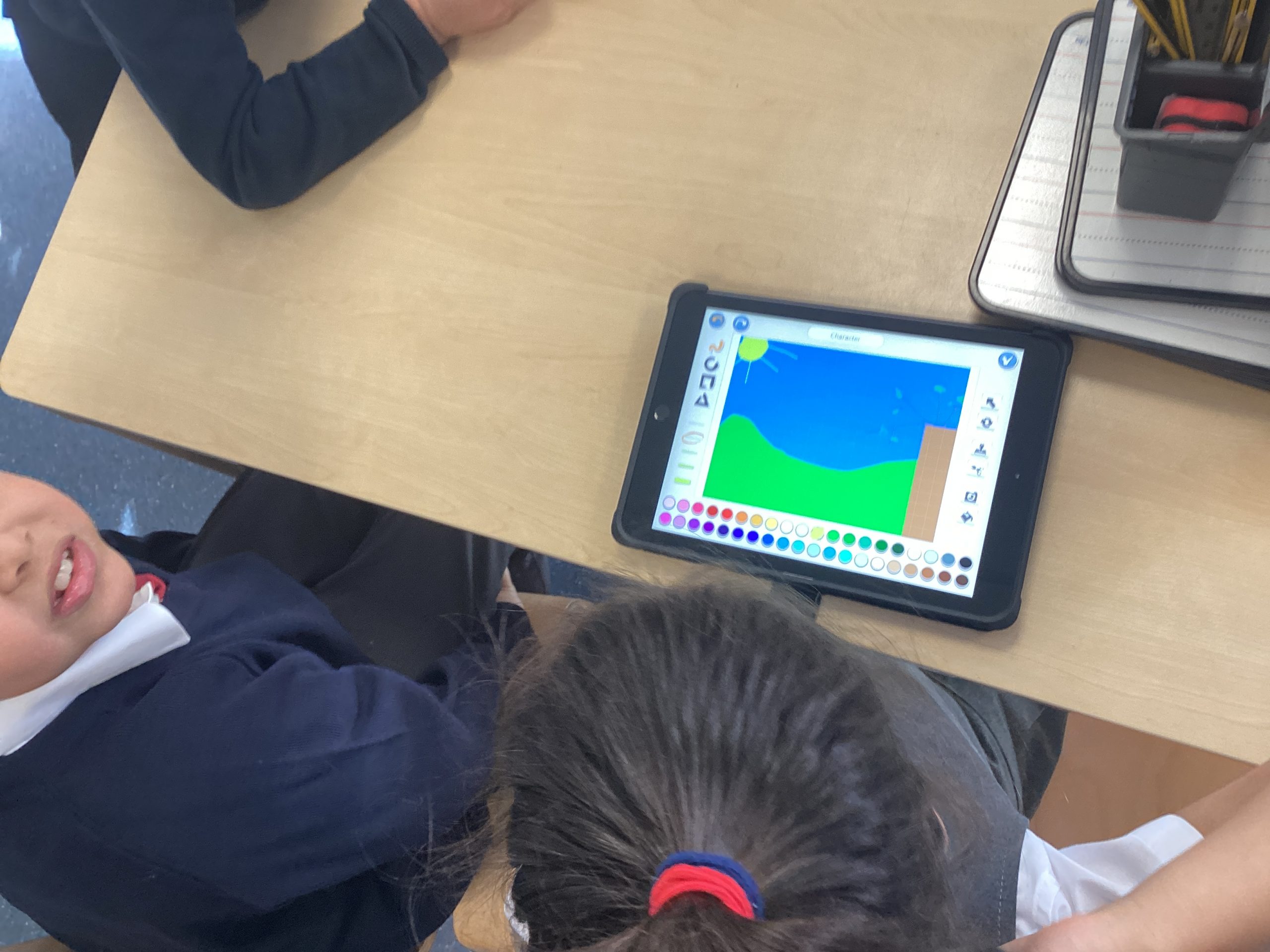
In Computing, Class 1 have been using an app called Sketchpad to make digital art creations with a variety of tools. One of our talented students used the pencil brush to sketch out and colour in his favourite character and he did such an amazing job of recreating him in detail.
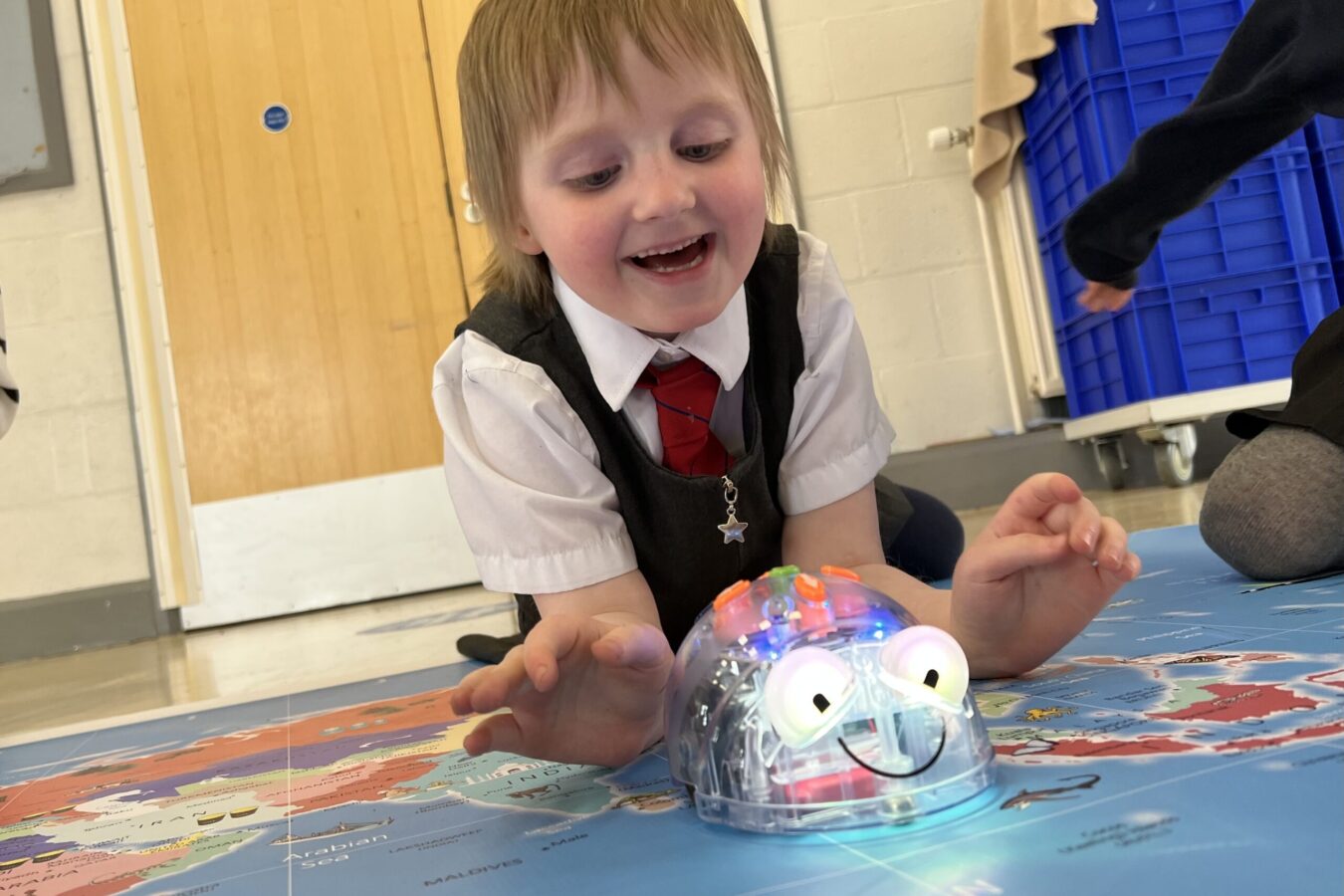
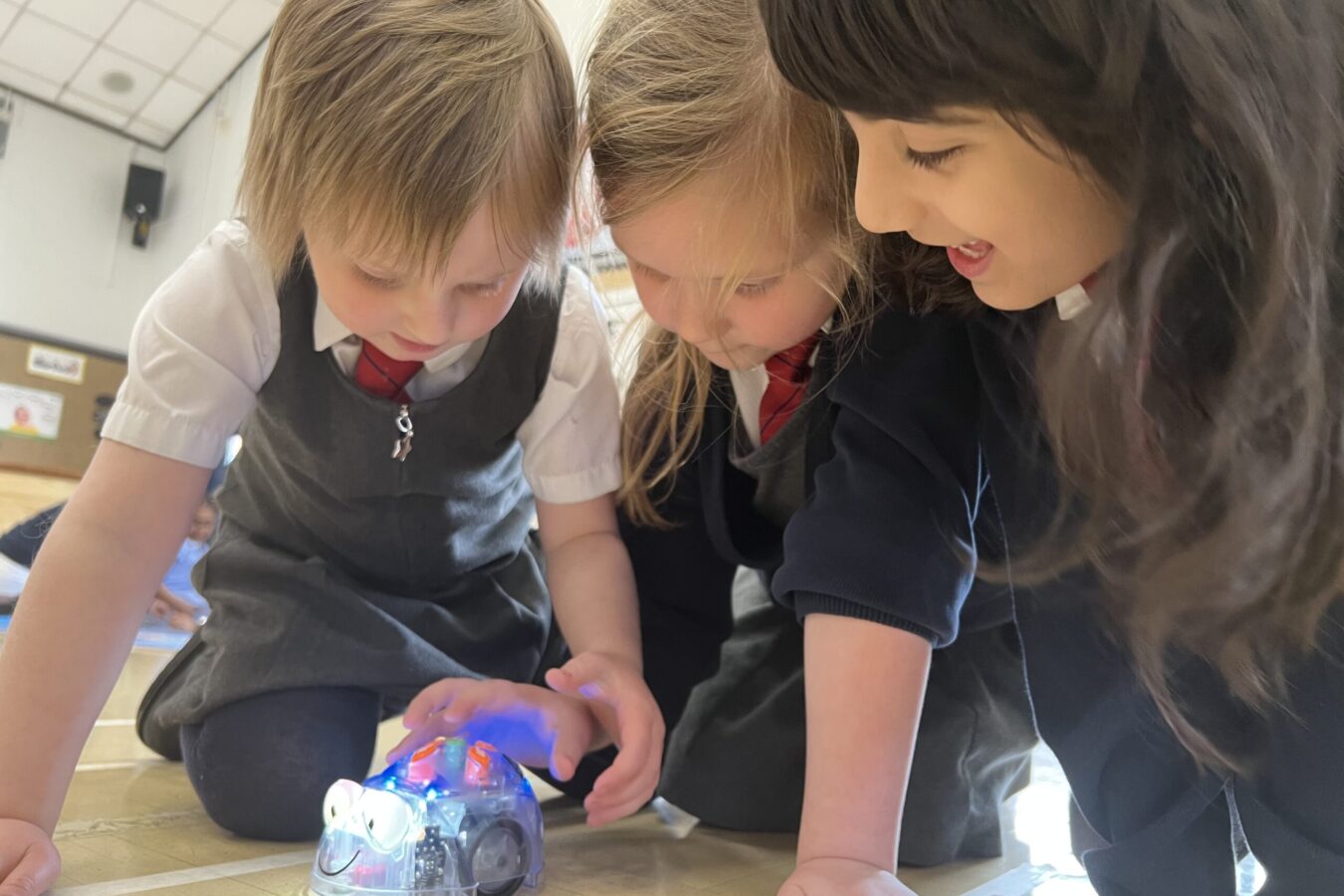
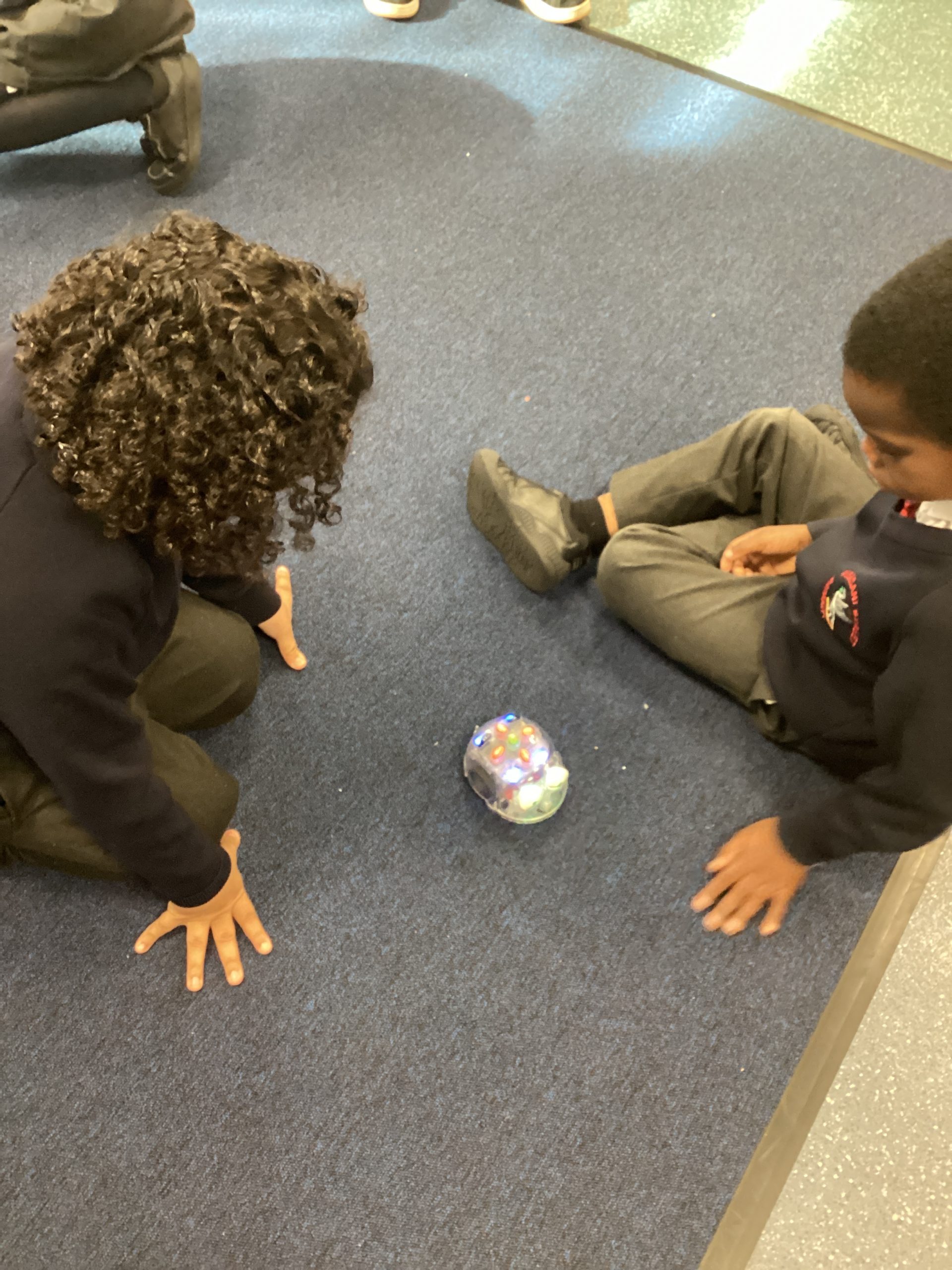
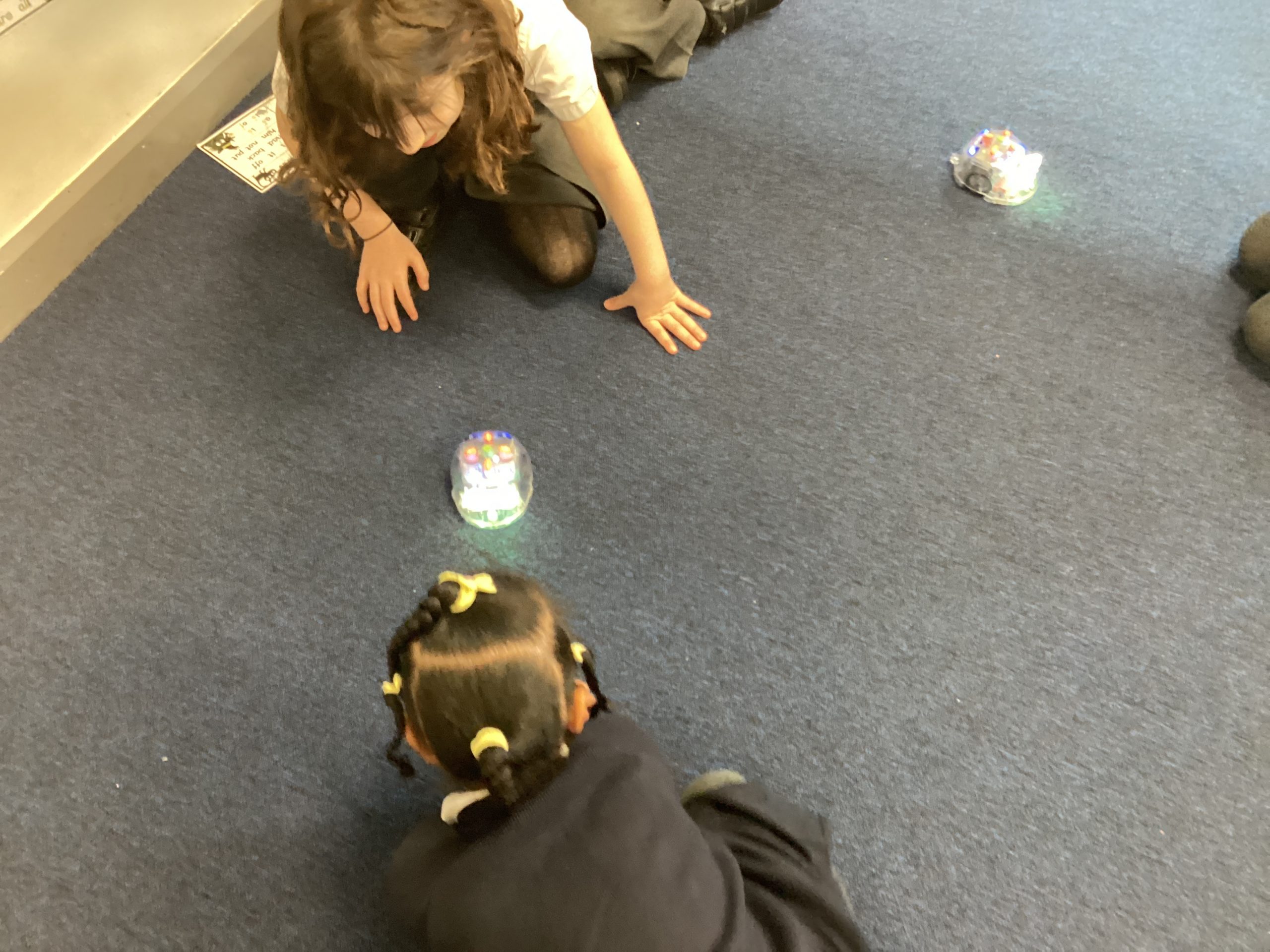
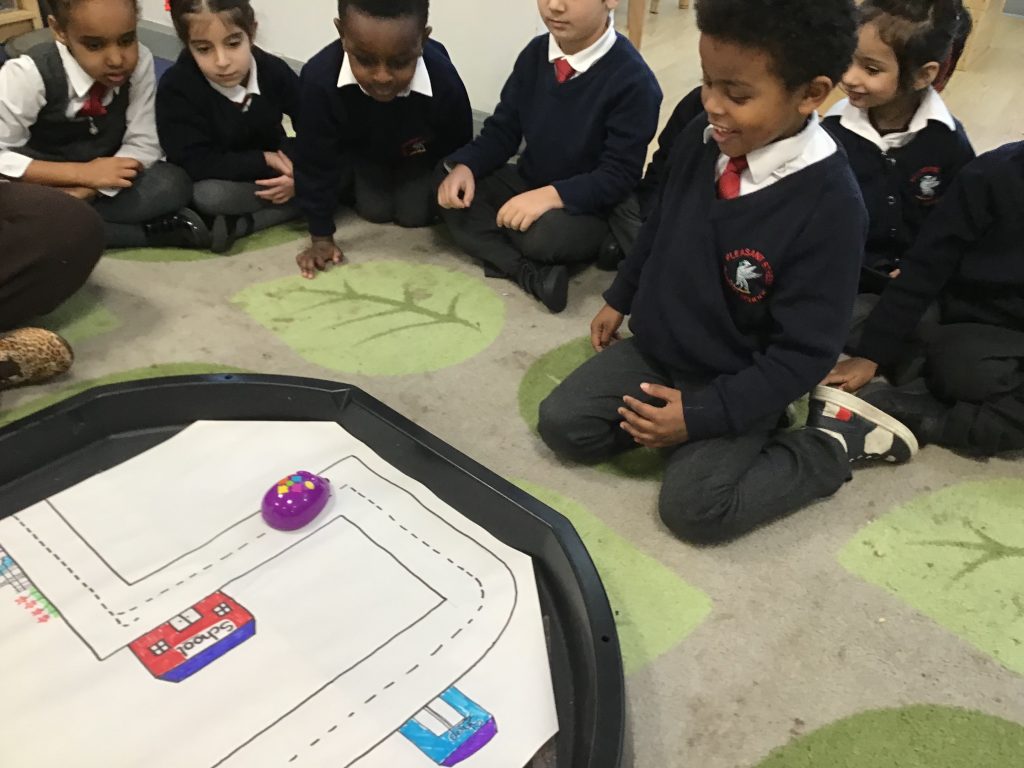
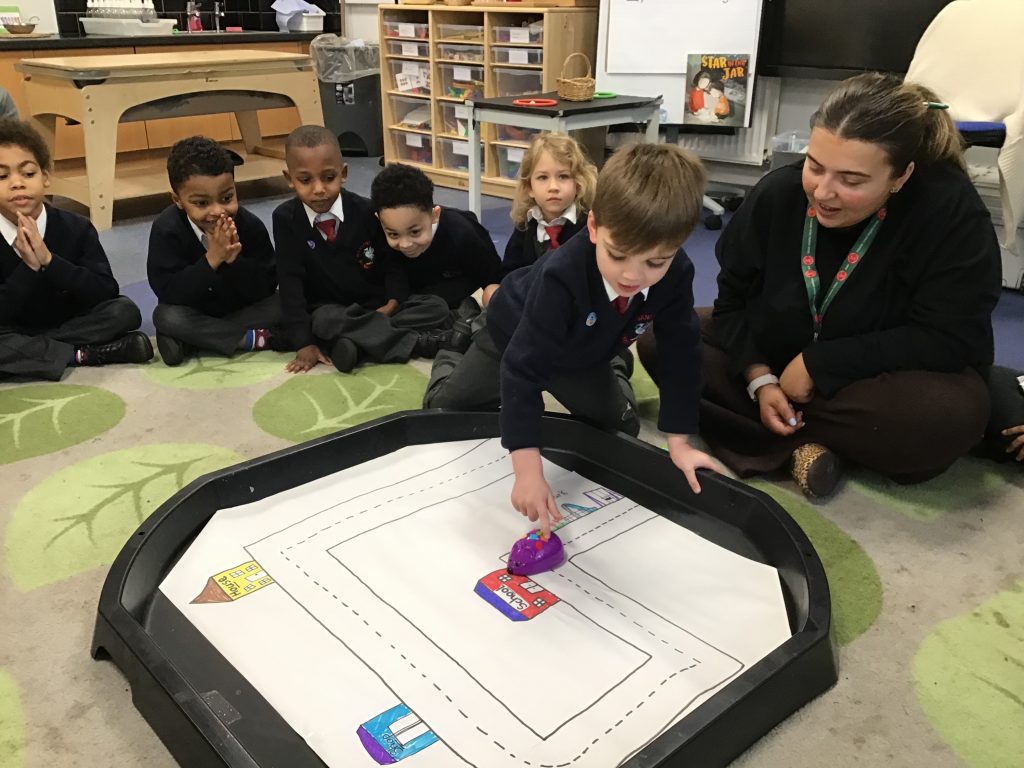
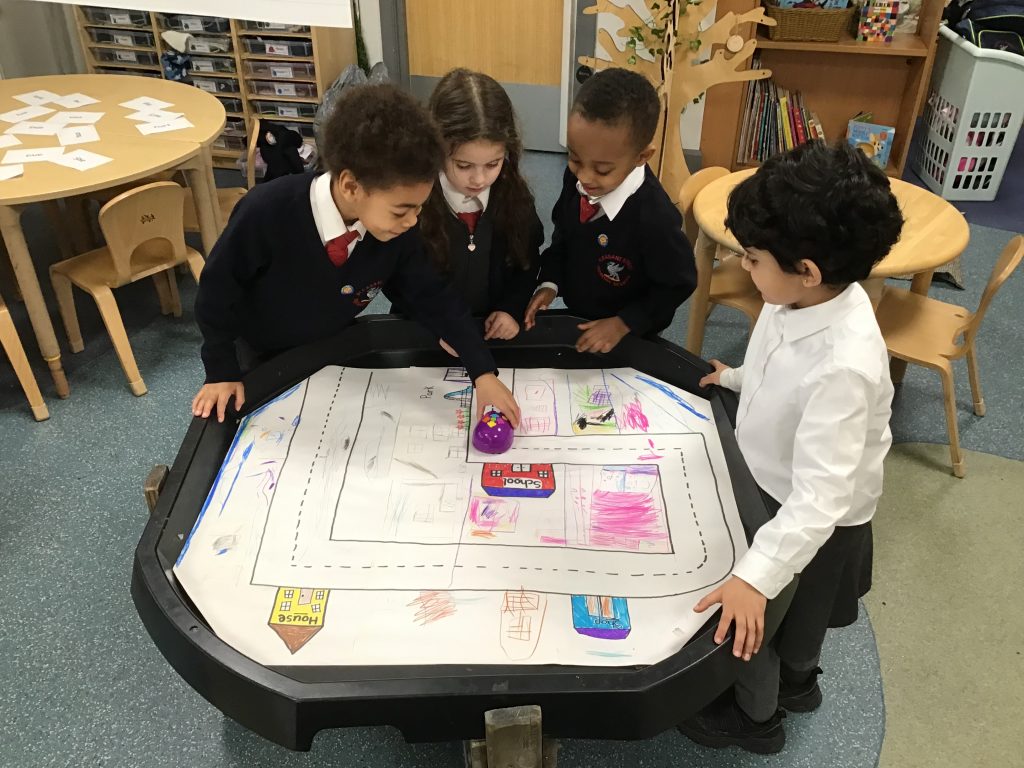
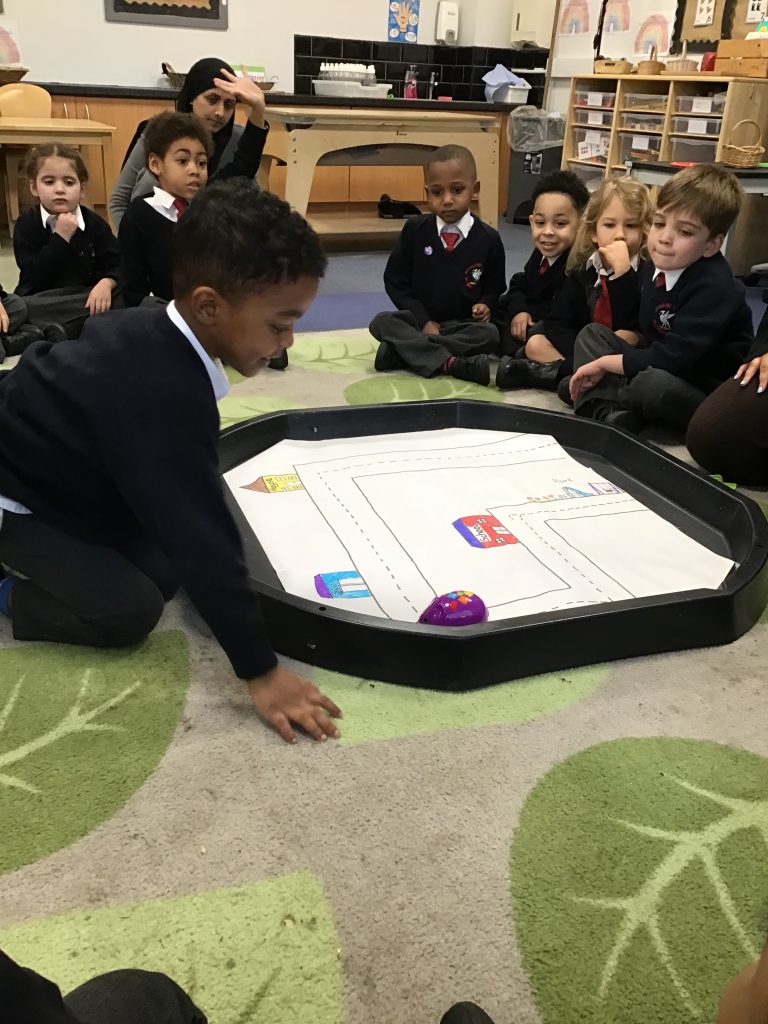
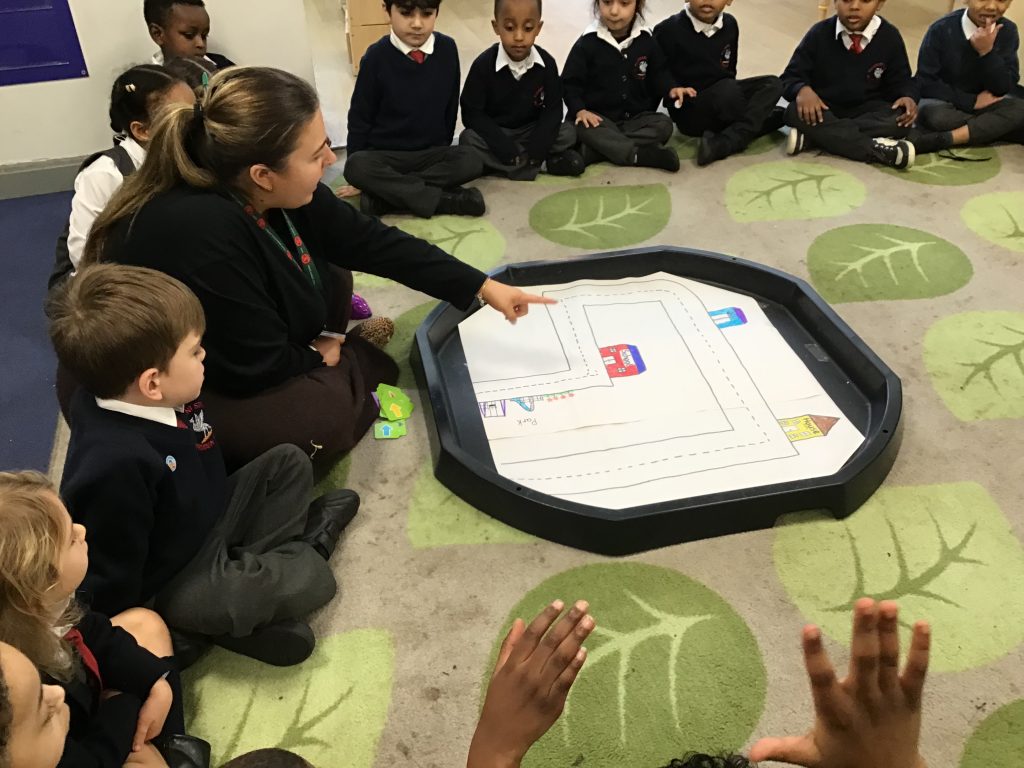
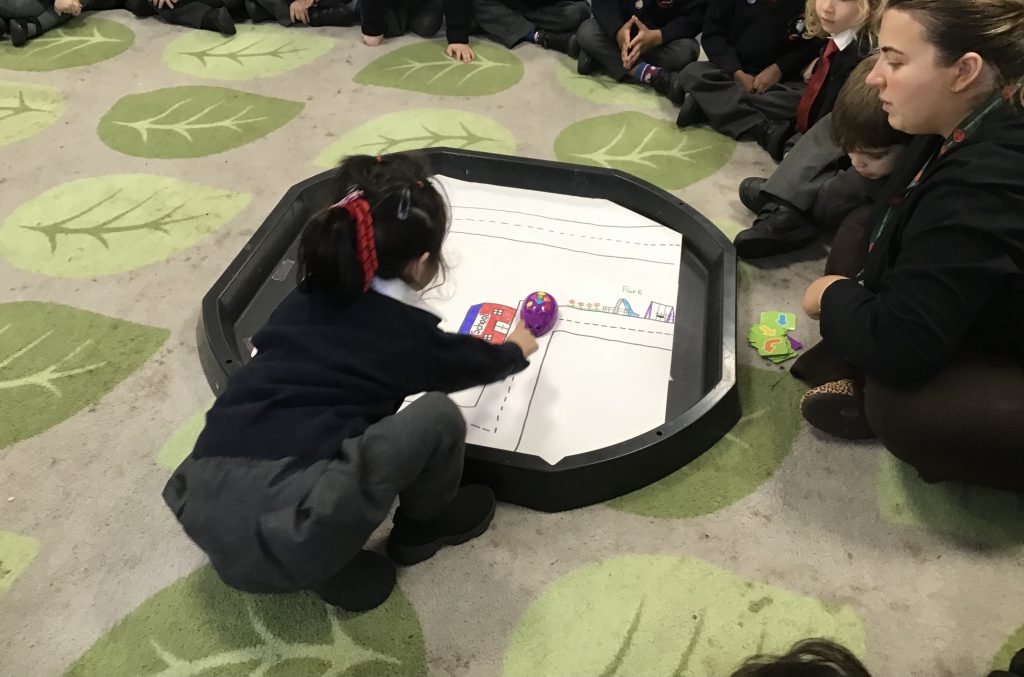
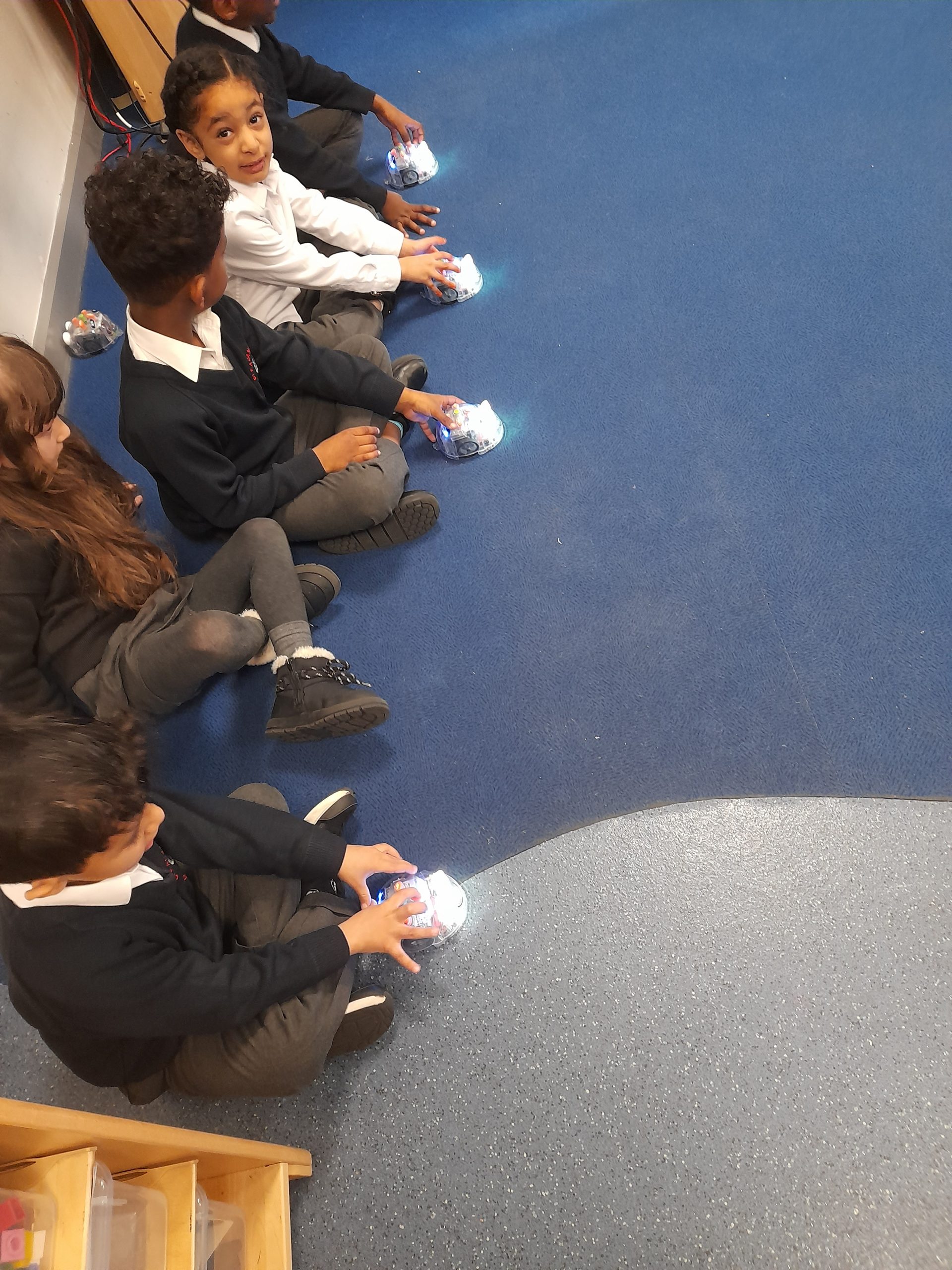
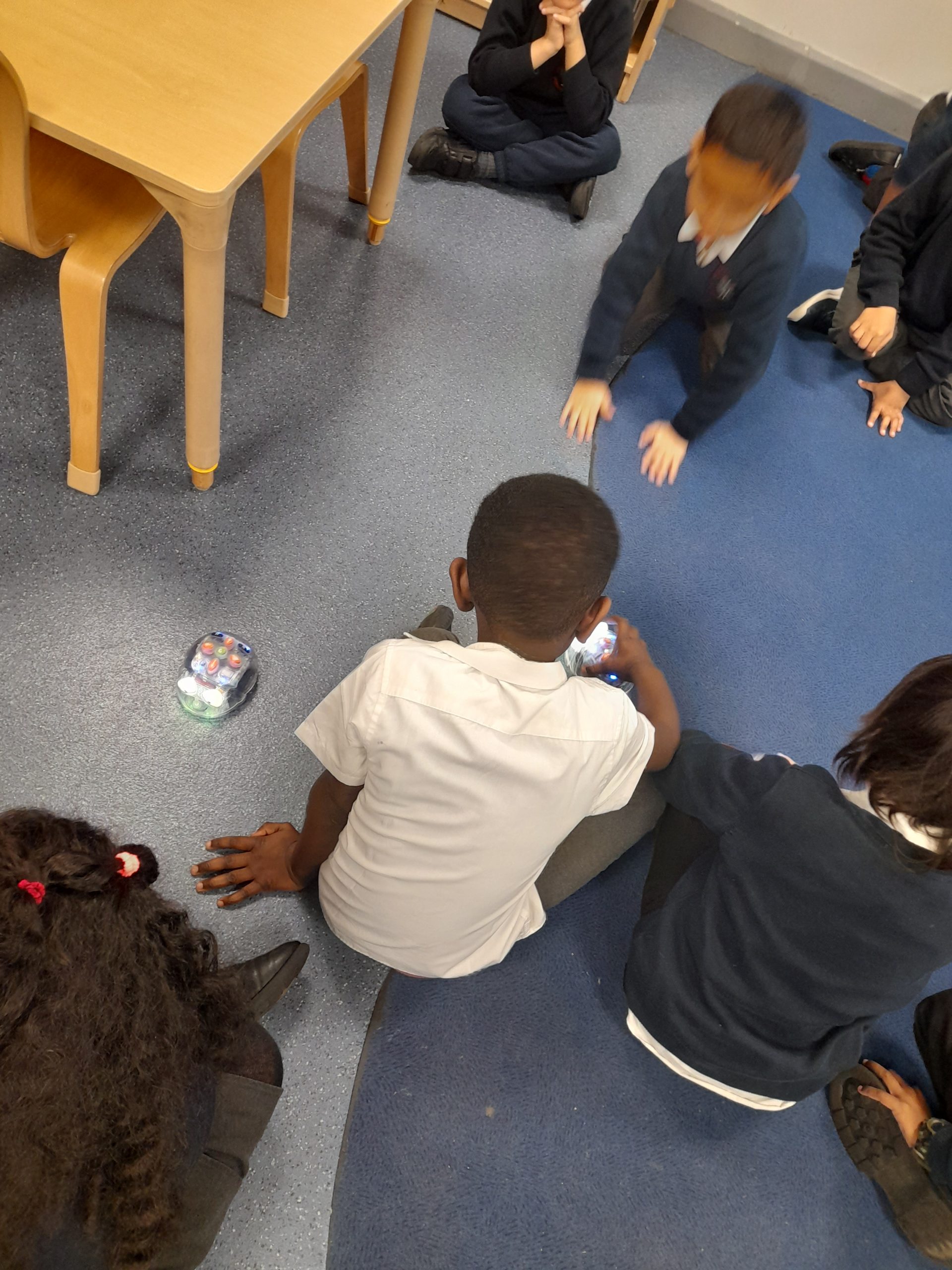
This week in Nursery we have been investigating robot mice in computing, the children have been having so much fun inputting the directions into the mouse and seeing the mice move around the classroom.
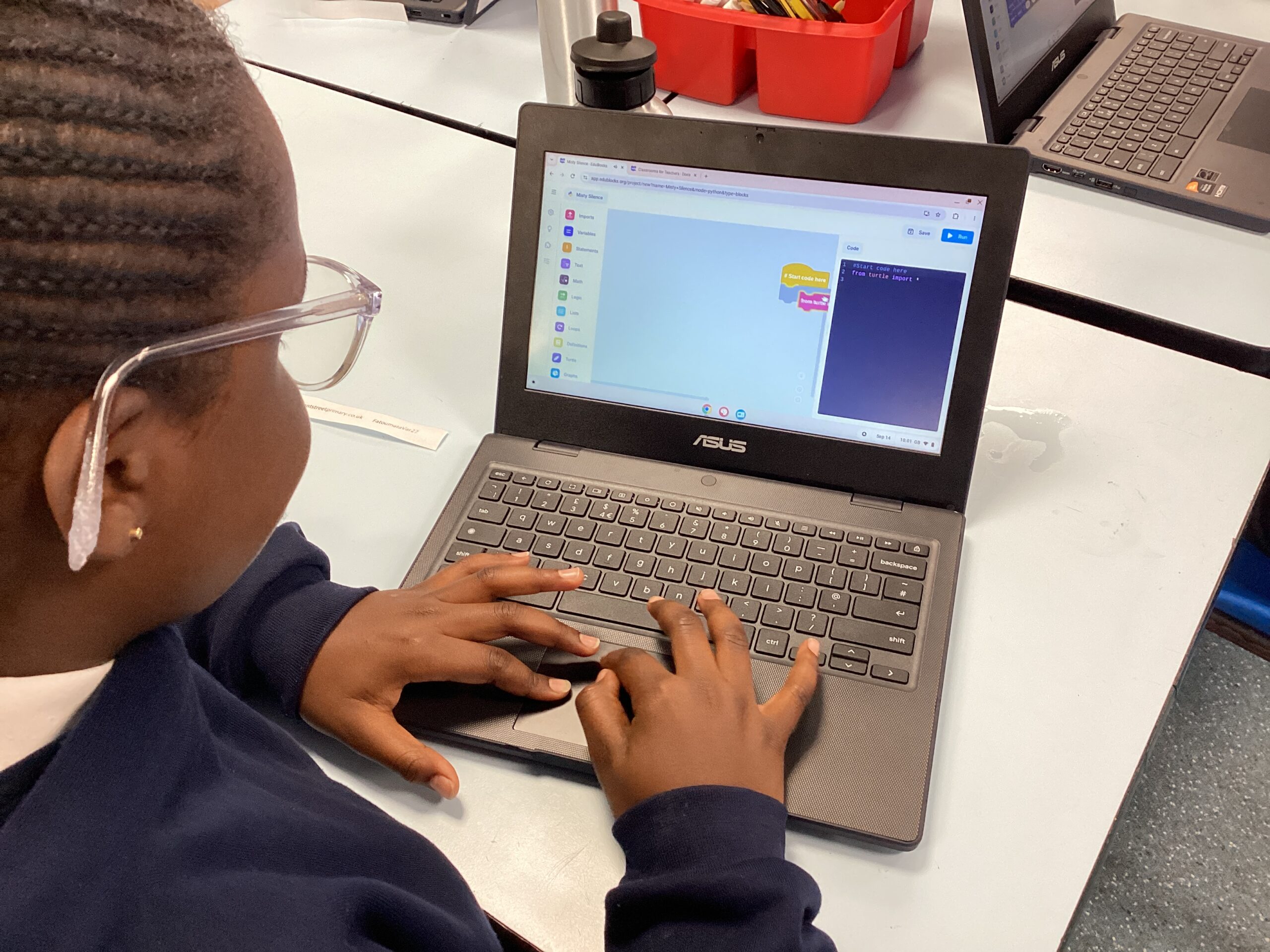
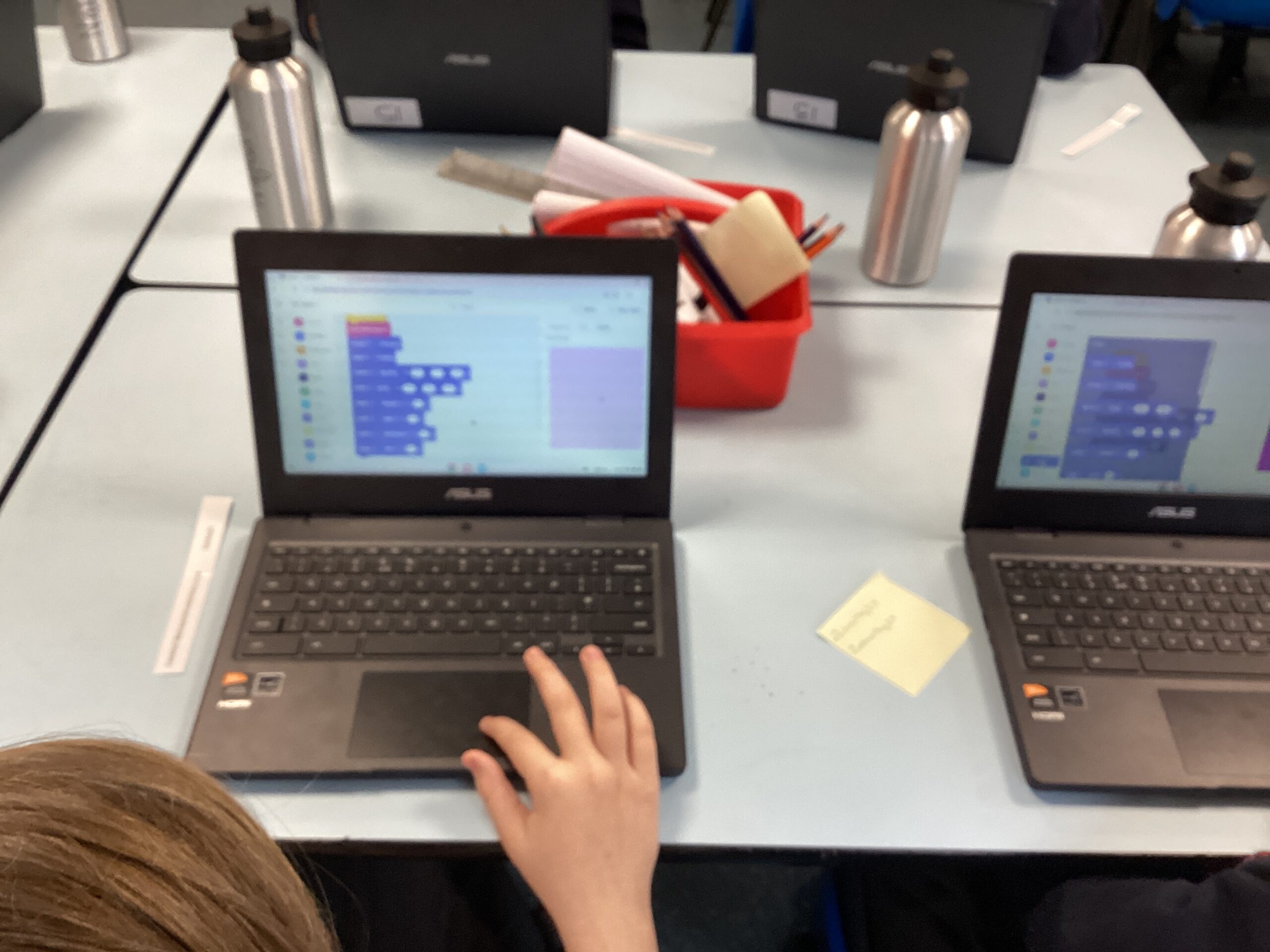
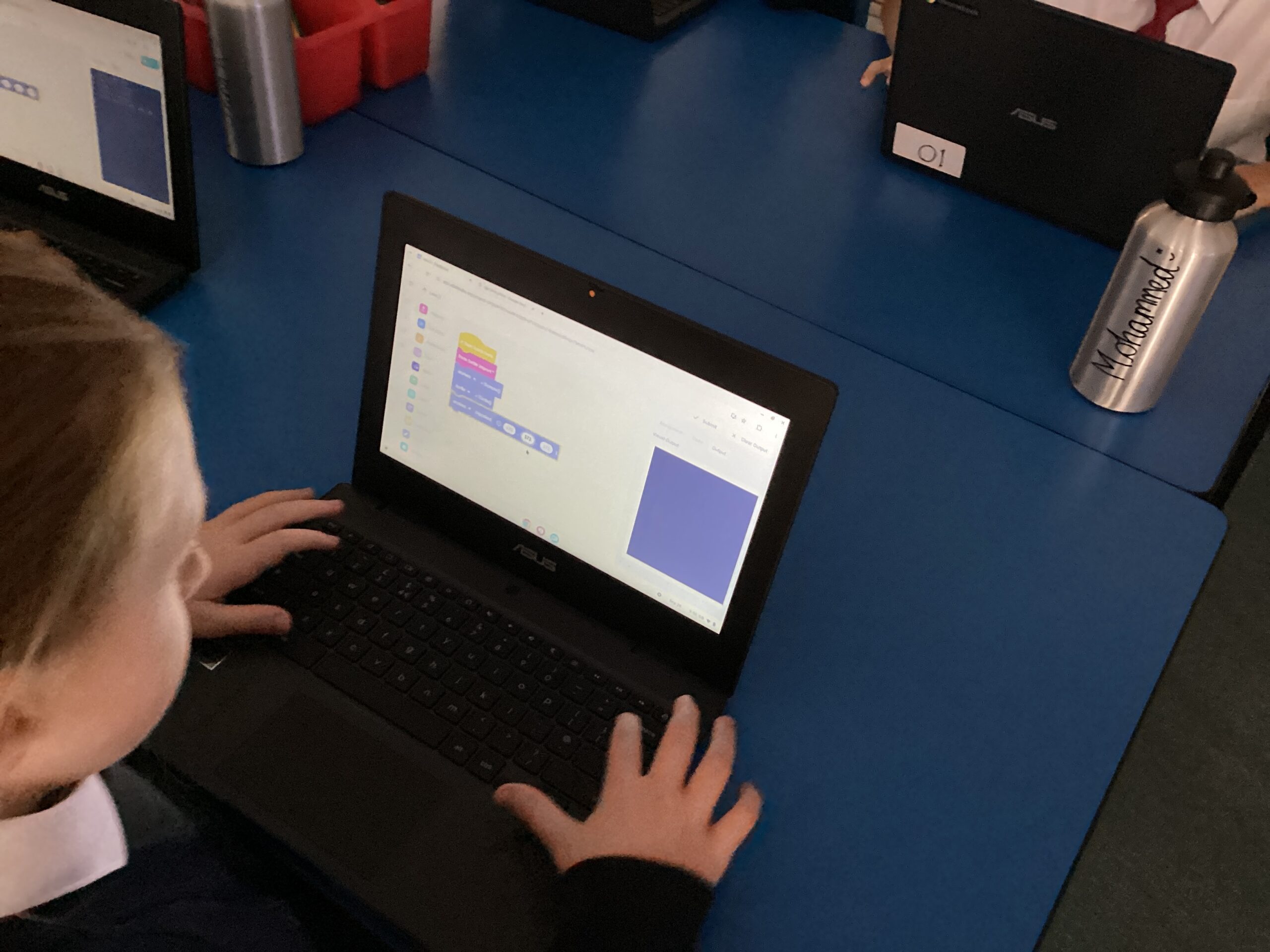
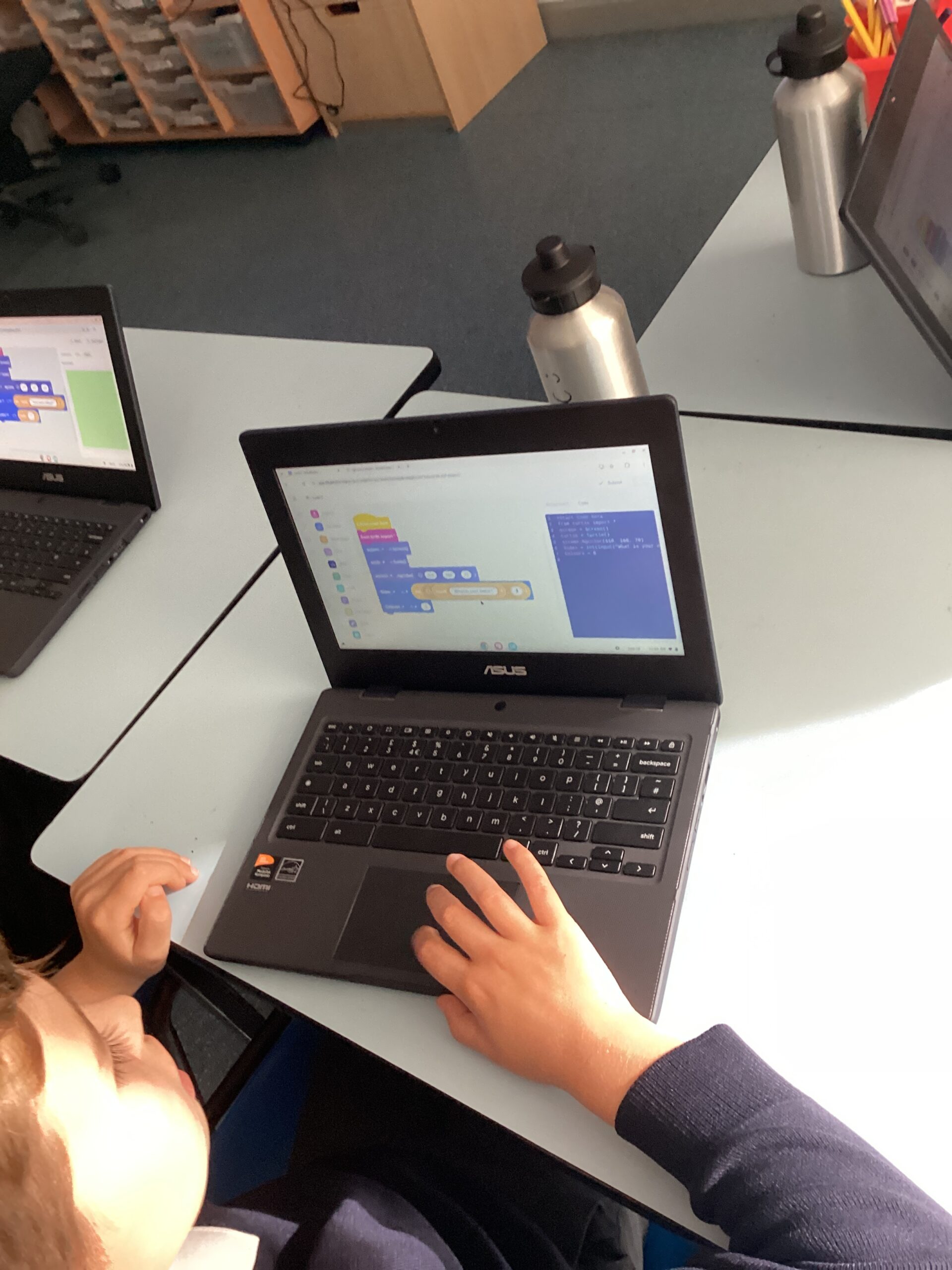
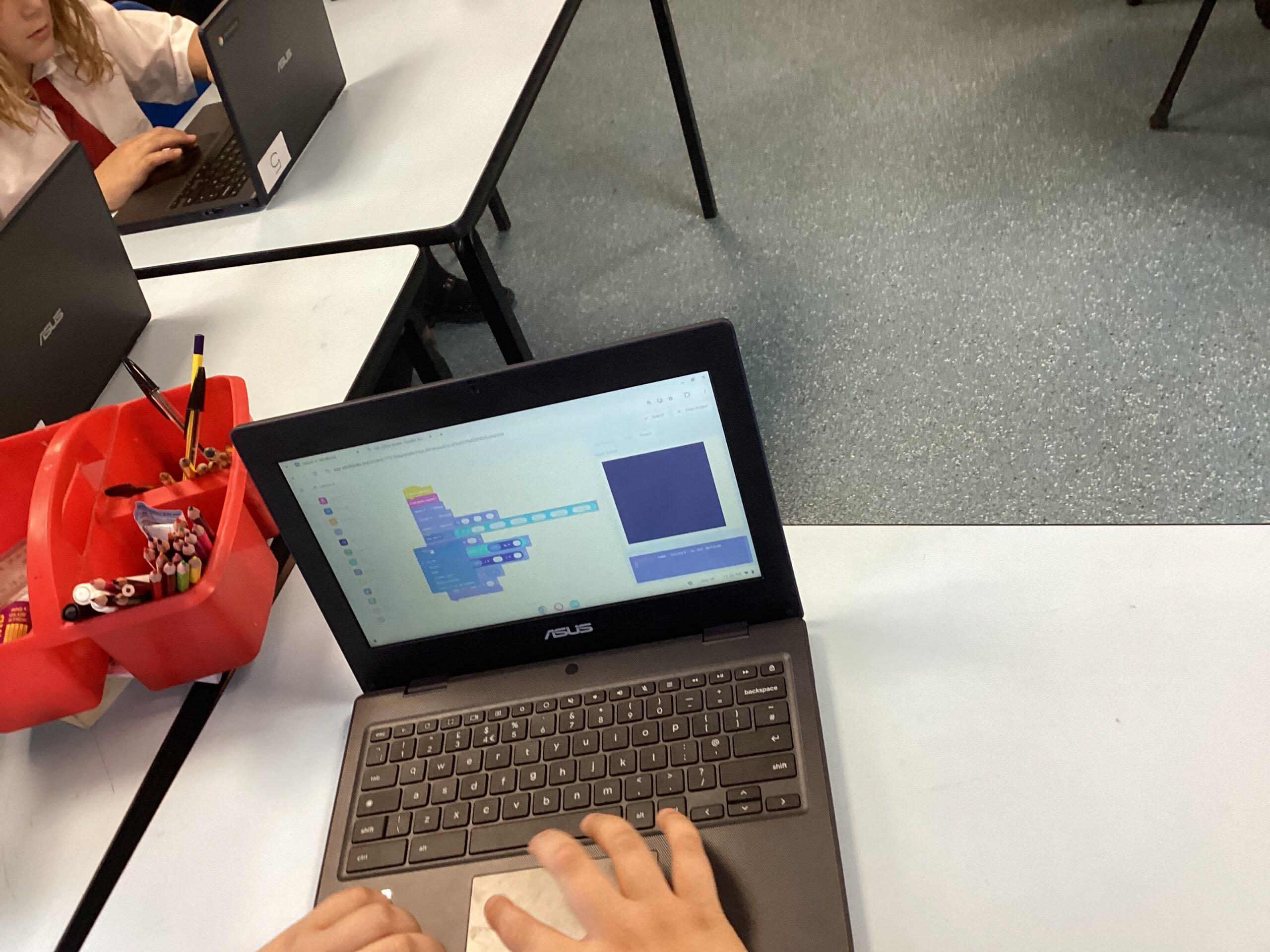
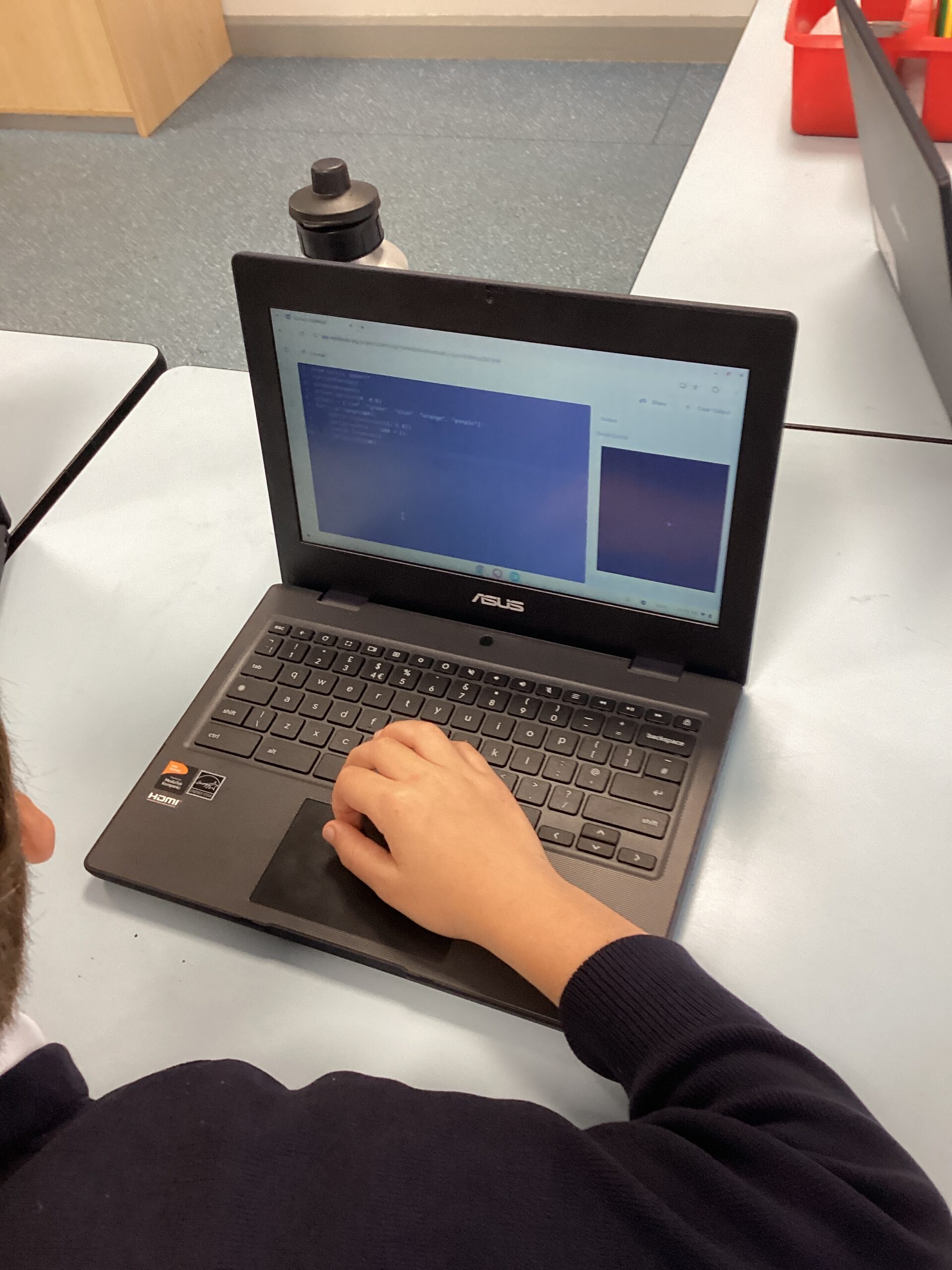
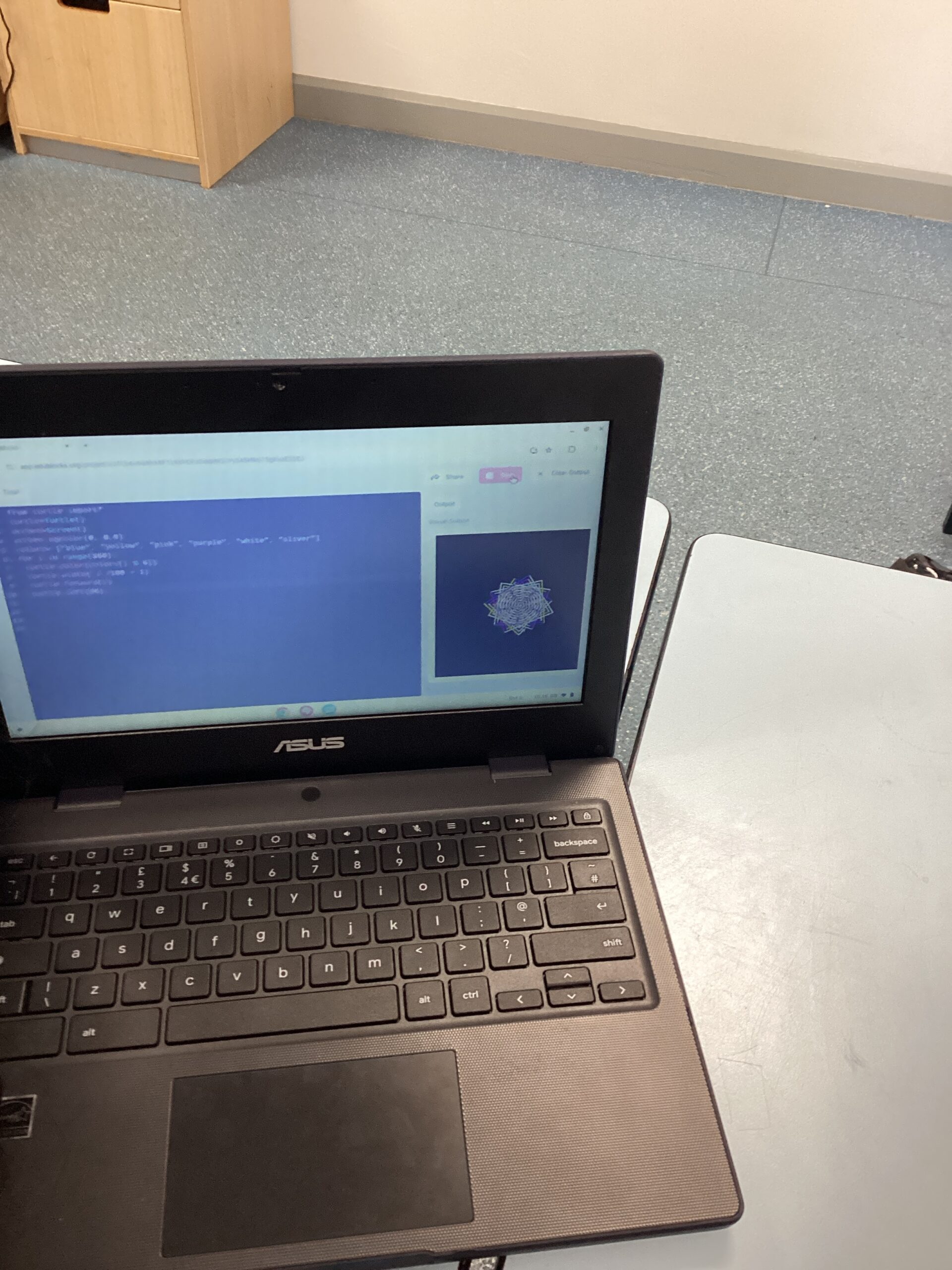
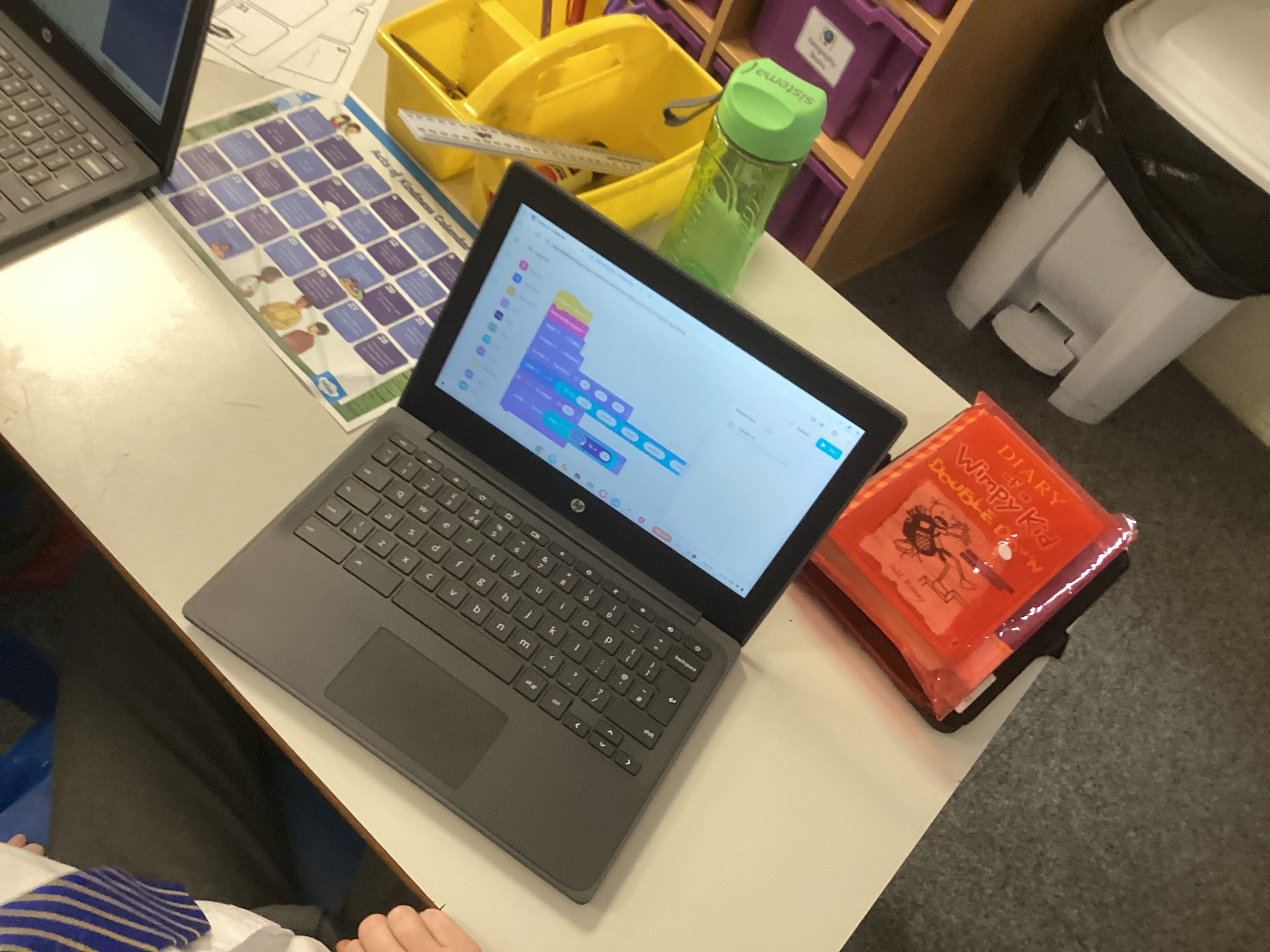
Over the past few lessons Class 6 have been investigating how to use Python coding, children have started off using Block based coding before moving on creating code using text. Children explored how to create different coloured backgrounds, use repeat loops to create shapes and use variables and lists to ask and answer questions.
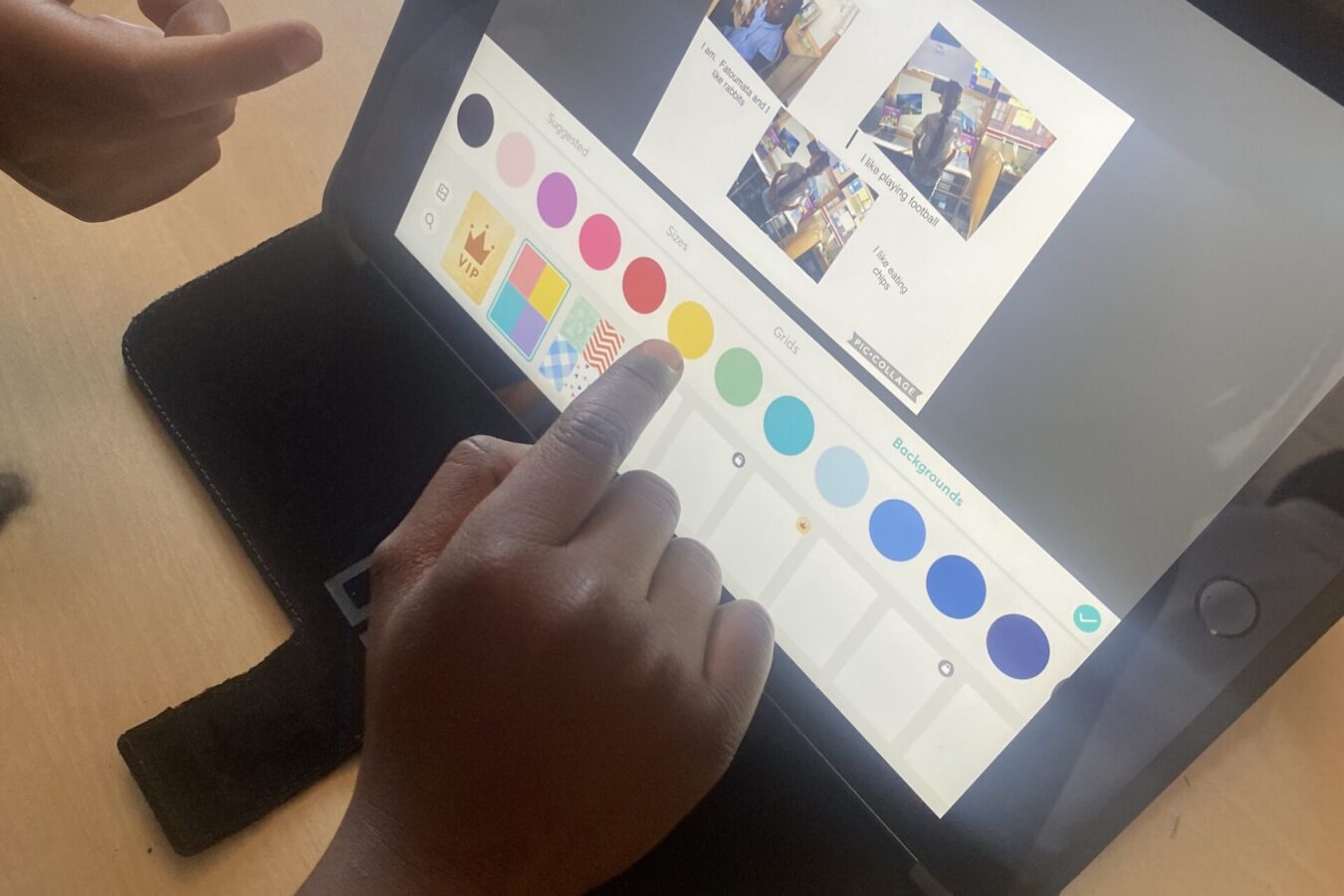
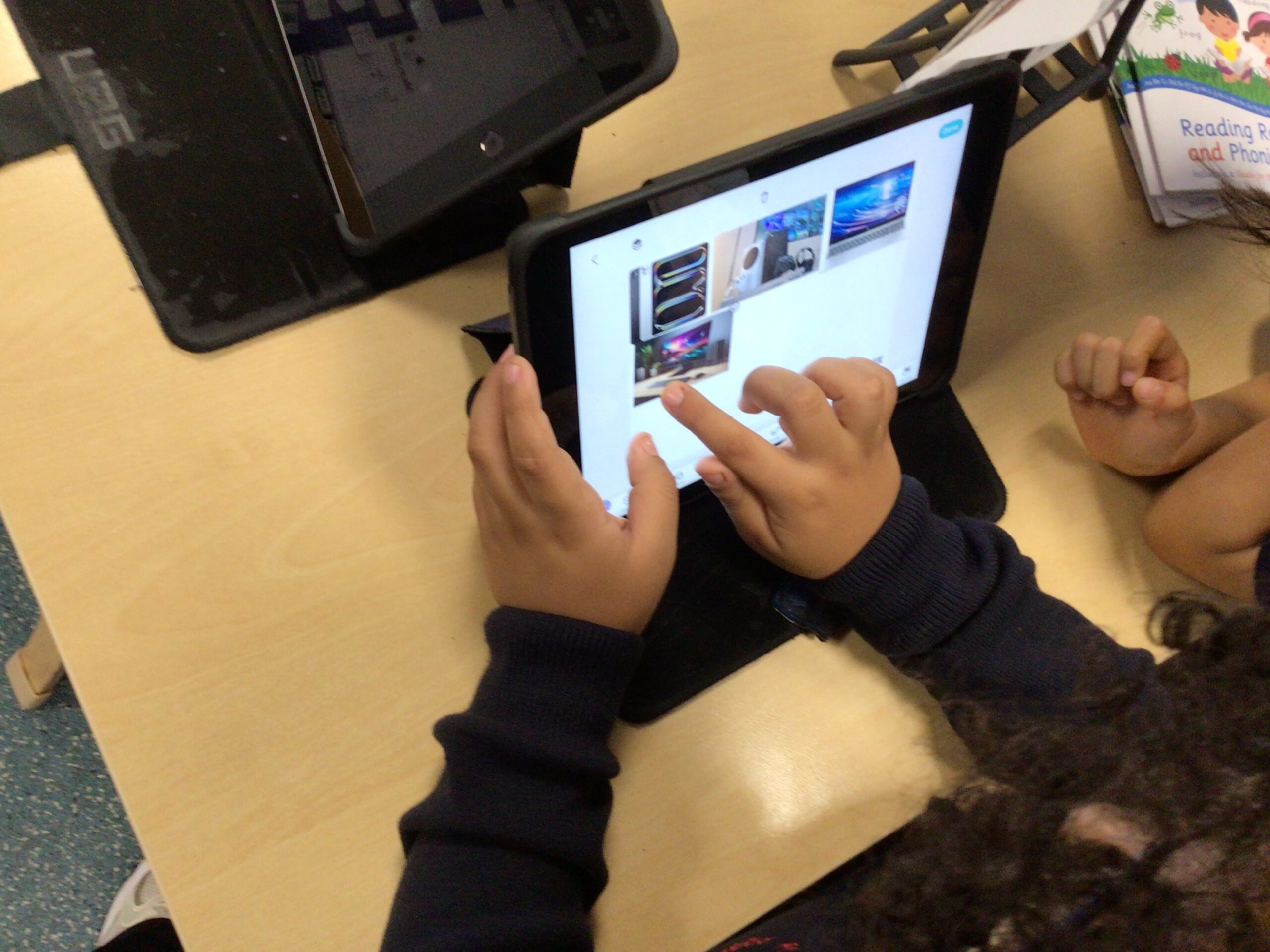
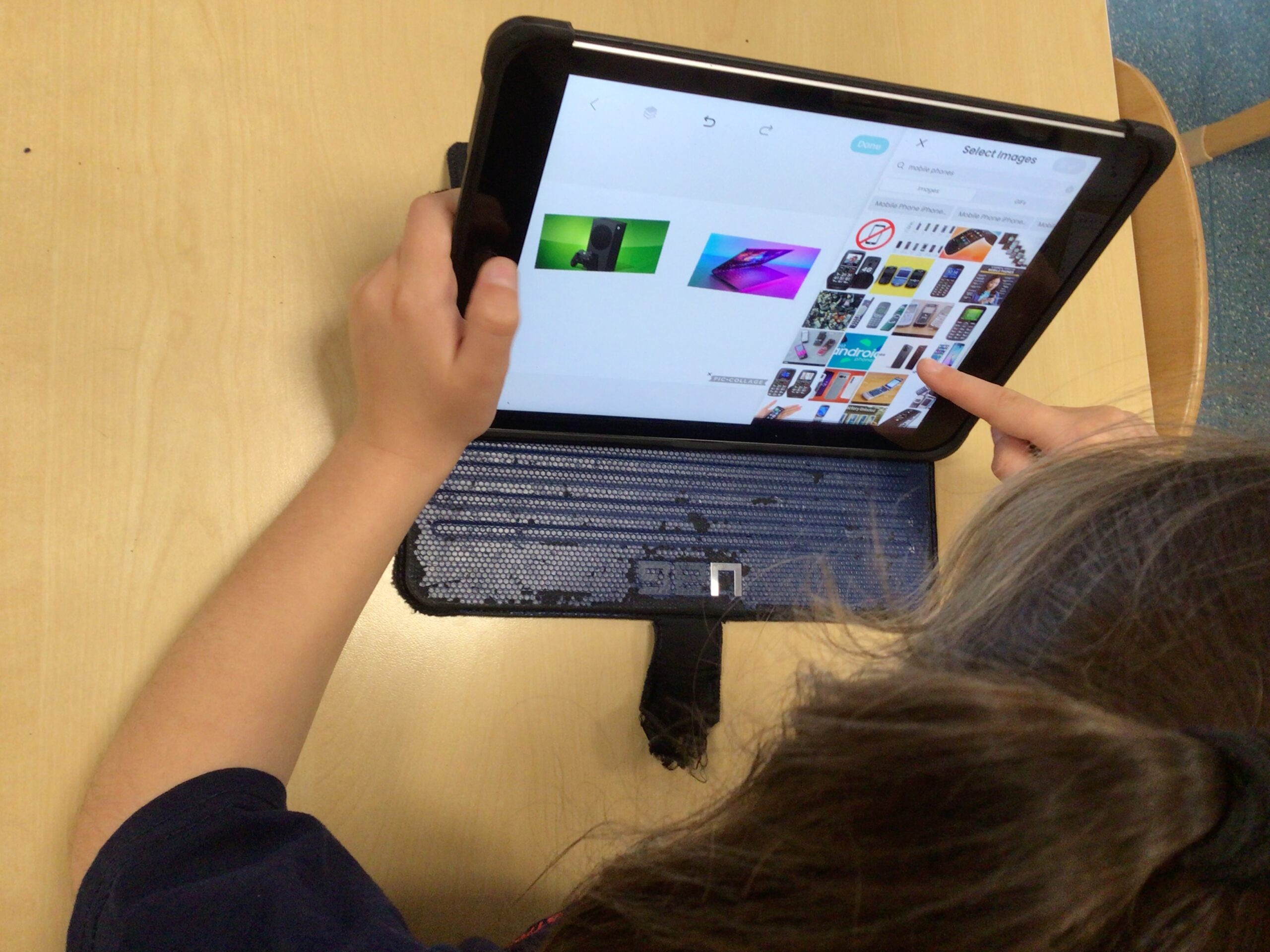
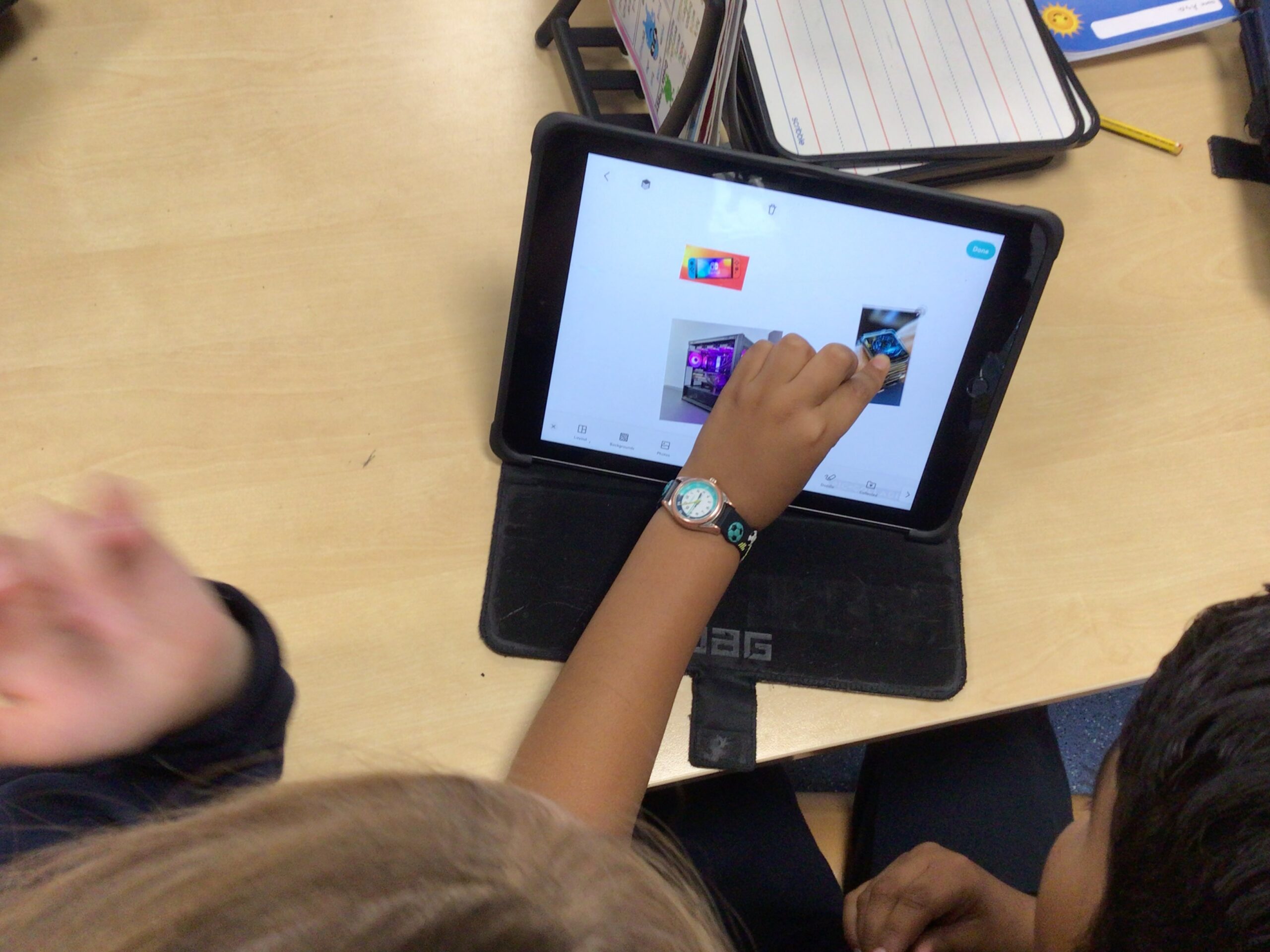
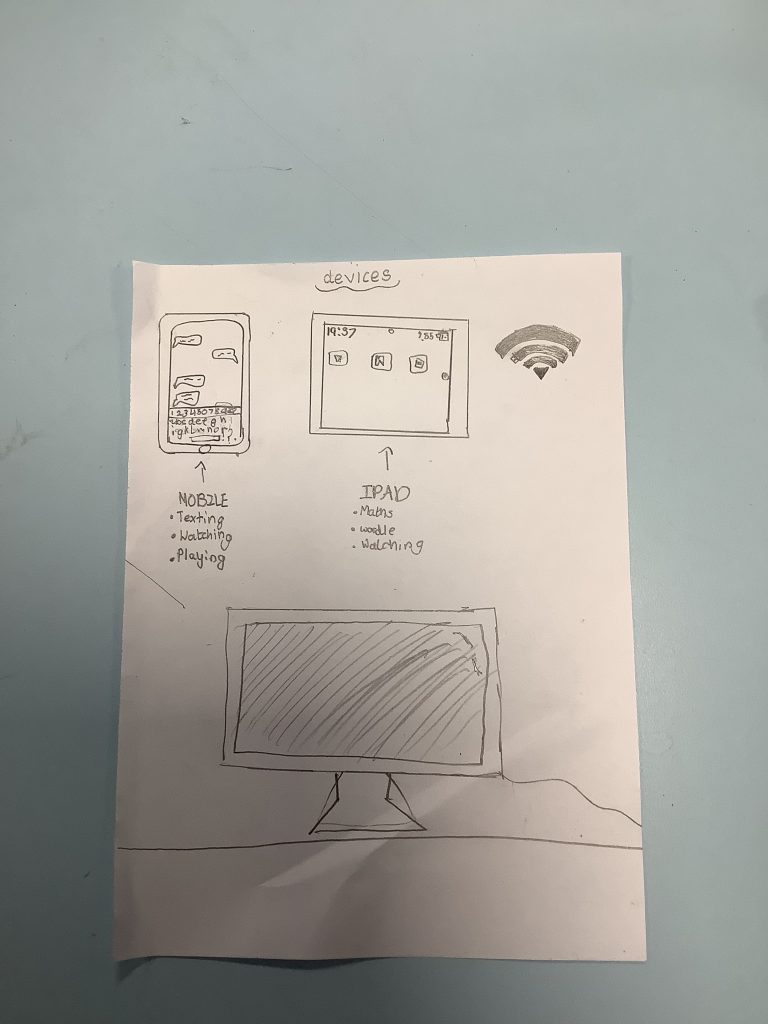
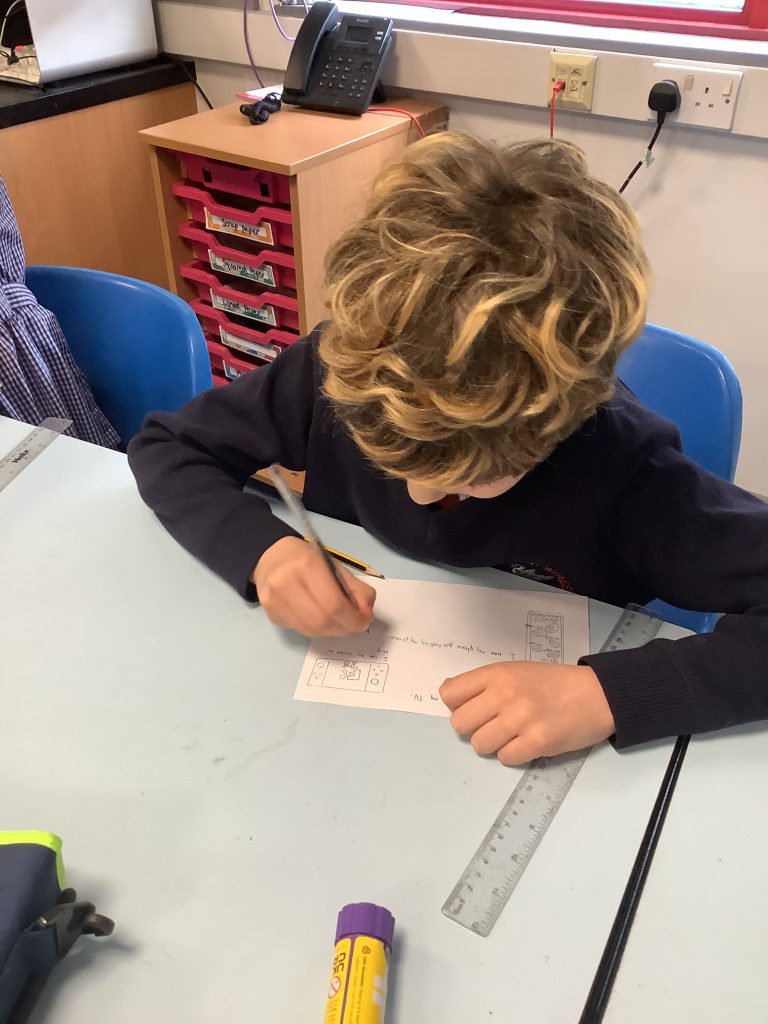
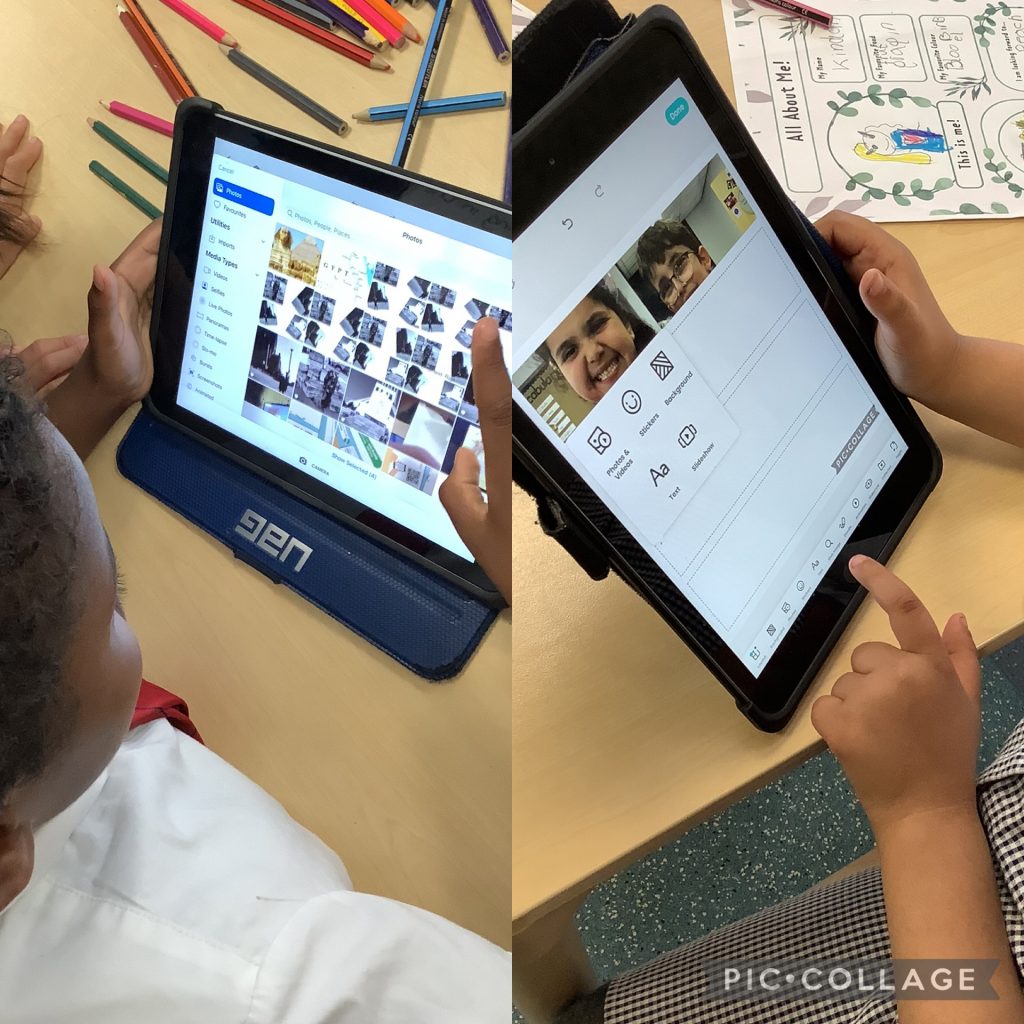
Today in Computing we were learning about different types of devices and started to create our own collages to show the different devices we had discussed.
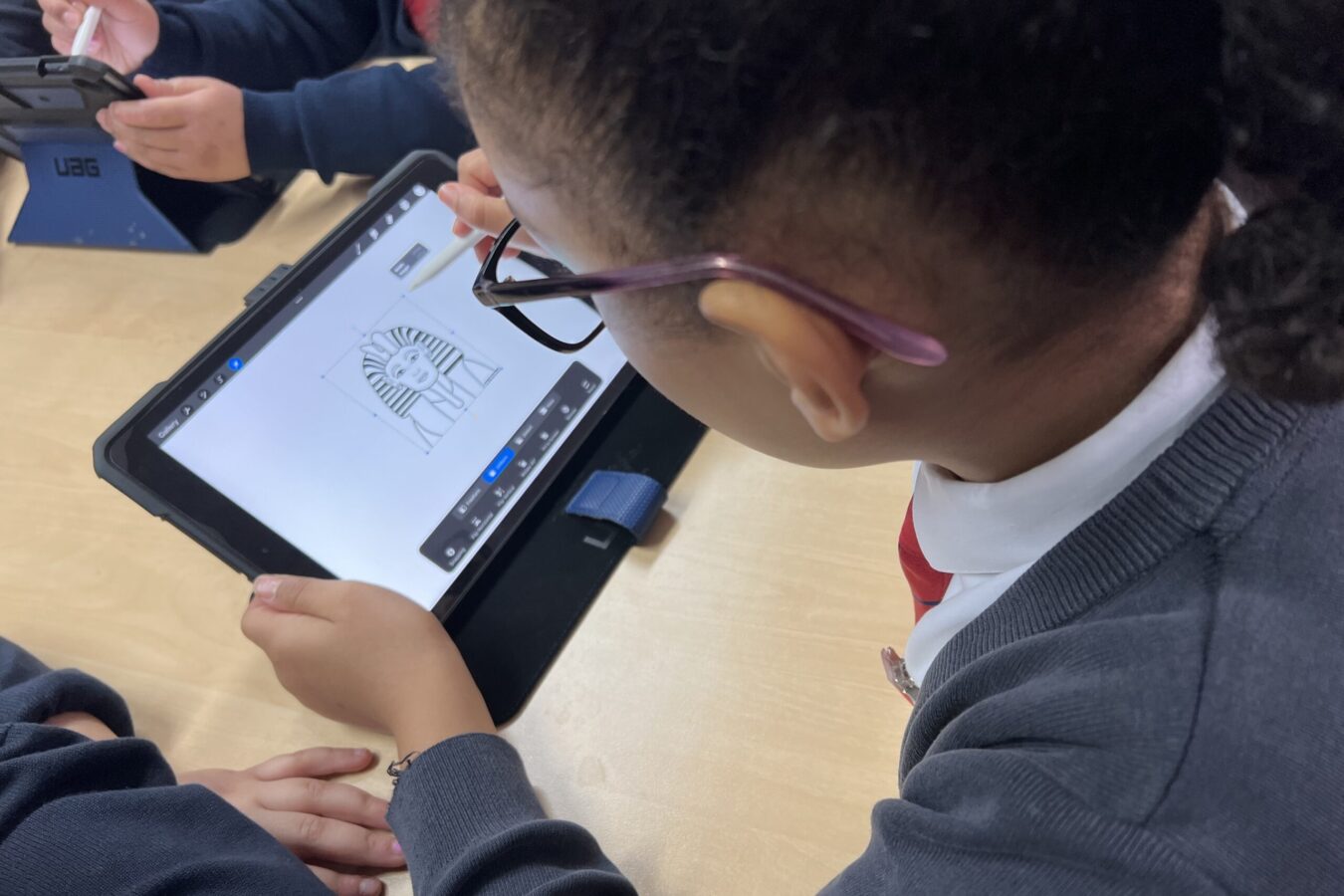
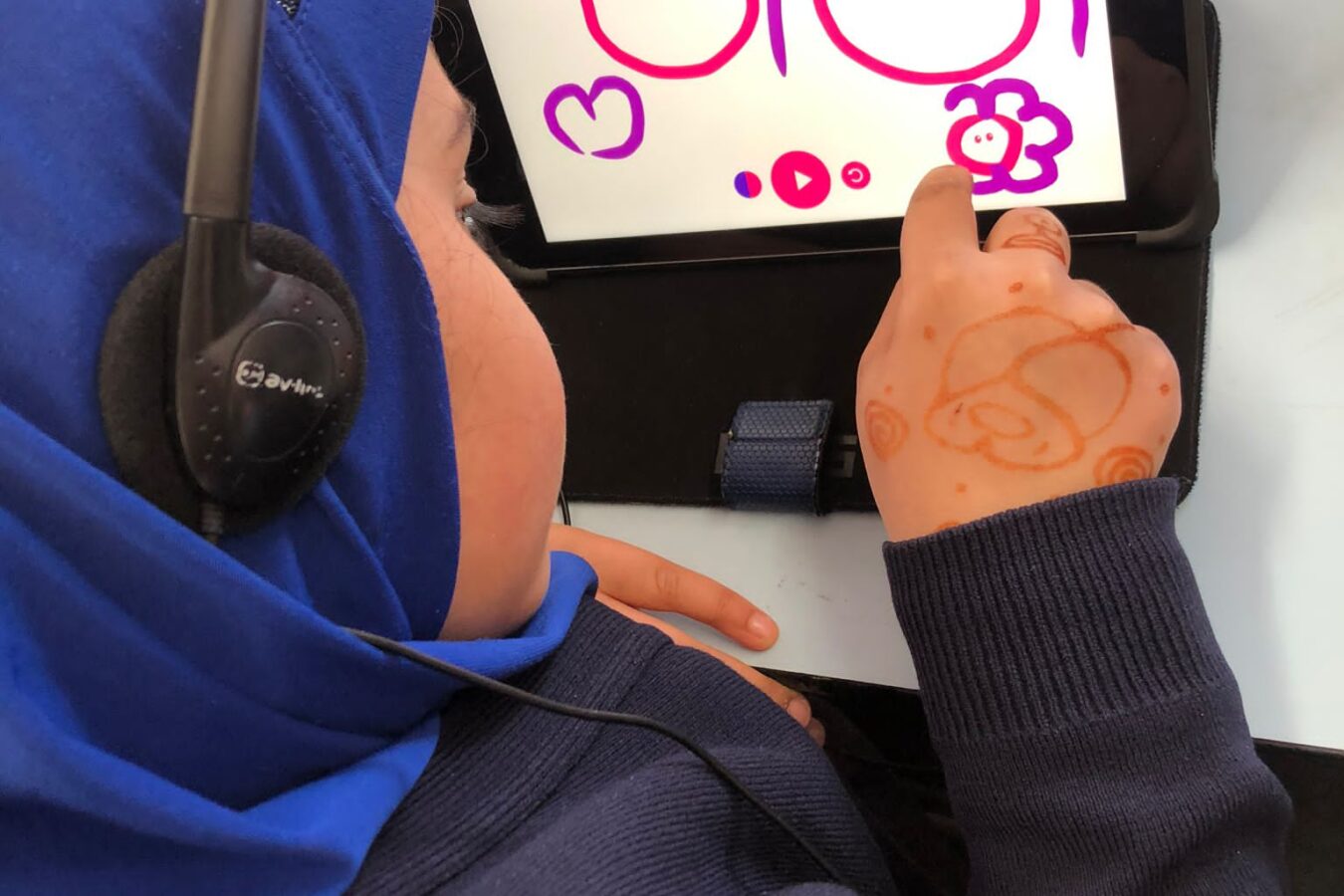
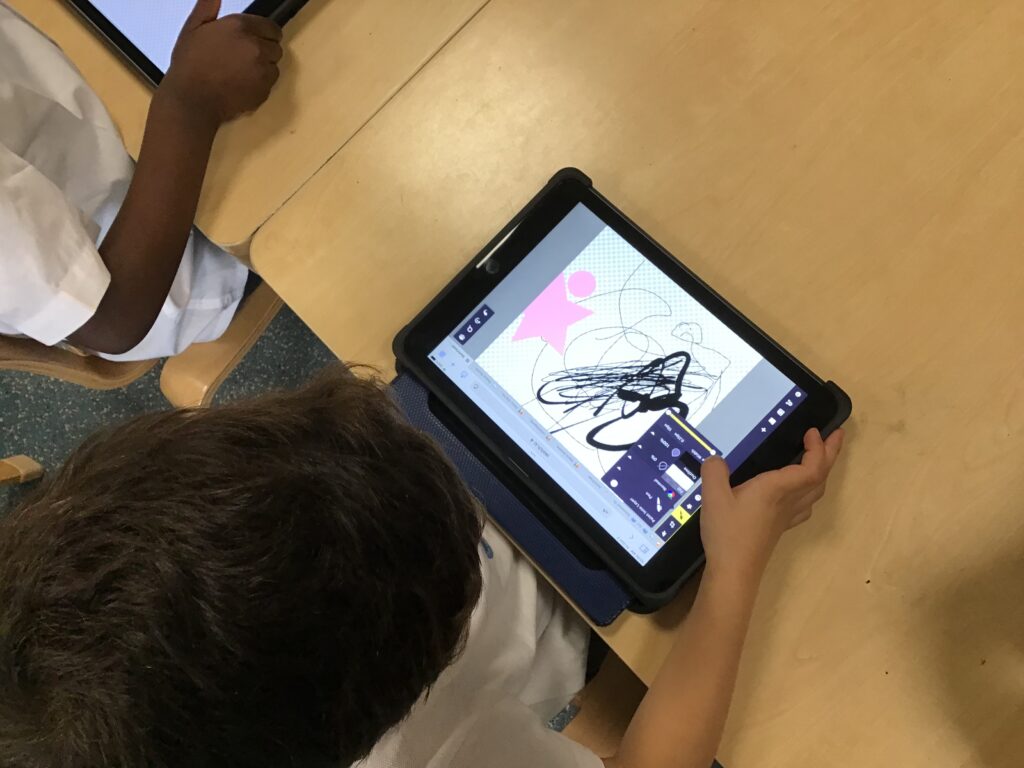
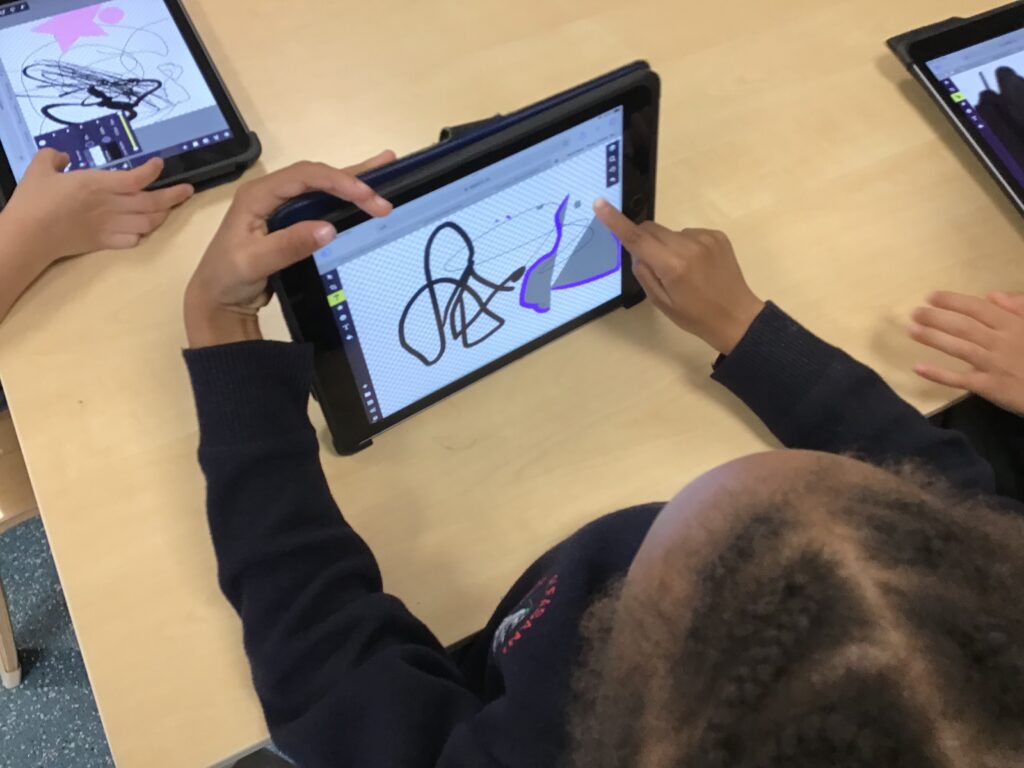
In today’s computing lesson we have been using Sketchpad to create digital art. We all really enjoyed getting to flex our creative skills as we clicked between different types of brushes and shapes and scrolled through all of our colour options.
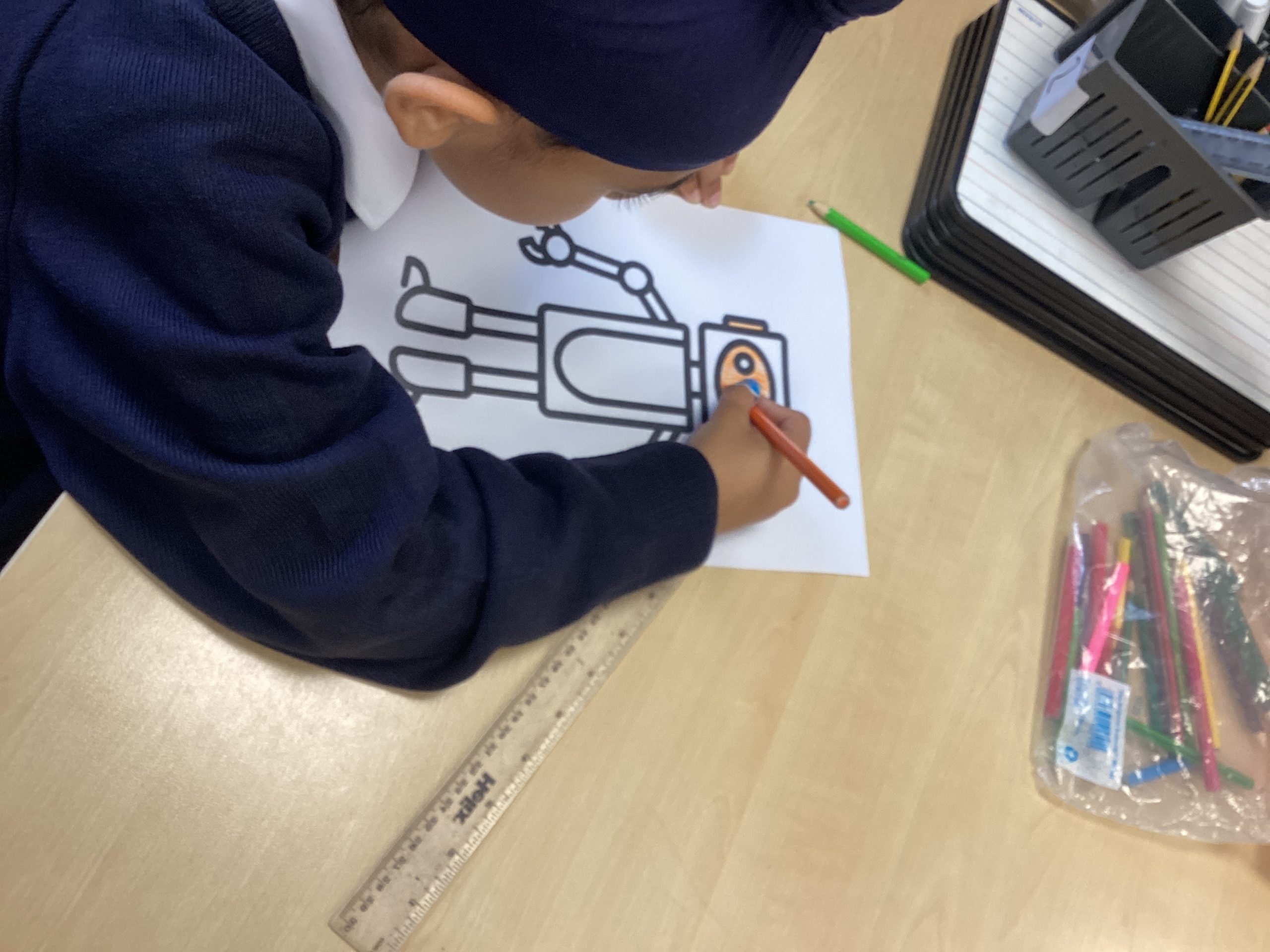
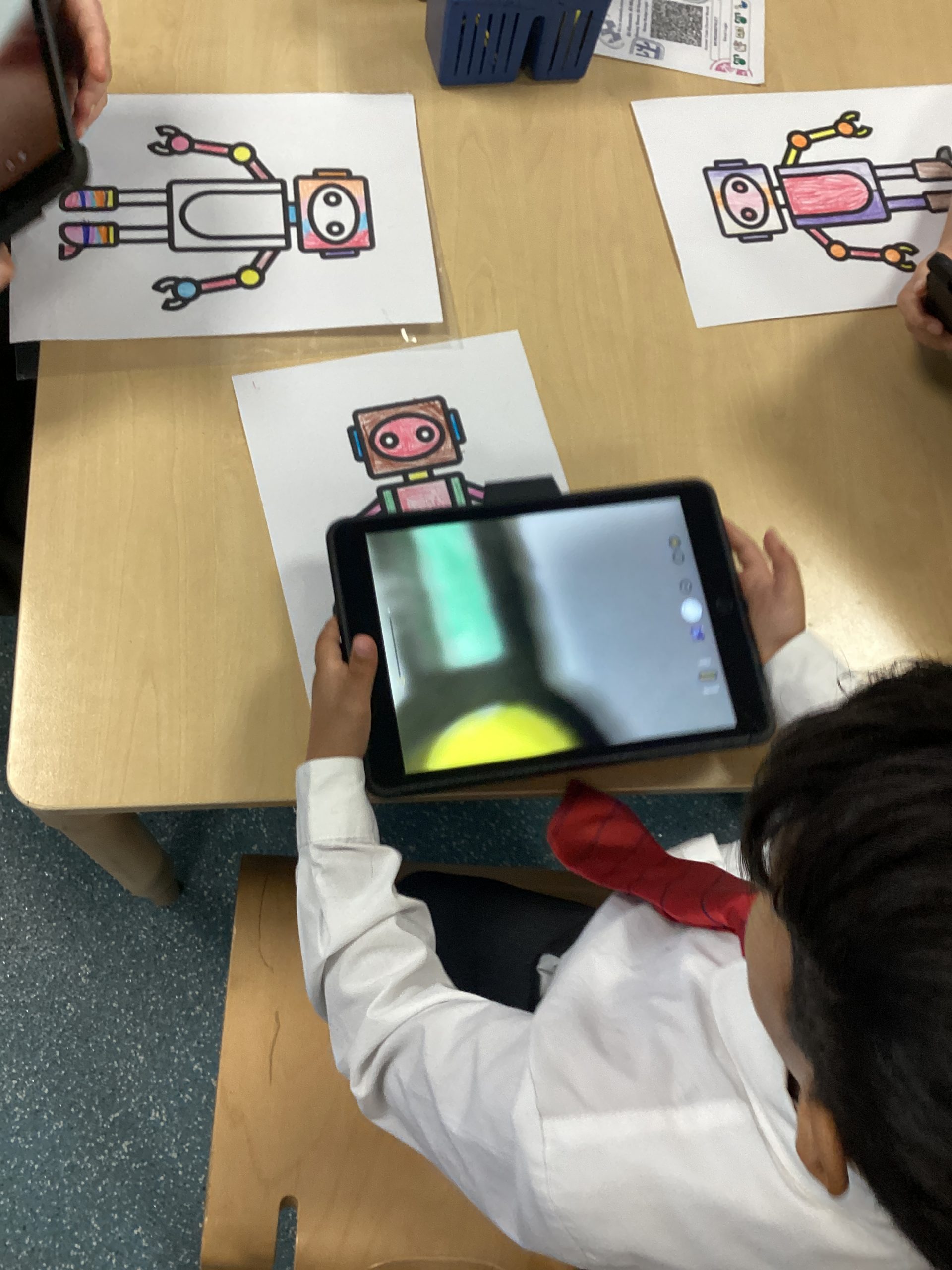
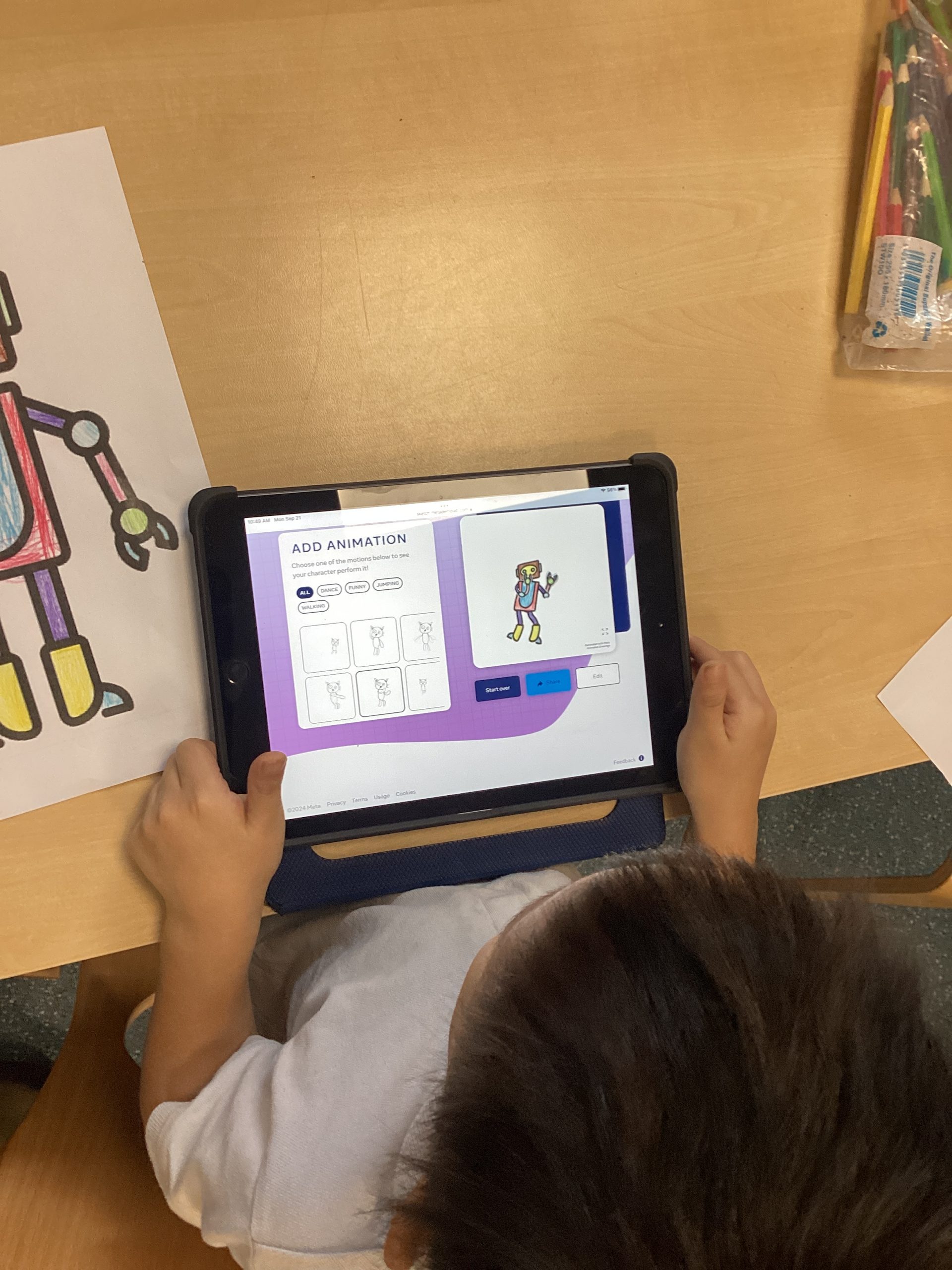
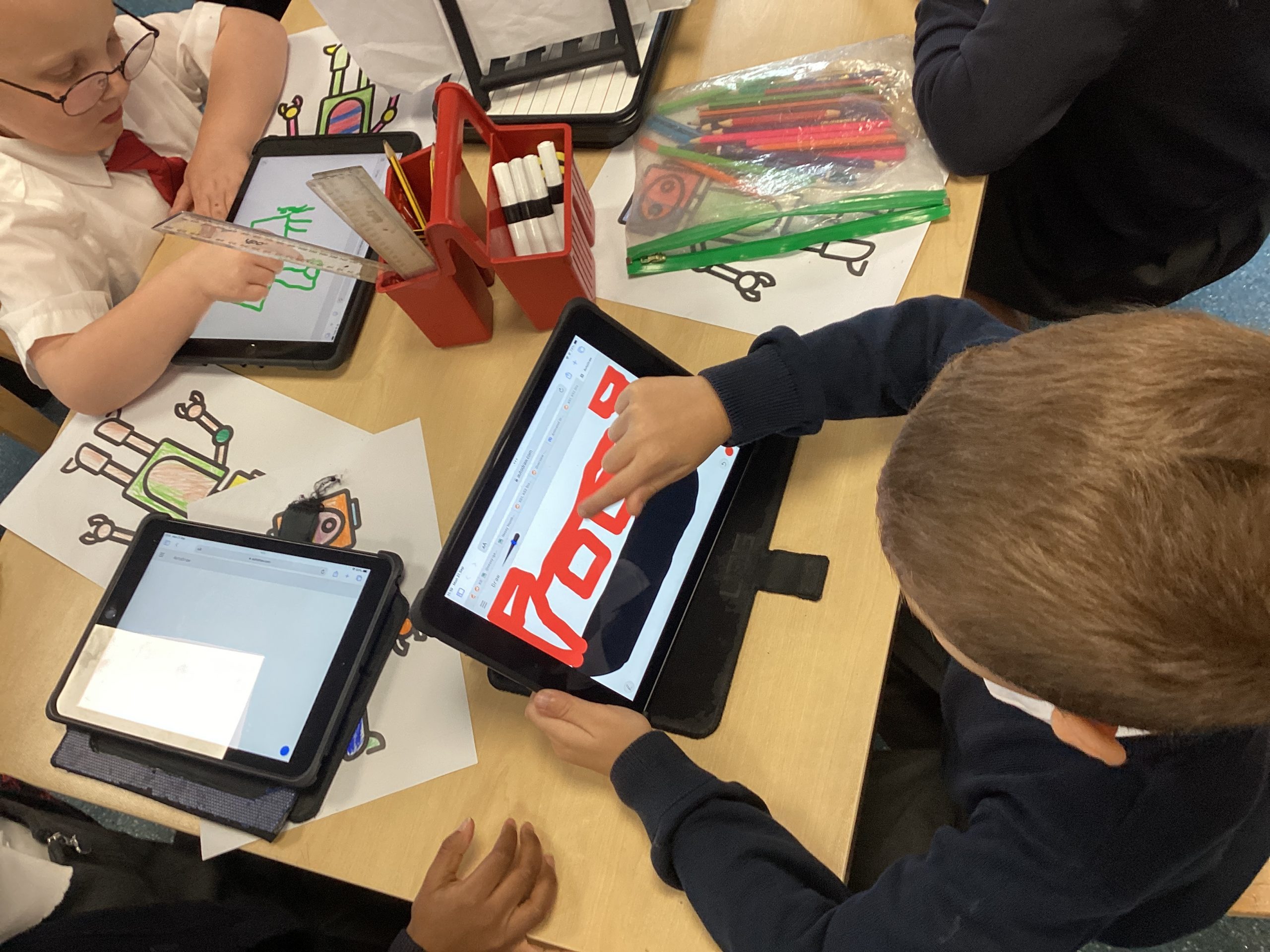
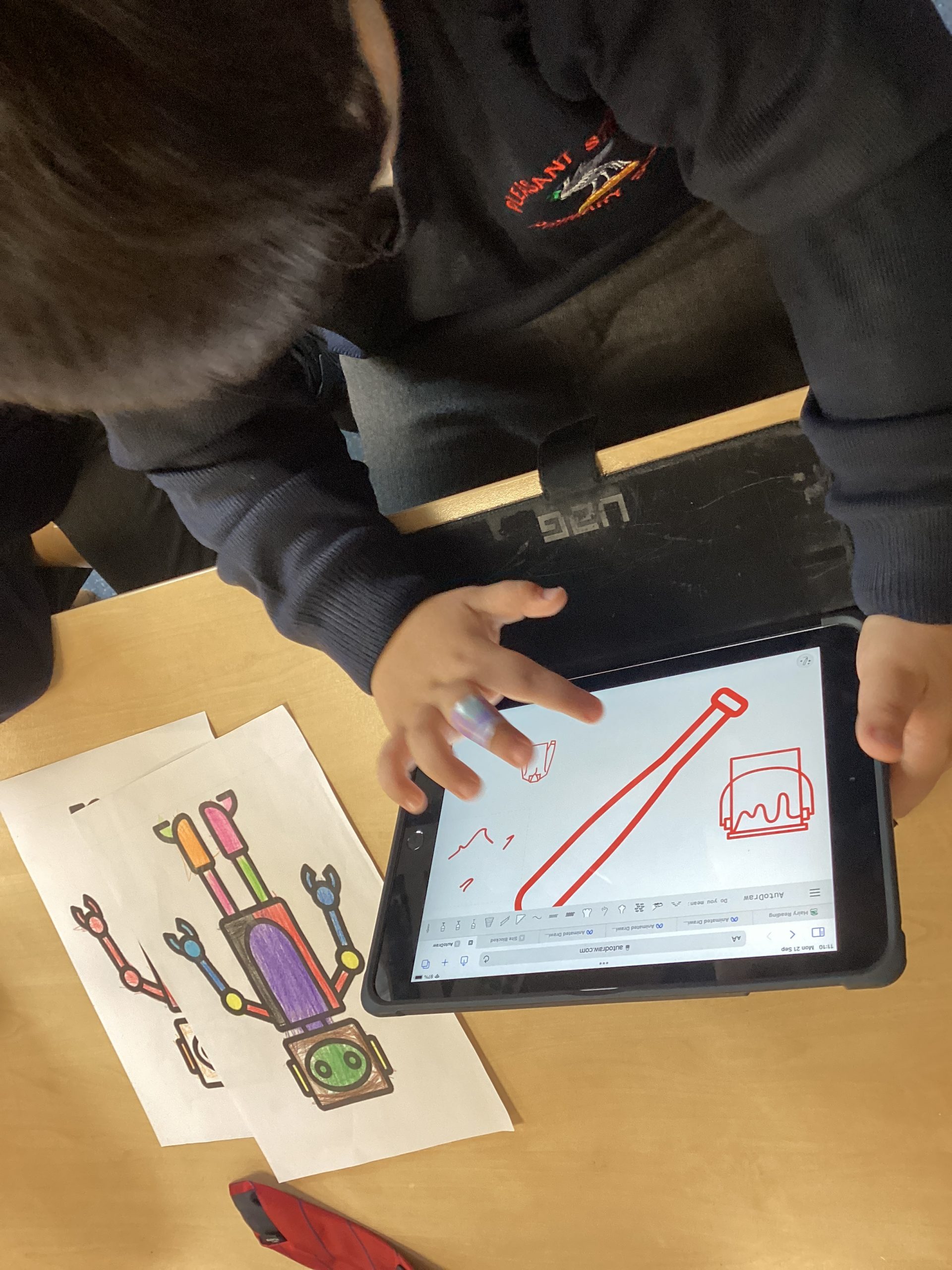
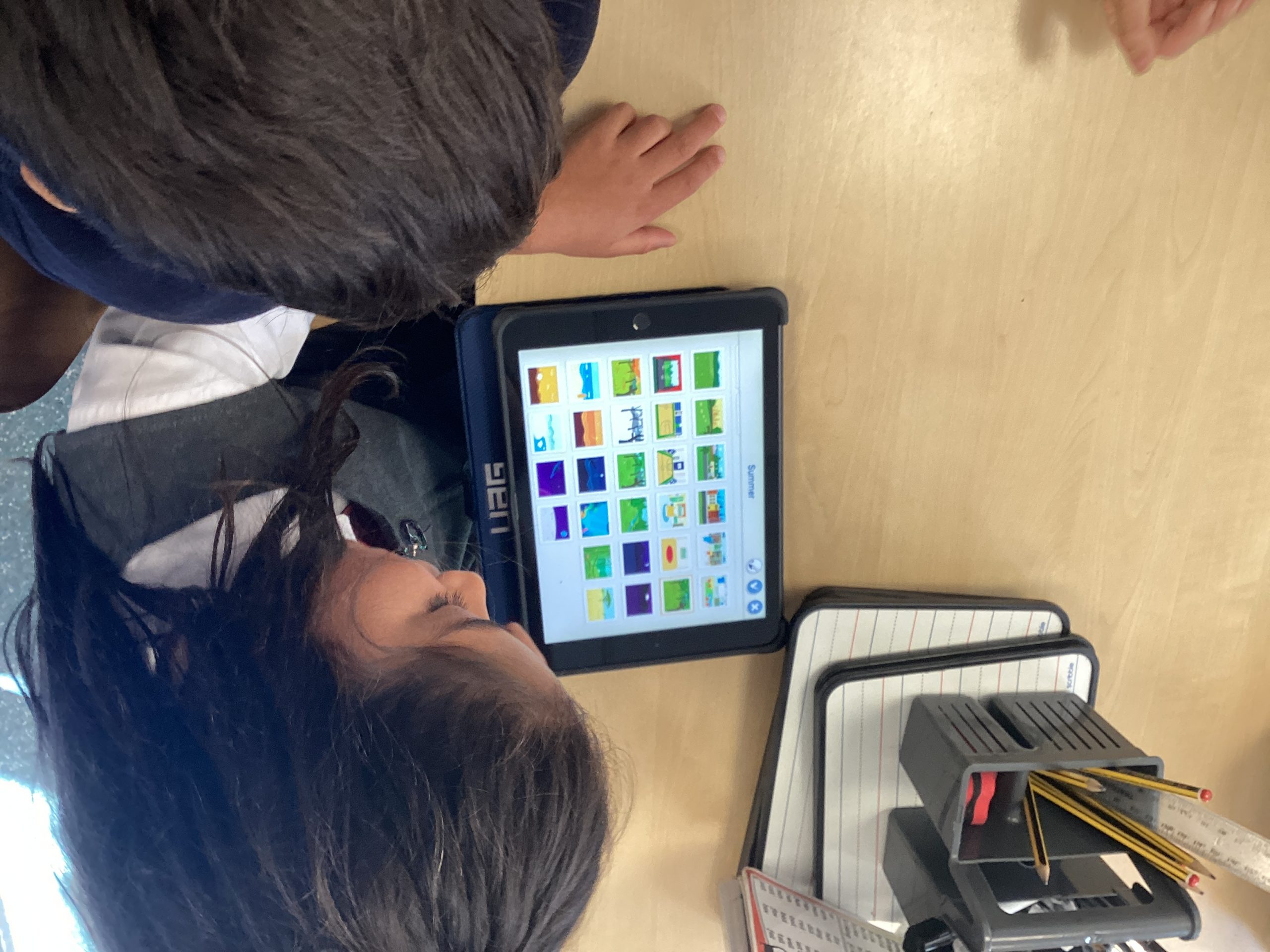
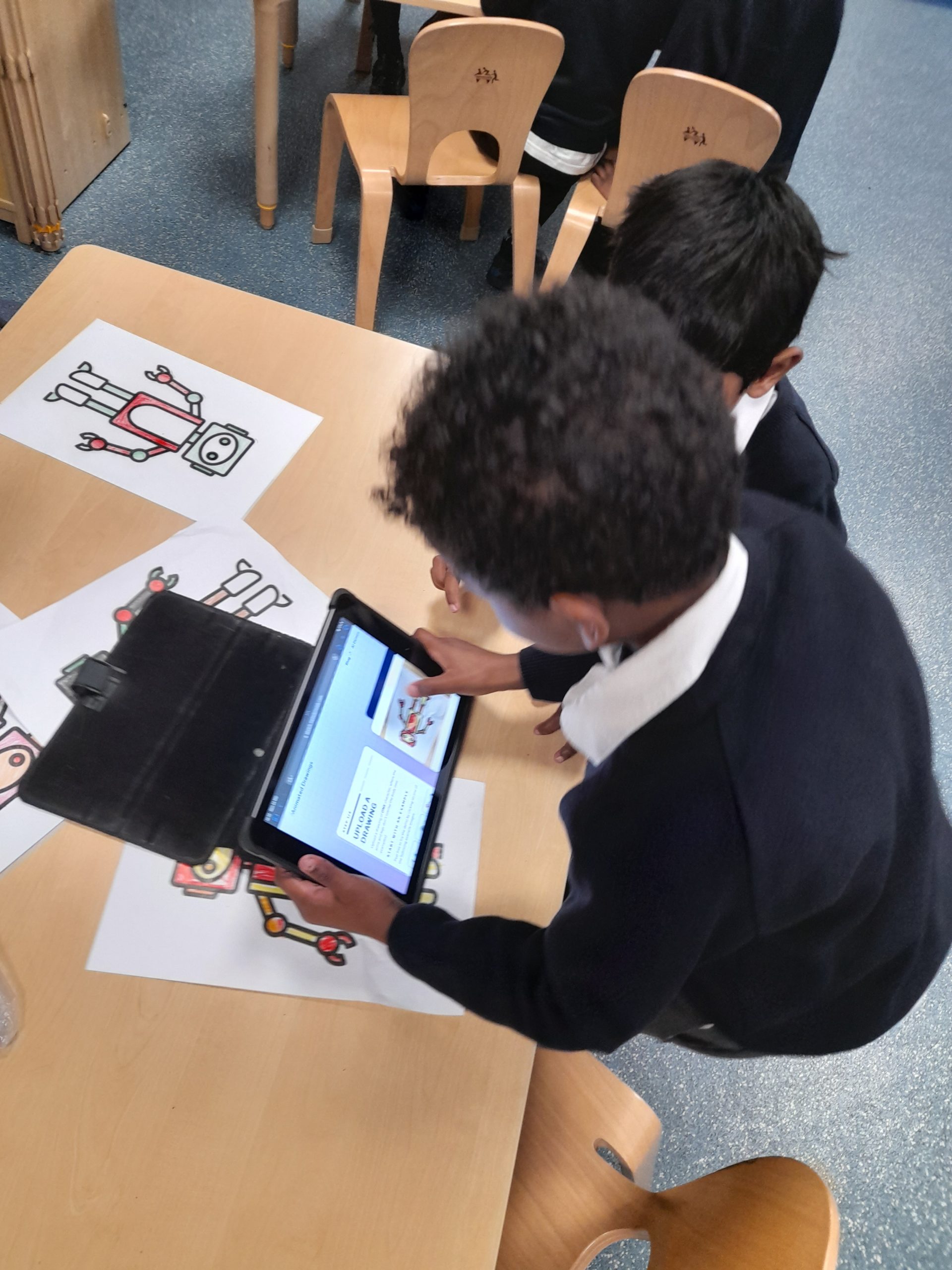
Class 2 has been introduced to how we can use Ai to help improve our drawings. We had a discussion as a class about what Ai is and how we use it already in our day to day life and how we can use it positively to help with our creativity. Children then spent some time exploring 2 different websites. They first brought their own Robot drawings to life by using Sketch Meta lab, children then explored Auto Draw to help them create their own character linked to fantastic Mr Fox.
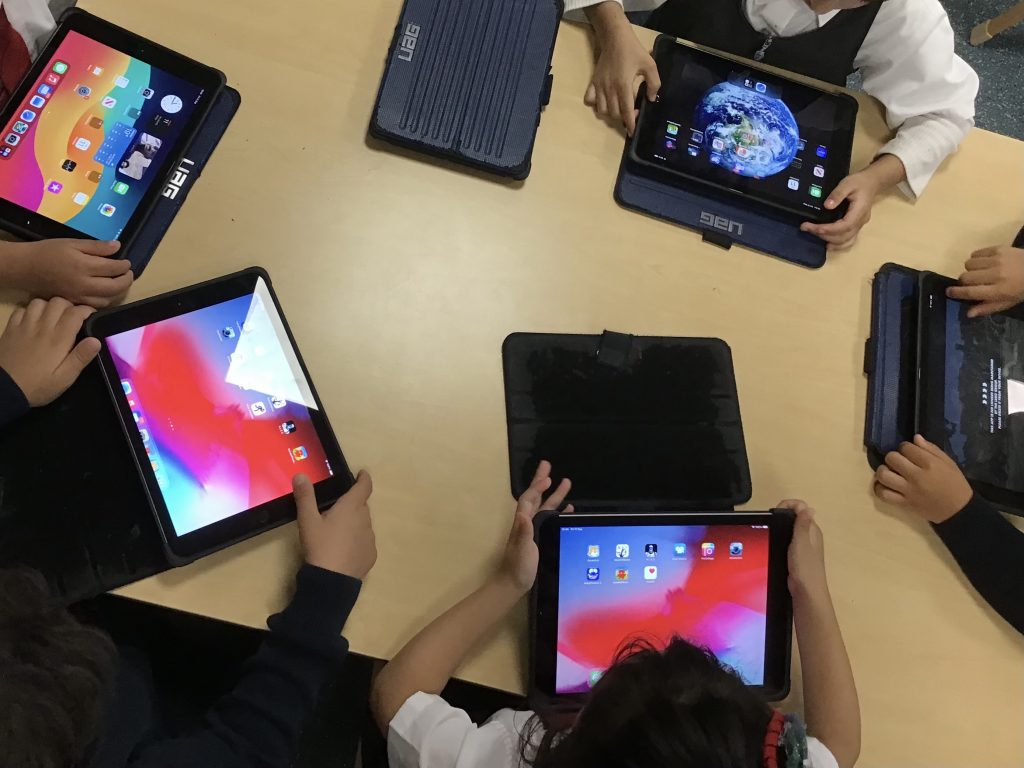
In our first computing lesson of Year 1, we explored our iPads, trying out the different functions such as the volume controls and camera. We know that there are different buttons and sockets for different jobs— to turn the iPad on and off we use the power button and we plug the iPad into the charging dock when the battery is low so we can use it again!
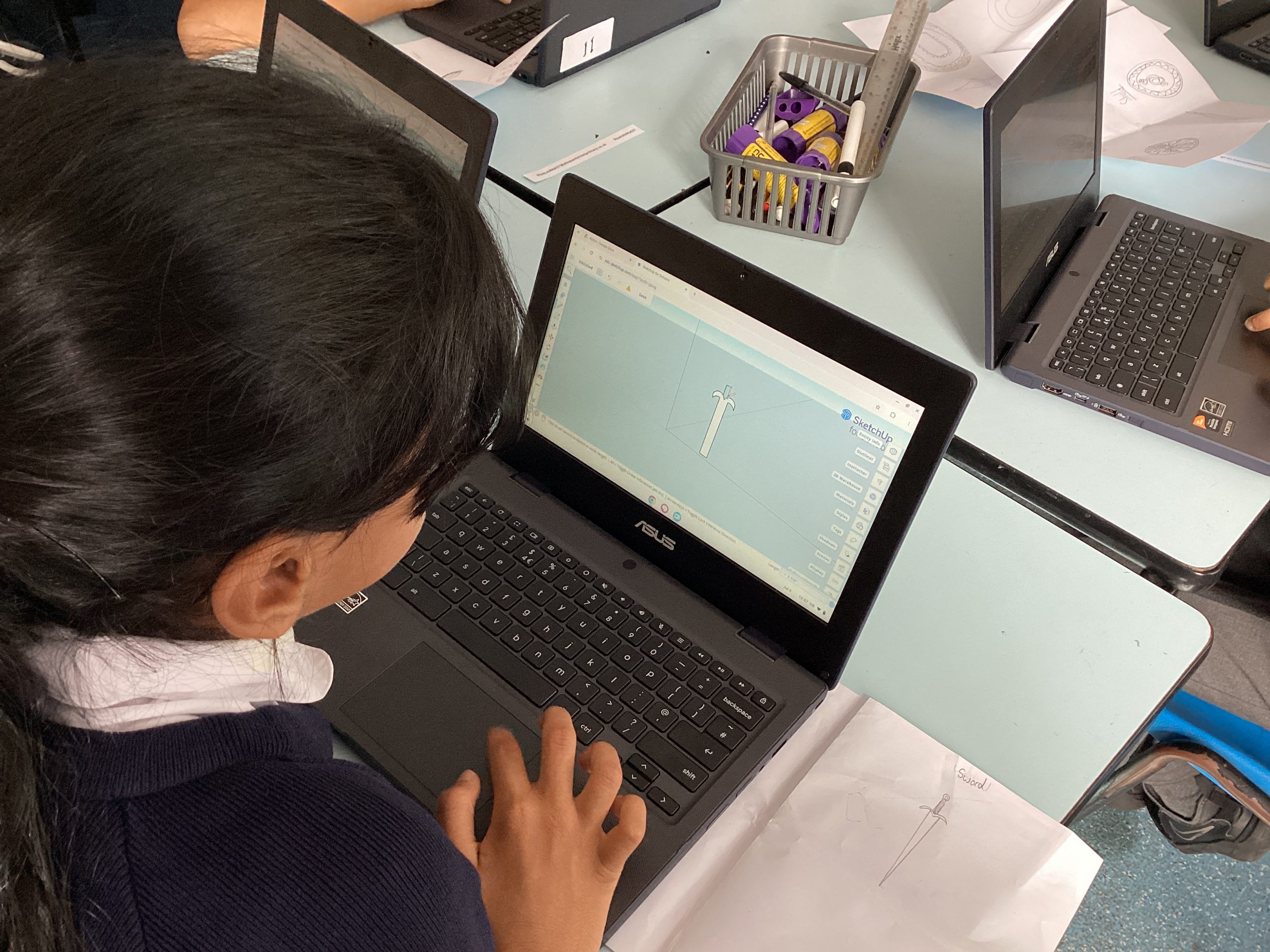
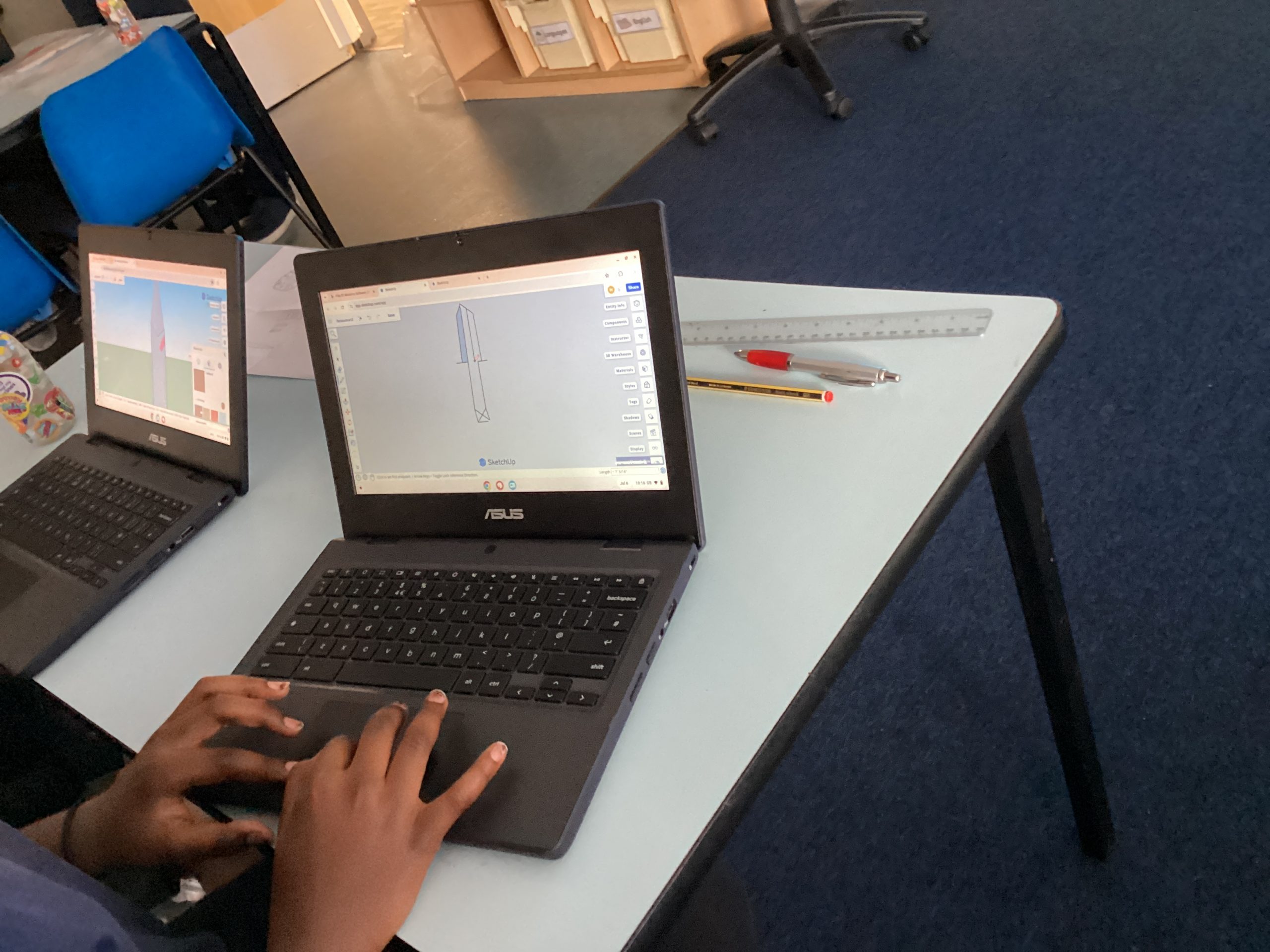
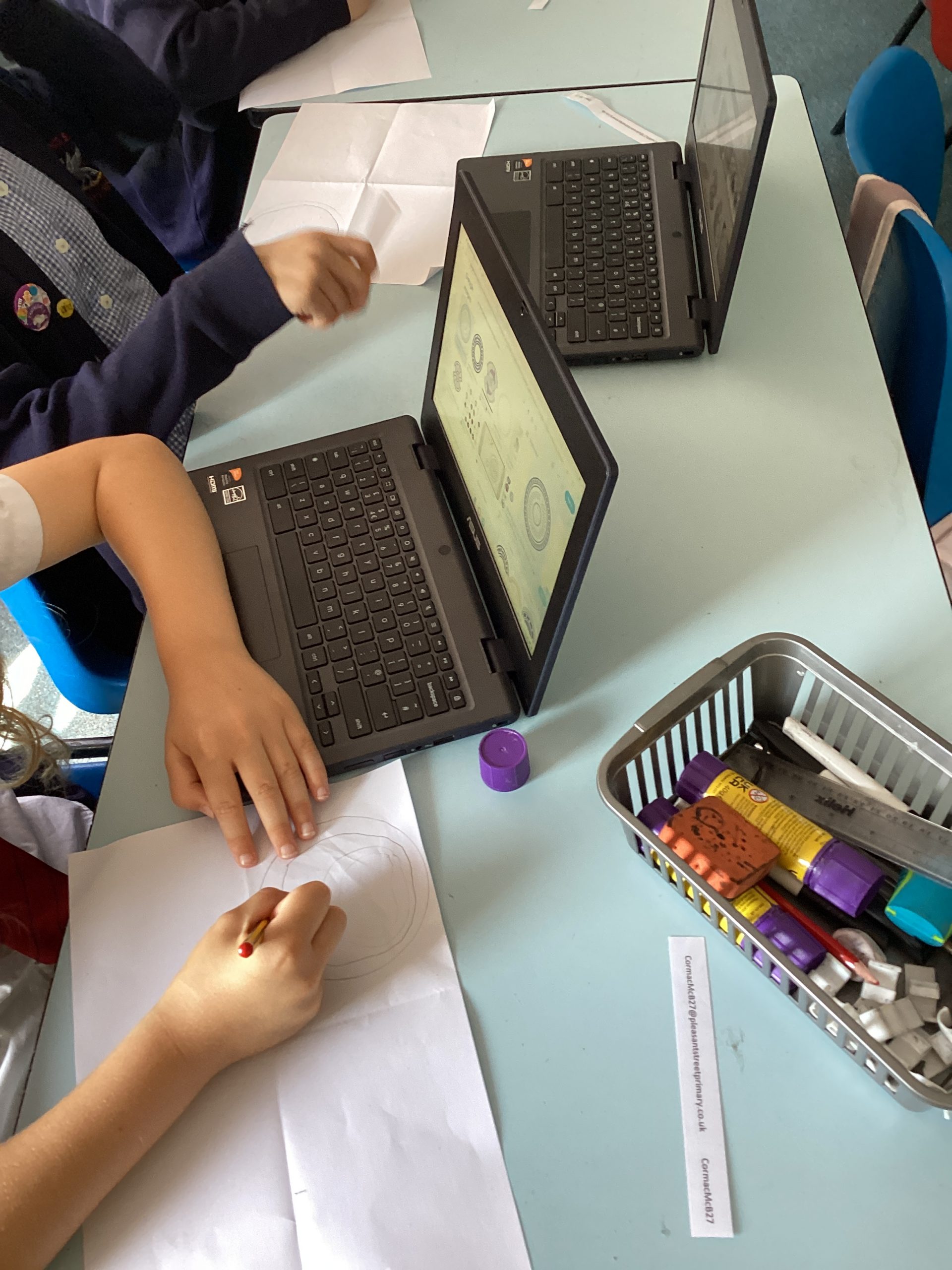
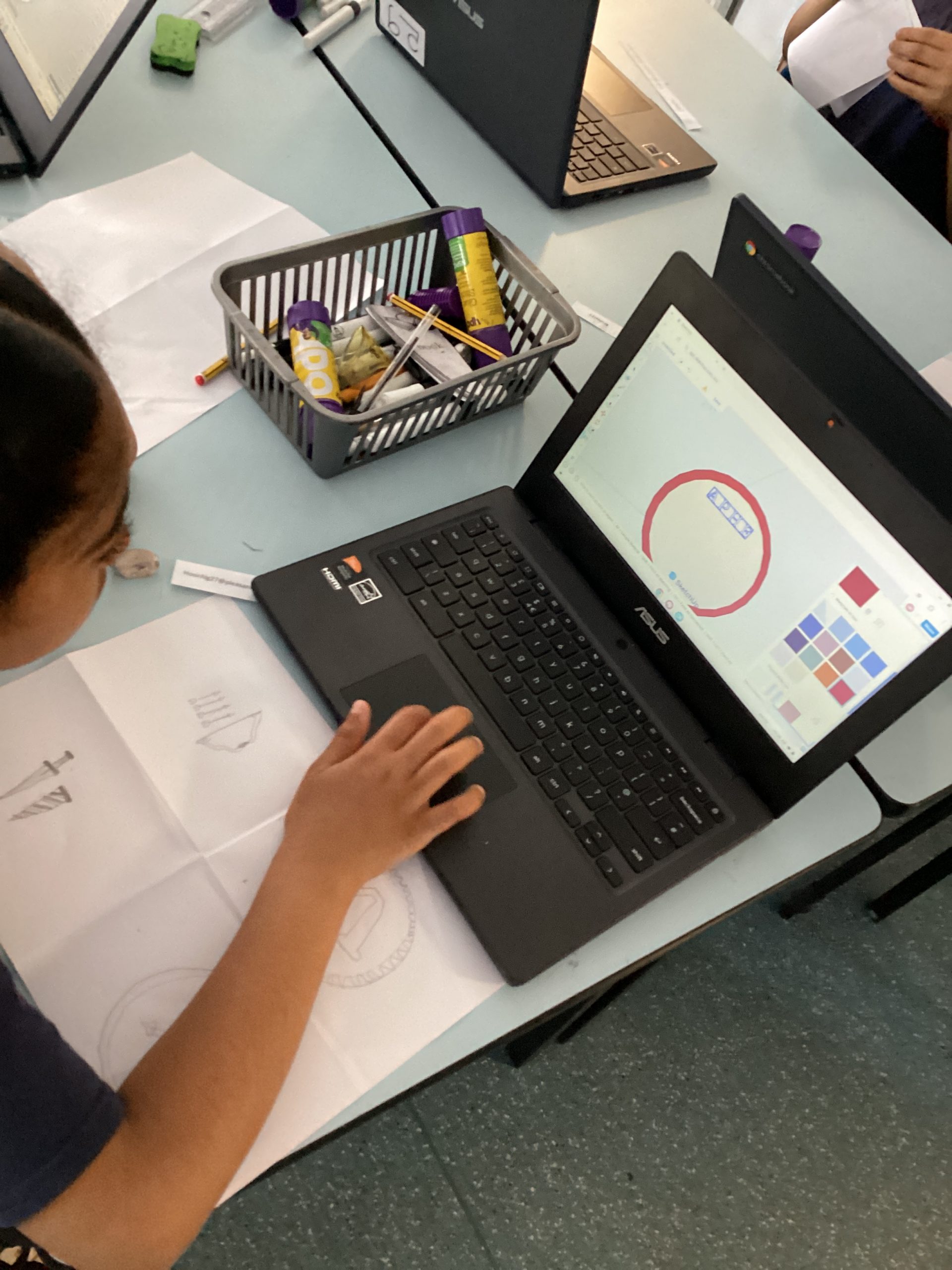
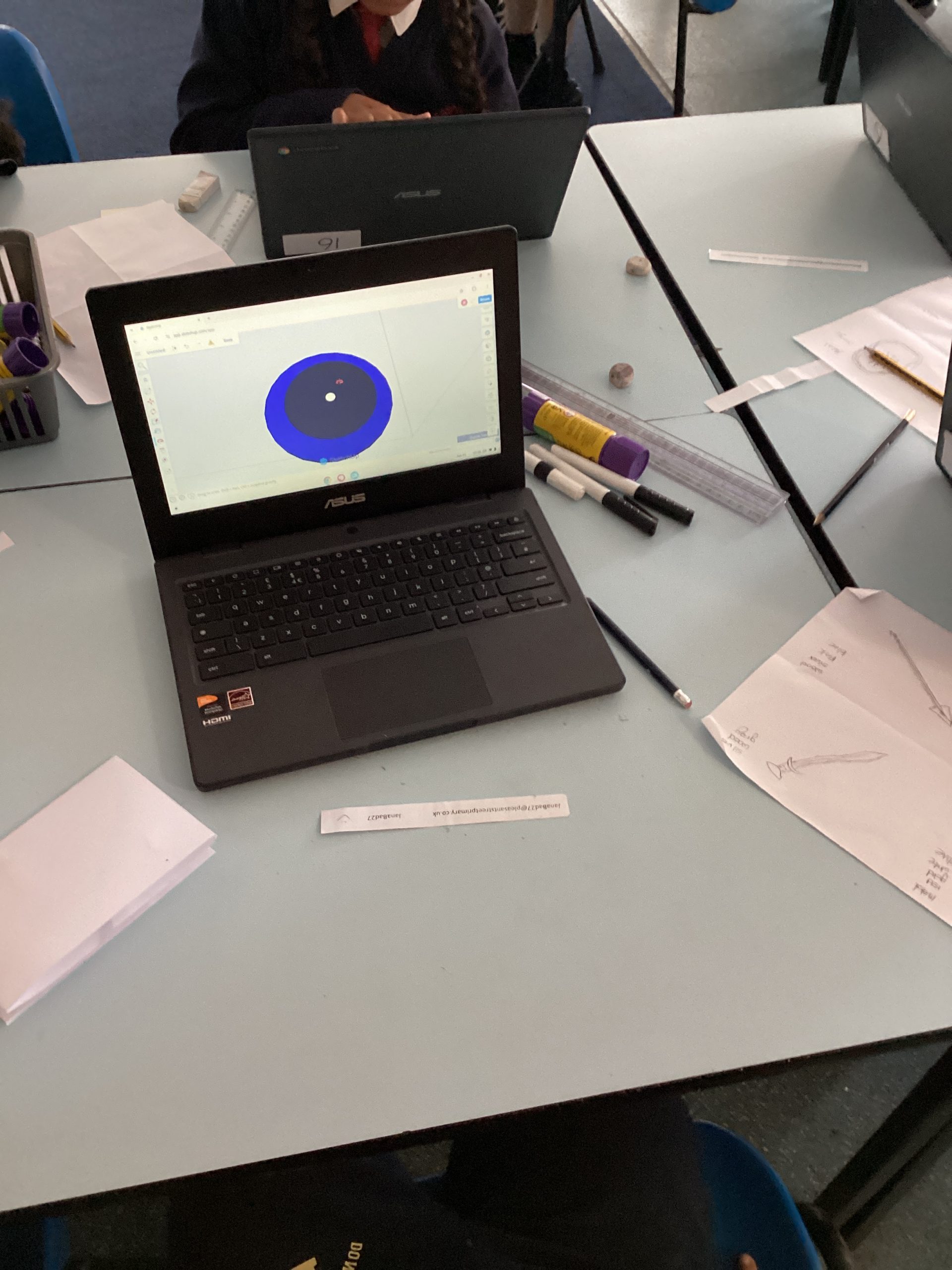
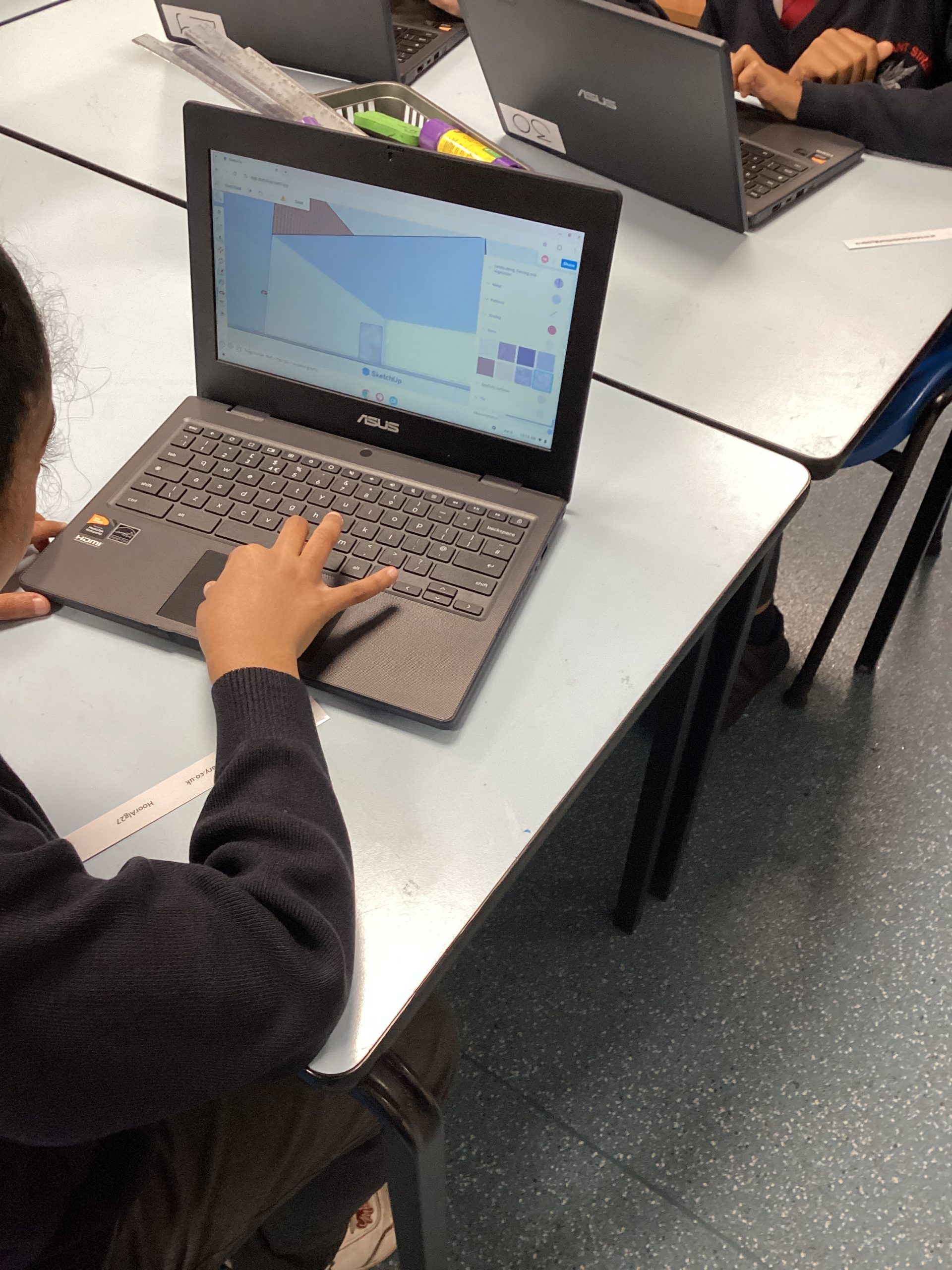
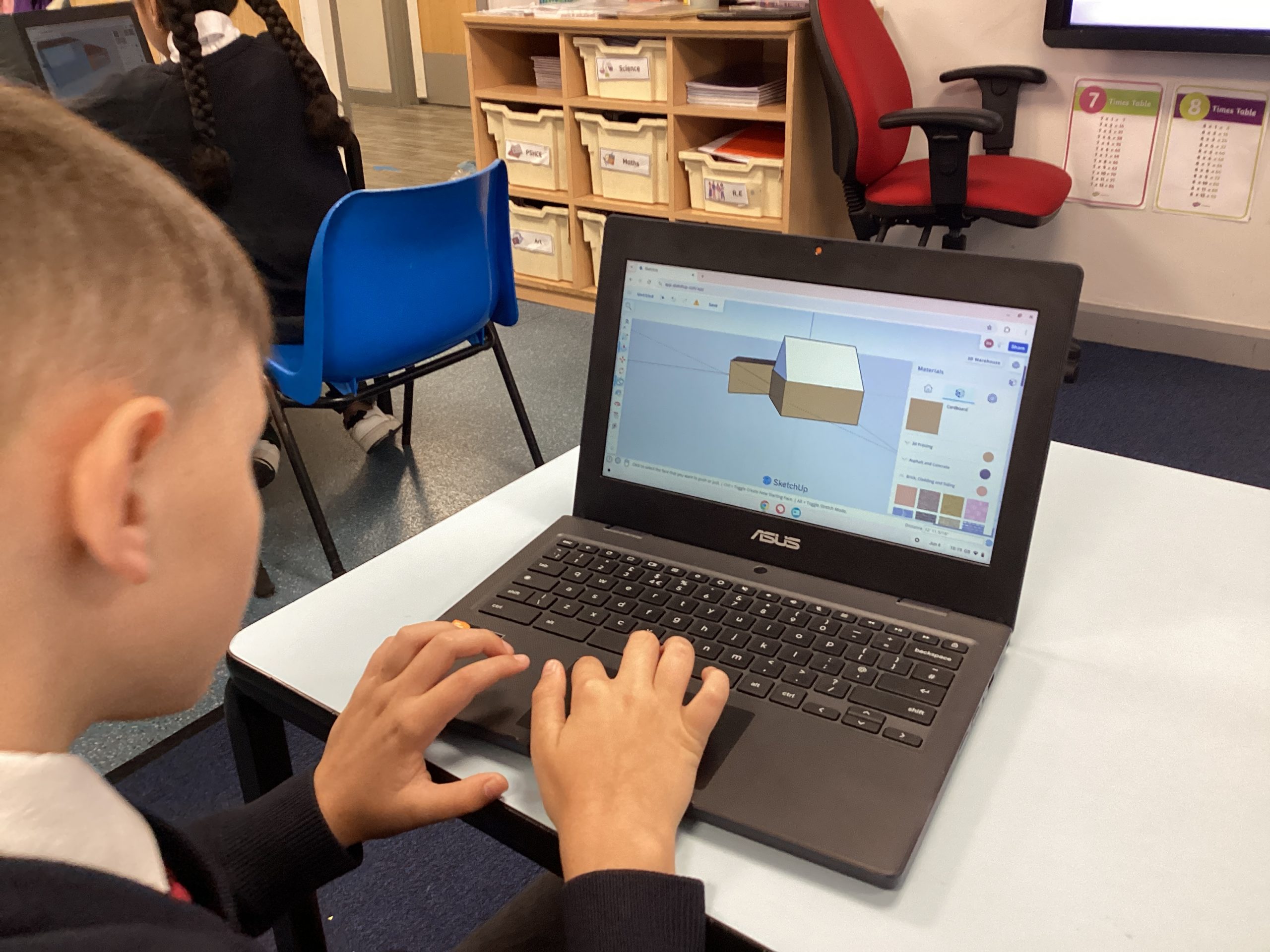
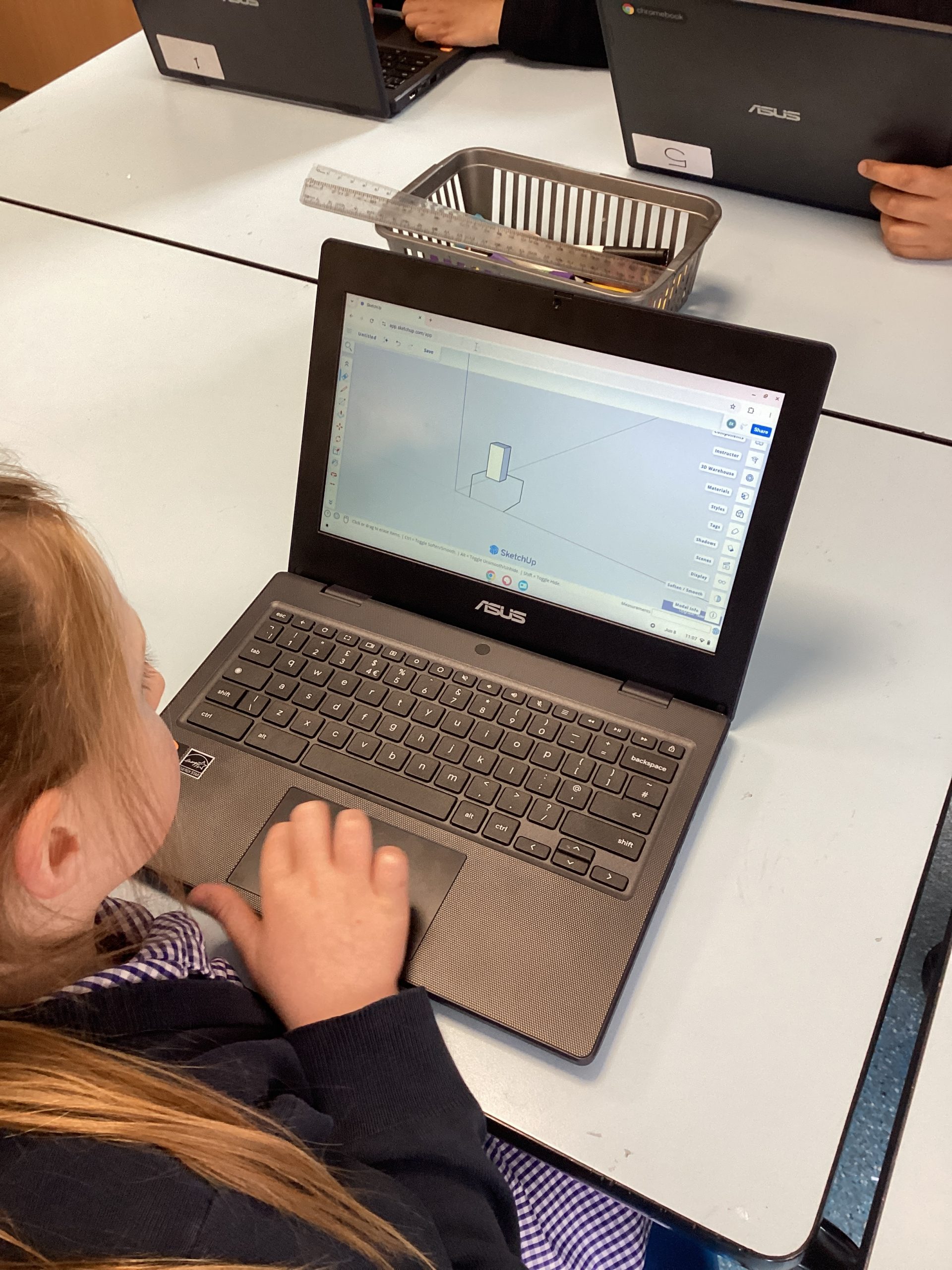
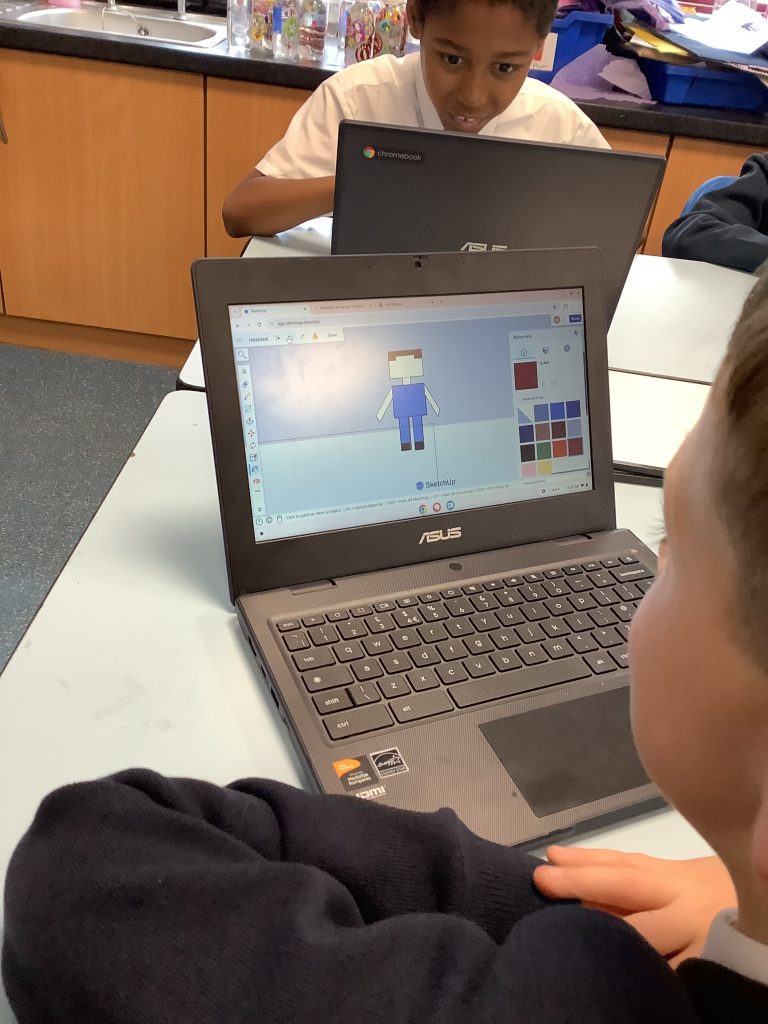
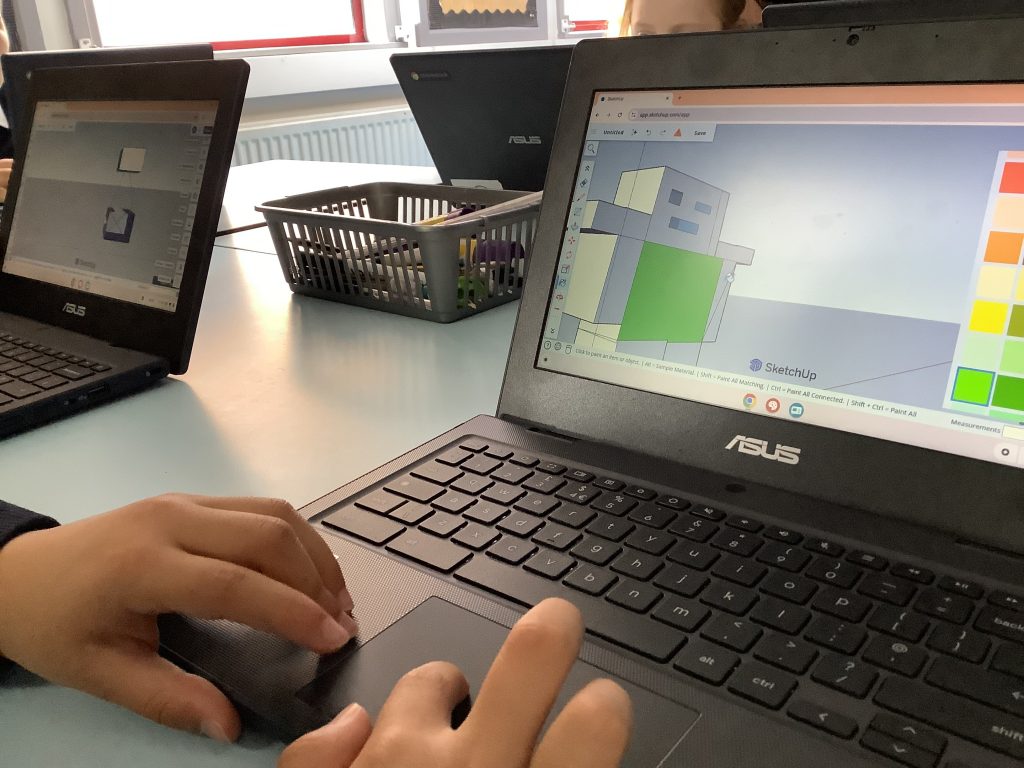
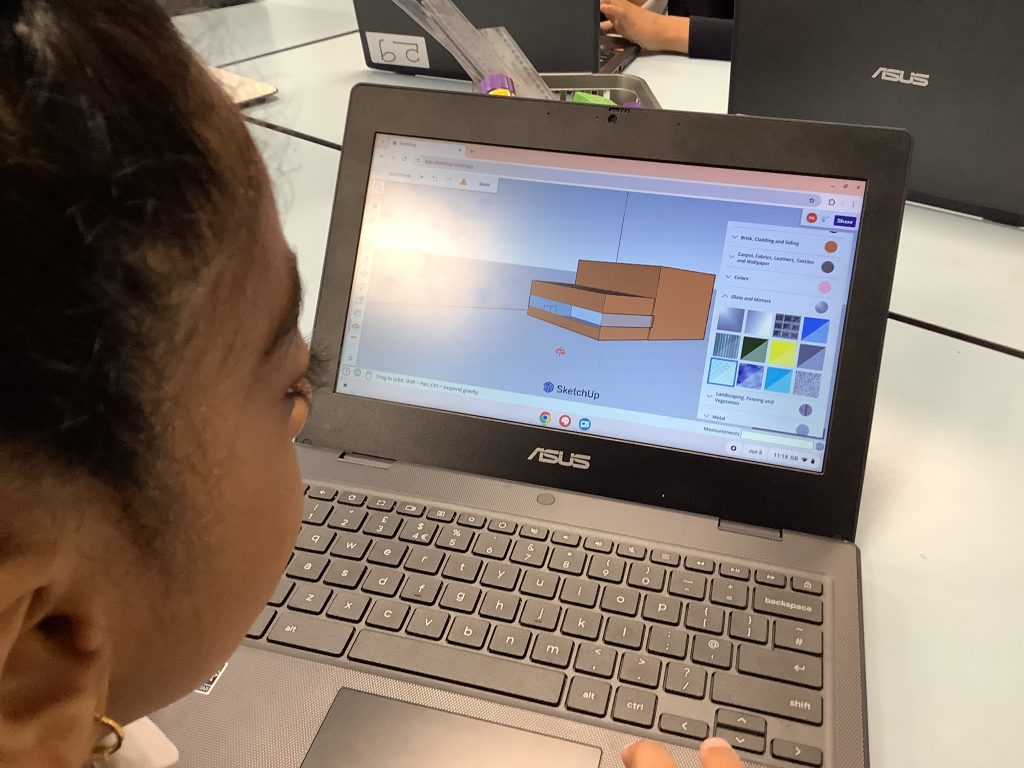
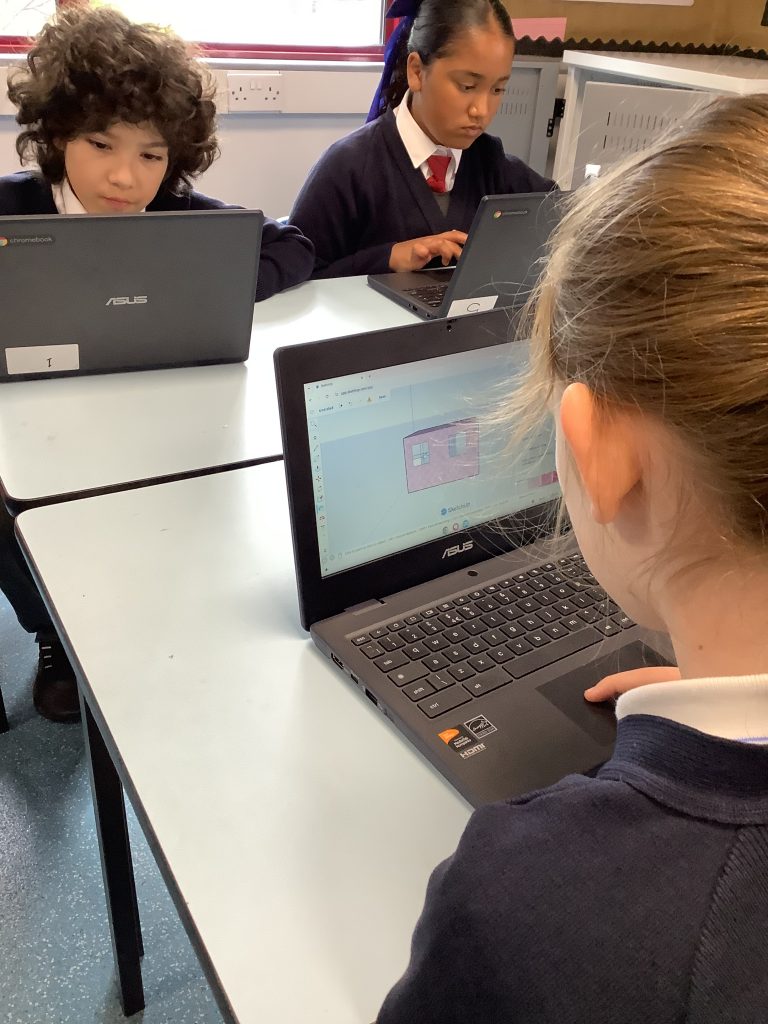
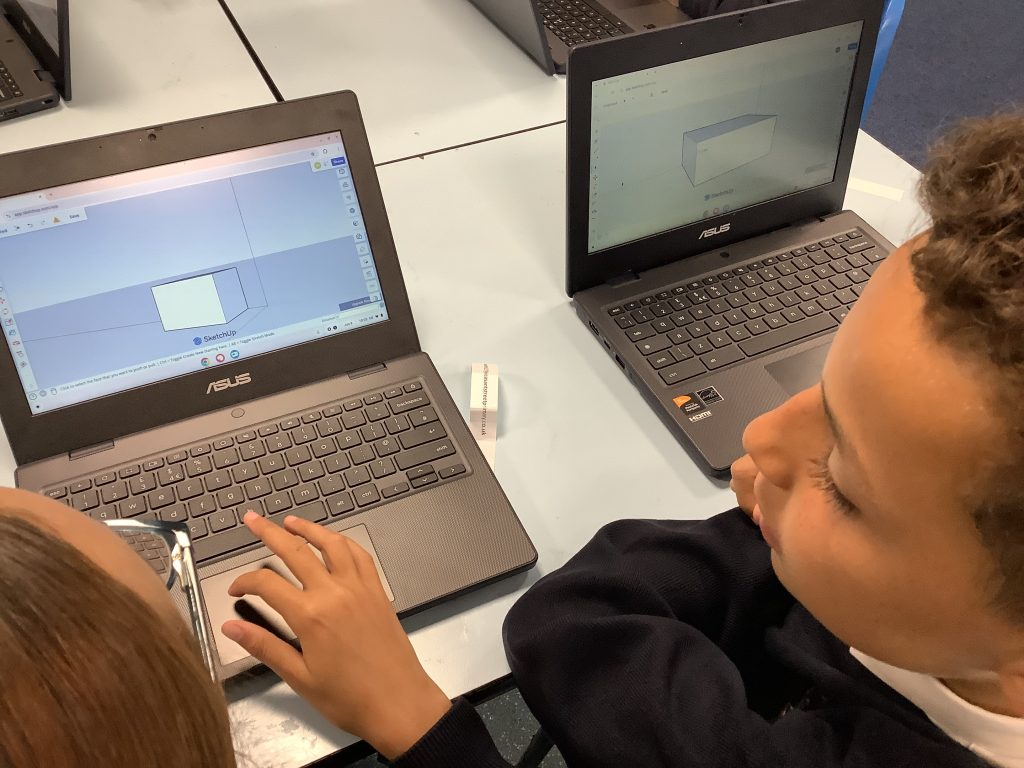
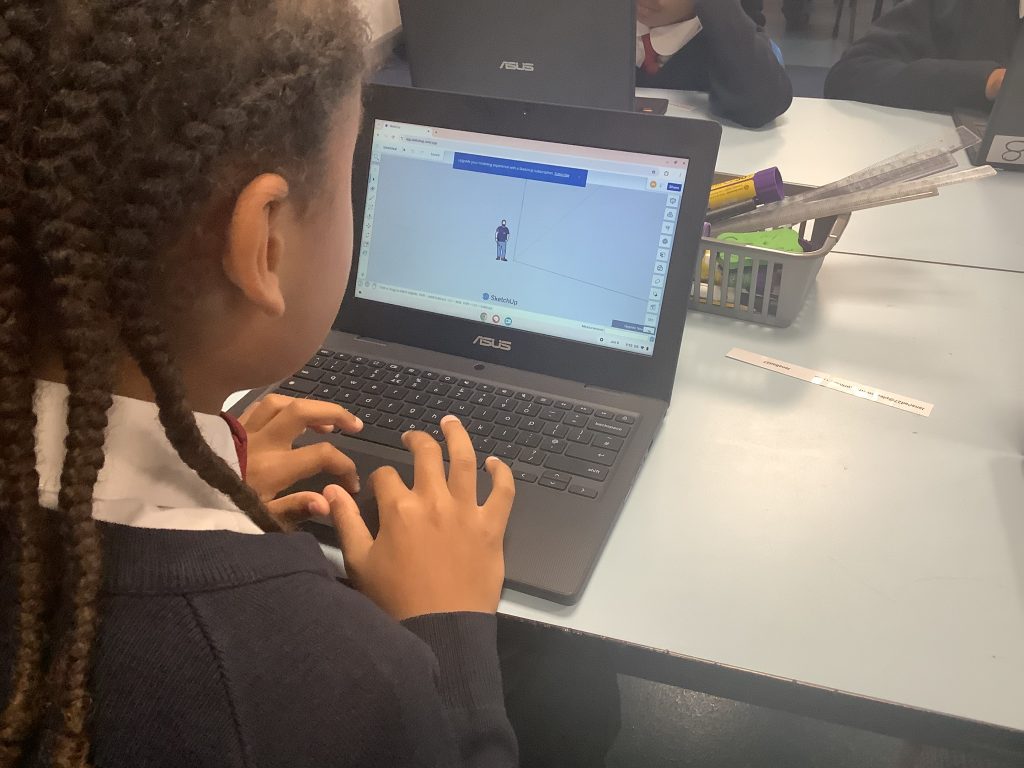
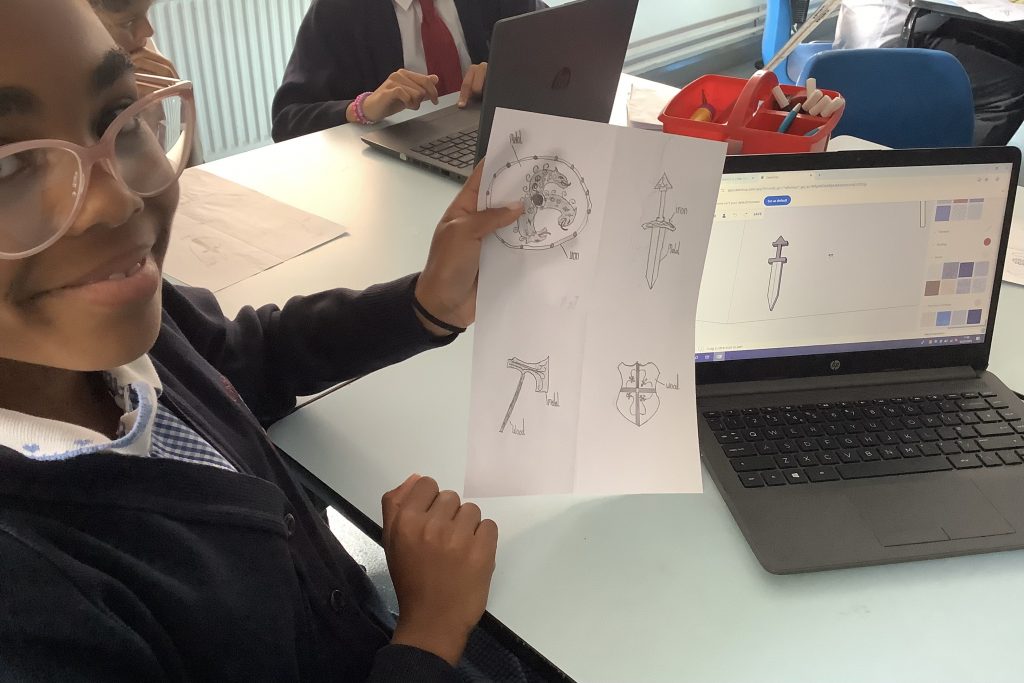
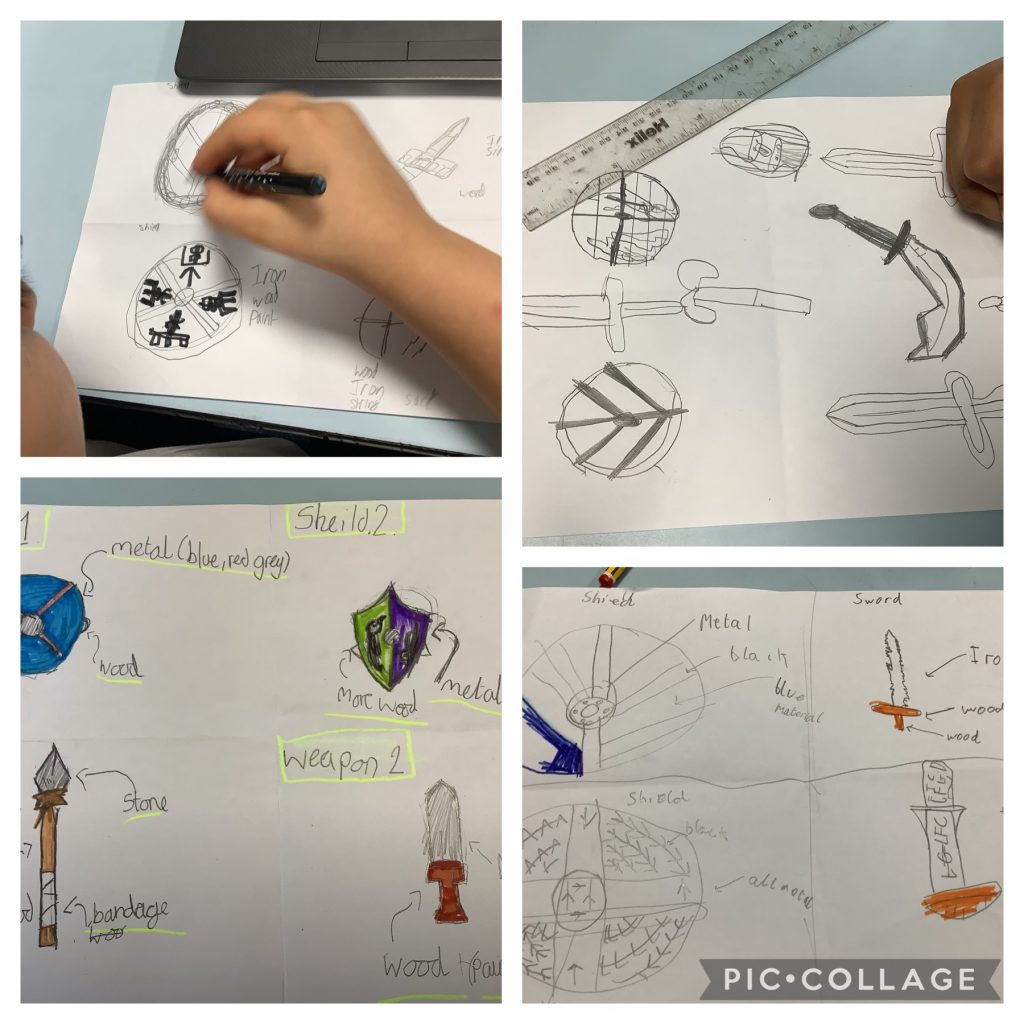
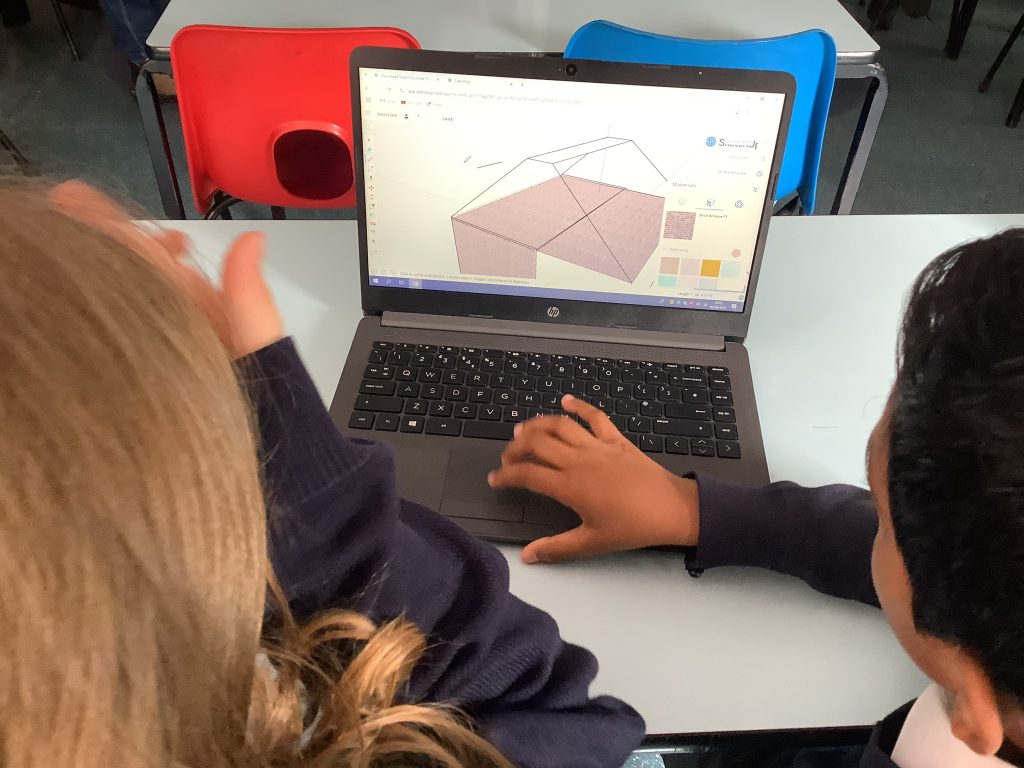
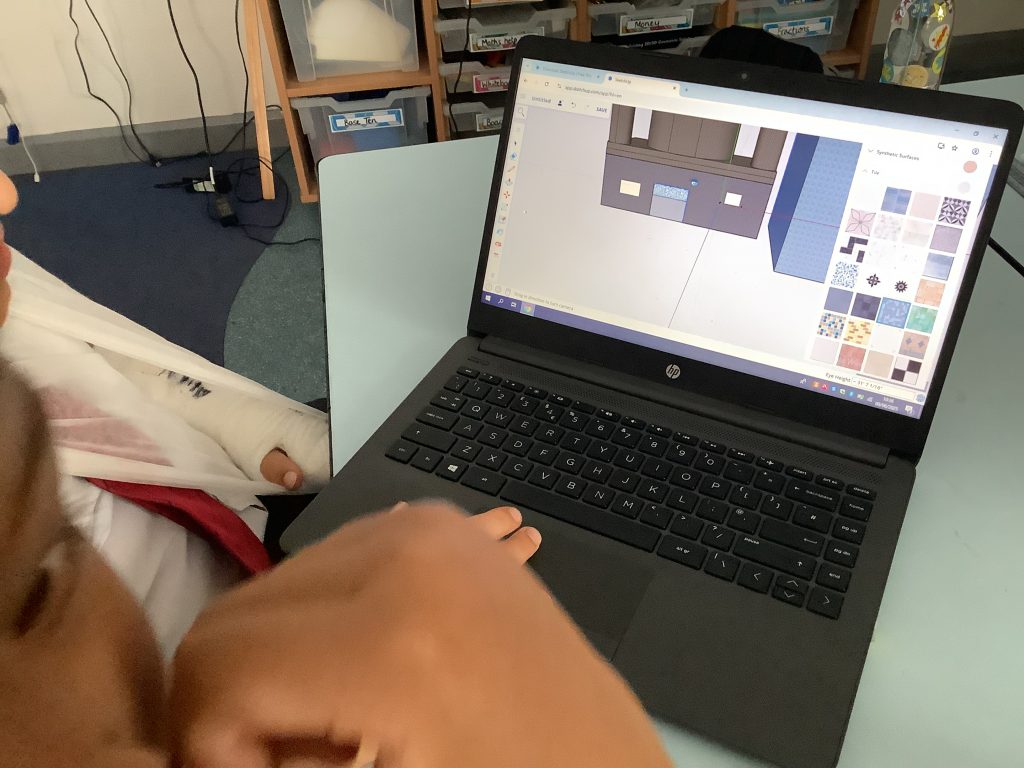
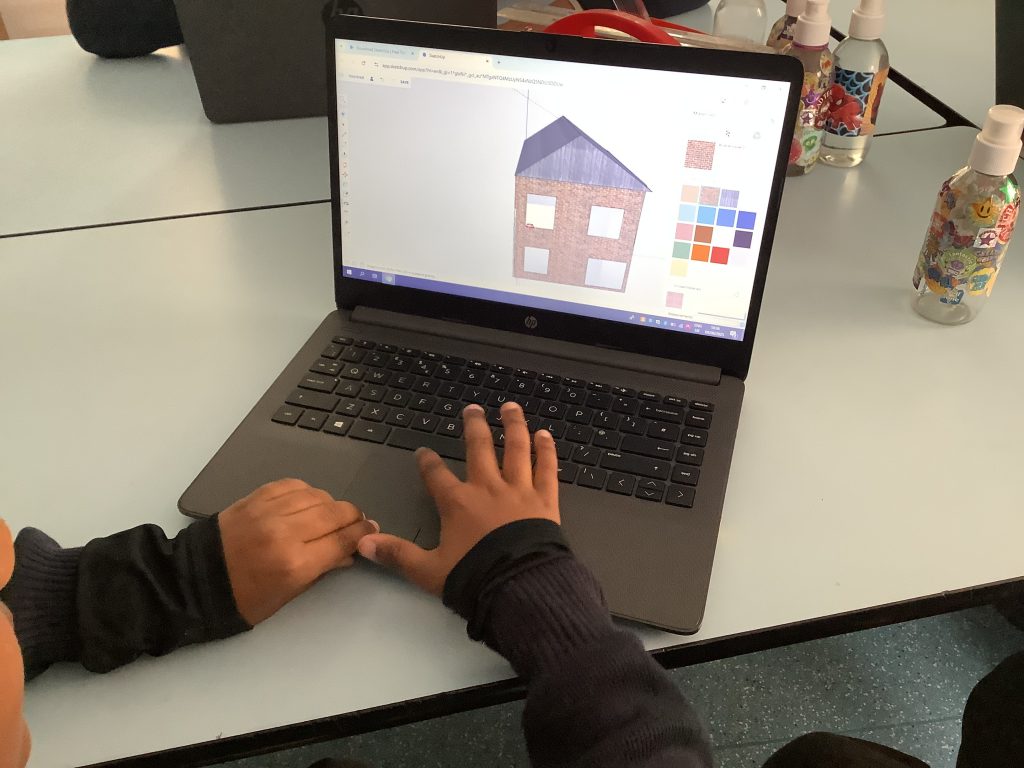
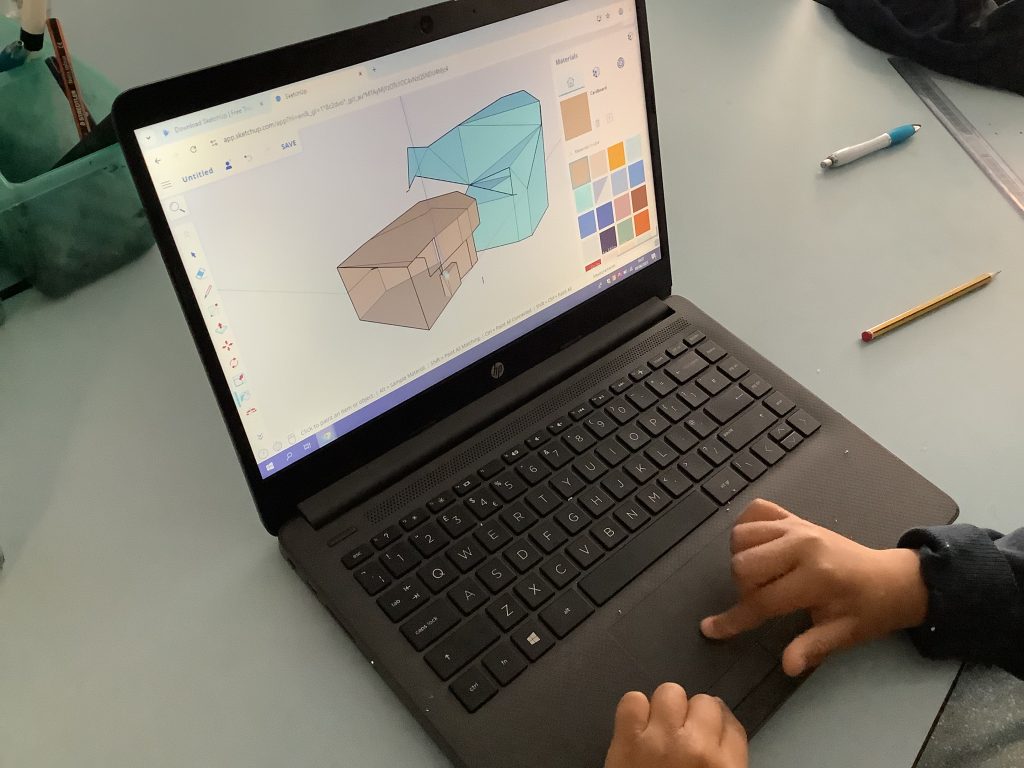
During their computing lessons this half term Class 5 have been exploring Computer Aided Design. Children have explored the software Sketchup, we have looked at the different tools required to create 3D designs, why it’s important to stick to a scale and the different ways in which we might use this program. During this time children have designed their own homes and Anglo Saxon inspired shields and weapons.
🎶 Year 3 are becoming digital composers! This term in Computing, they have been creating their own music using an app, experimenting with beats, patterns and melodies.
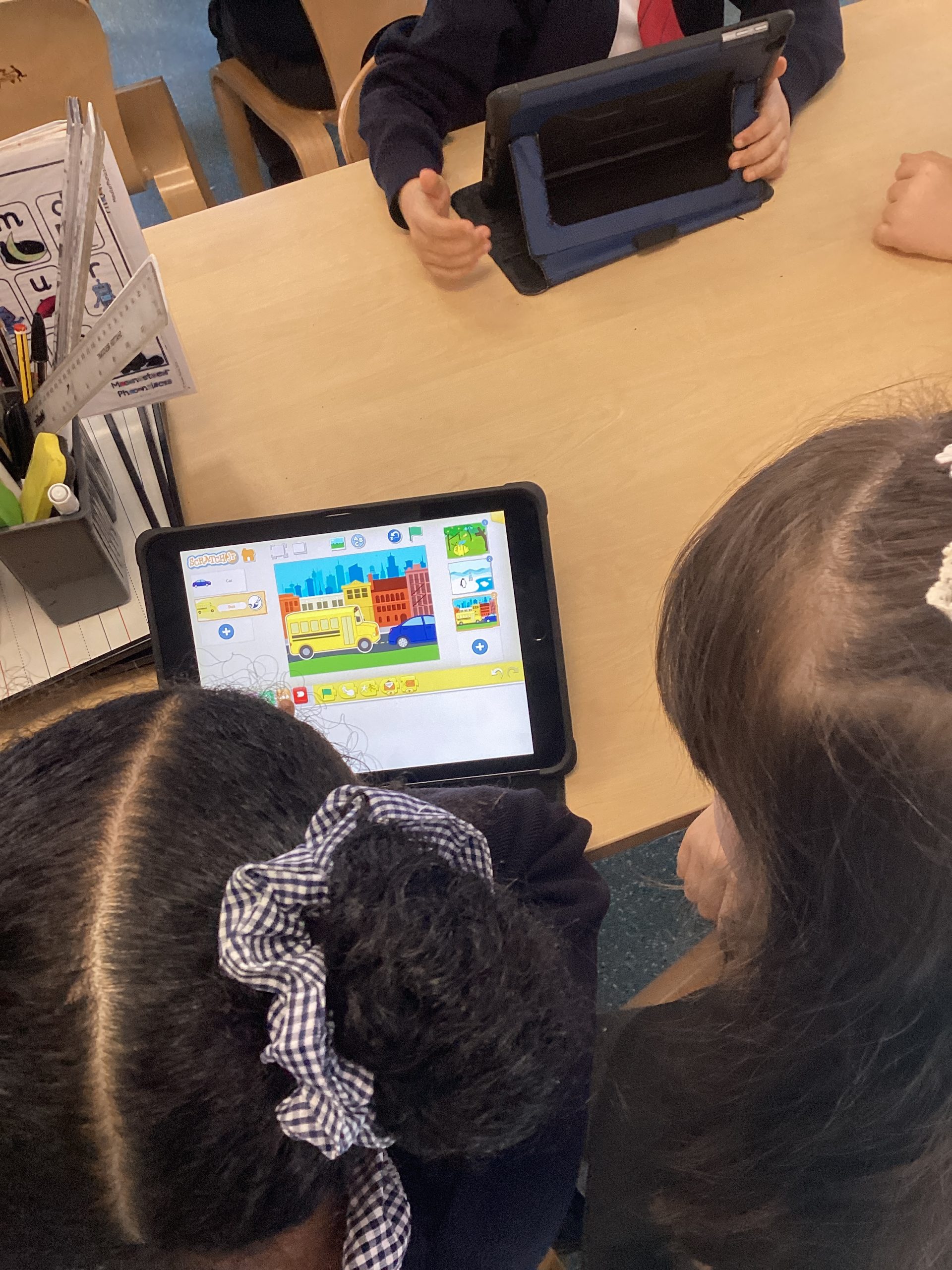
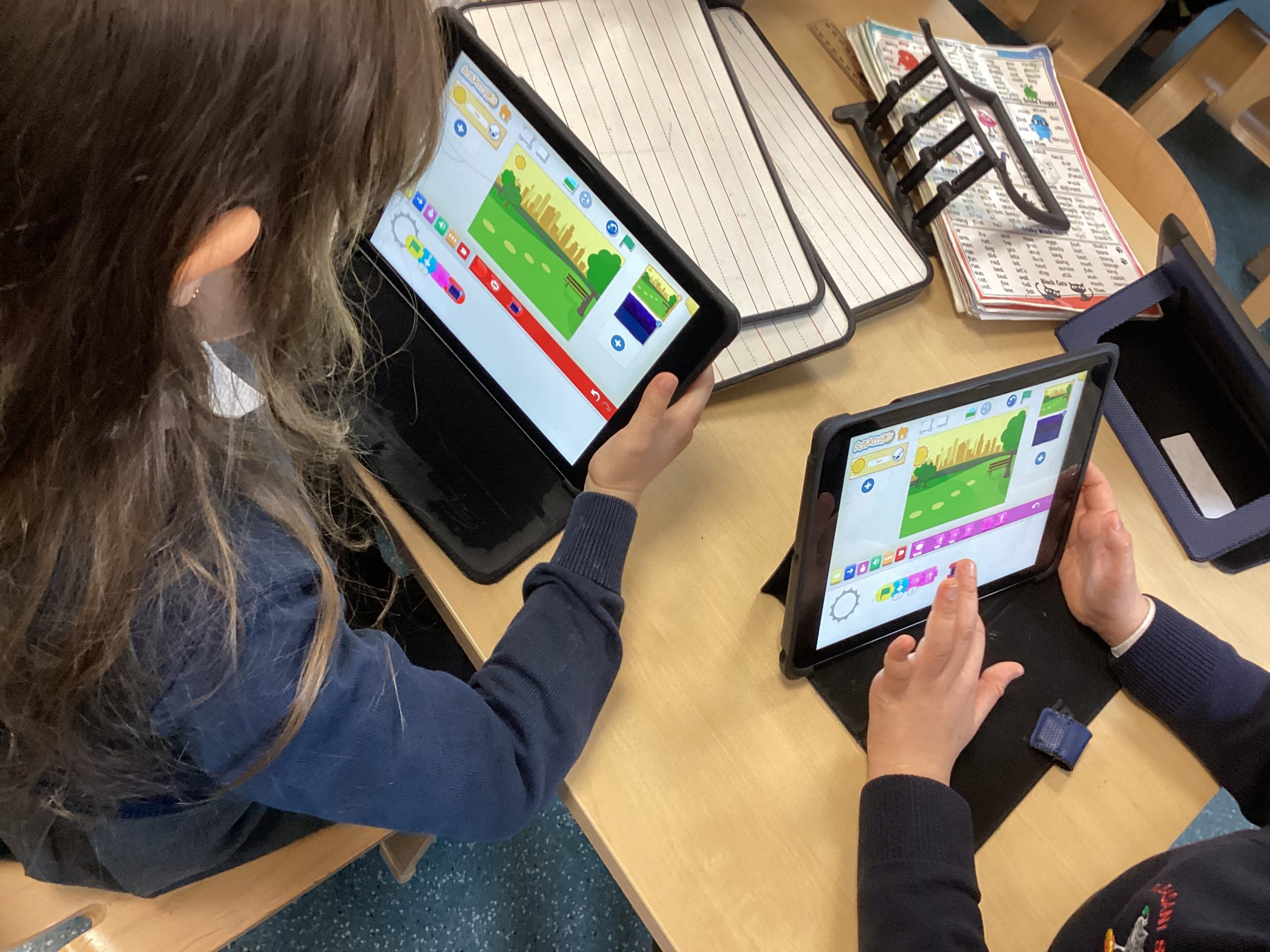
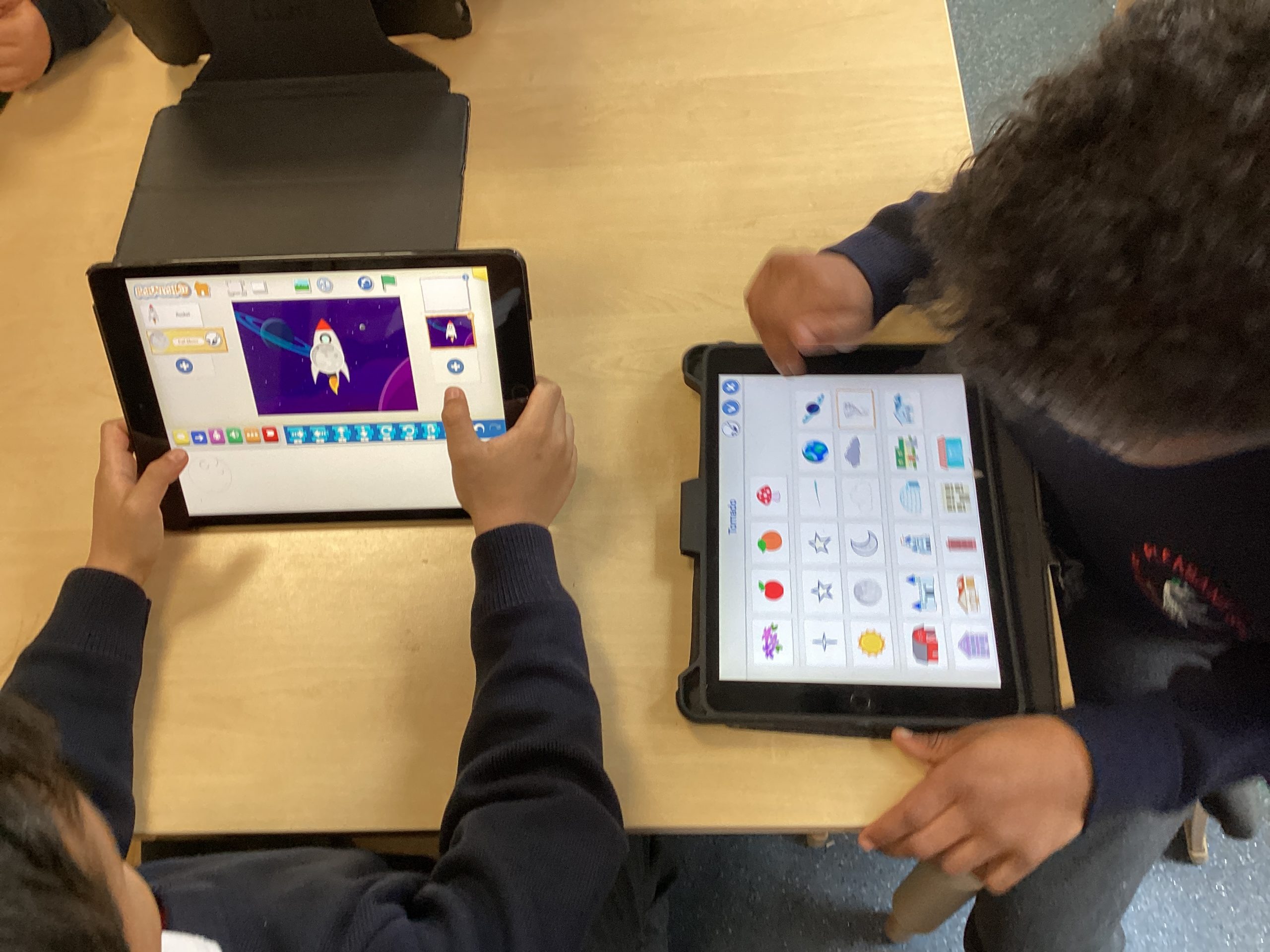
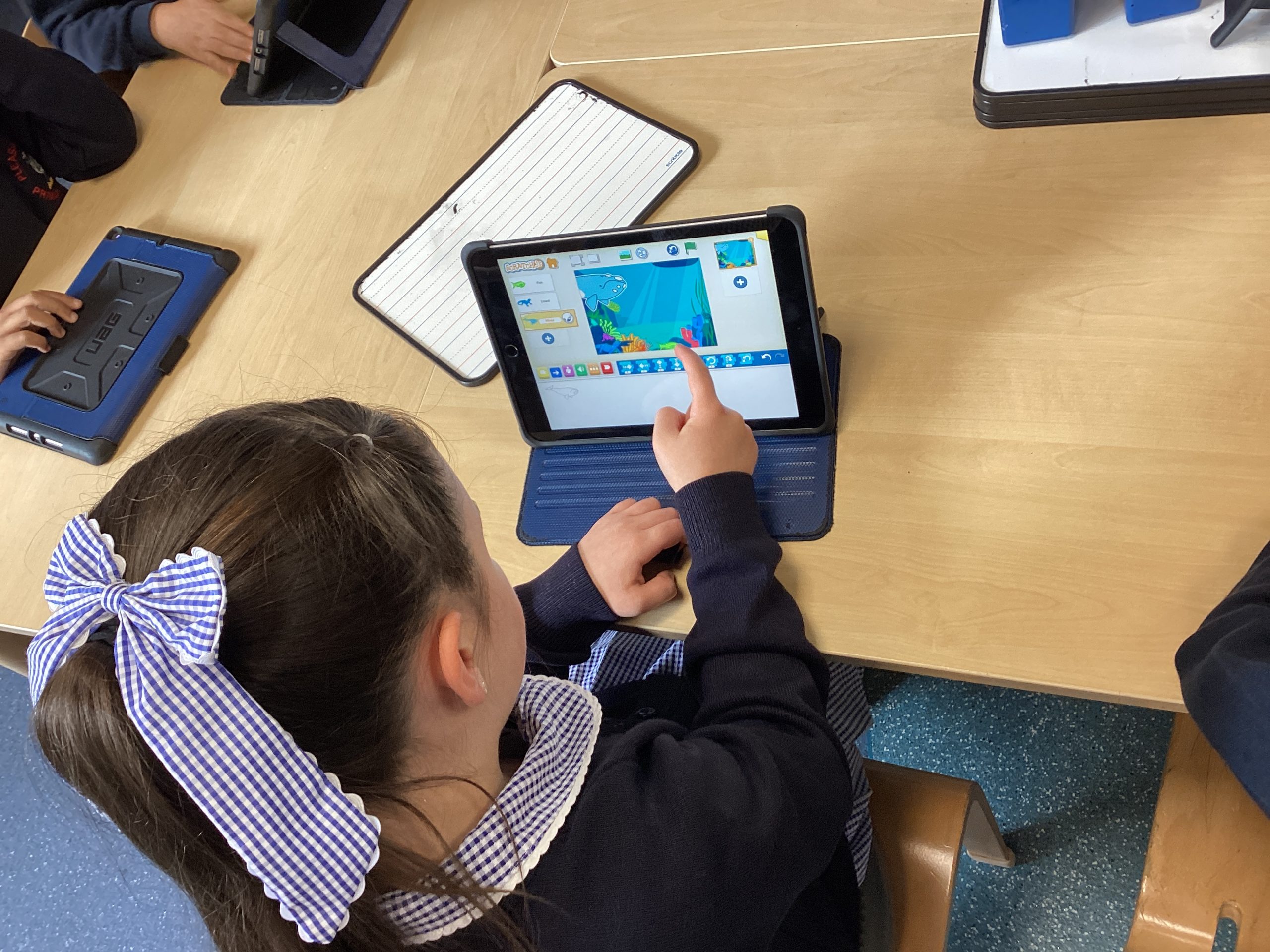
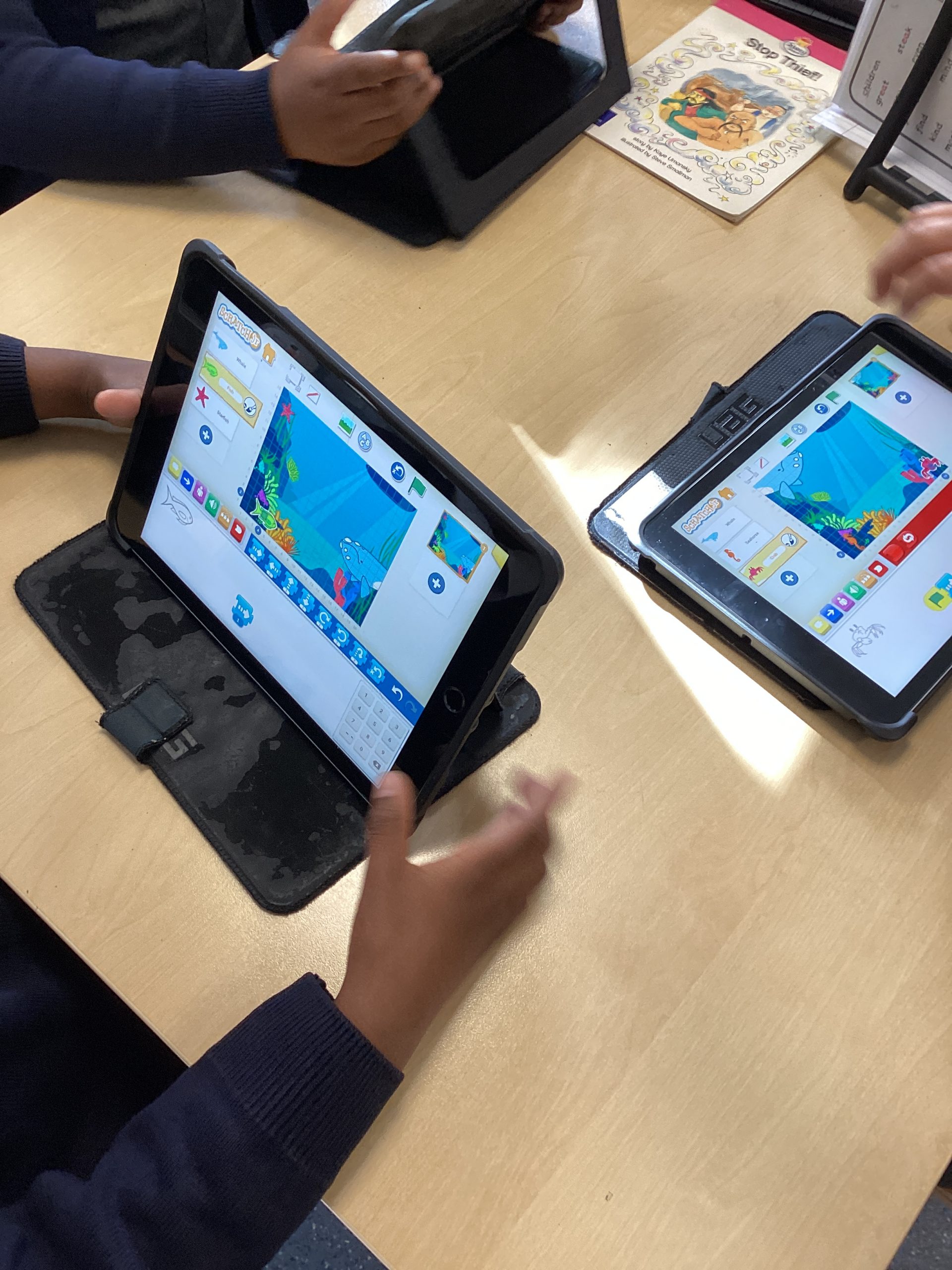
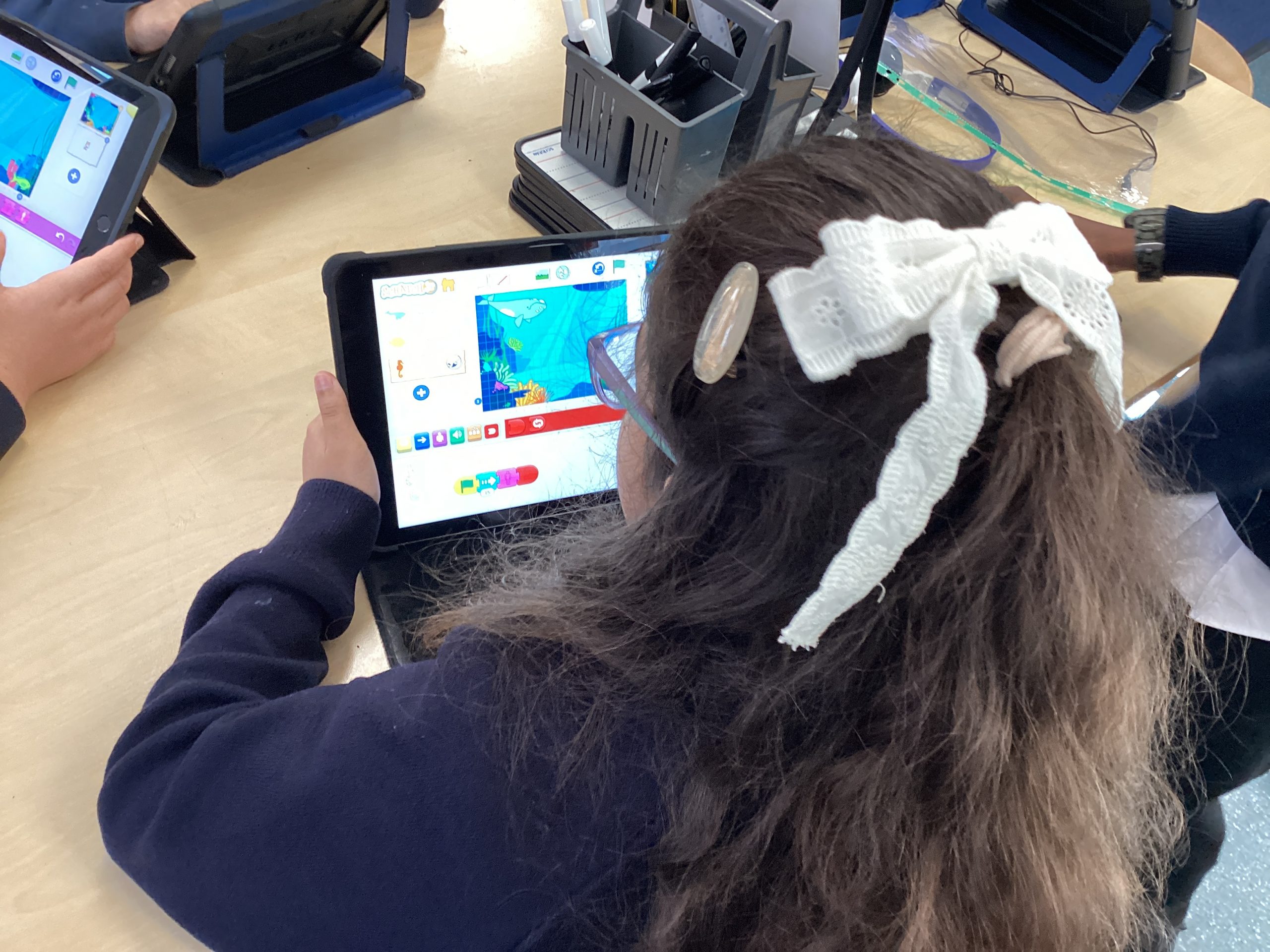
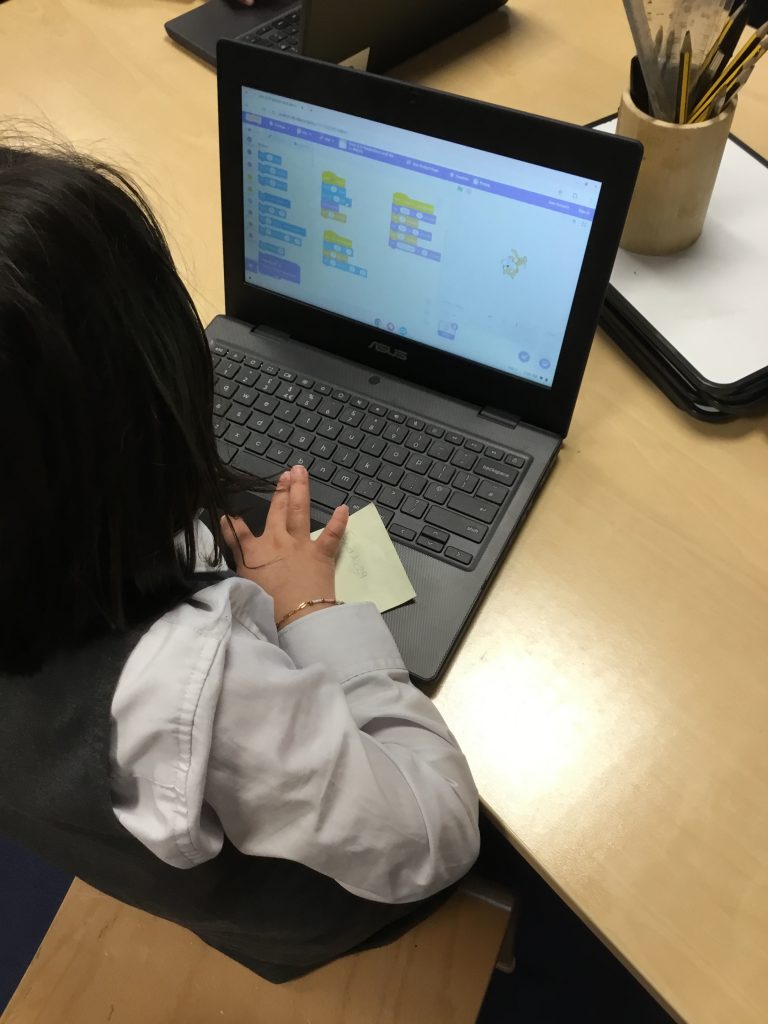
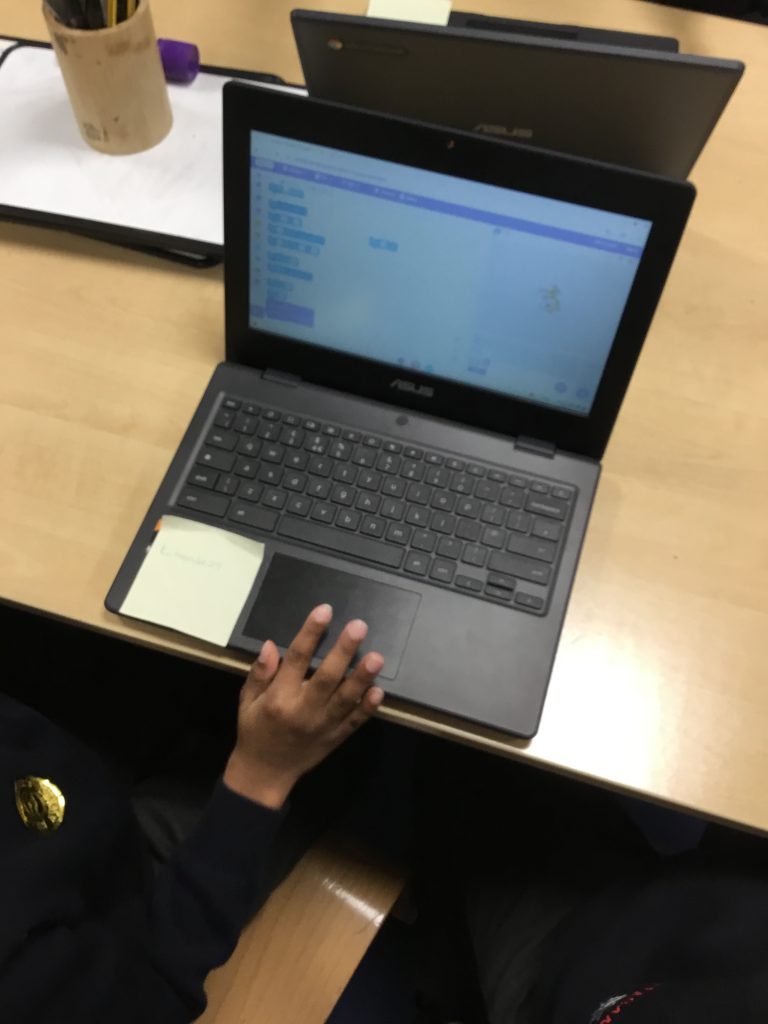
In their computing lessons this half term Class 2 have been exploring coding using Scratch Jr. Children have explored how to create new programs by inserting characters and backgrounds, children have looked at the meaning behind the different coloured blocks in Scratch and the different roles that they play. Children have created different programs by getting characters to move in different directions, change size and have used repeat loops to help with their coding.
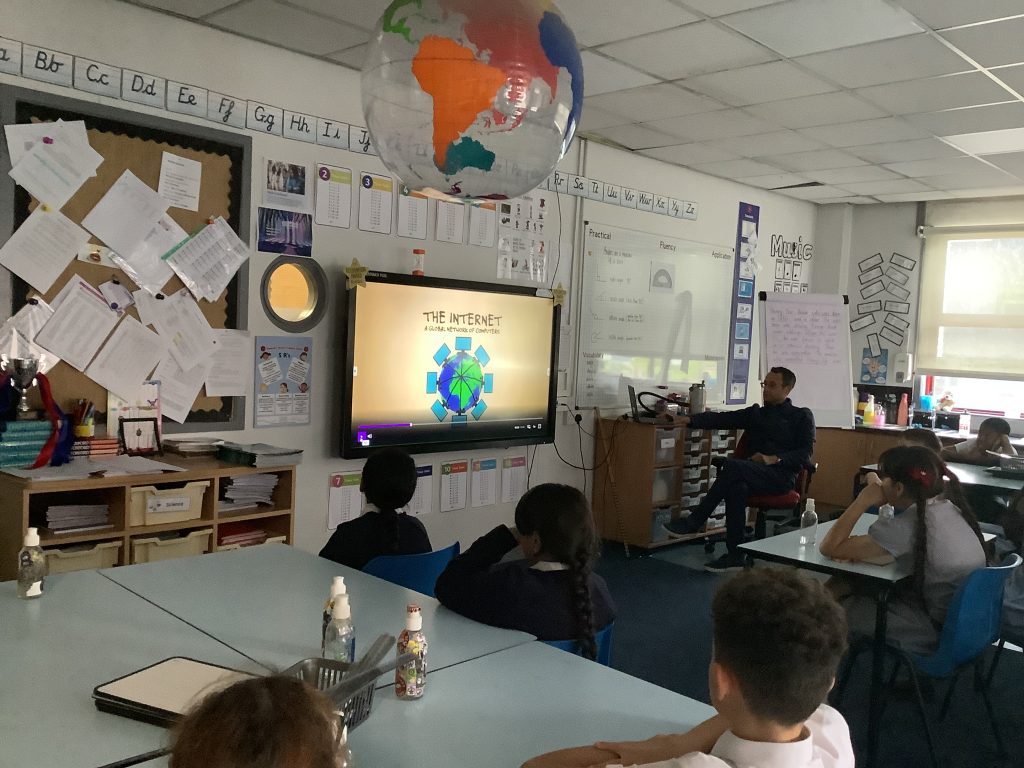
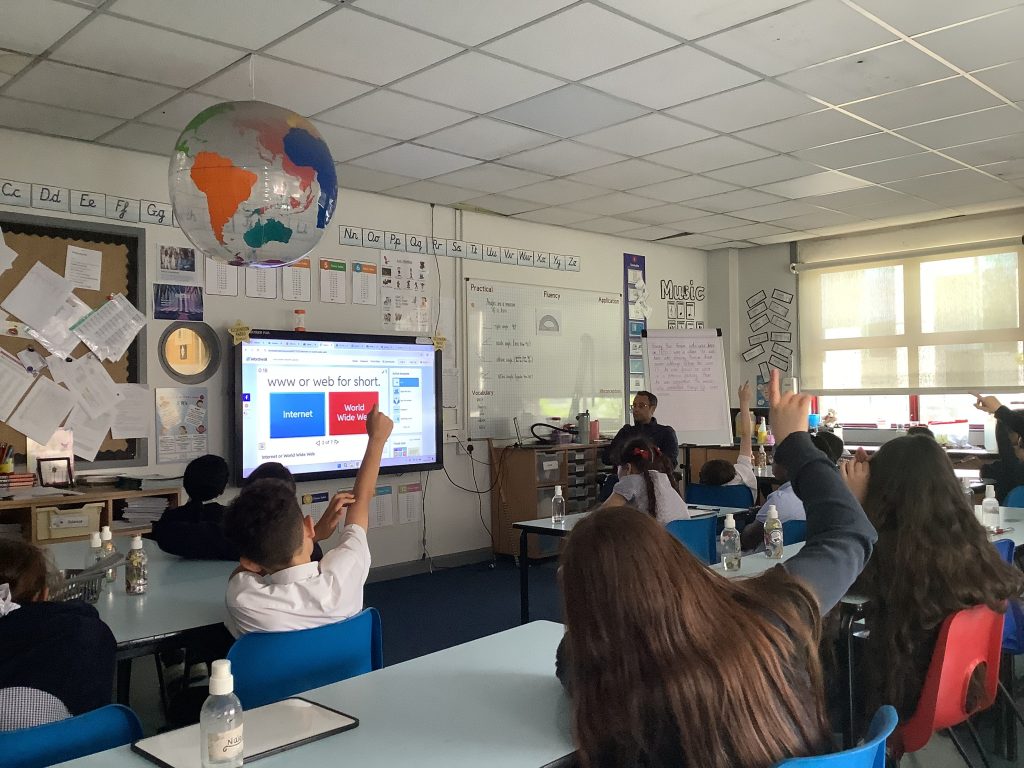
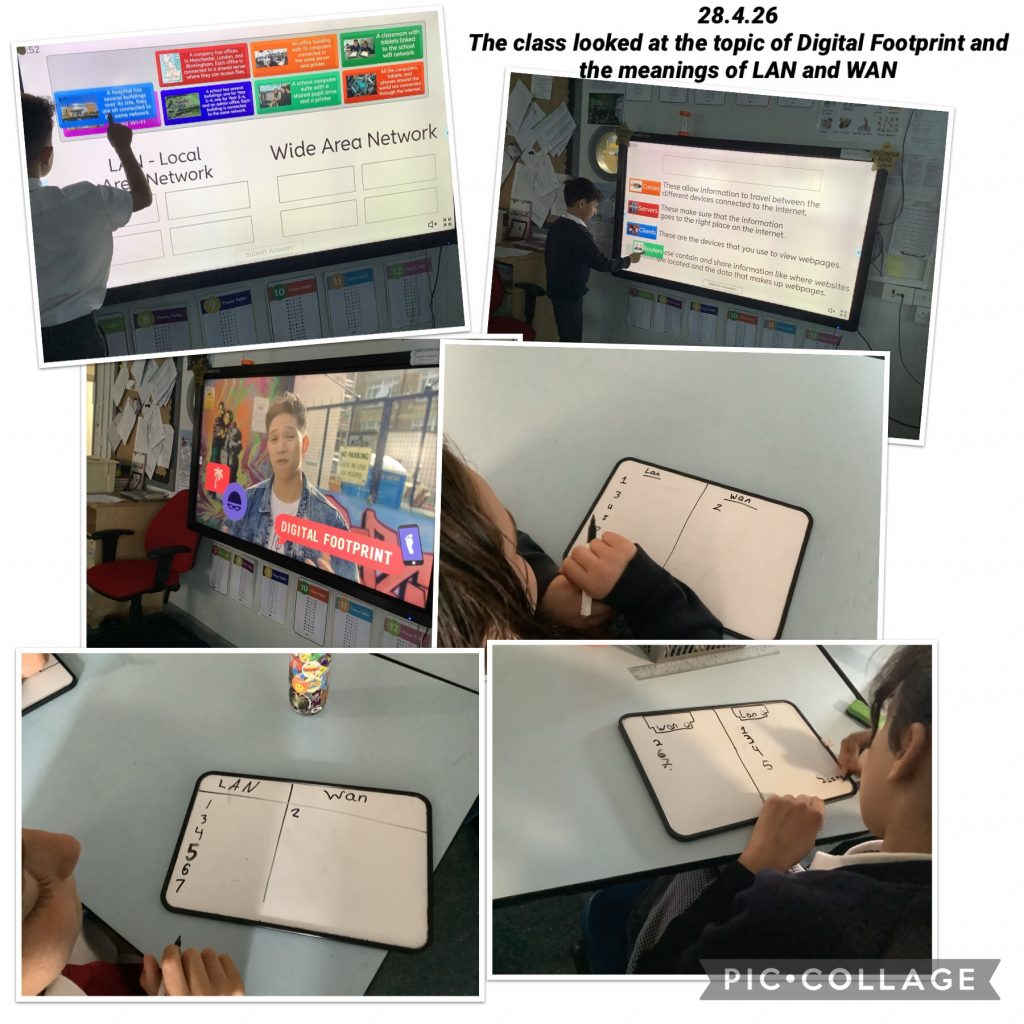
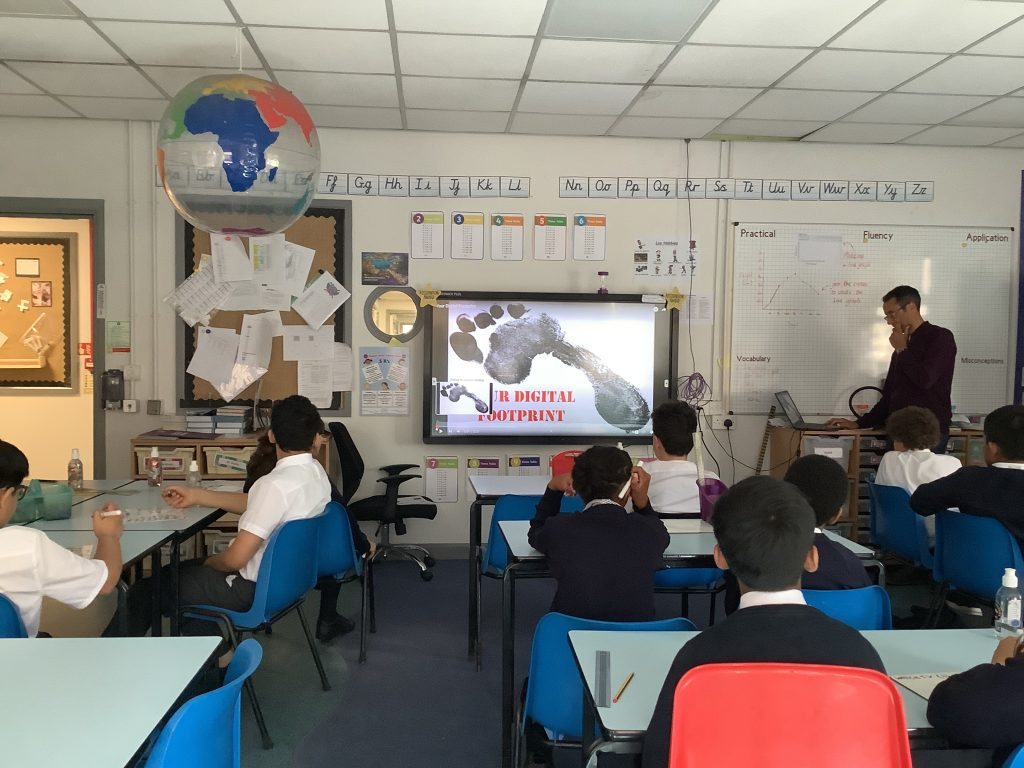
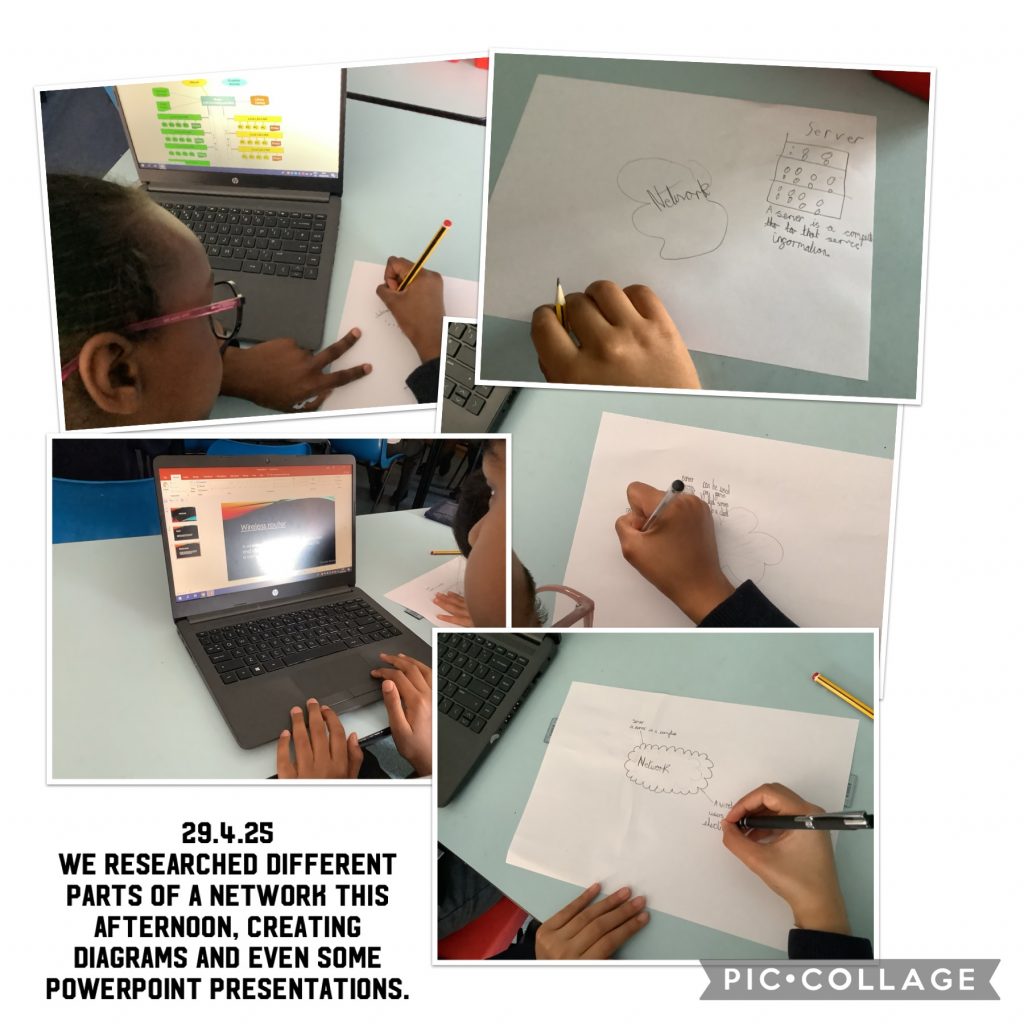
Today we learned how computers “talk” to each other by sending data across the internet, just like sending letters through the mail! 📩🌍 We also learned about IP addresses, which are like home addresses for computers and devices. Every phone, tablet, or computer has its own special IP address so information knows exactly where to go.
When you watch videos, play games, or send messages online, tiny pieces of data travel super fast across networks to reach the right device. Learning about data transmission and IP addresses helps us understand how the internet works behind the scenes! 💻✨
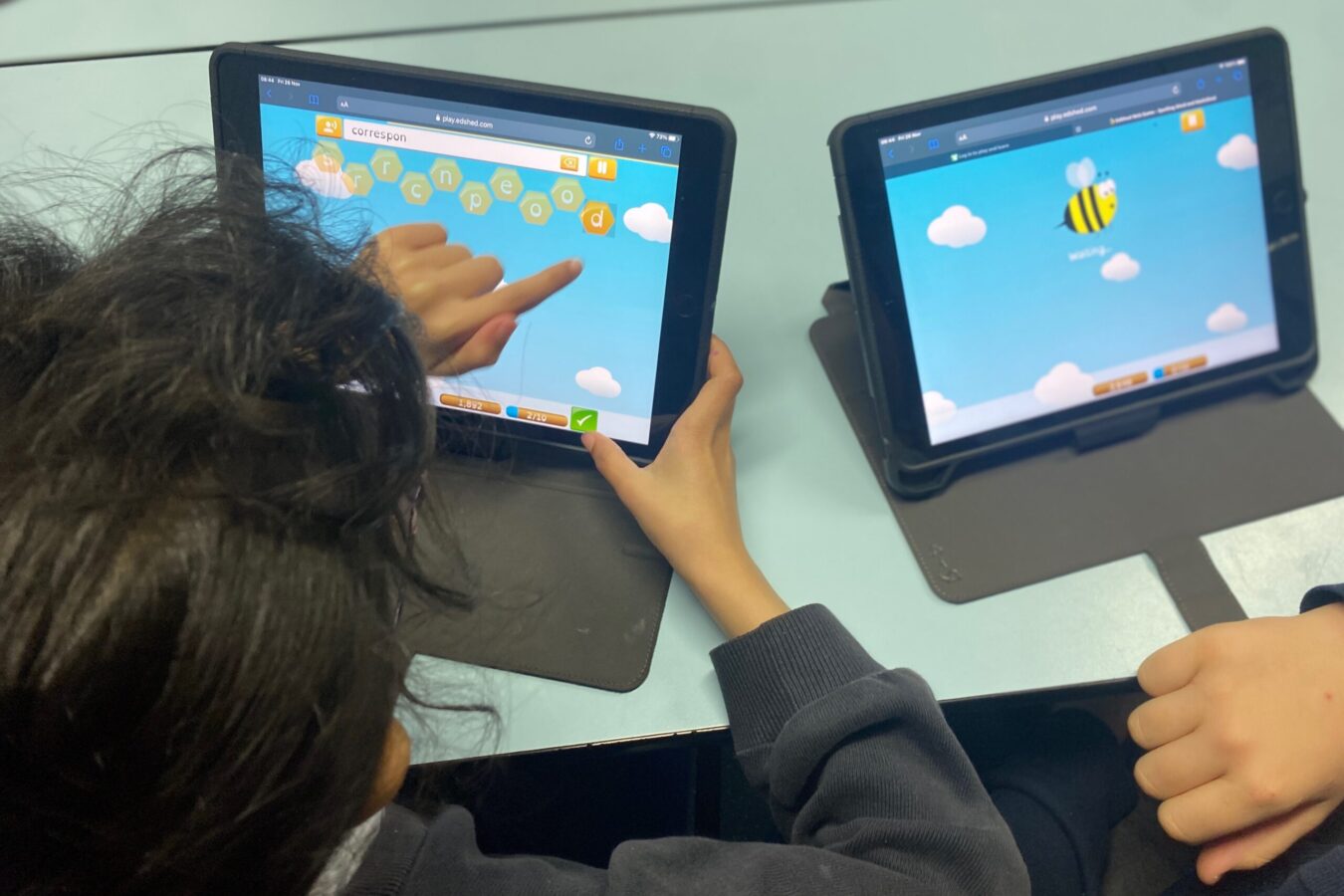
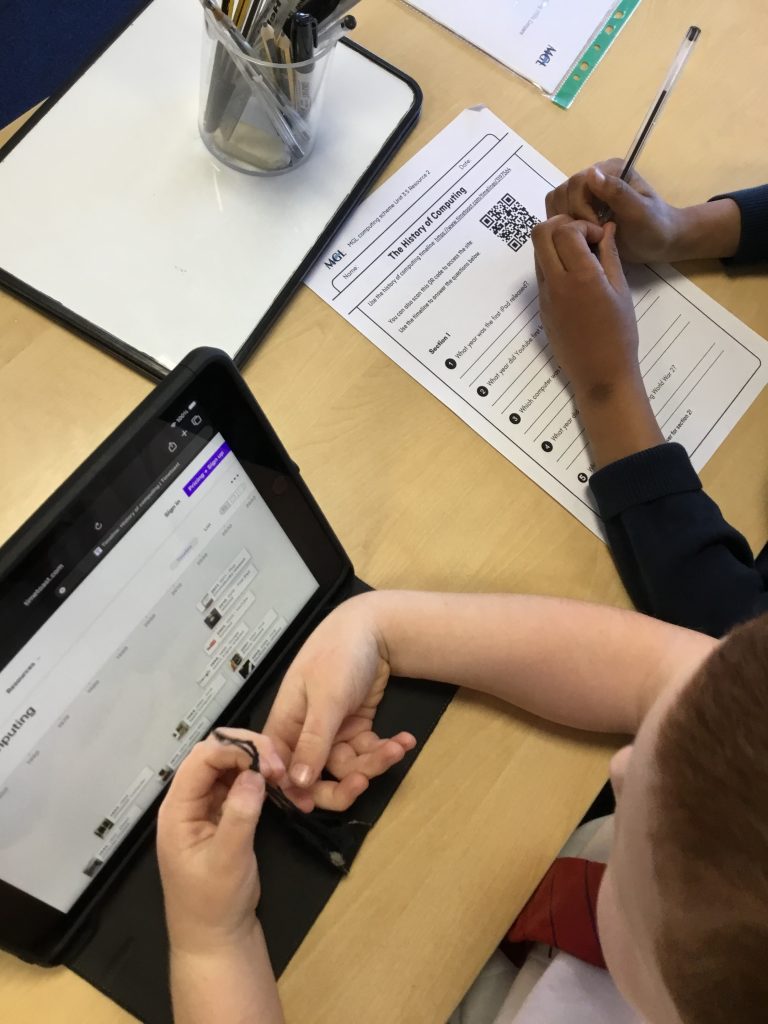
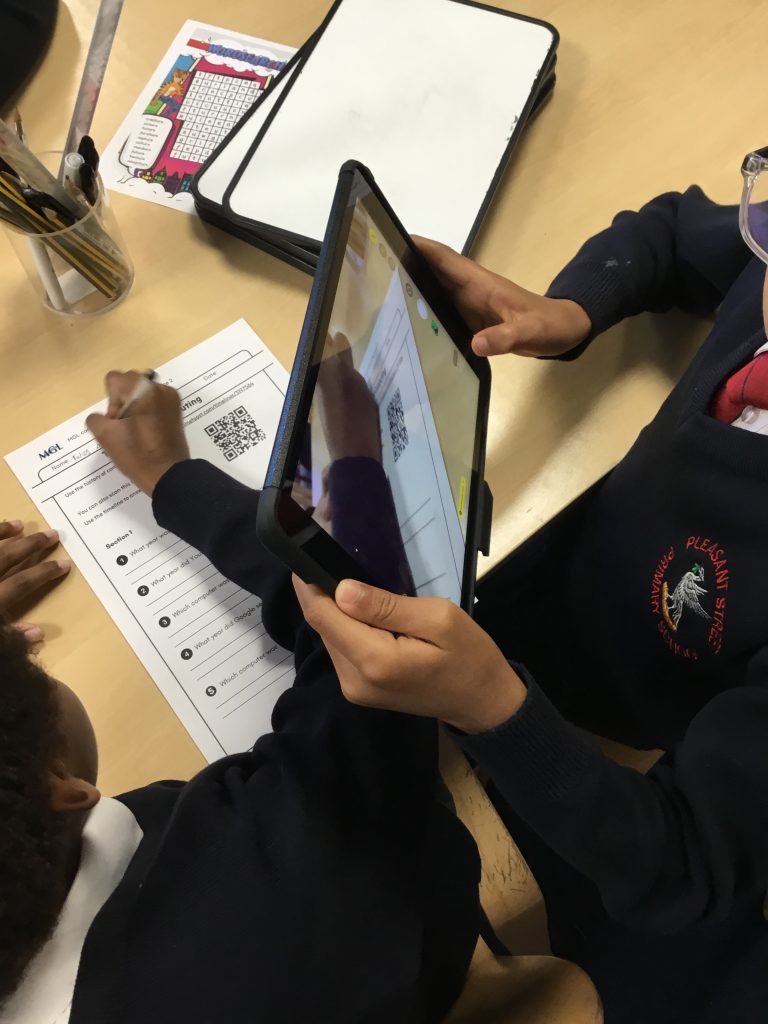
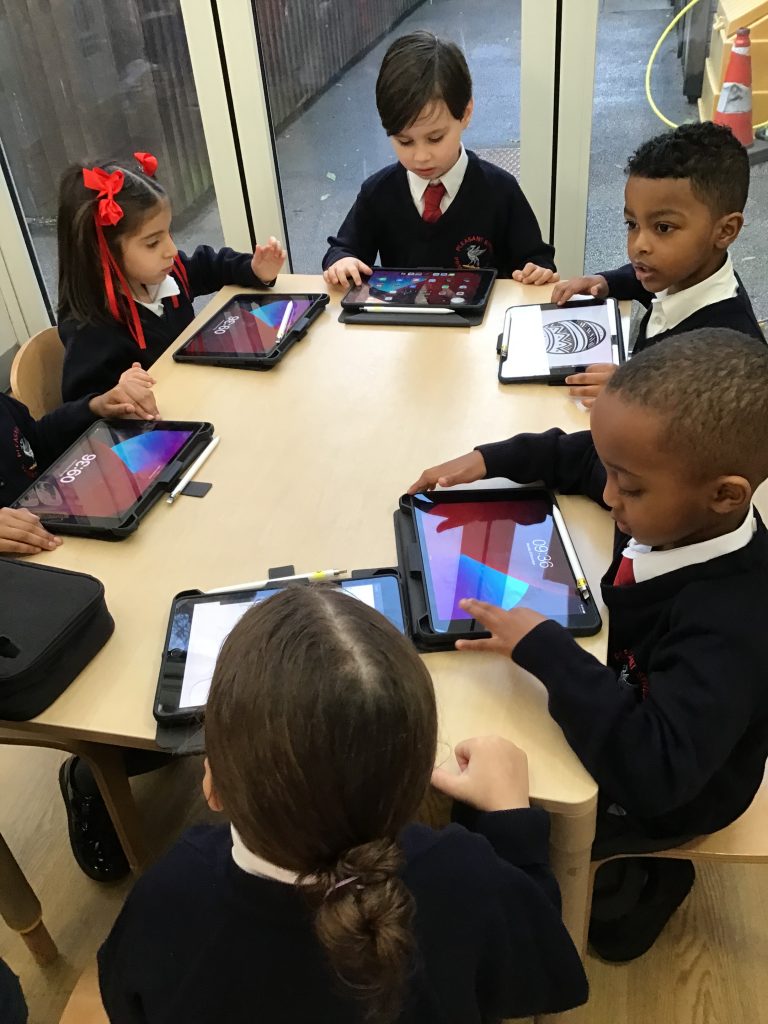
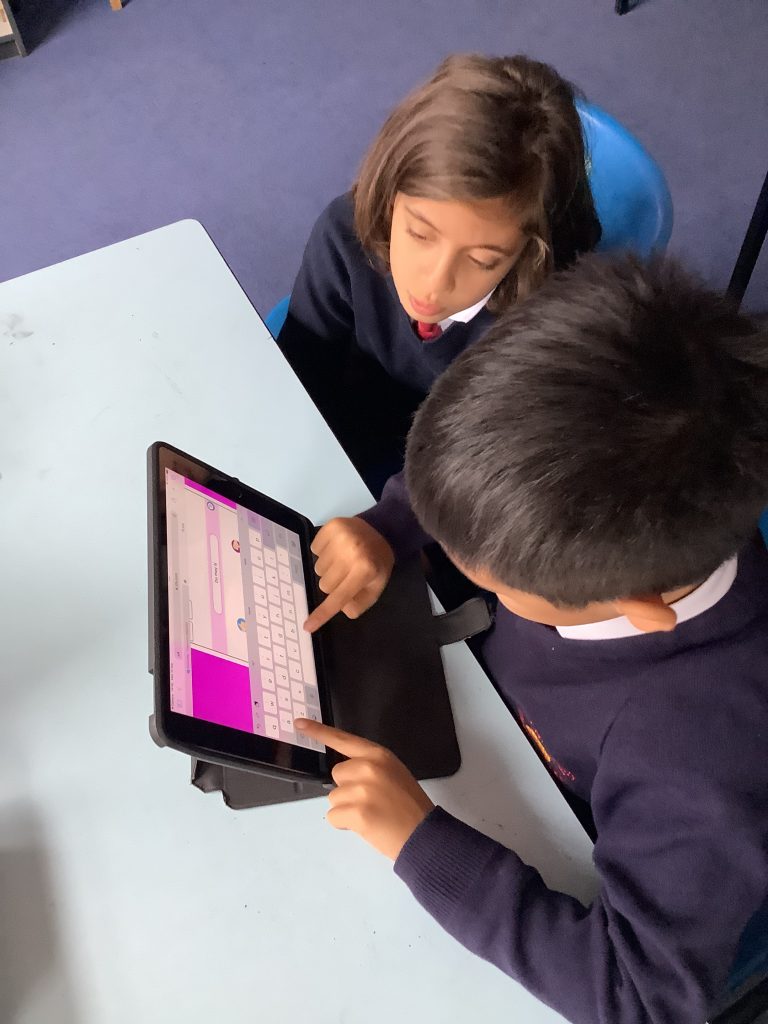
In computing today we’re learning about the history of computers and how technology has changed over time. We used tablets and worksheets to explore it.
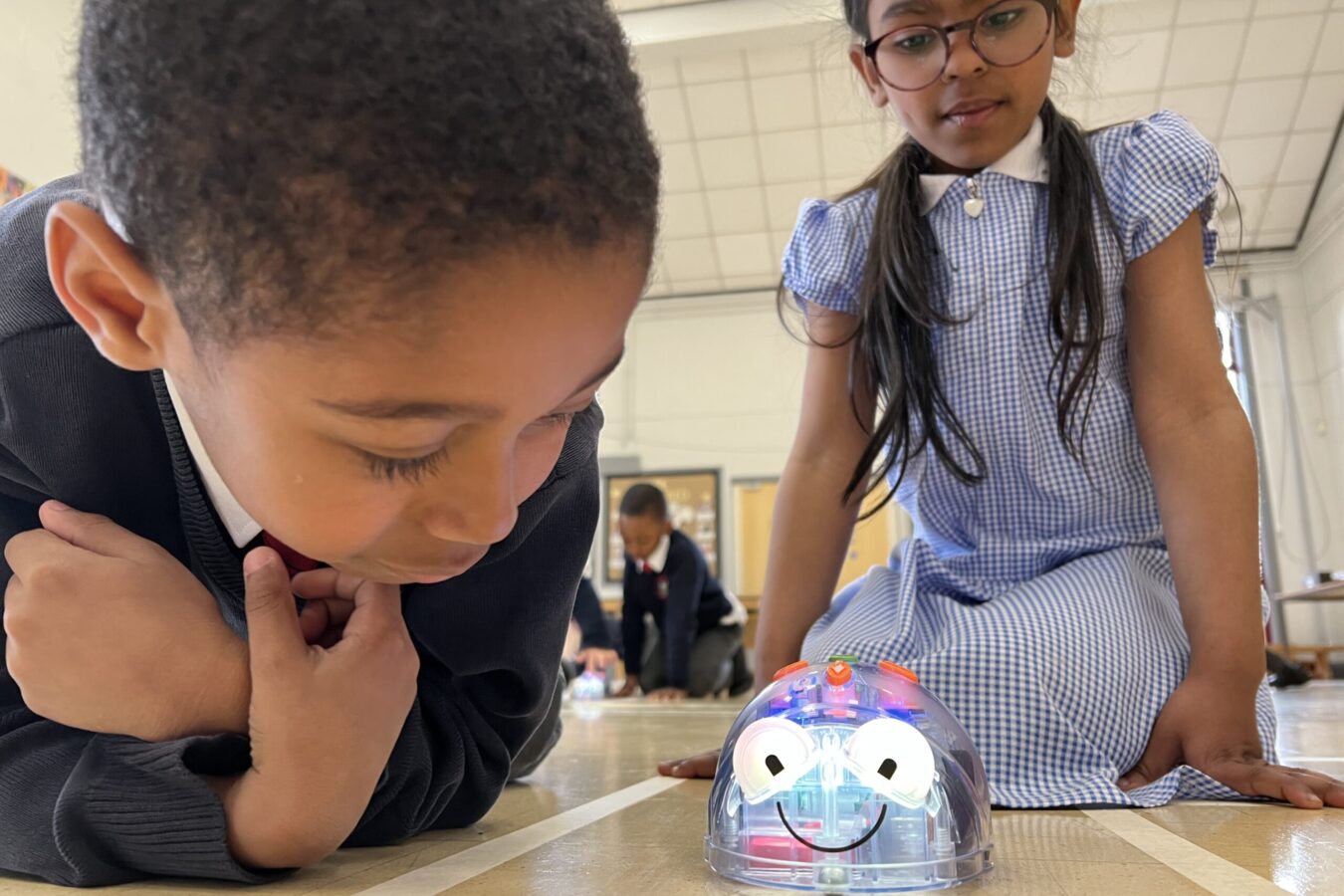
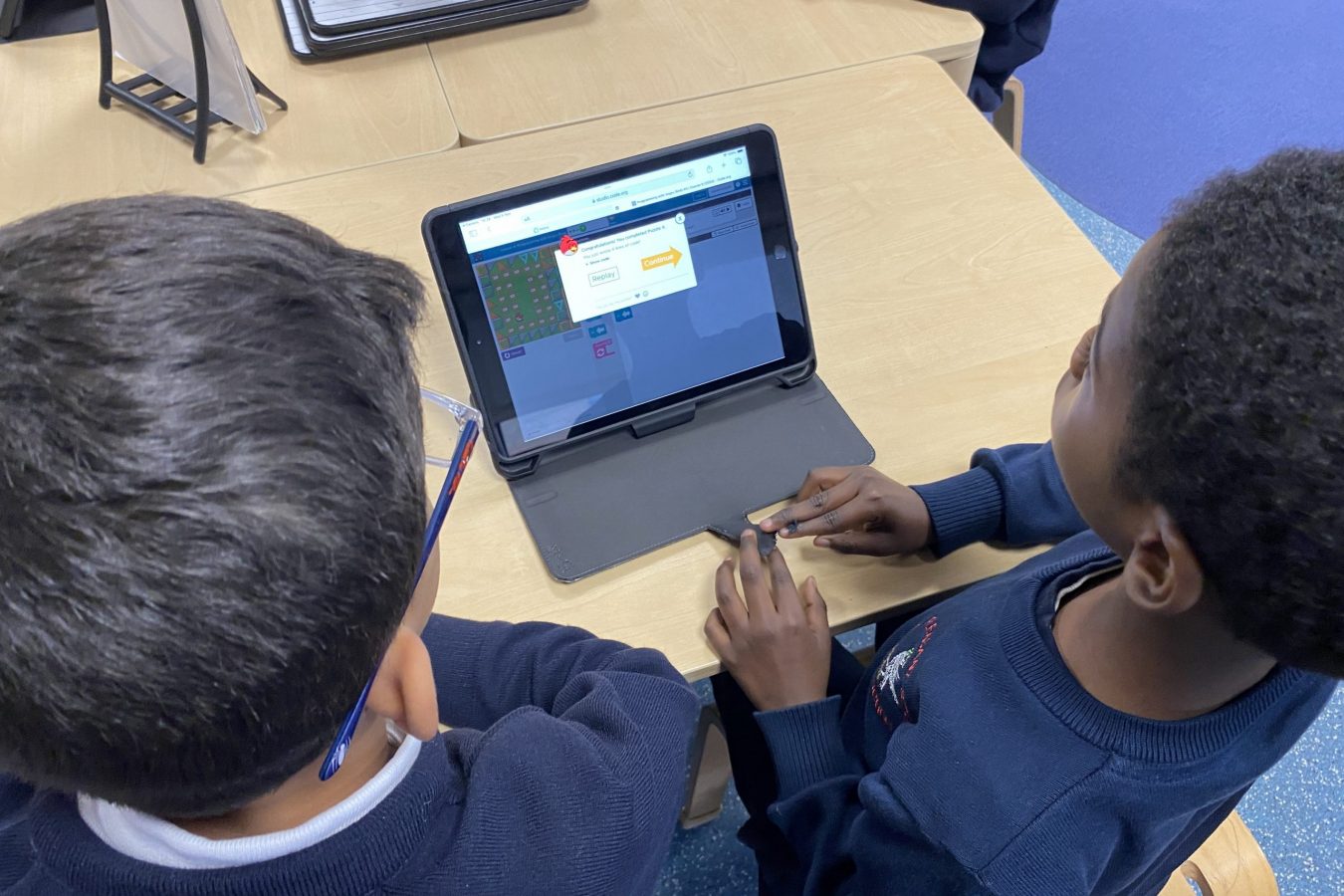
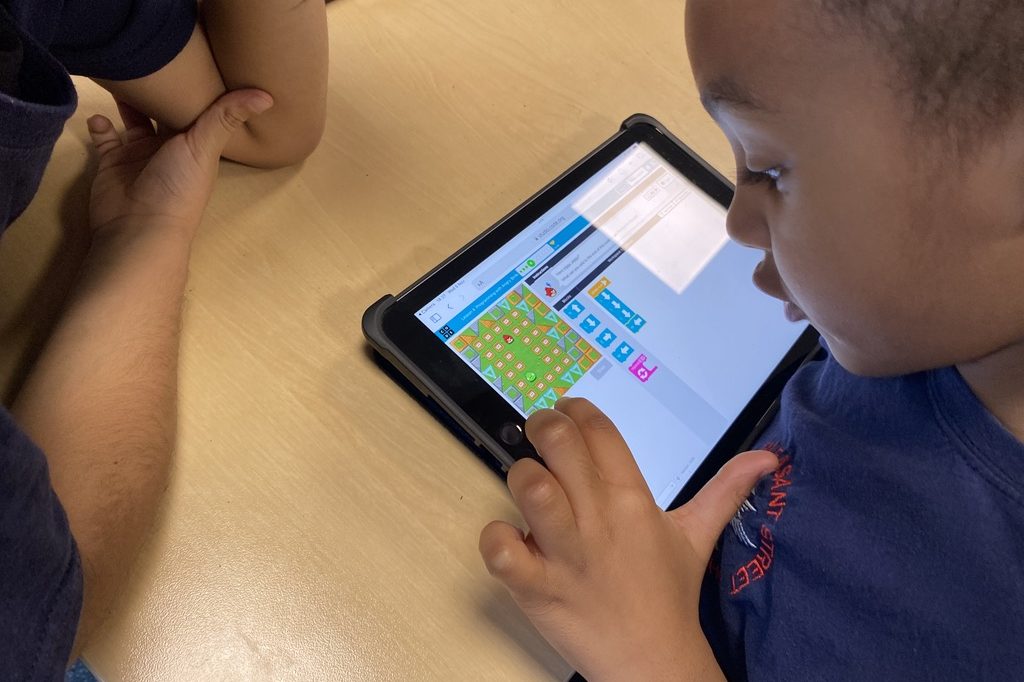
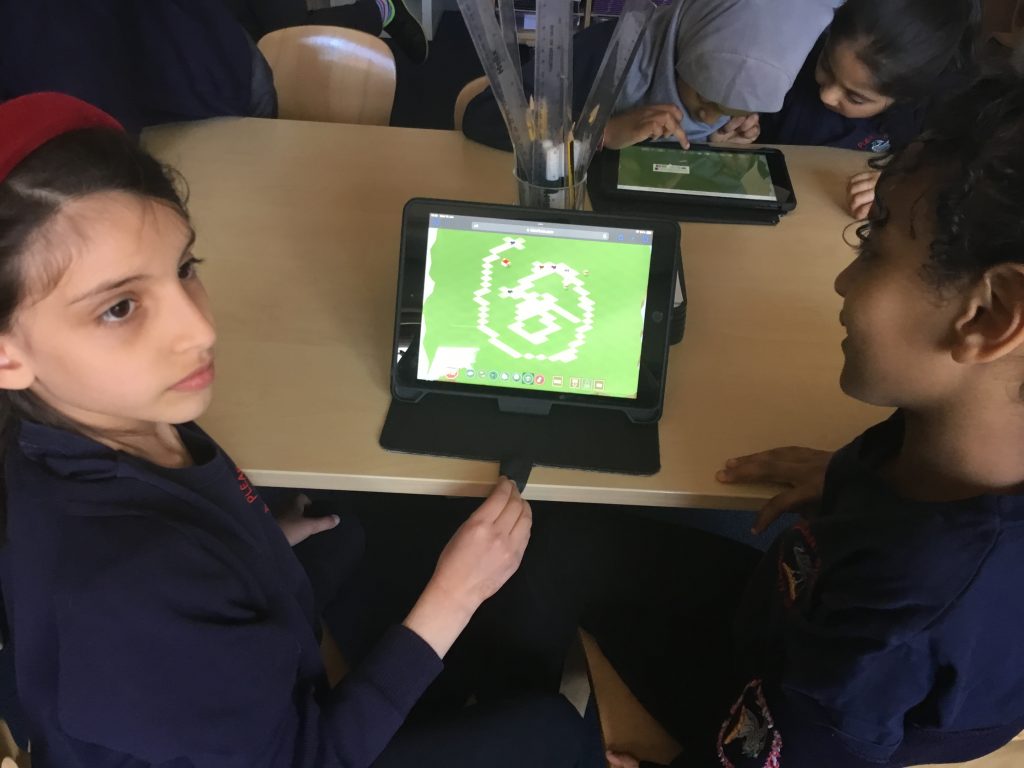
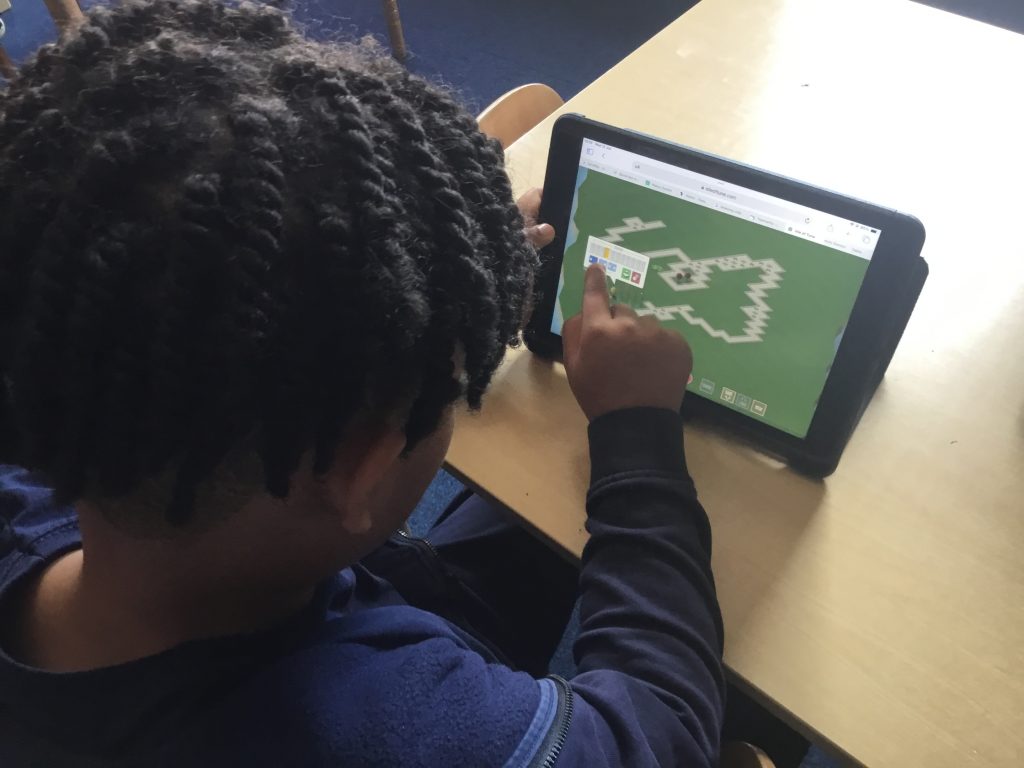
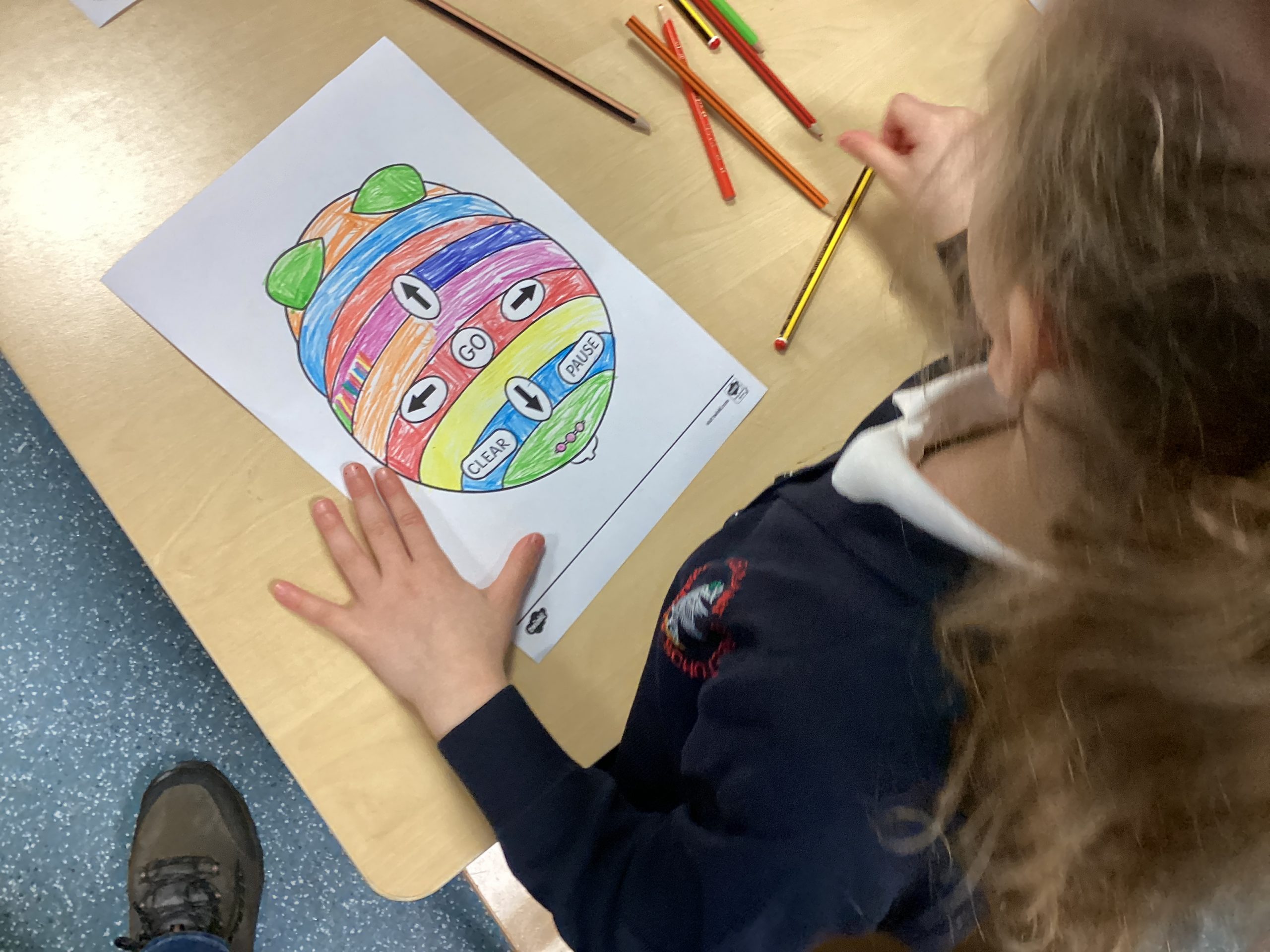
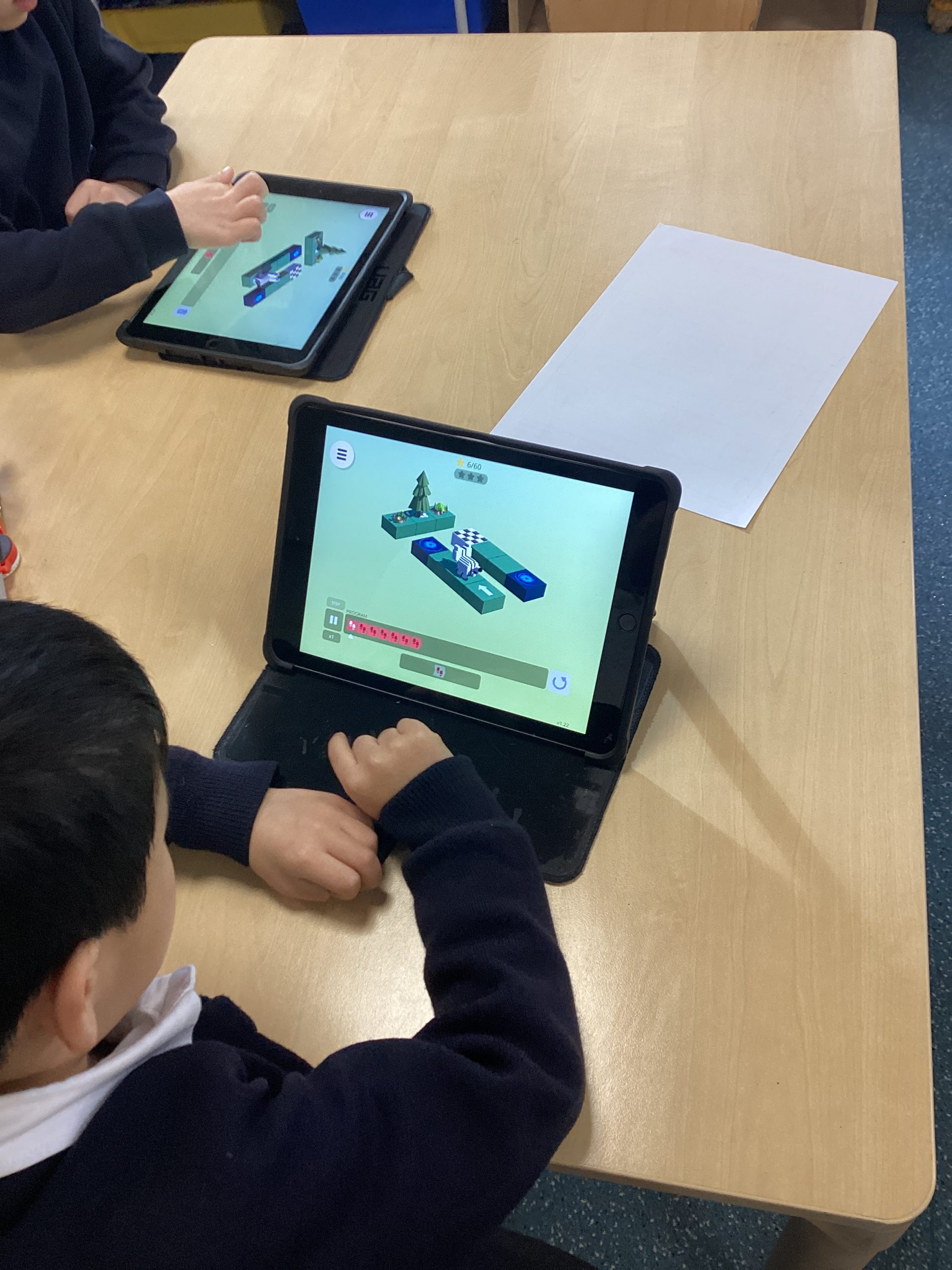
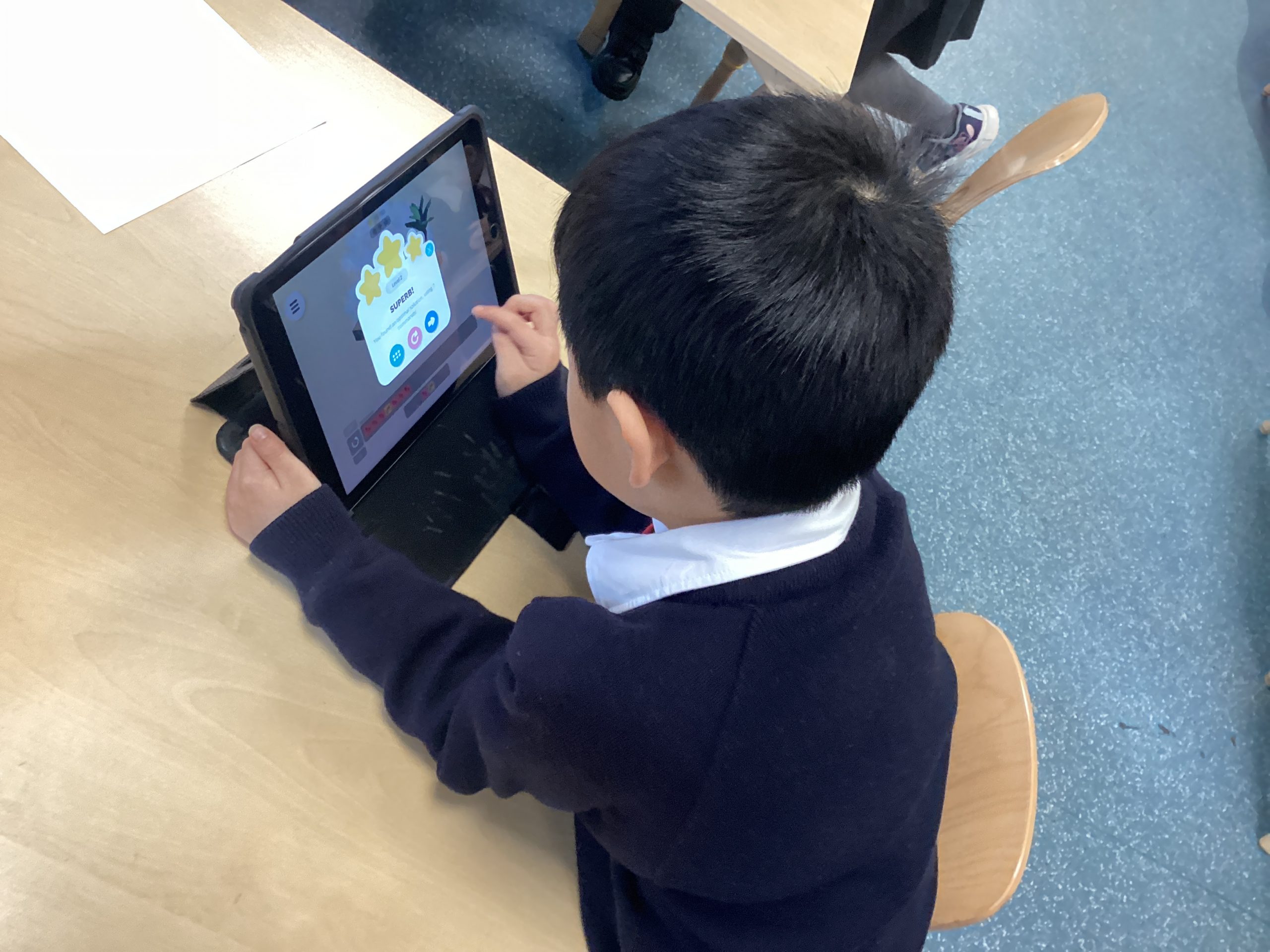
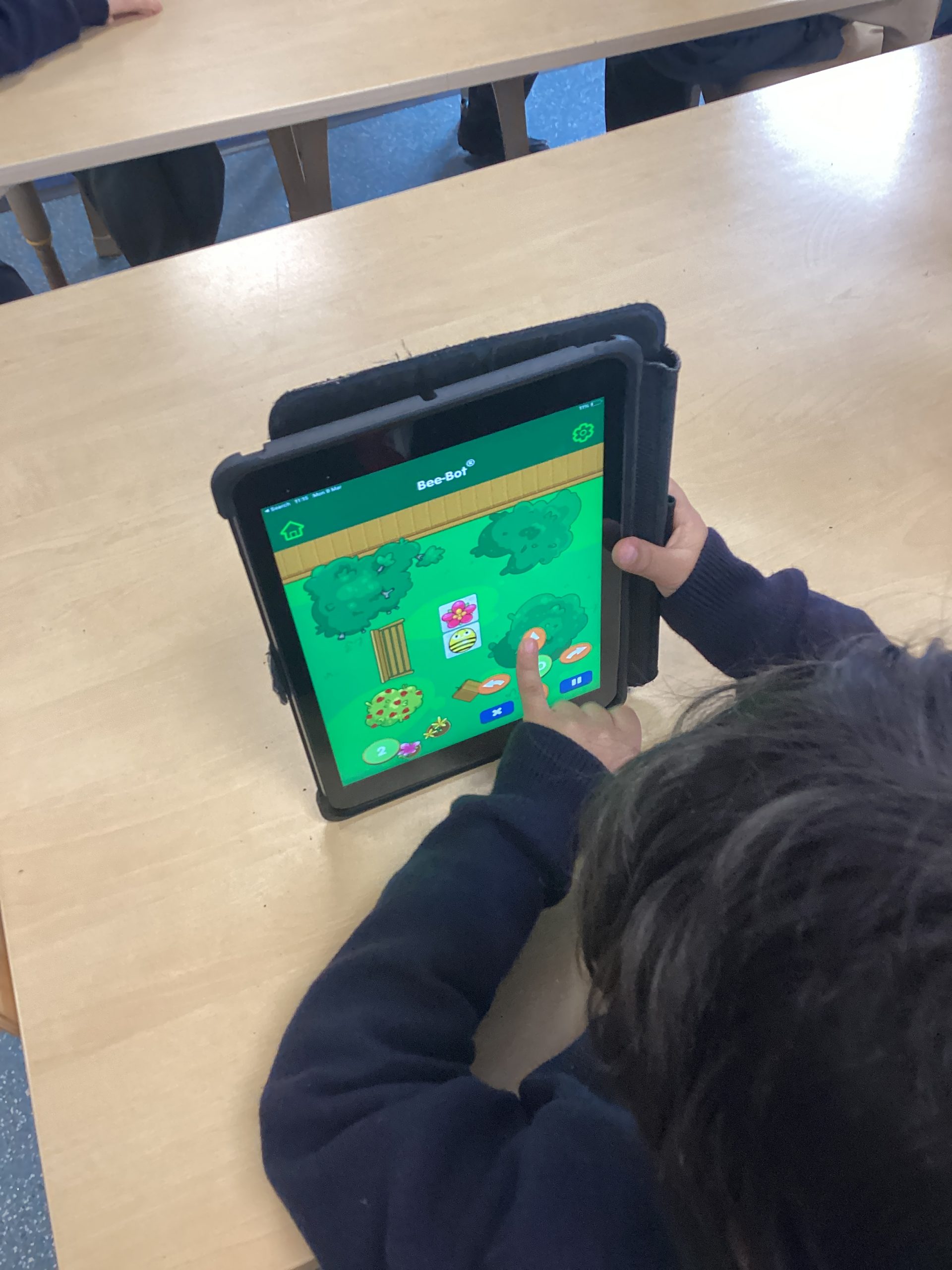
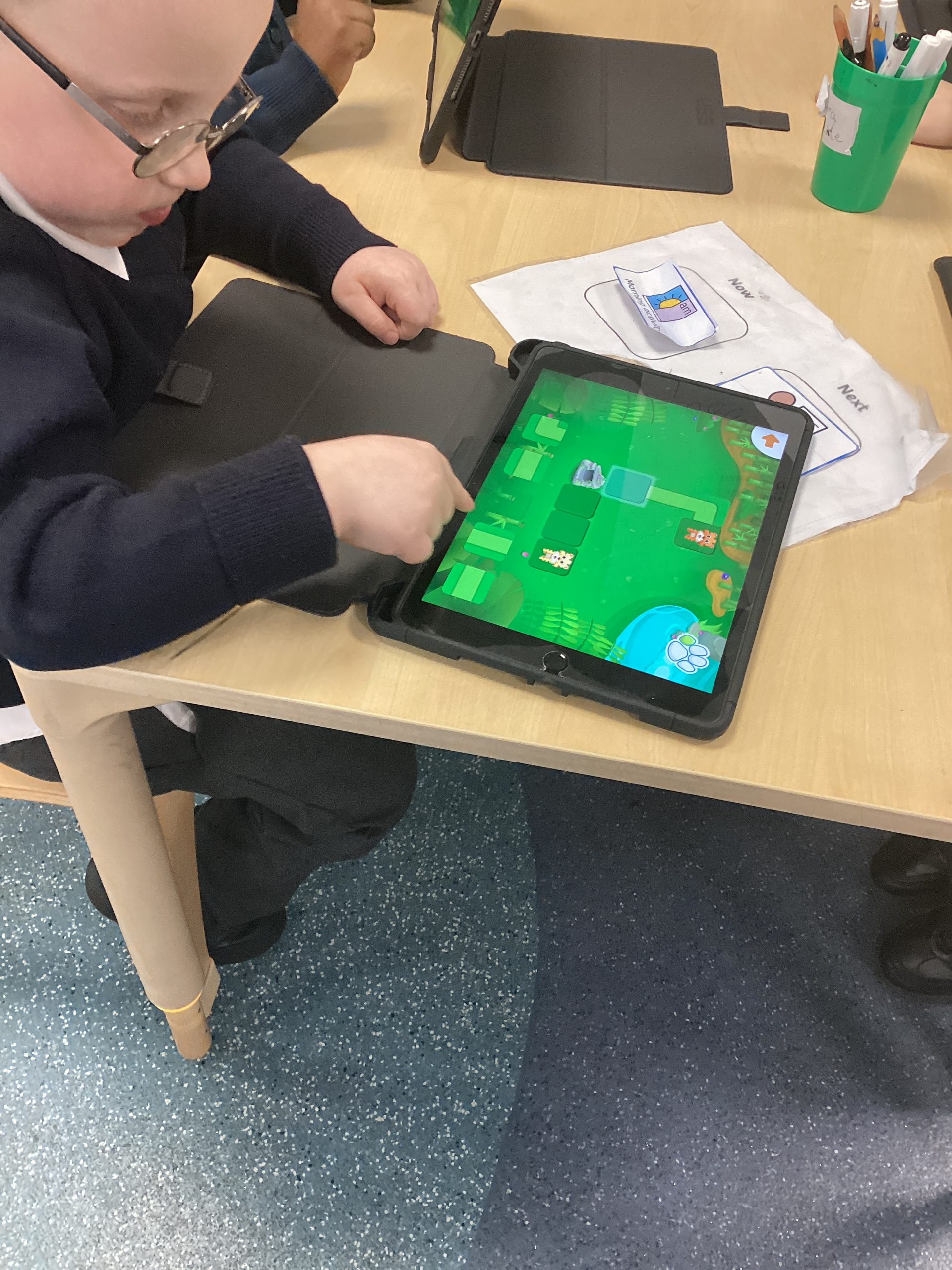
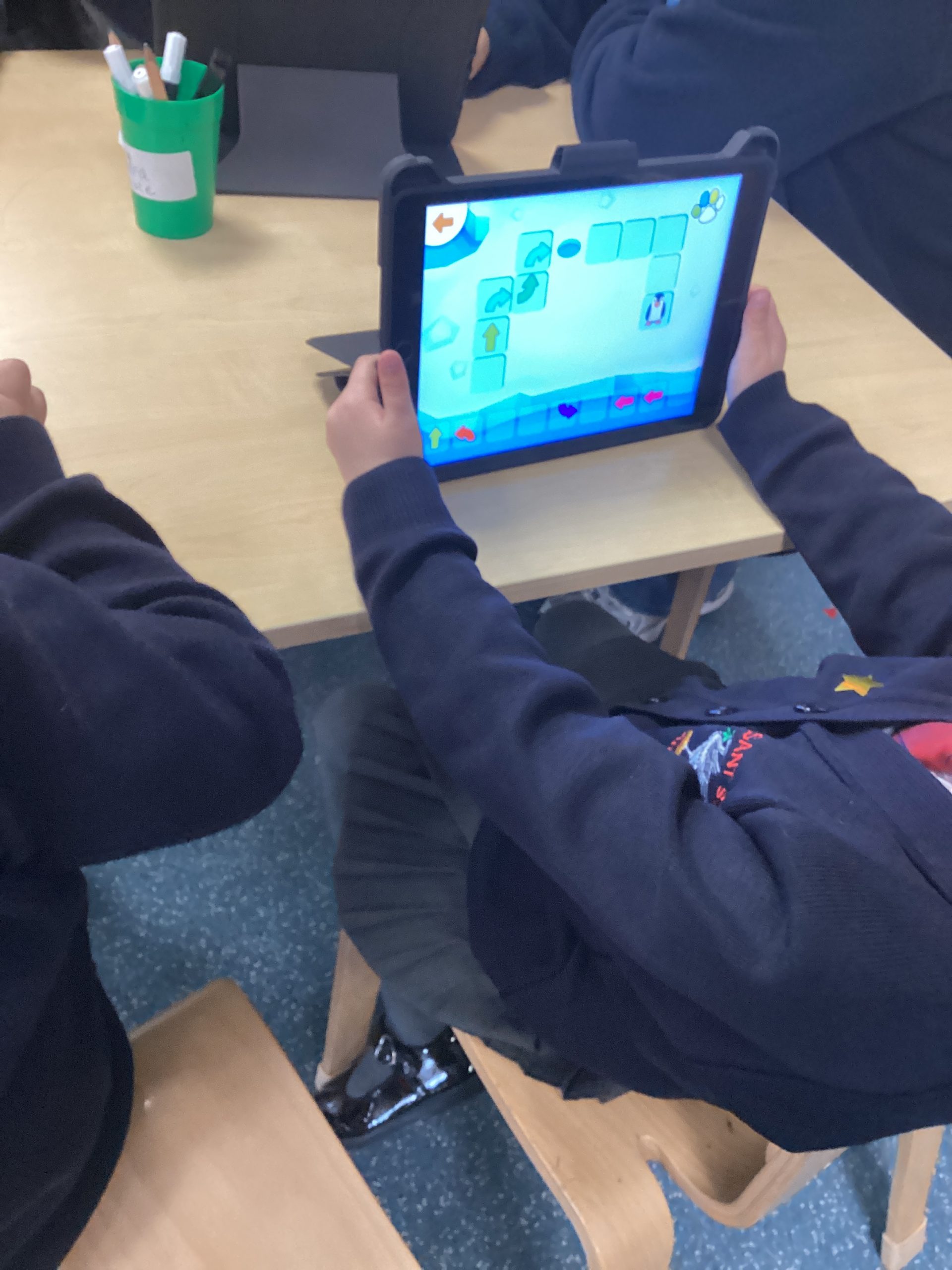
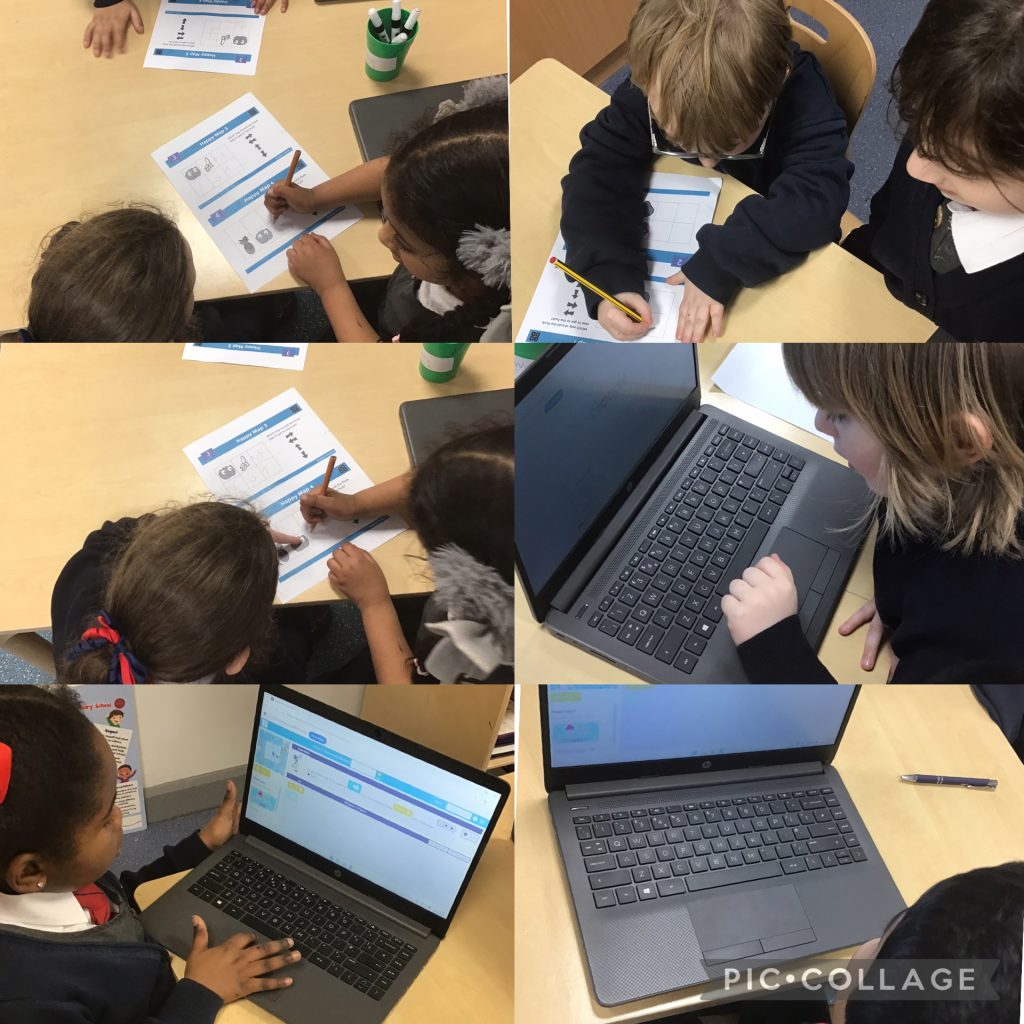
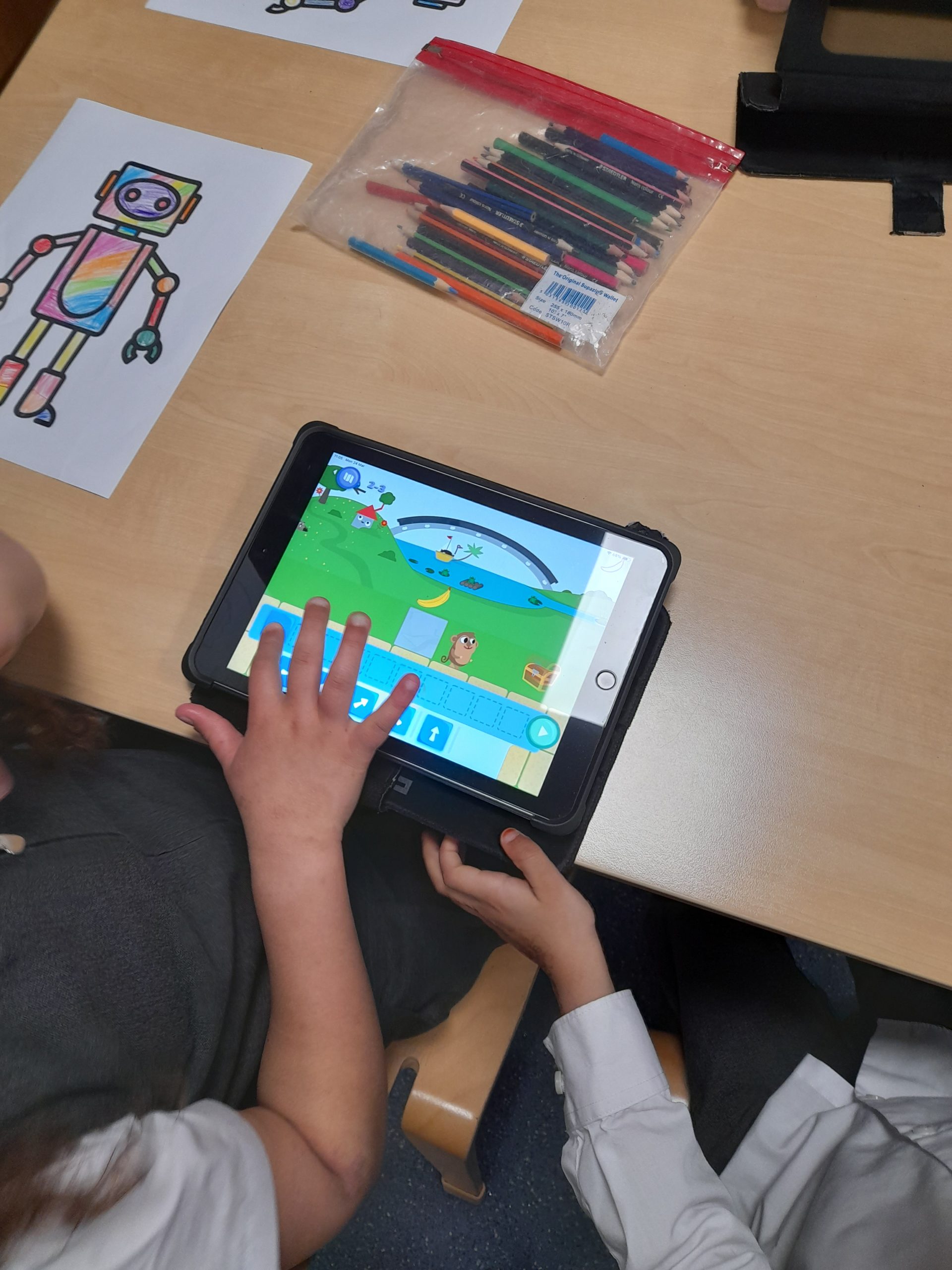
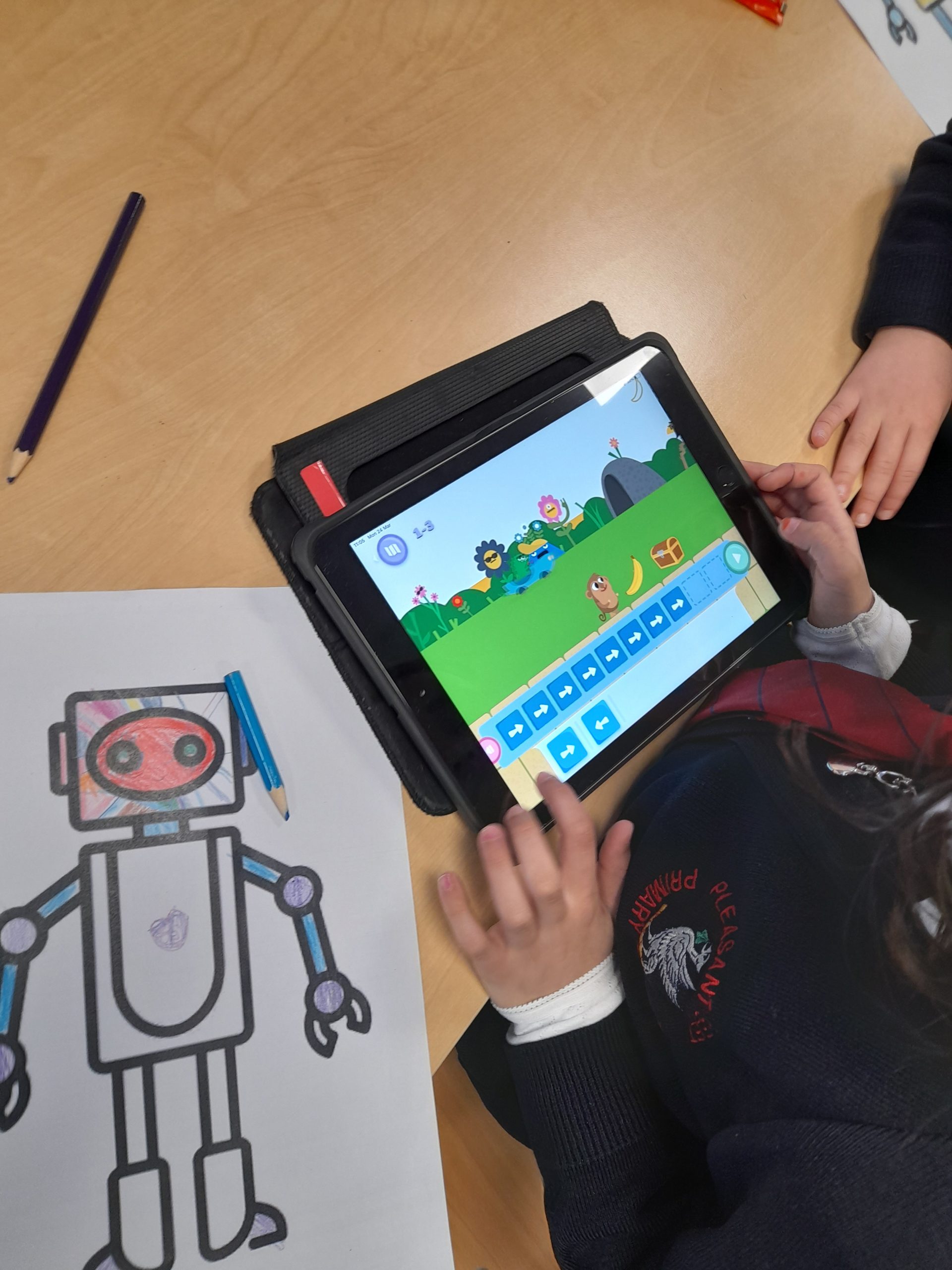
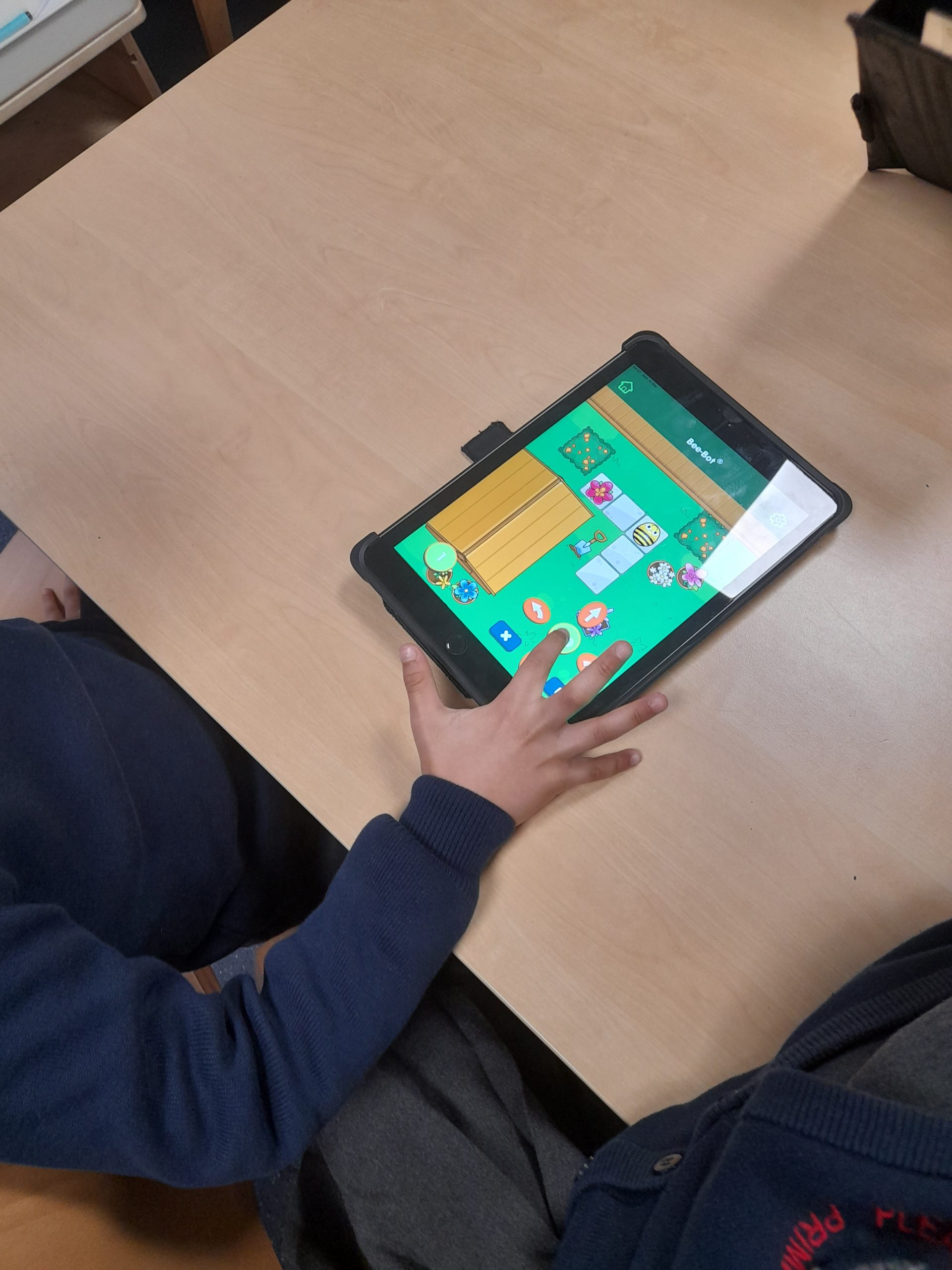
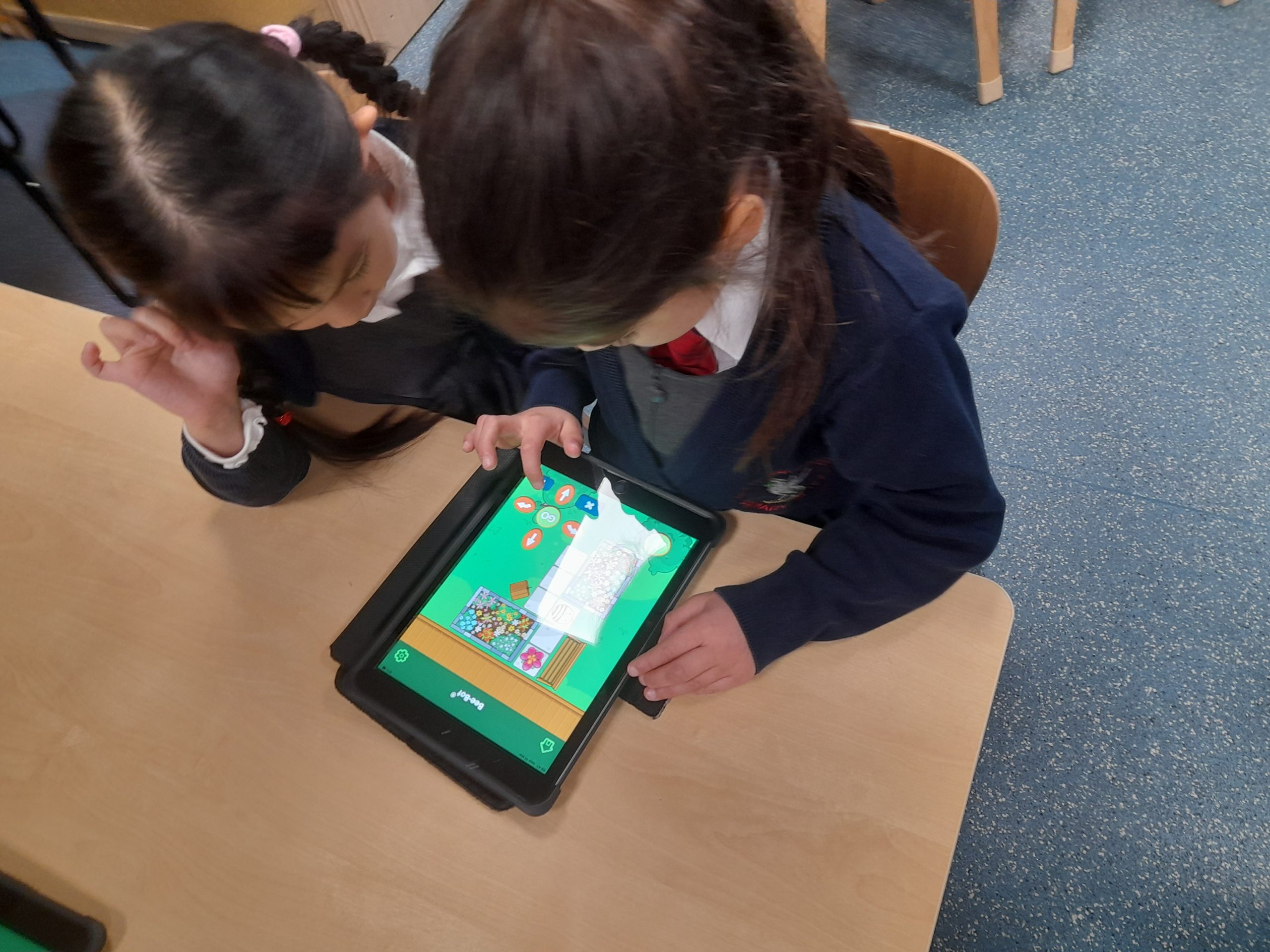
Over the past few weeks Class 1 have been investigating programming, coding and robotics. Children have developed their understanding of what Algorithms are and how they work. Children have completed different coding challenges working in pairs to solve different problems. Children have also been exploring Beebots and how they work. Children worked together to program the Beebot to move to a destination.
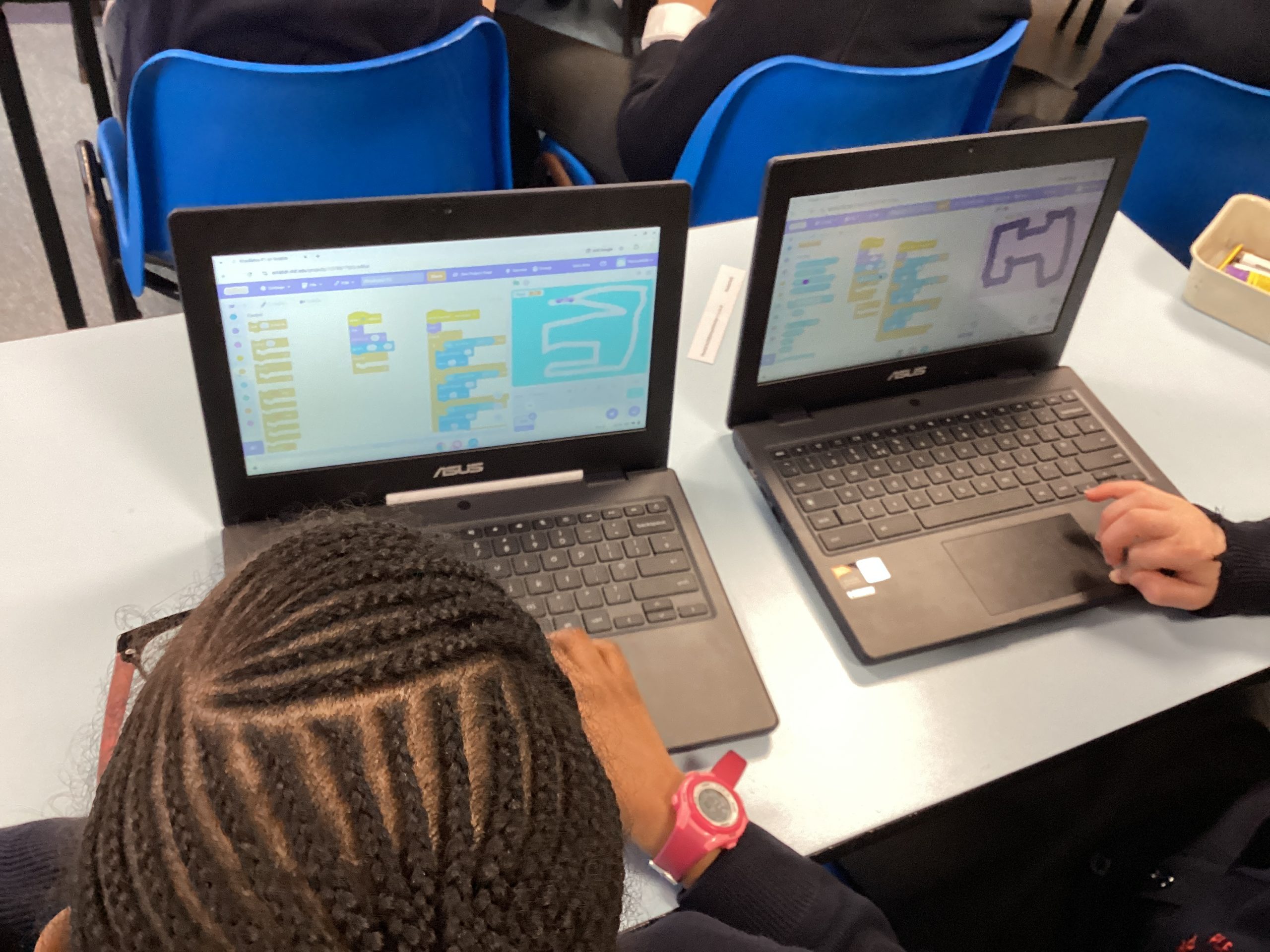
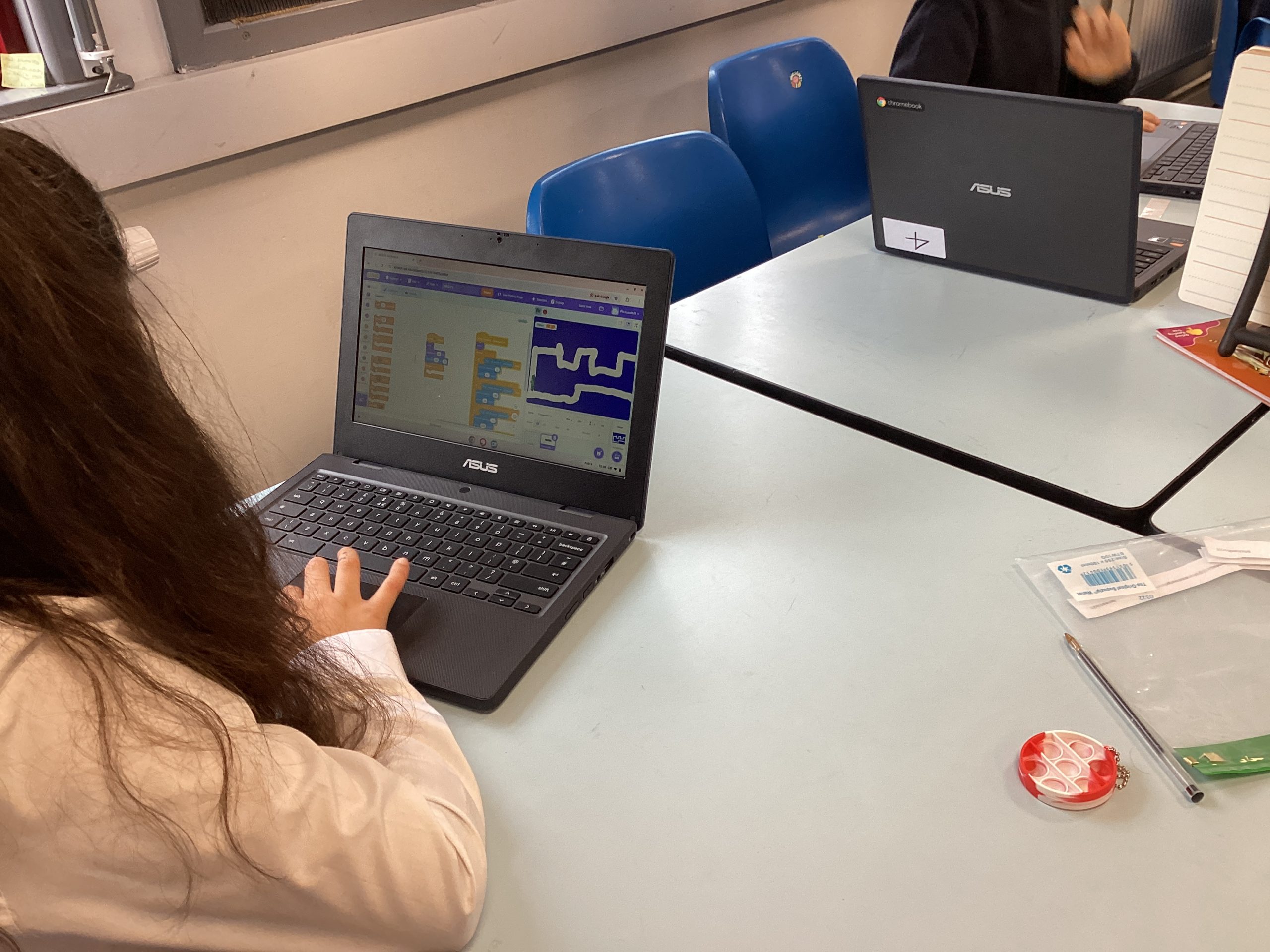
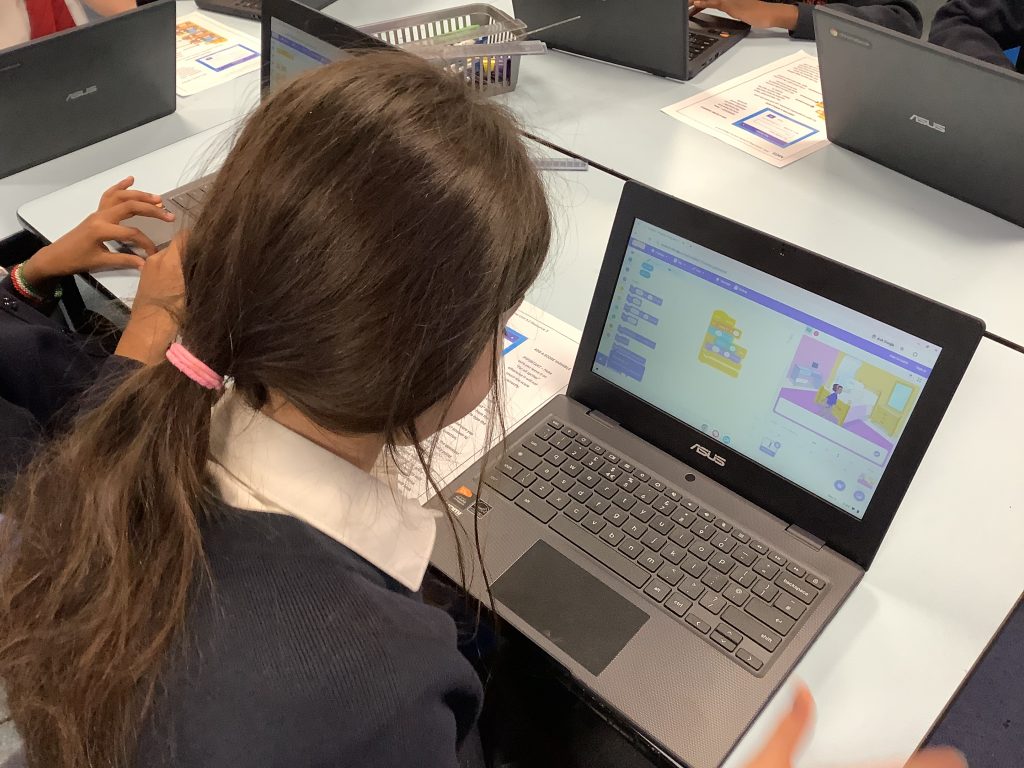
This half term in Computing Class 4 have been looking at how to use Loops and Conditional statements to create their own racing game. Children spent their lessons designing backgrounds and coding them to appear in a sequence. Children have also designed their own car Sprite and programmed it to be able to move around their track, using a conditional statement to put it back to the beginning if it goes off.
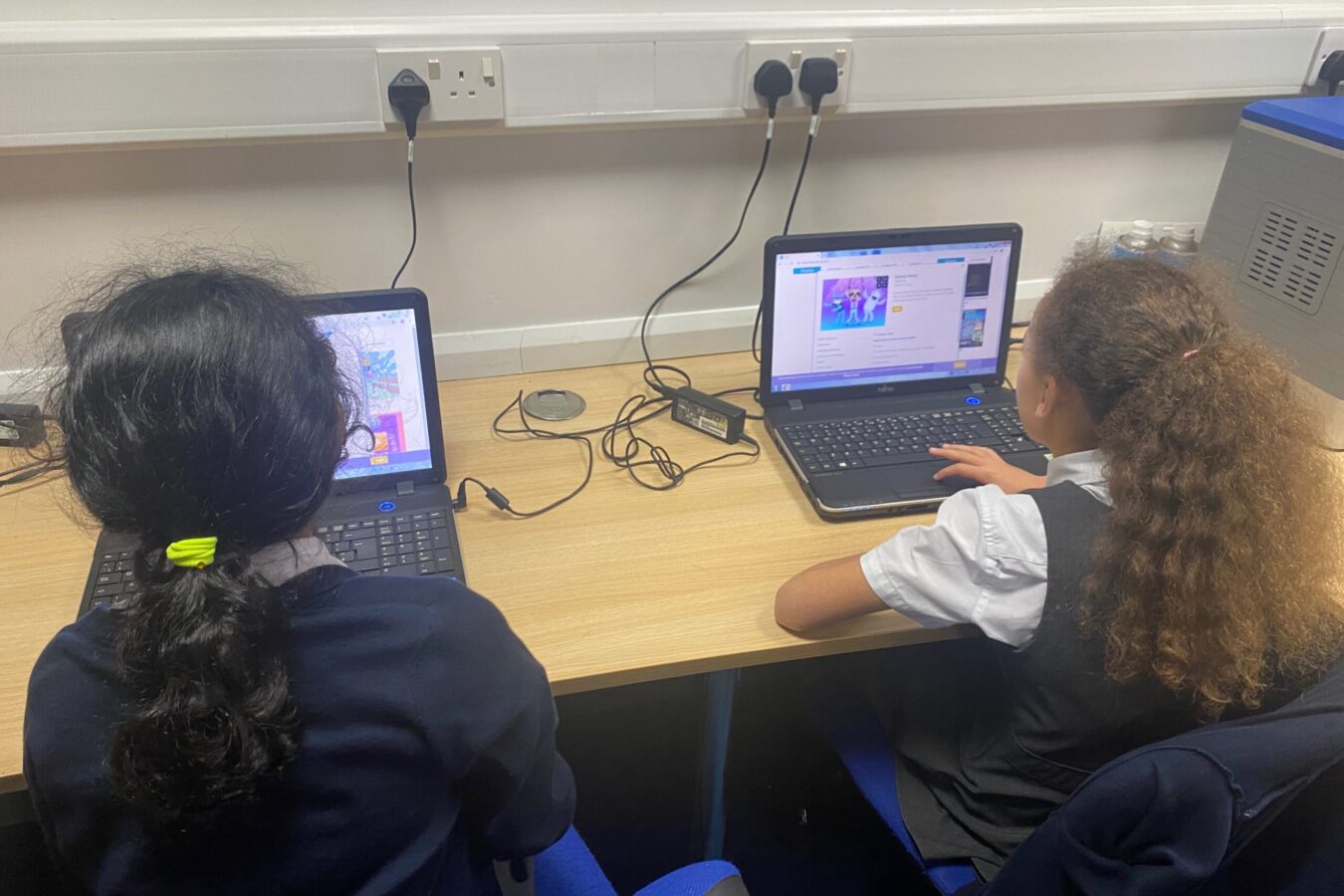
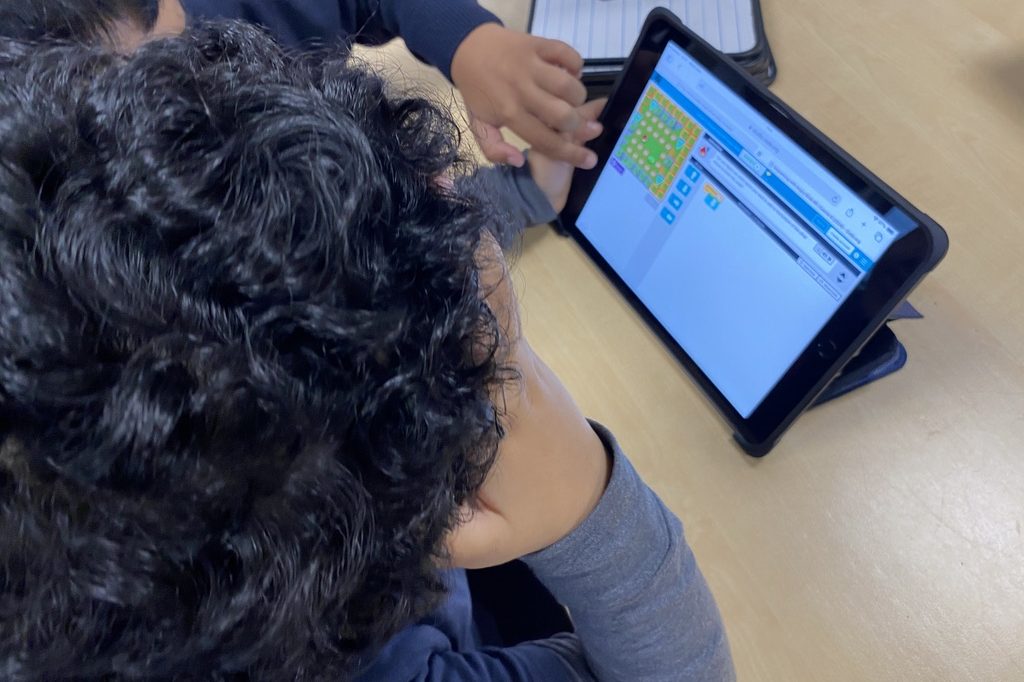
Year 3 have been busy in Computing today 💻✨ They’ve been using Scratch to tinker, test and debug code, exploring how programs work and fixing errors to make them run correctly. We logged in independently, ran existing programs and identified problems, explaining what wasn’t working and how they could improve it. Great problem-solving, resilience and teamwork on show, well done Year 3! 👏🚀
The children used the programmable mice to navigate around the map this week.The children worked together using positional language to discuss the best route around the map helping the mouse find their way home.
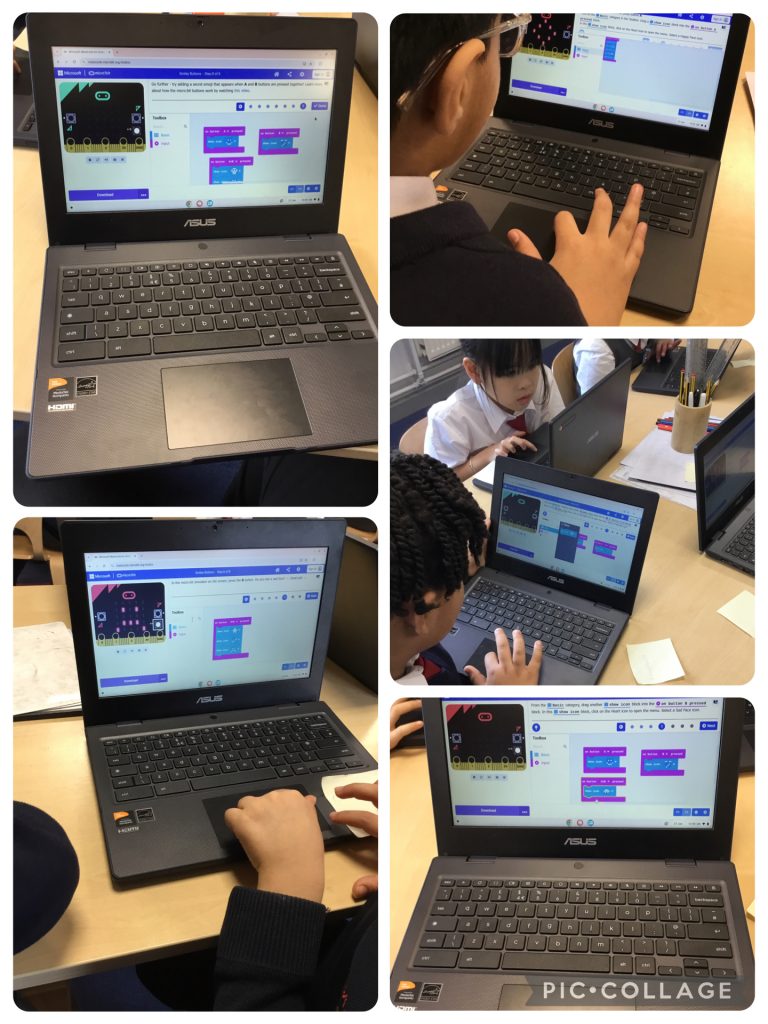
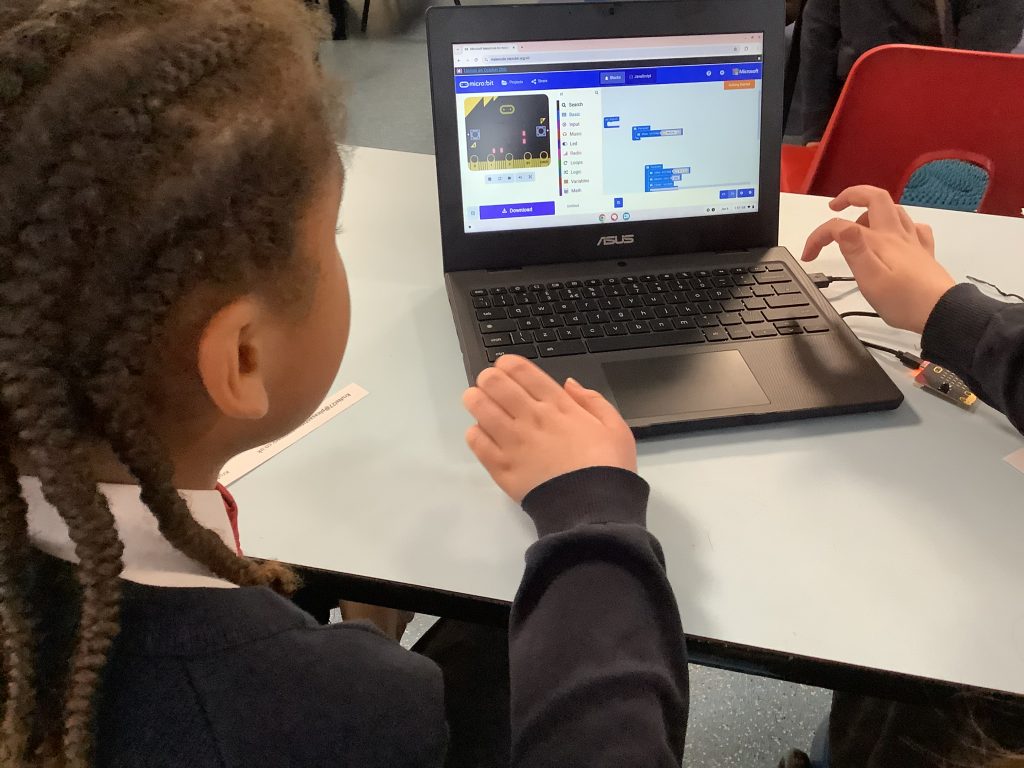
Year 3 have been developing their computing skills by creating and debugging algorithms, exploring Scratch and MakeCode, and programming a Micro:bit using inputs and outputs. Lots of tinkering, testing and problem-solving! 💻🤖
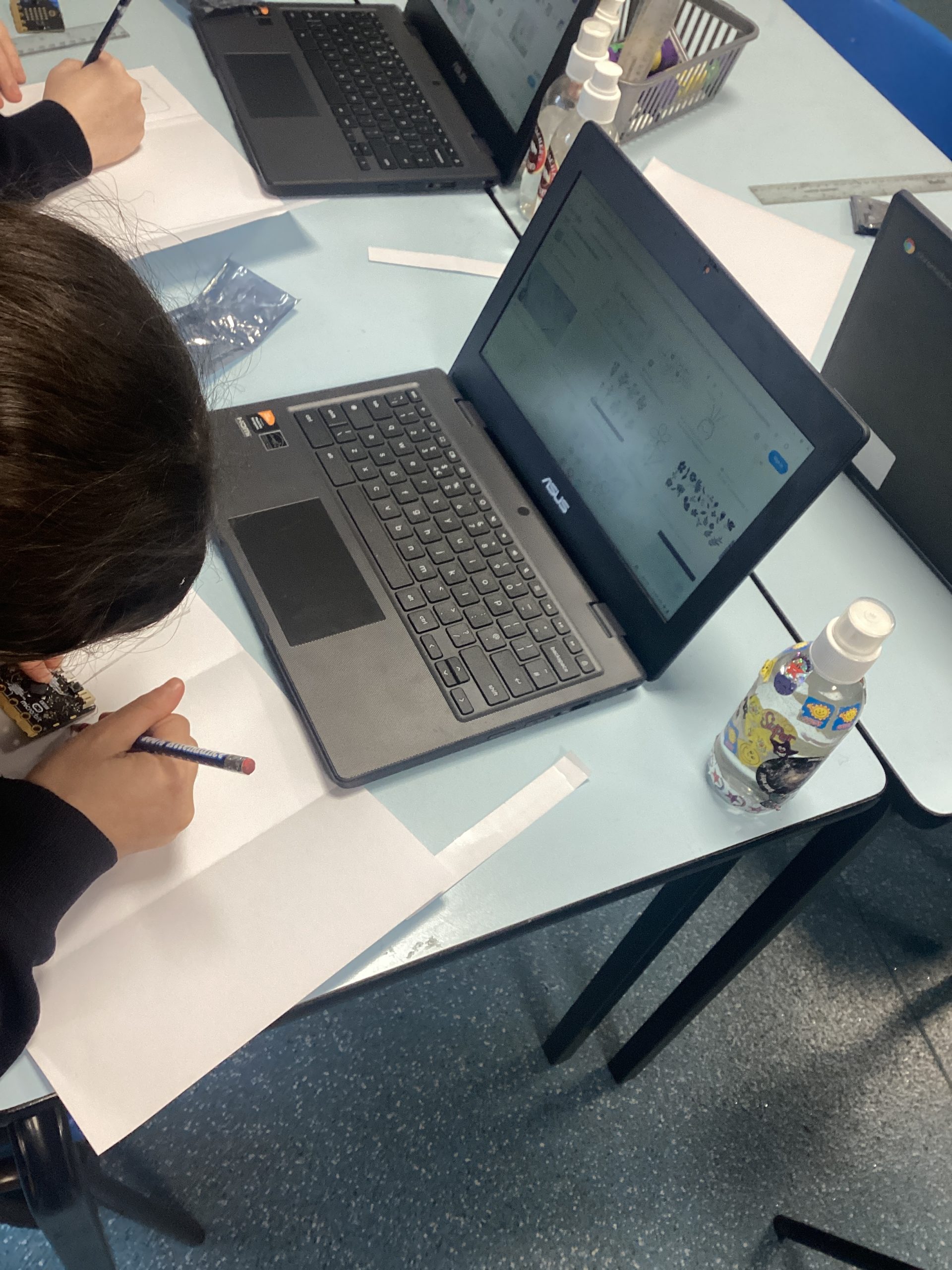
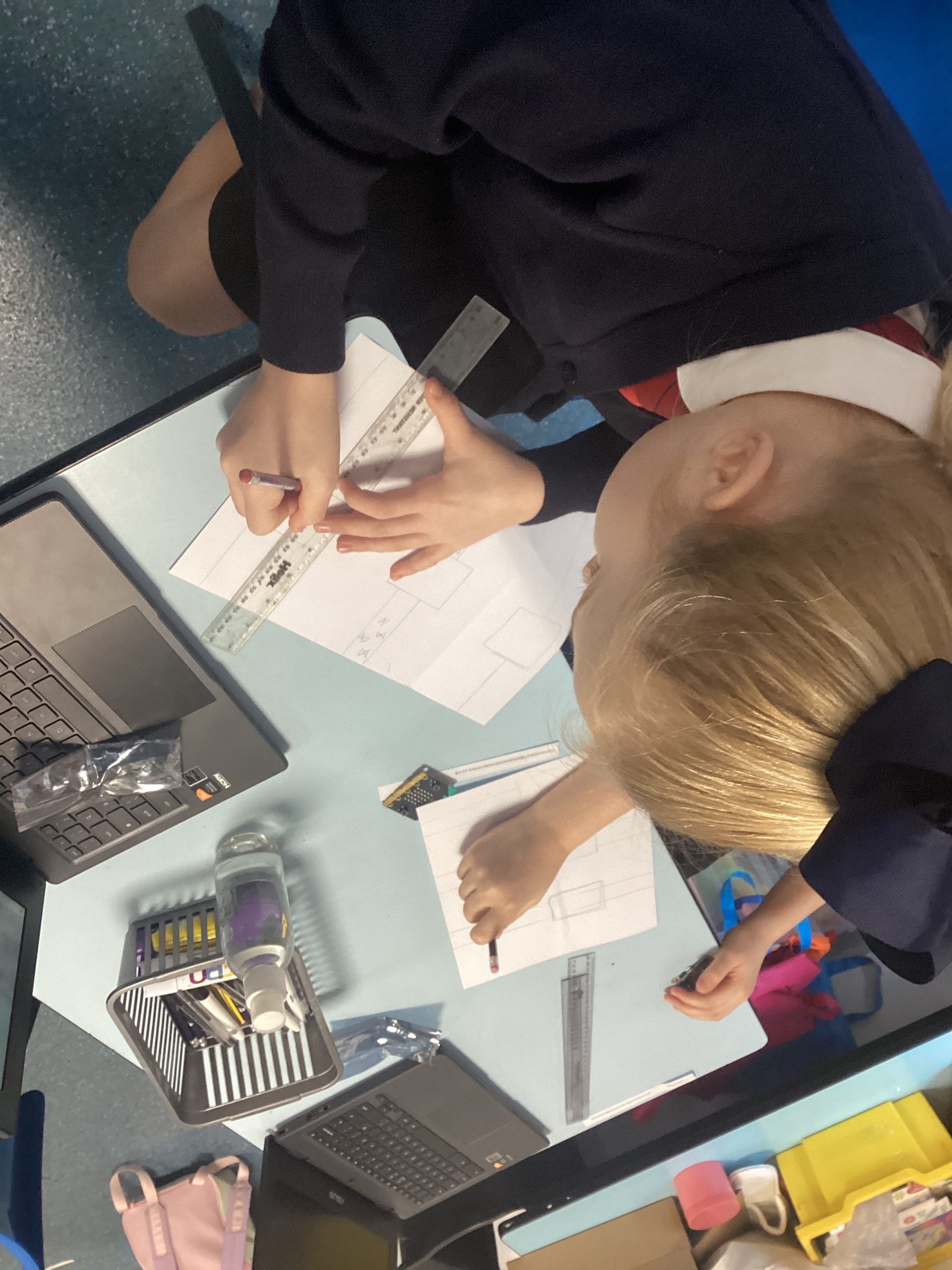
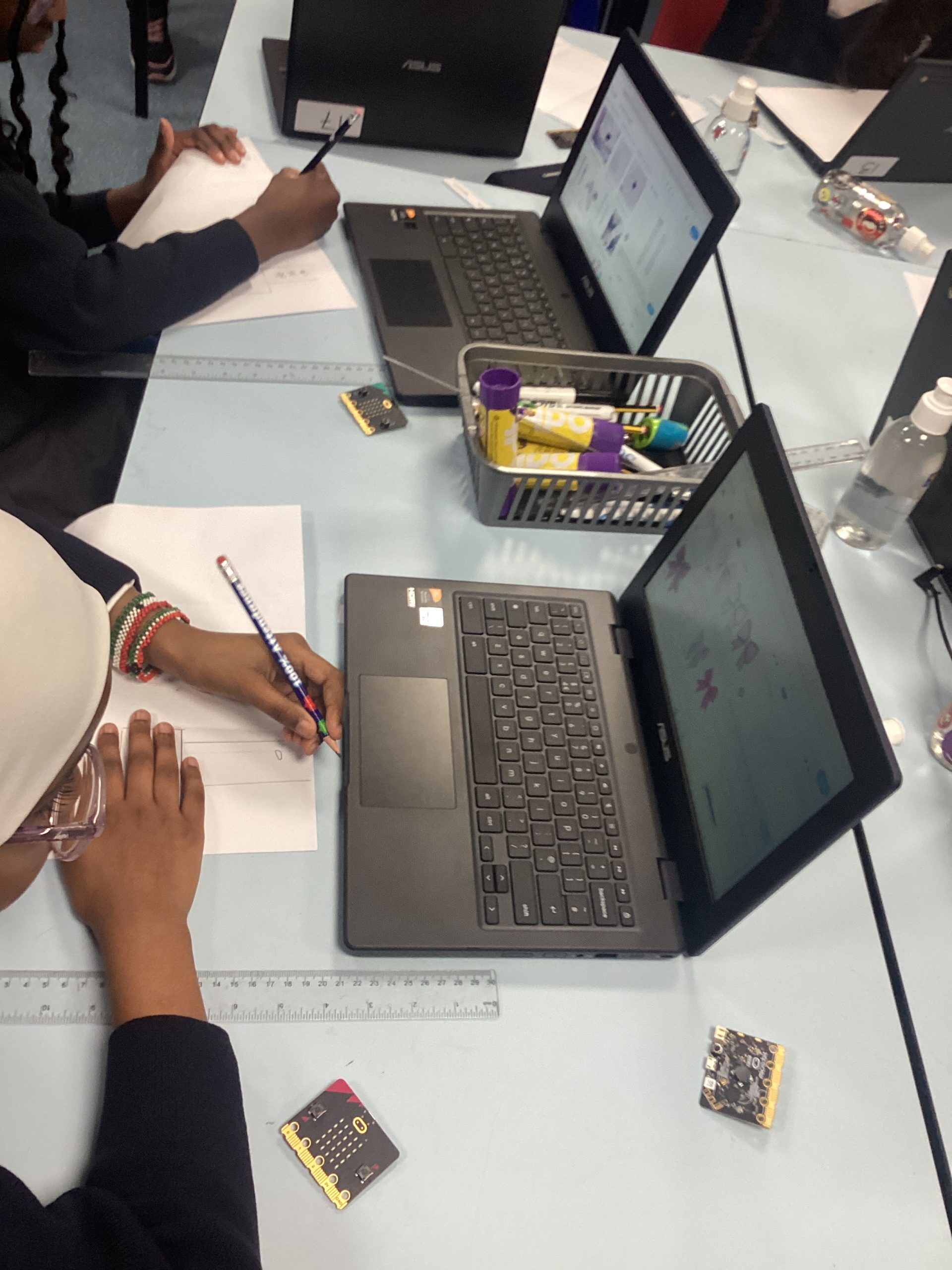
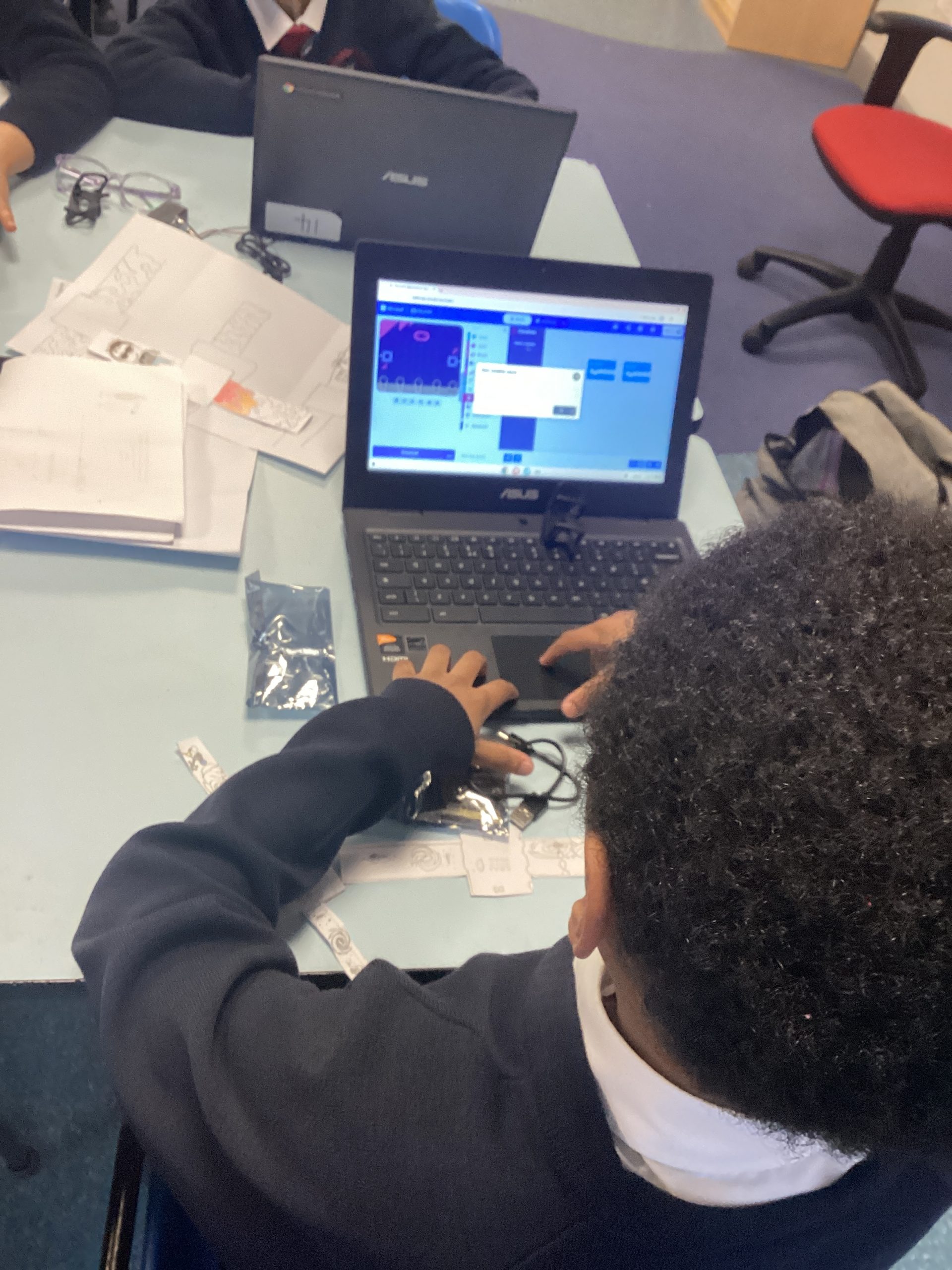
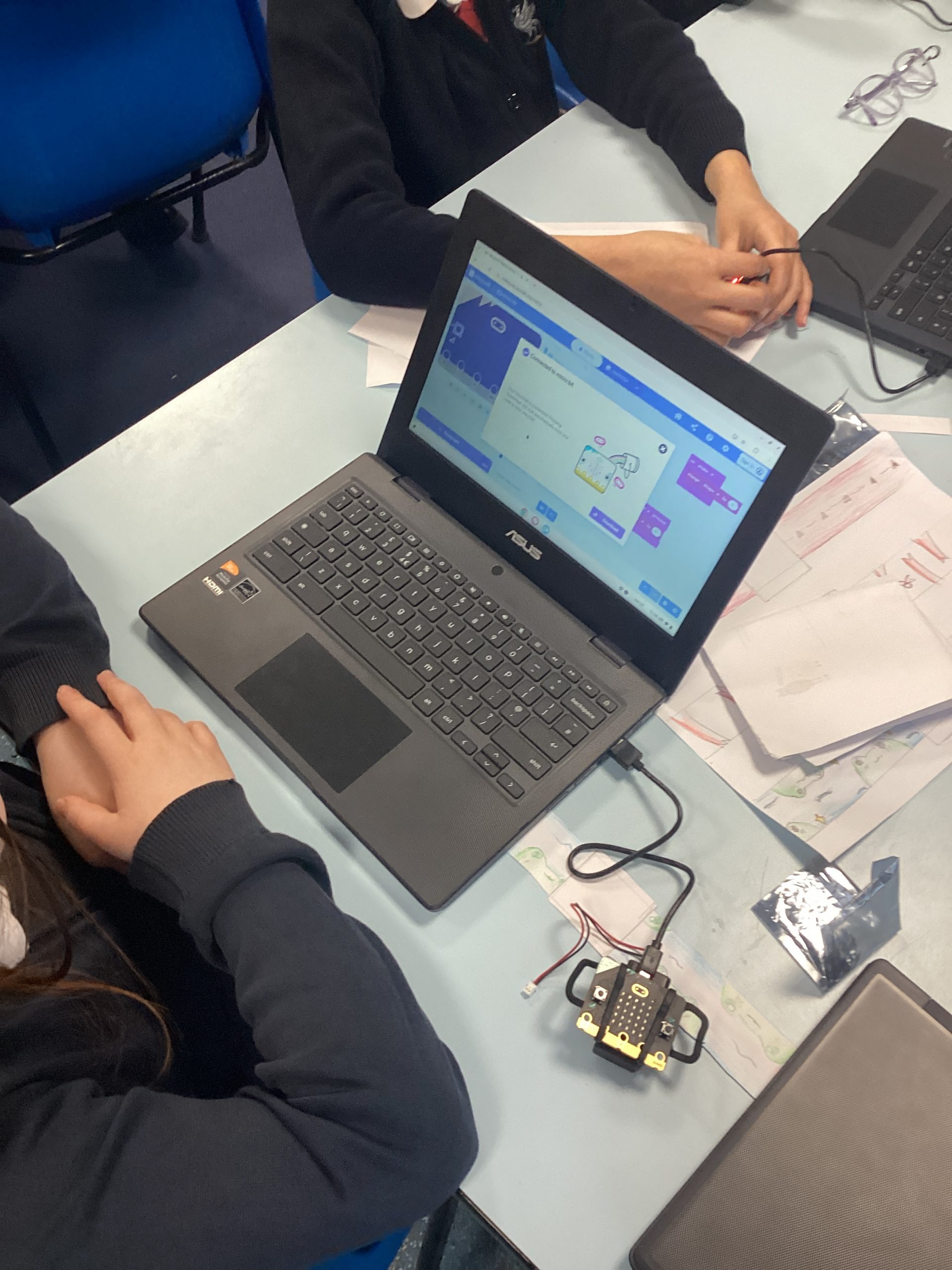
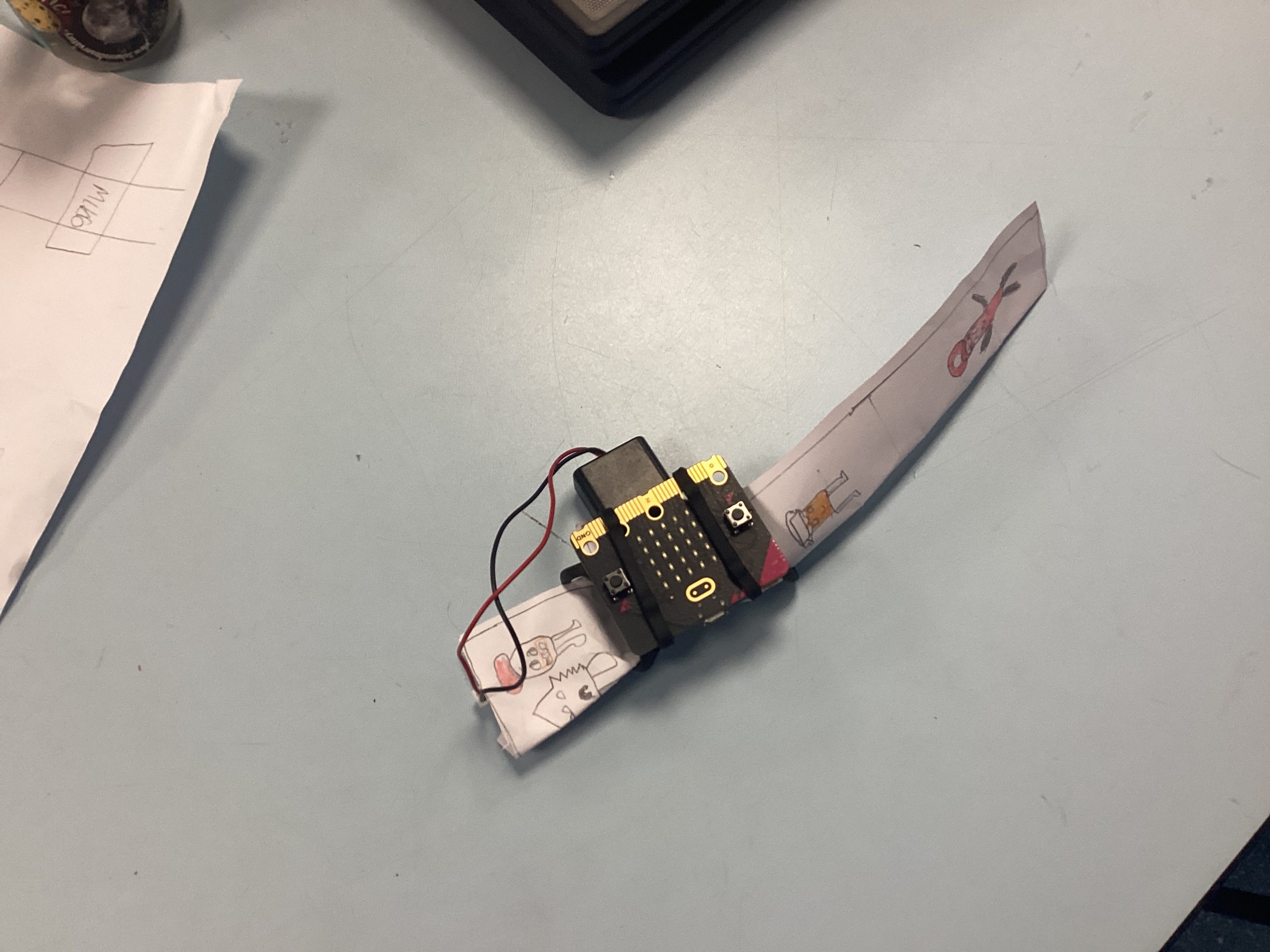
Class5 have been exploring Micro:bits. Children have been designing their own straps ready to attach to a Micro:bit. Children researched different styles of watch straps and came up with their own designs, once they were happy with their designs they measured the Micro:bit and created their own strap out of card. Children then attached the Micro:bit to the card
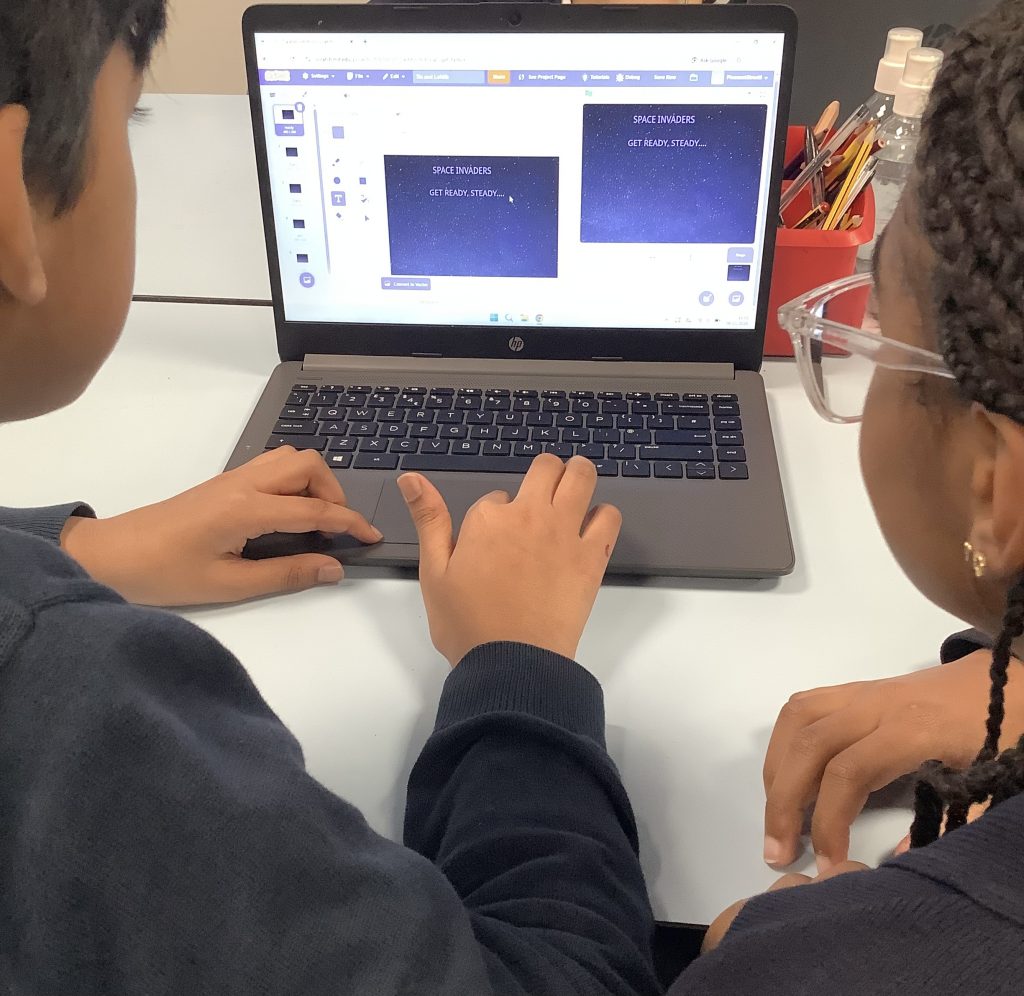
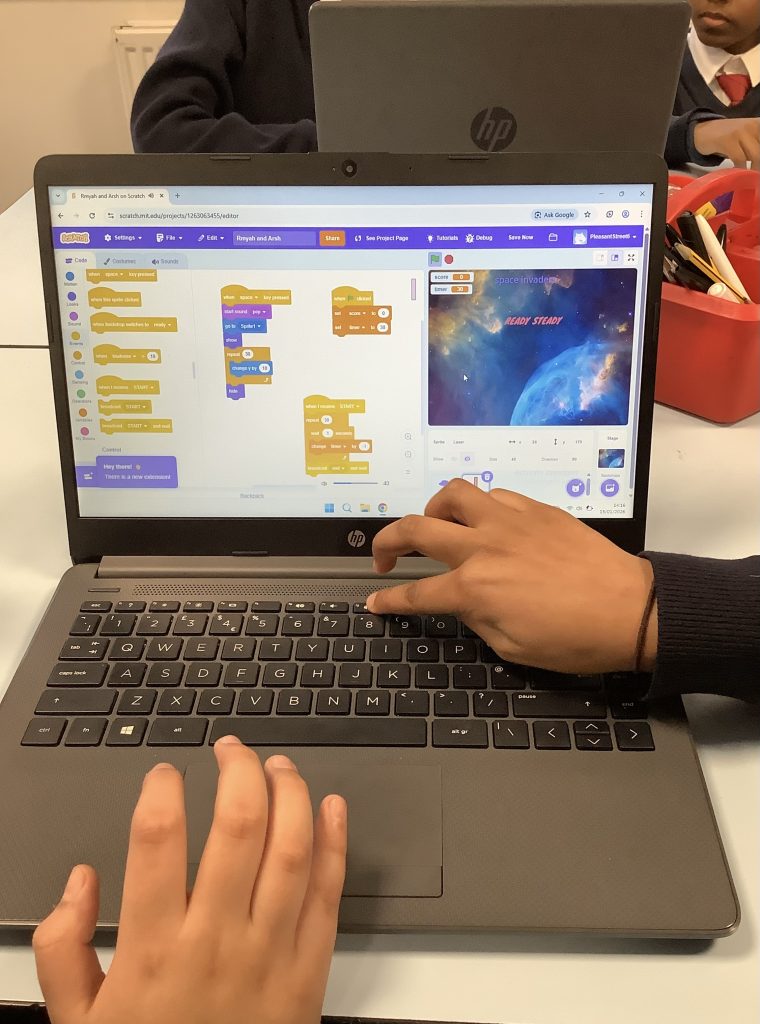
Class 6 are building a programme to create an interactive, playable game using conditionals, variables and operators. We were inspired by the late 1970s game Space Invaders for our design.
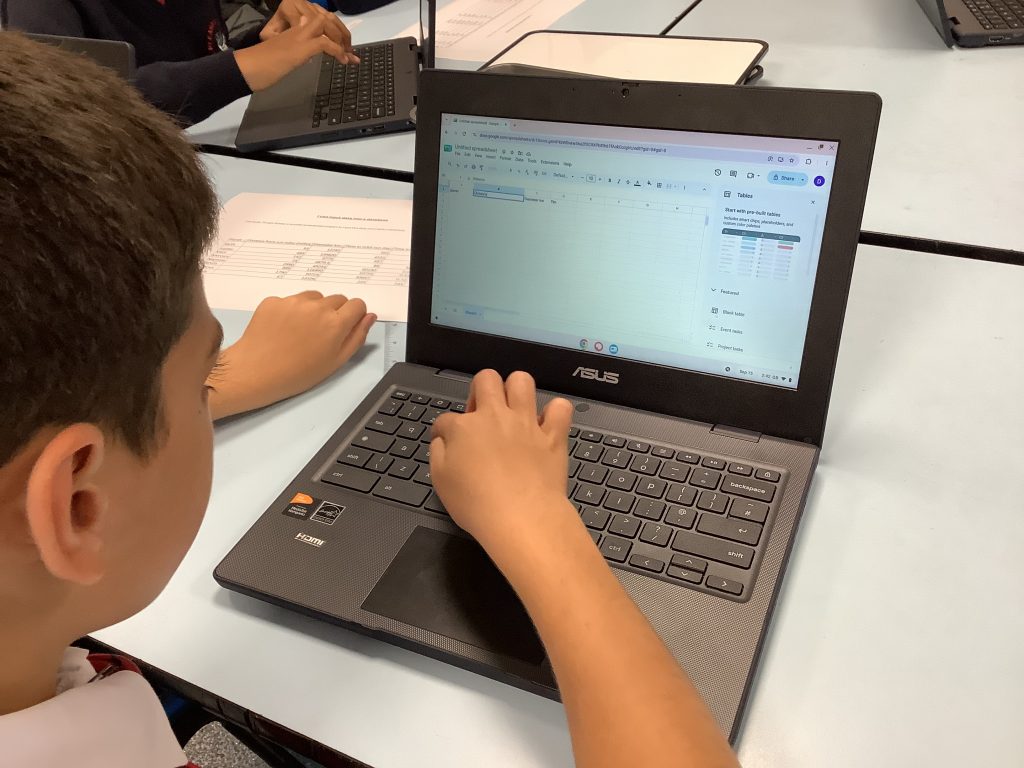
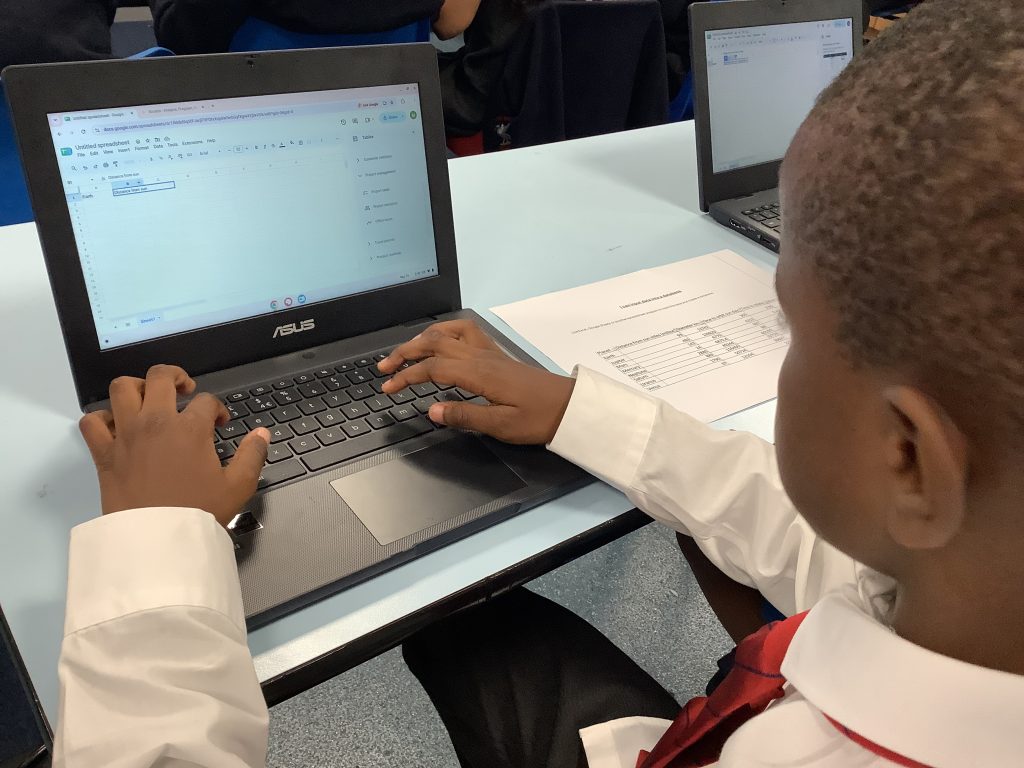
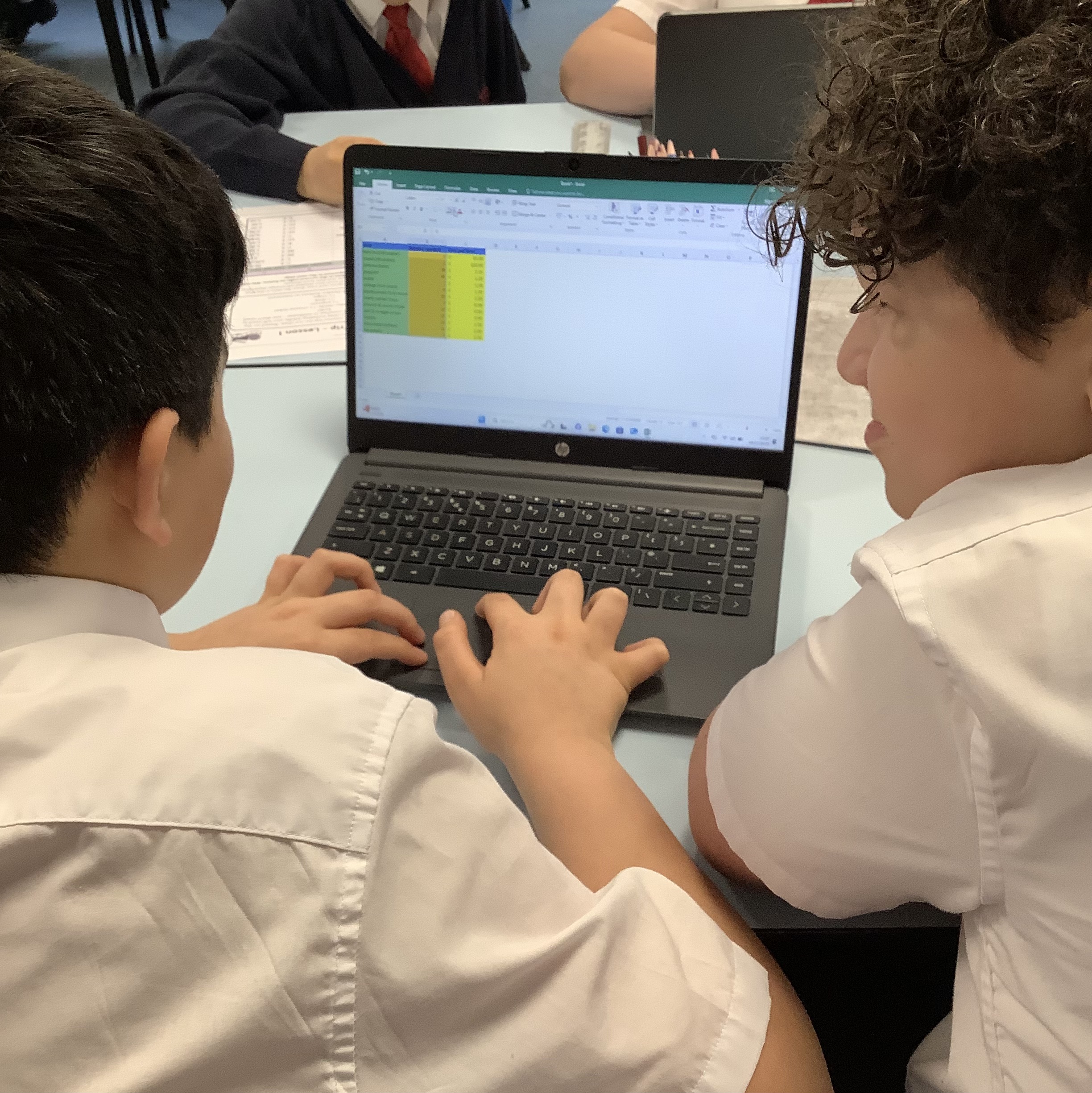
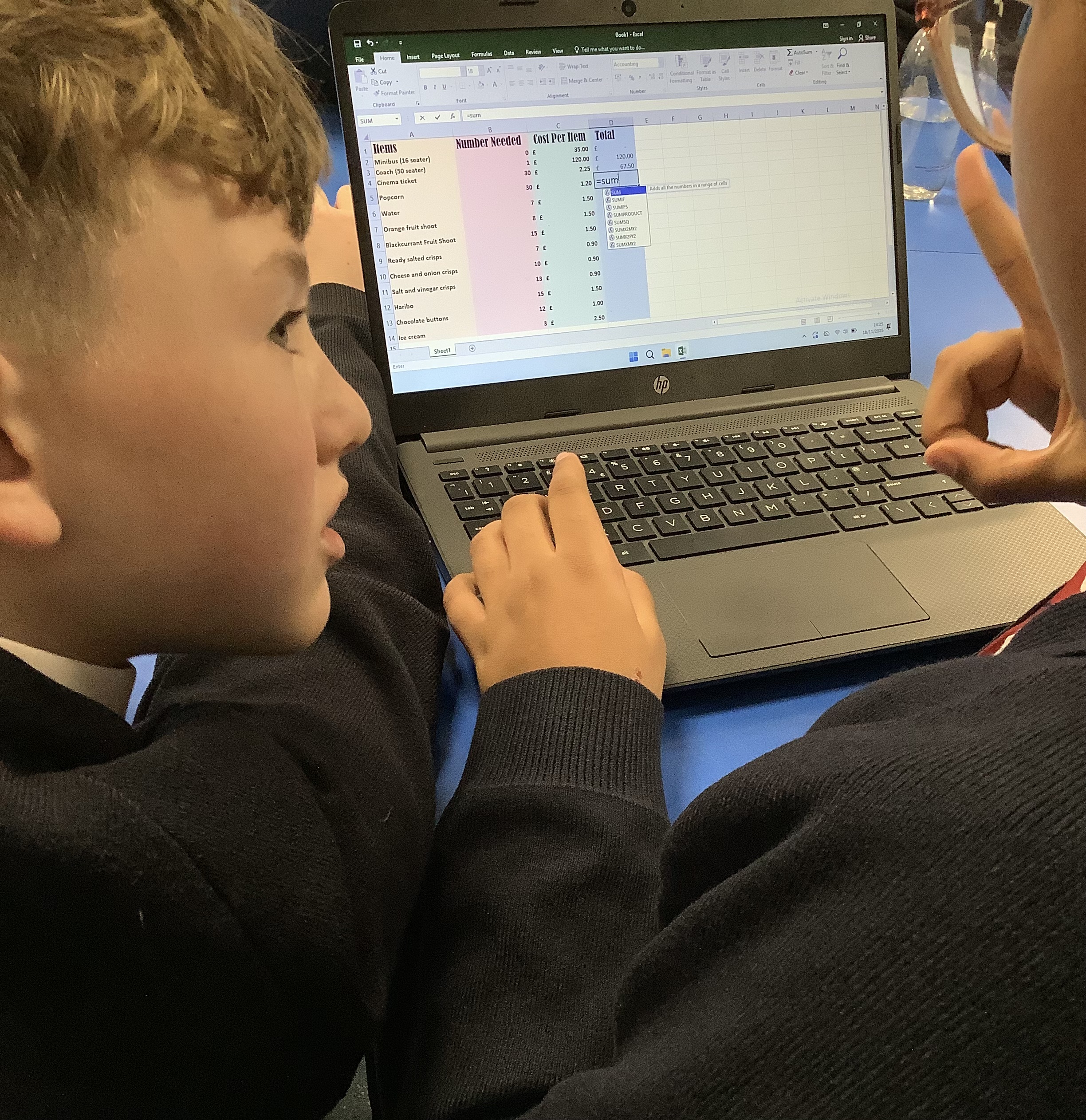
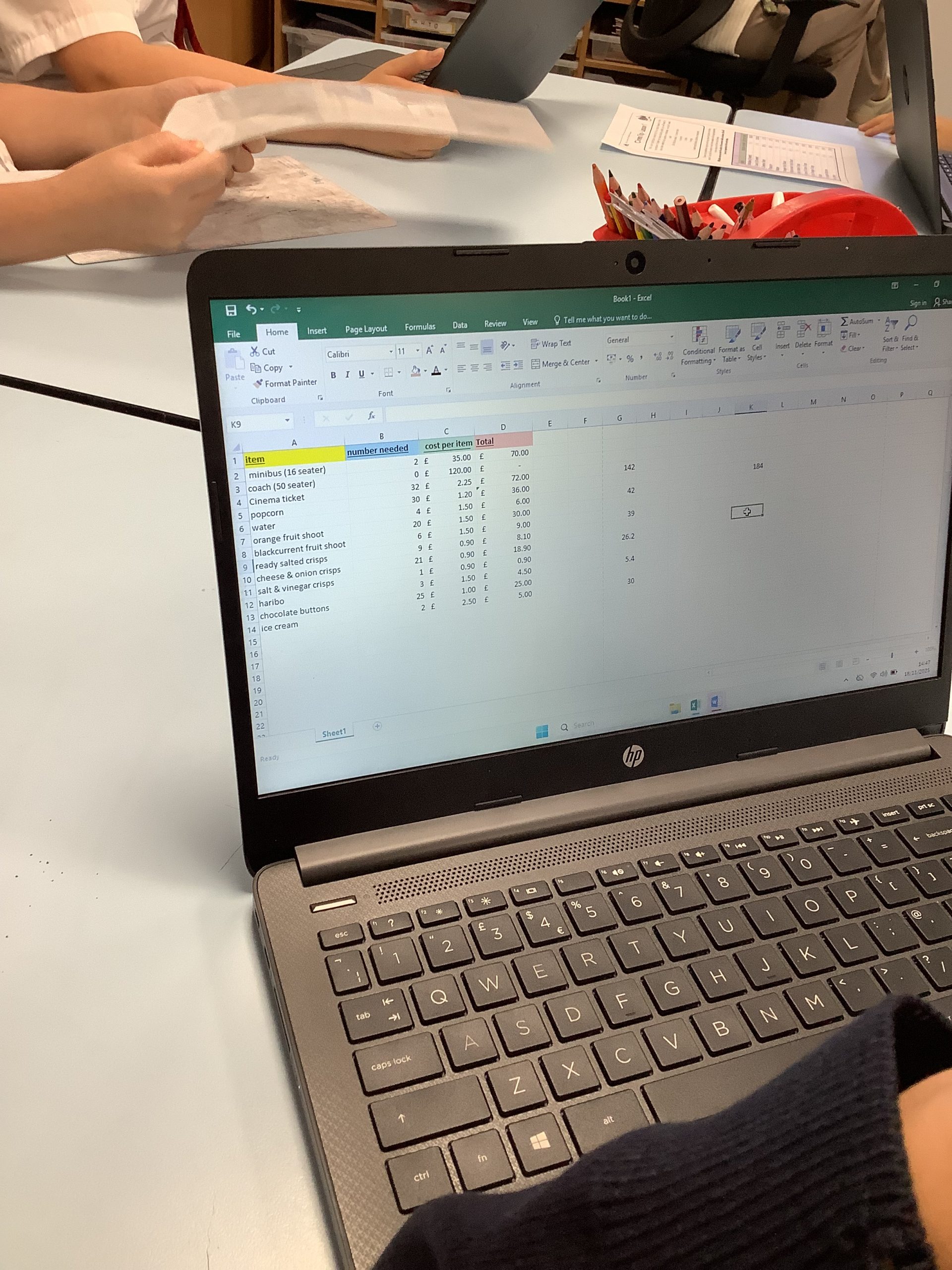
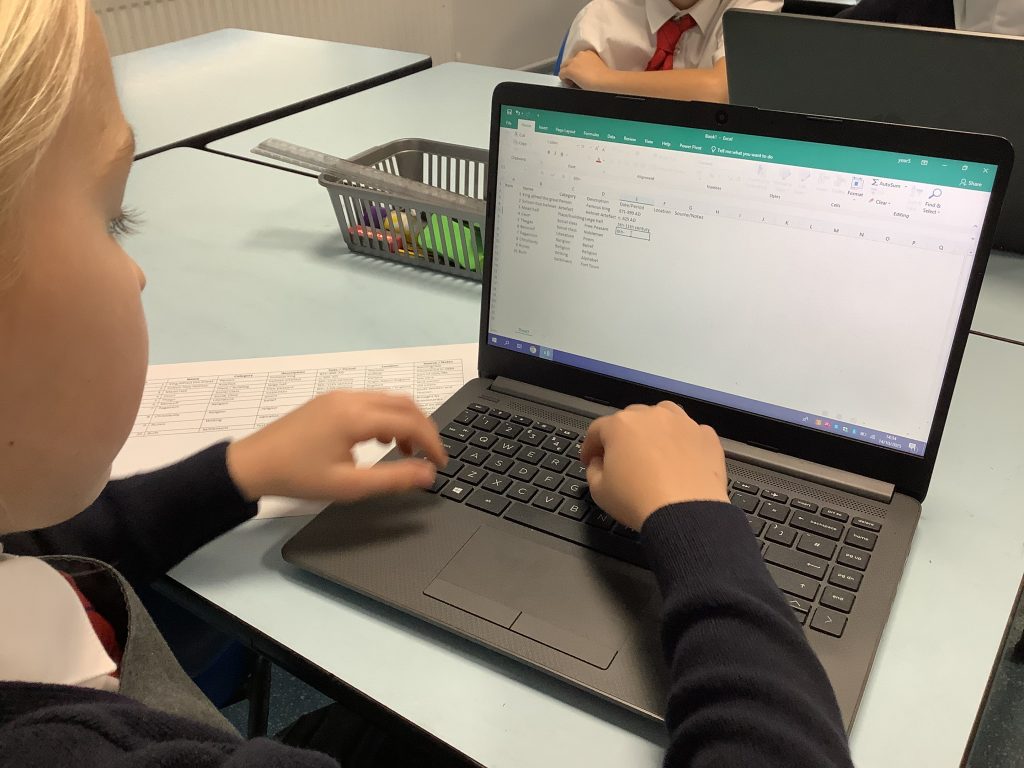
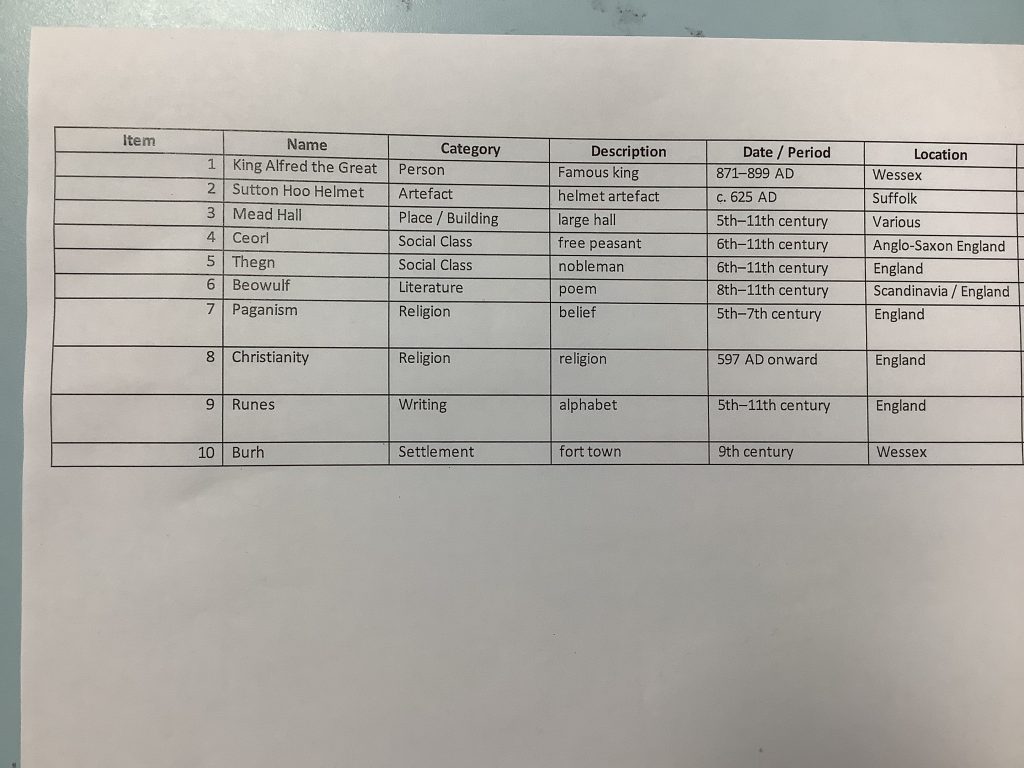
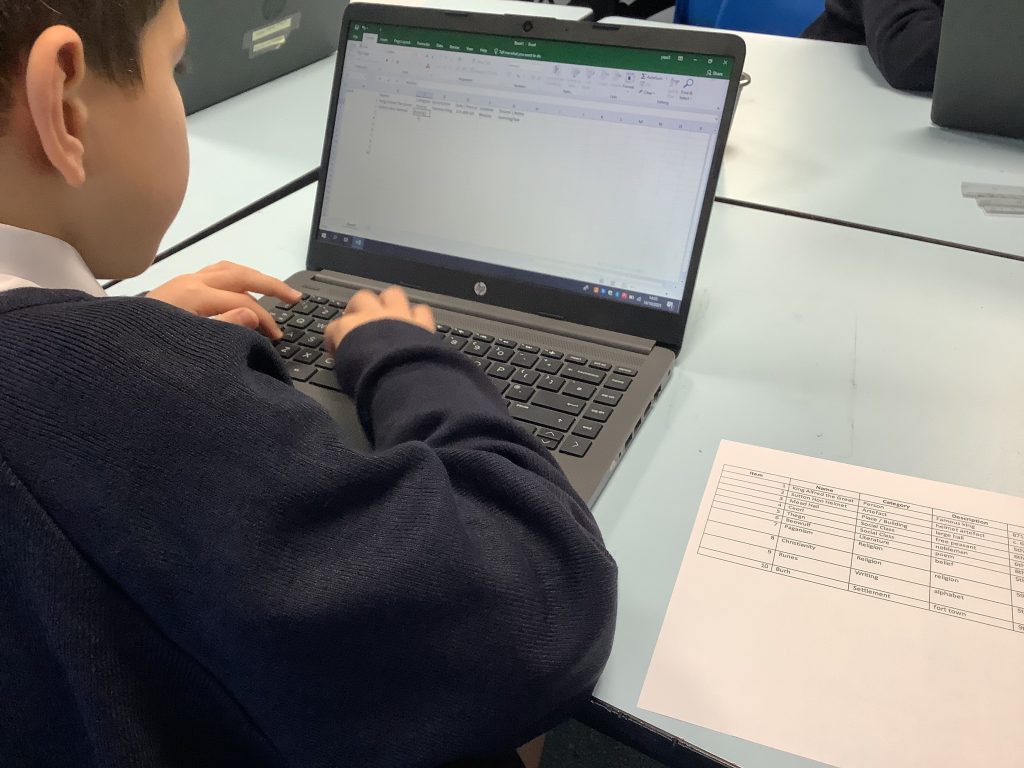
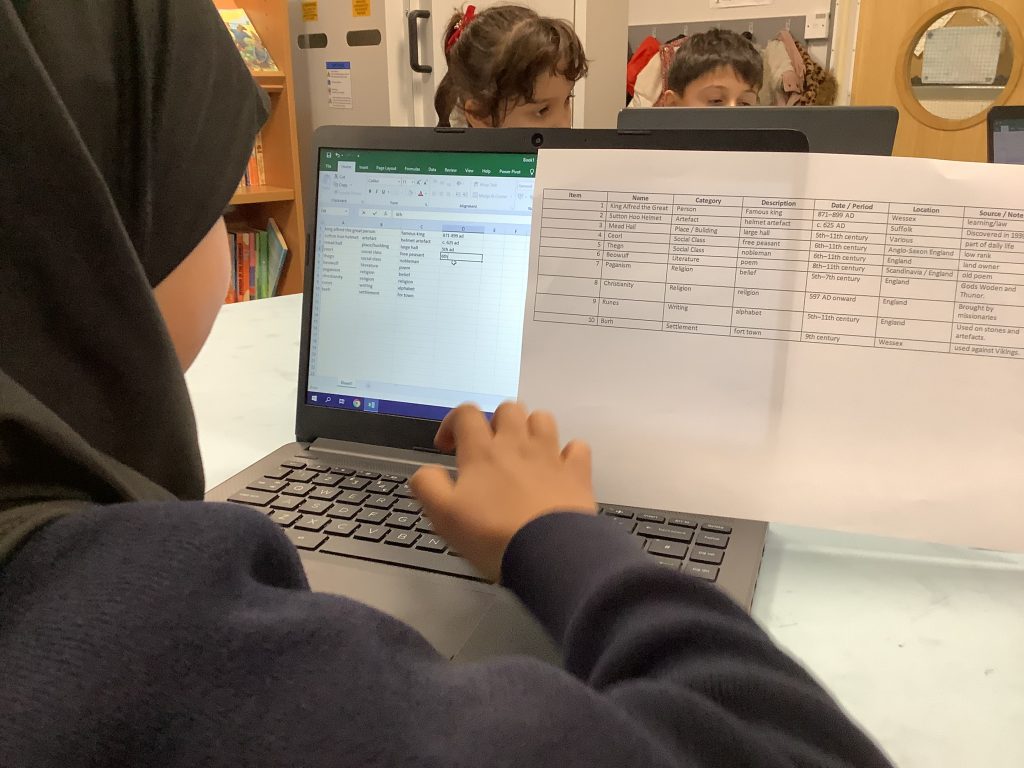
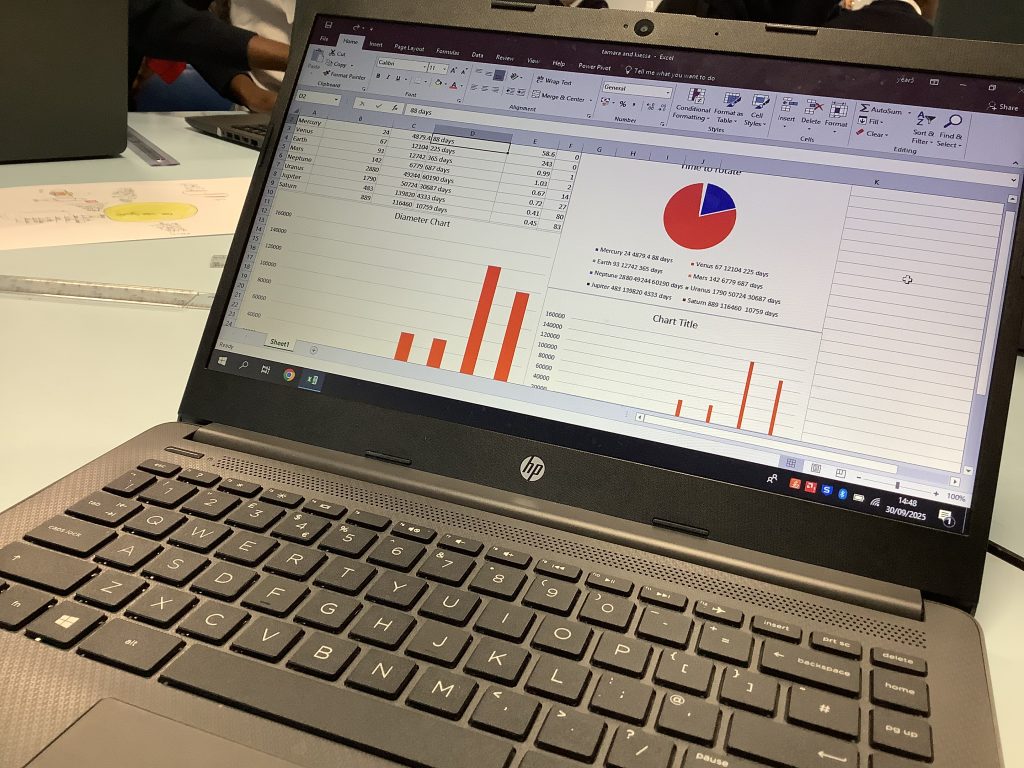
We have worked very hard this half term to think about how information can be organised into a spreadsheet. We thought about the formatting and how formula can be used to calculate totals and averages.
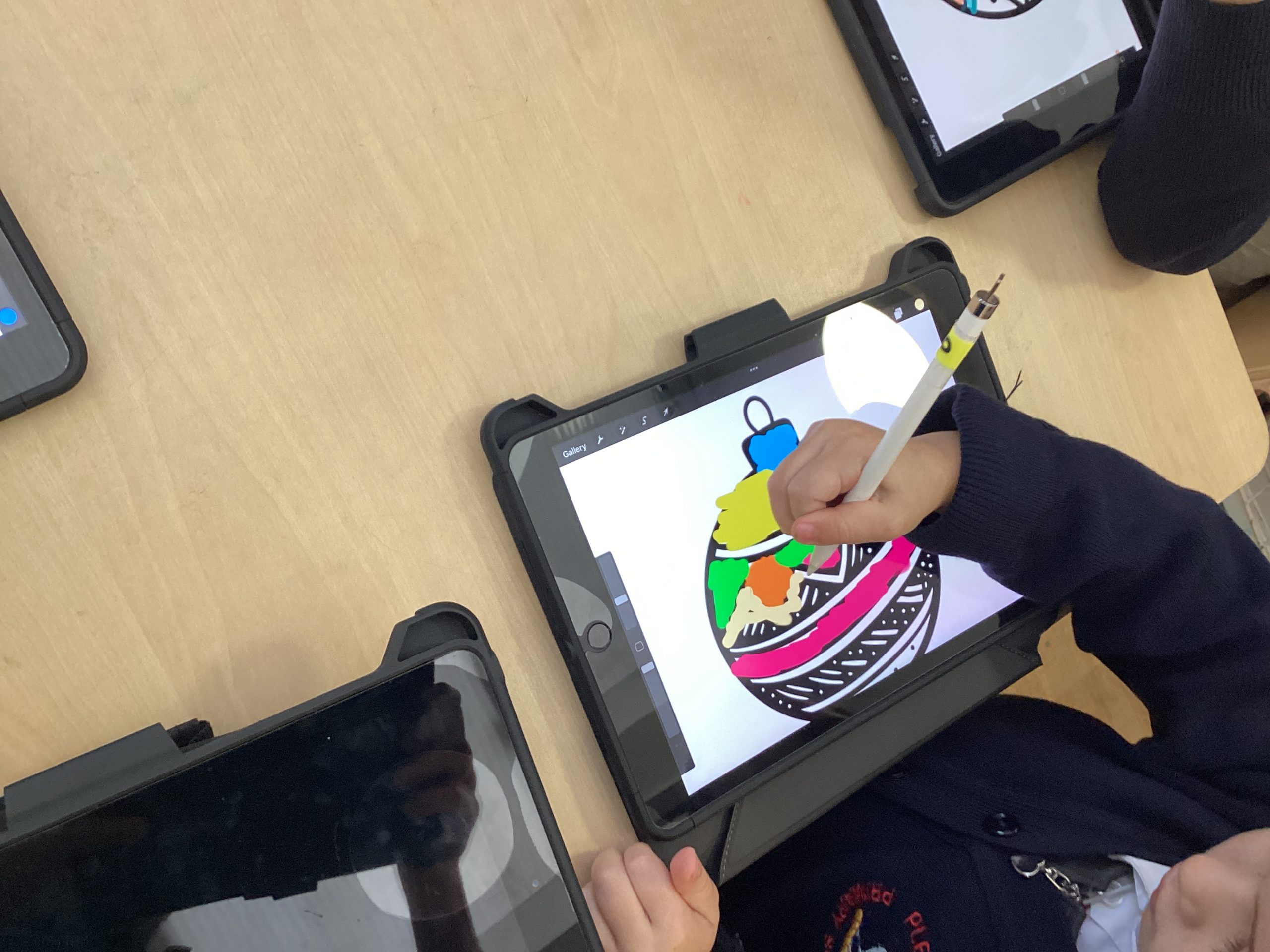
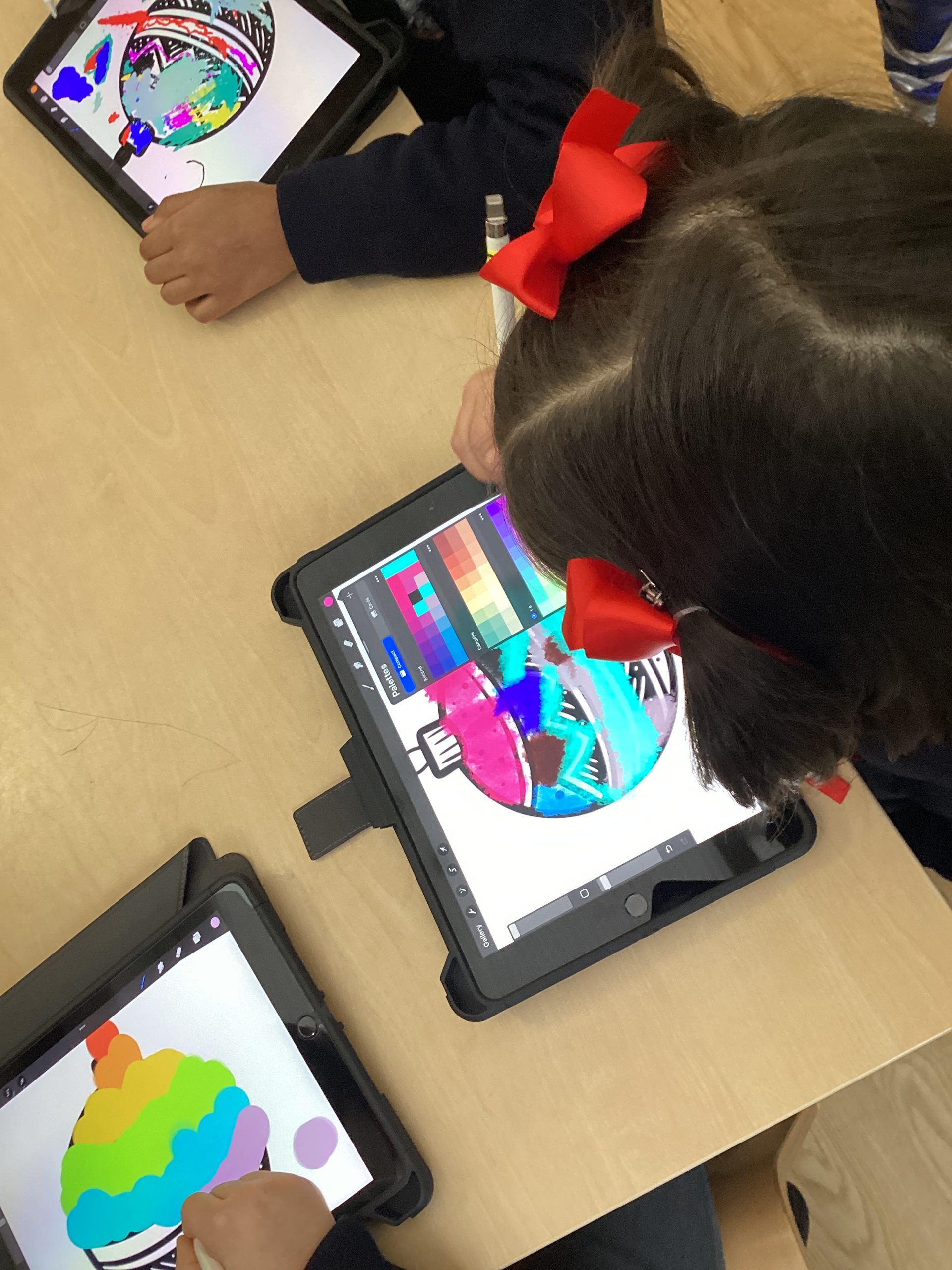
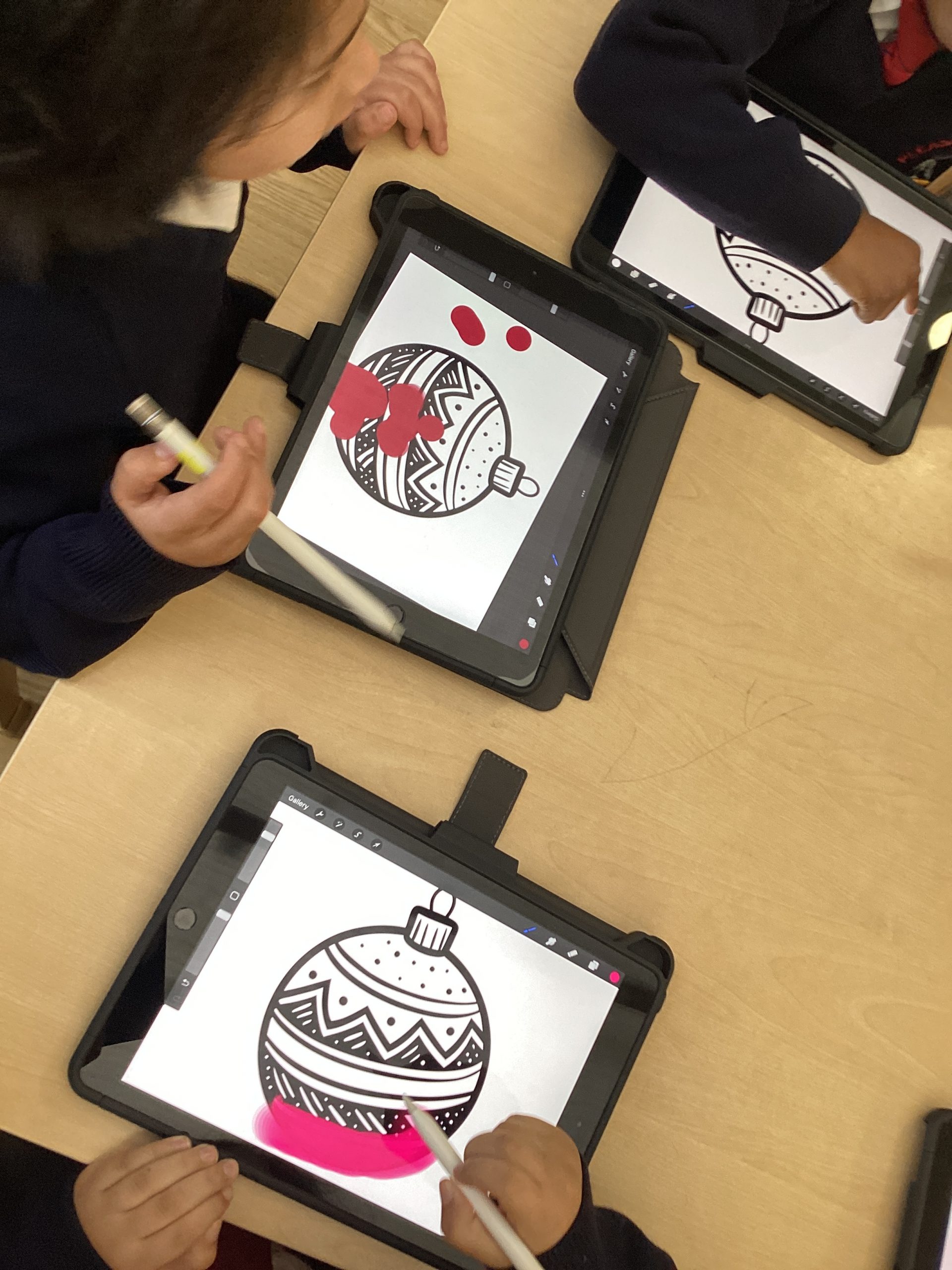
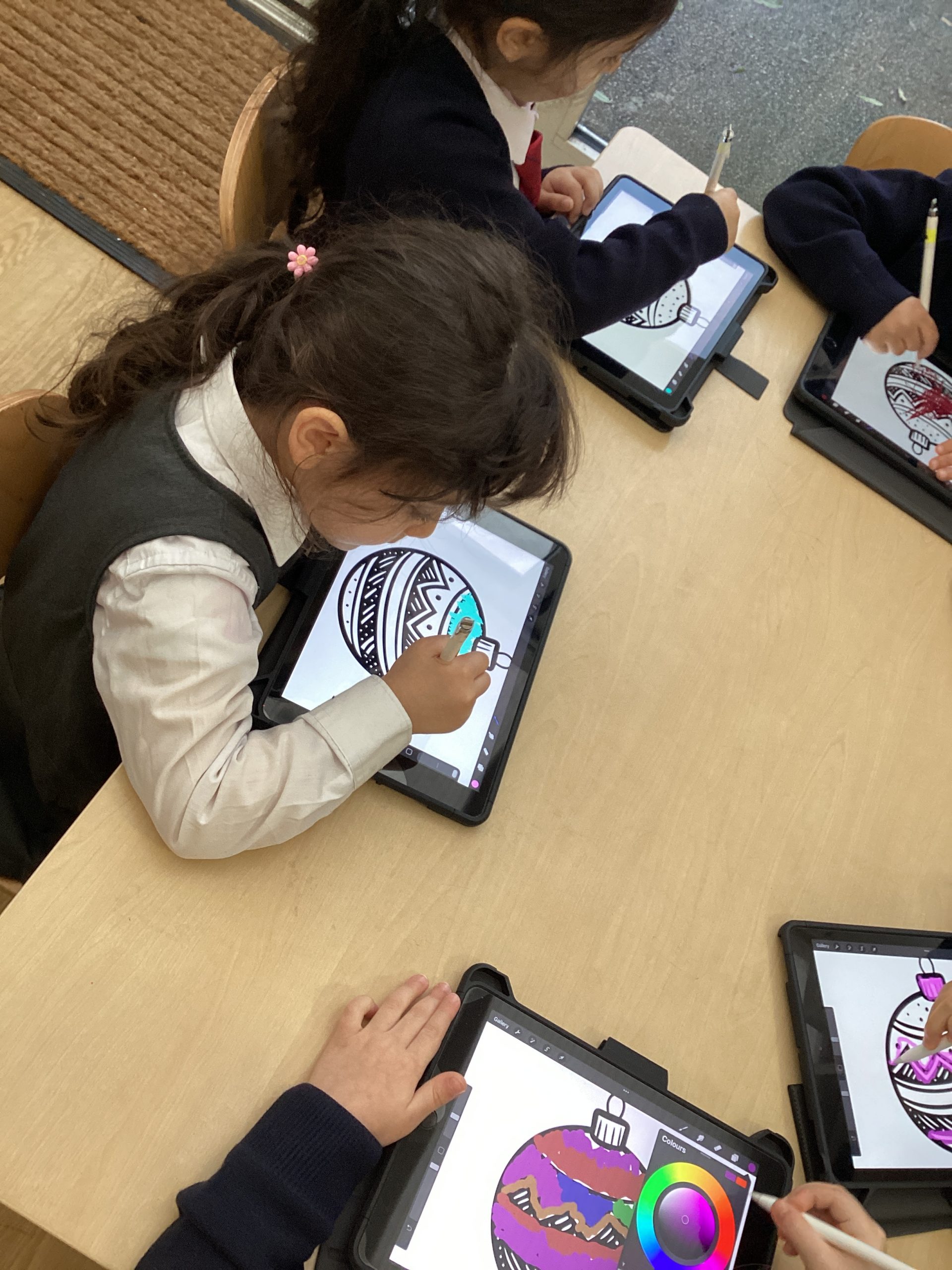
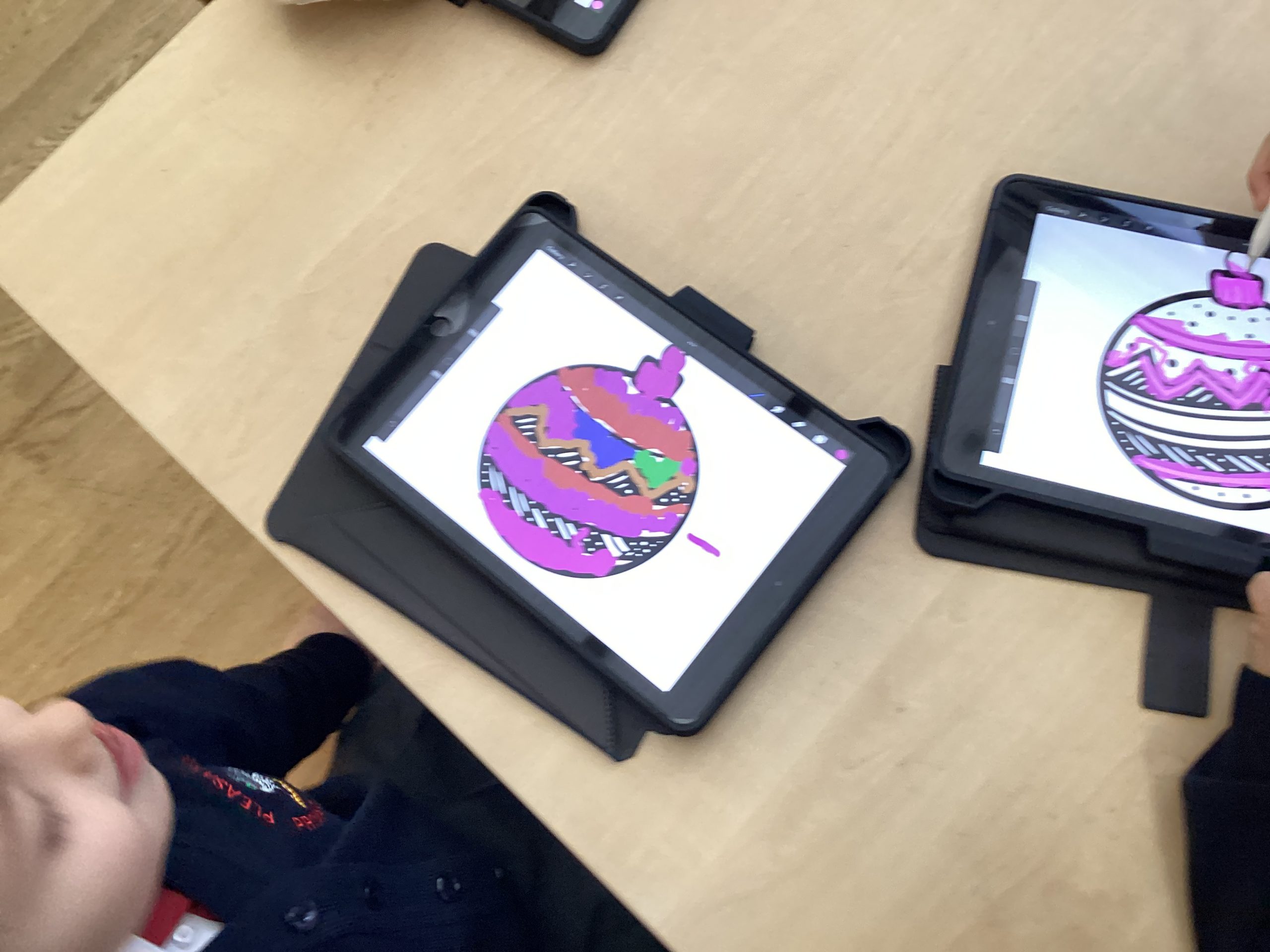
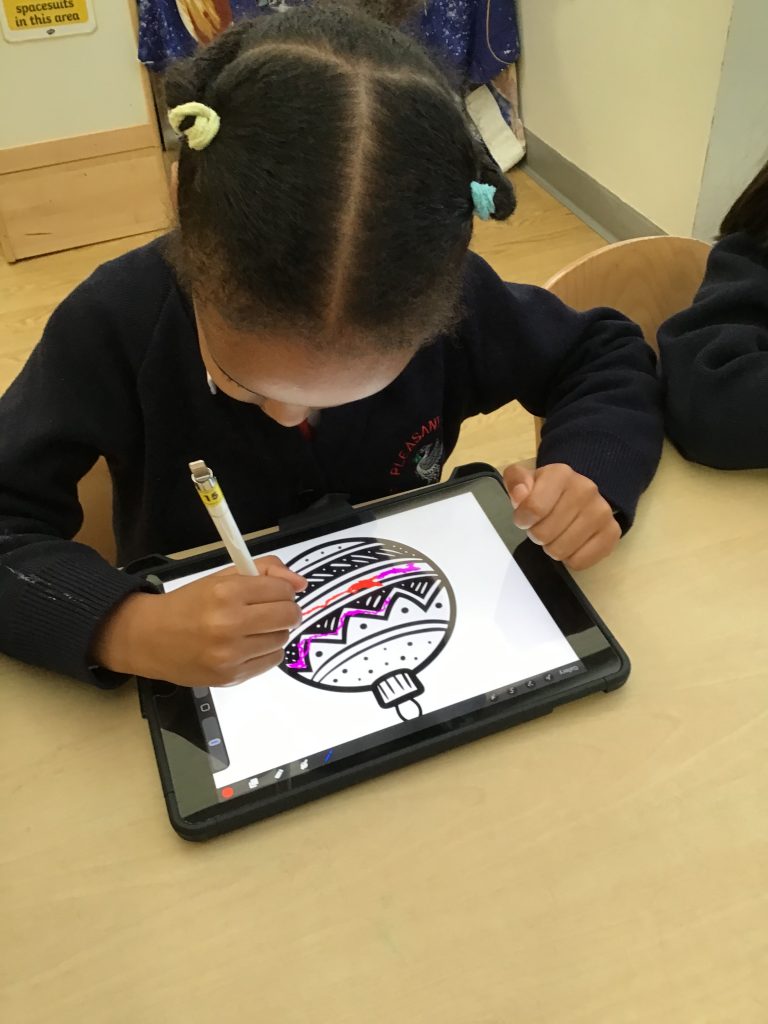
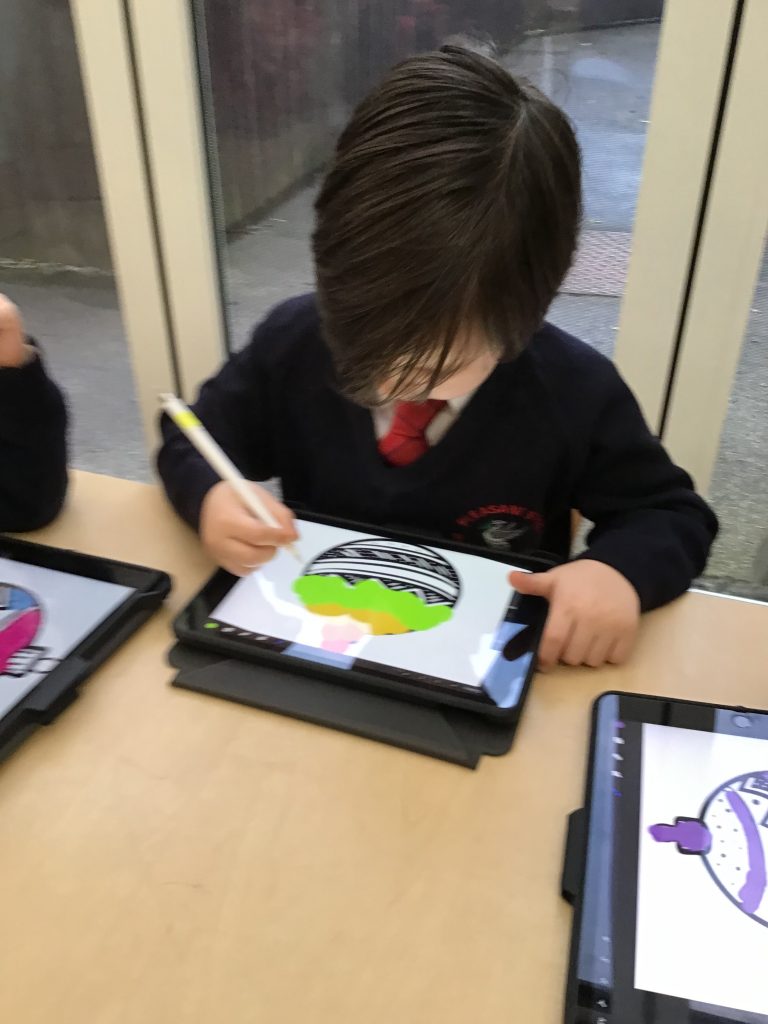
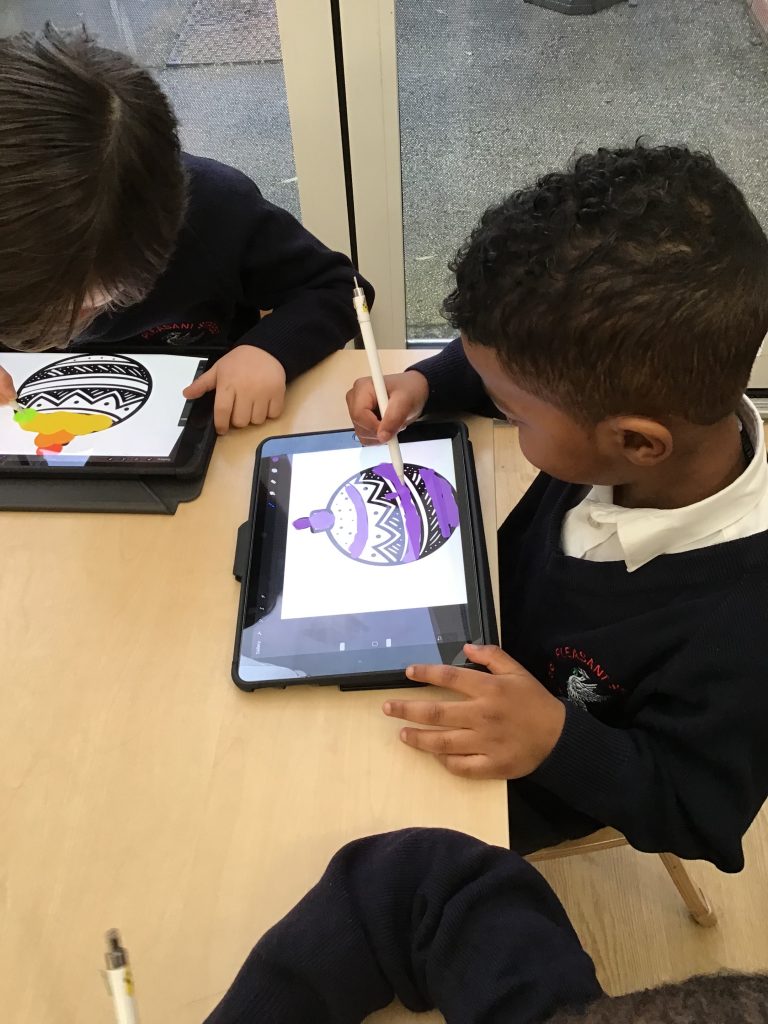
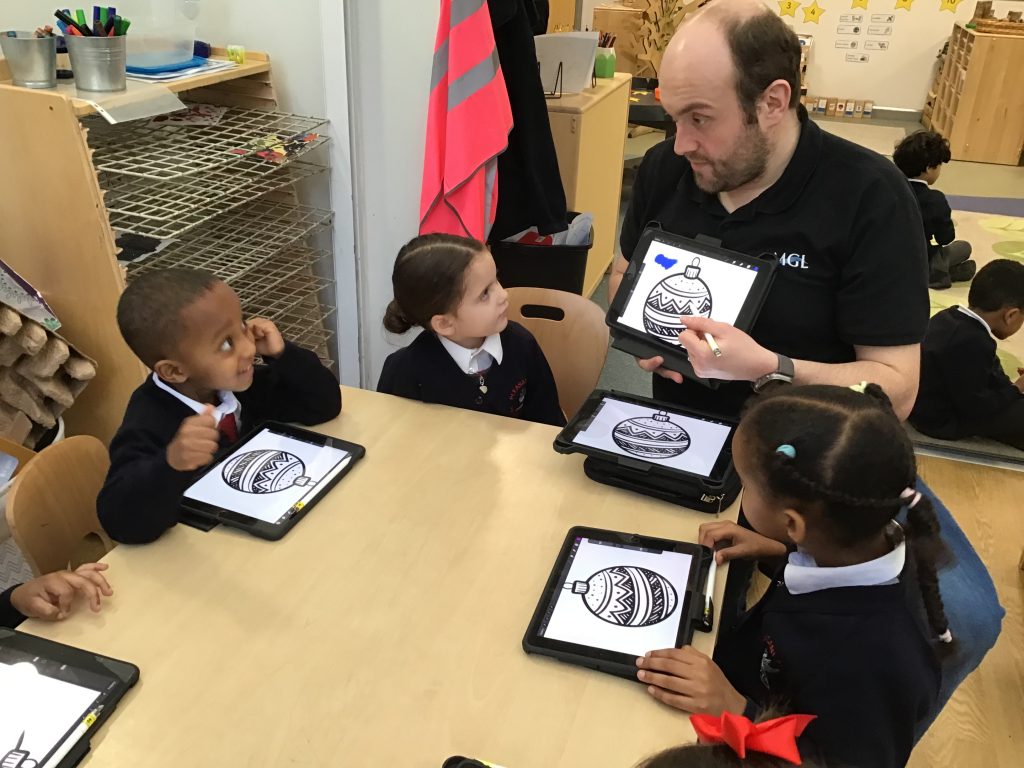
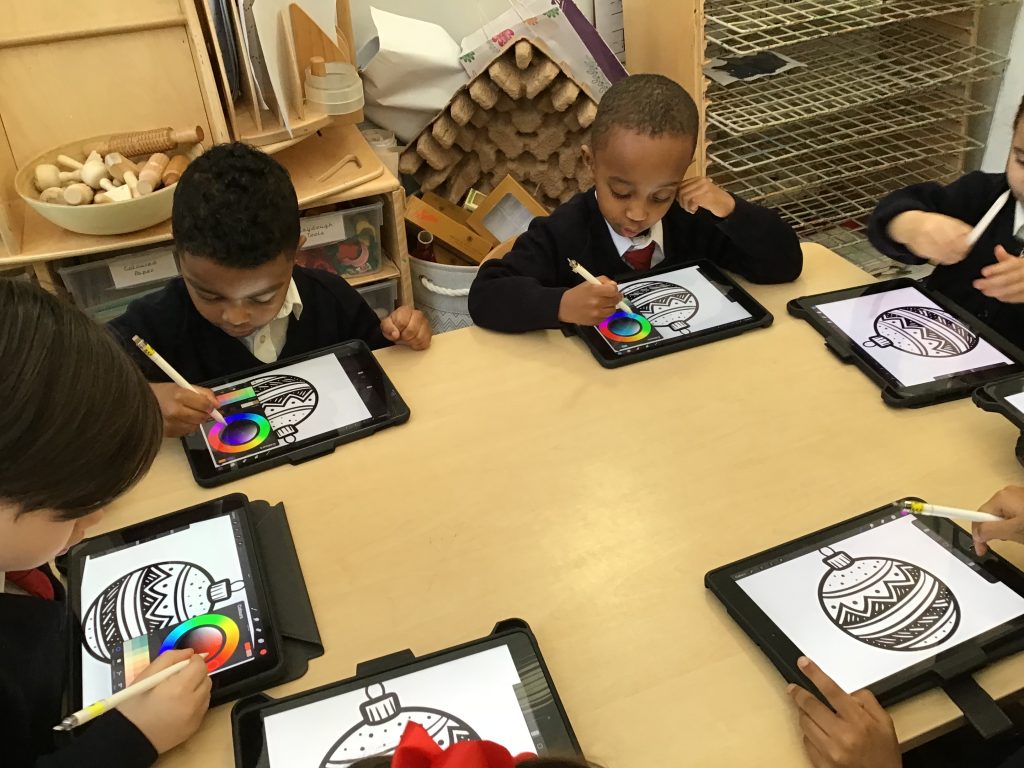
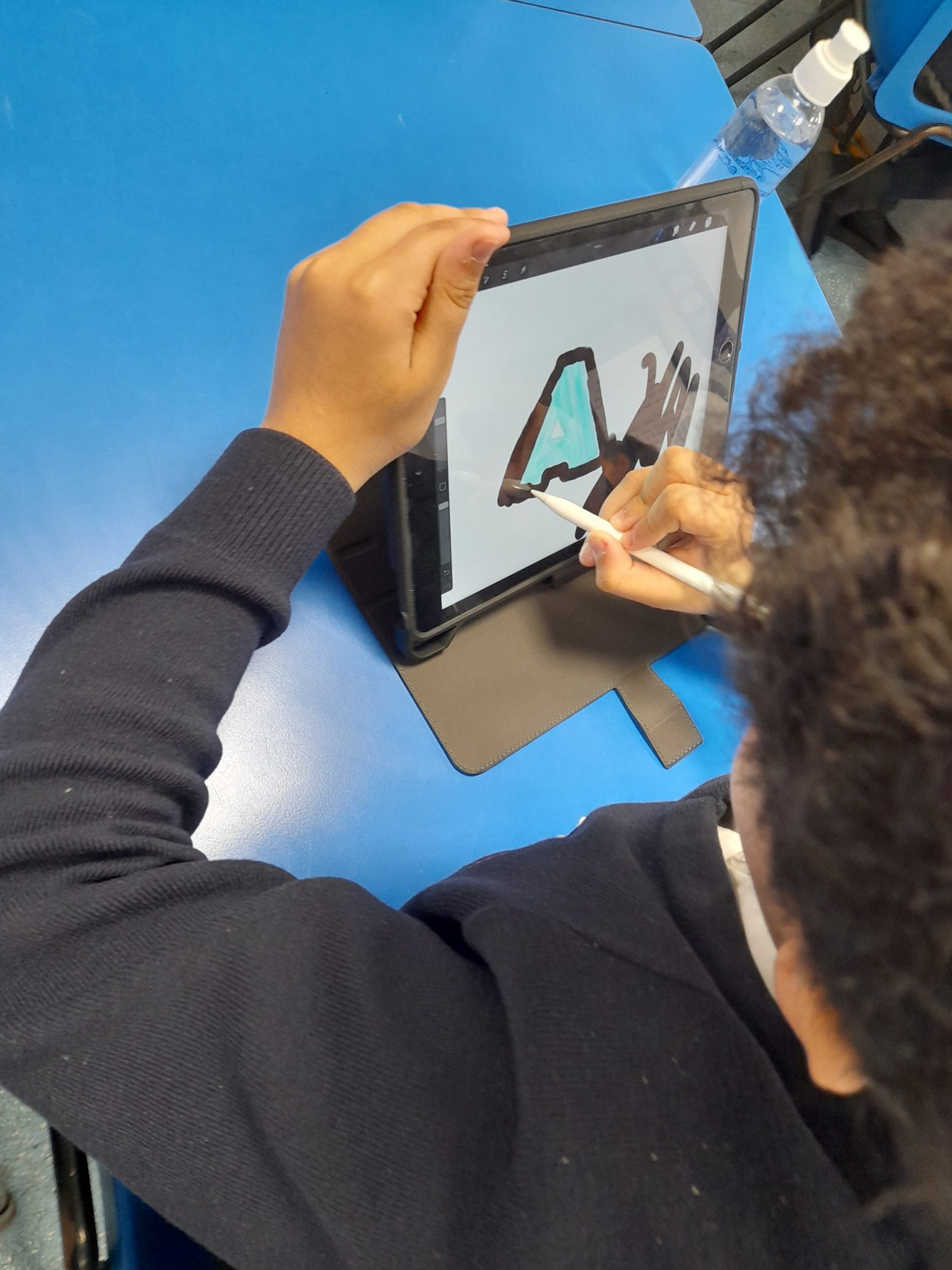
On Monday Reception had the chance to explore an iPad using apple pencils children also looked at basic skills when it comes to using an iPad. Children used an apple pencil with the application Pro Create to decorate a bauble. Children looked at using different colours and what happens when they apply different amounts of pressures. Children also completed an activity from BBC bitesize, looking at swiping and selecting different items.
This week we enjoyed taking part in a digital art lesson using the iPads. The children navigated a program clicking and swiping the images then using a digital pencil chose different colours to carefully decorate a Christmas picture.
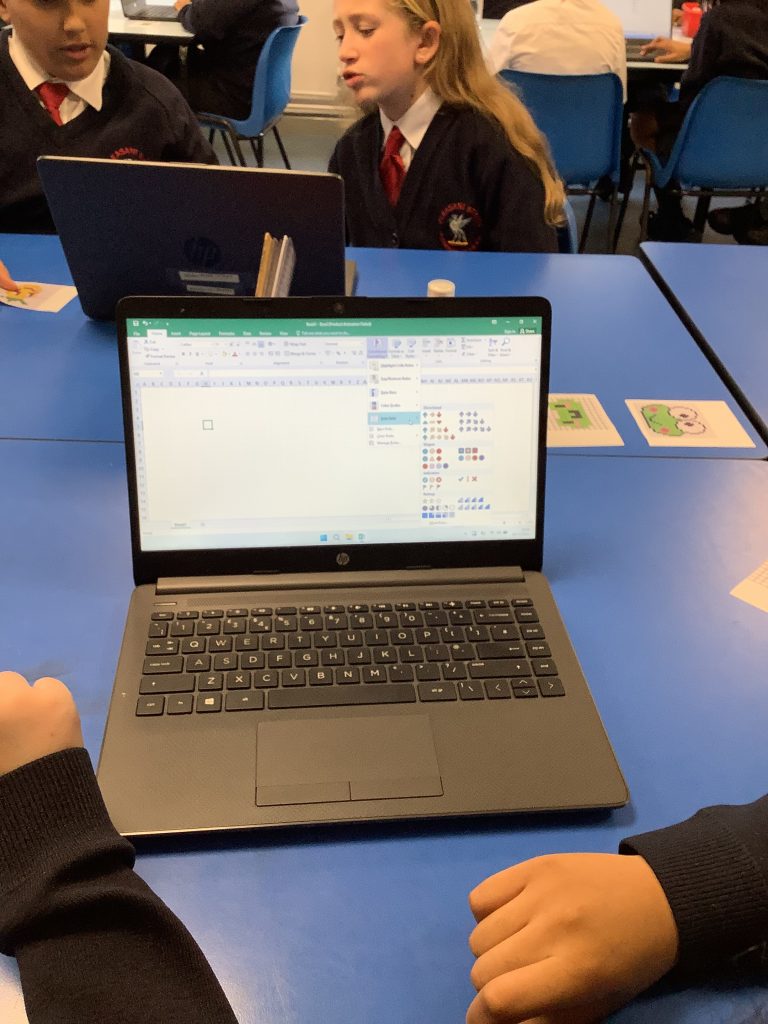
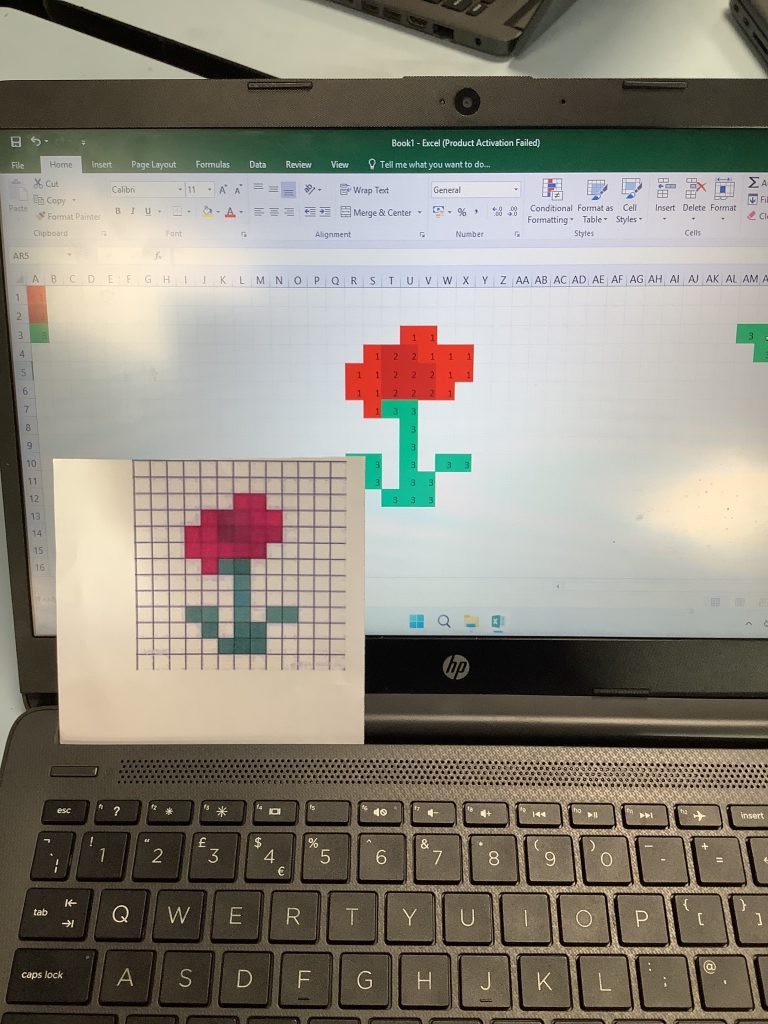
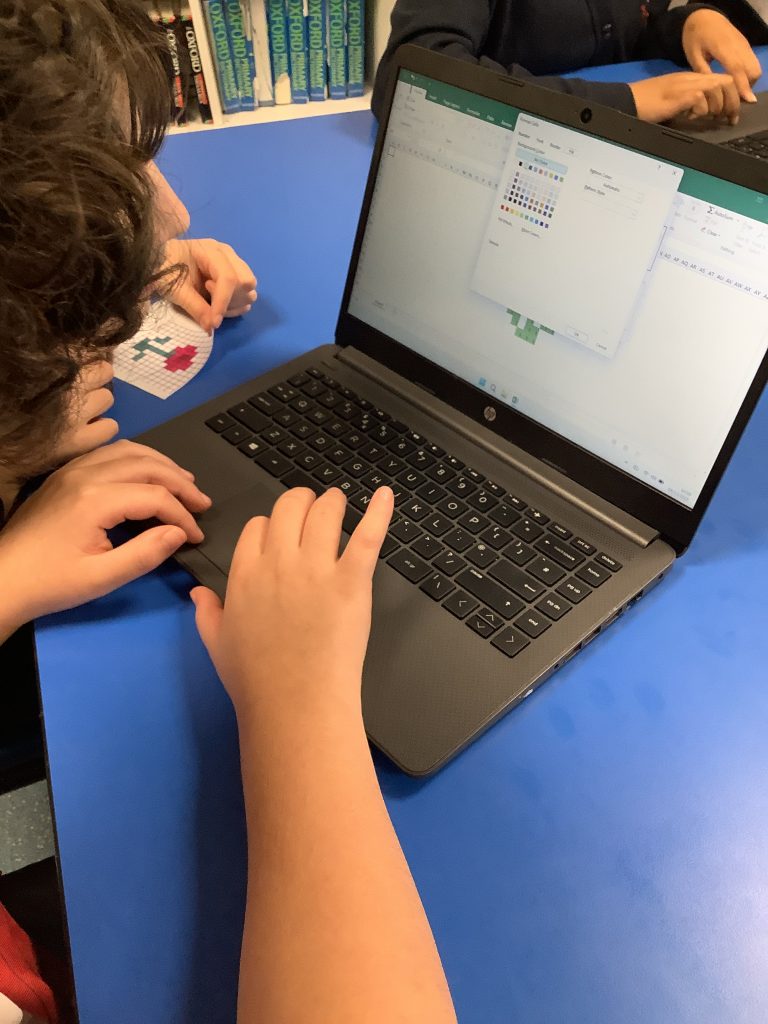
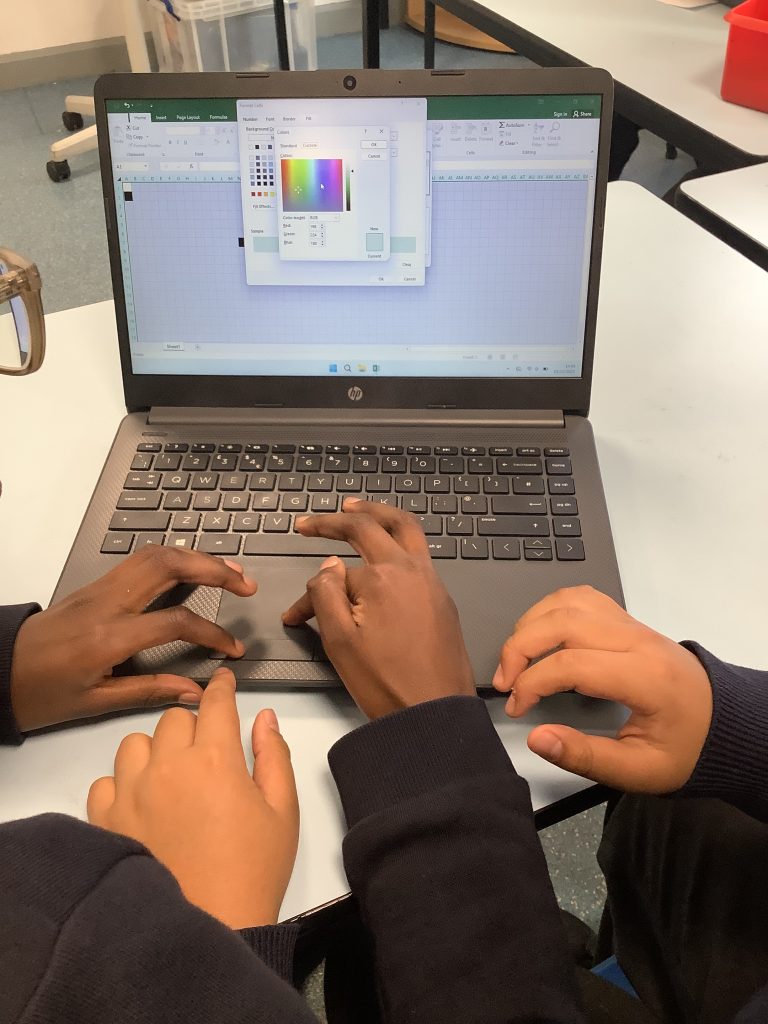
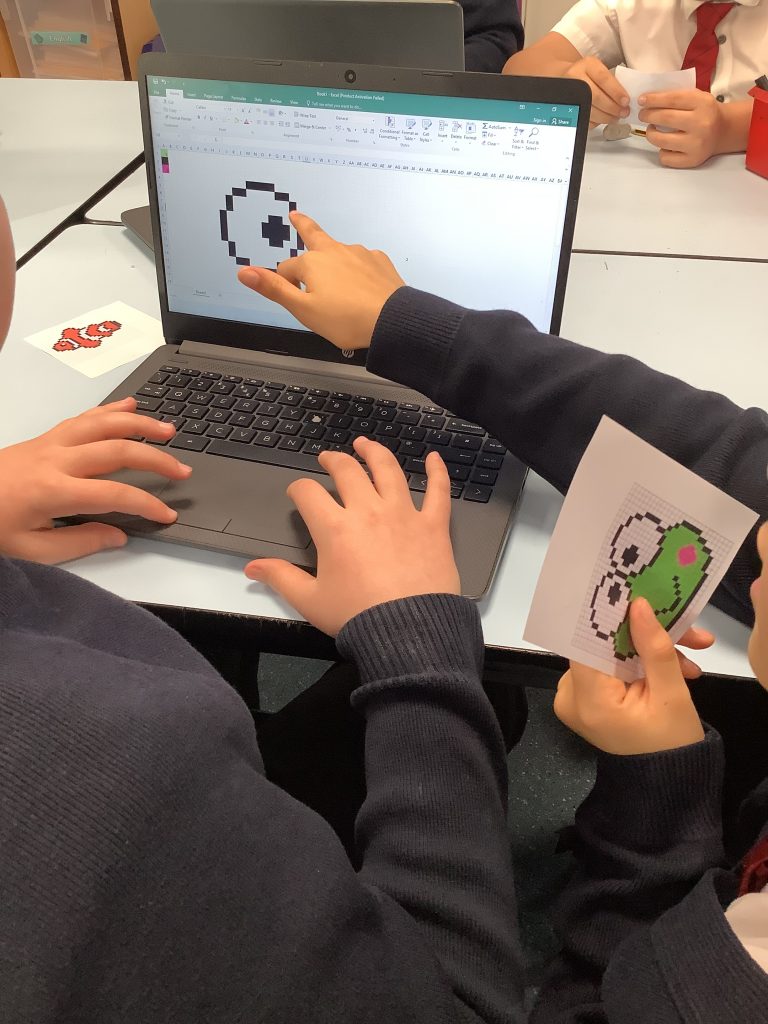
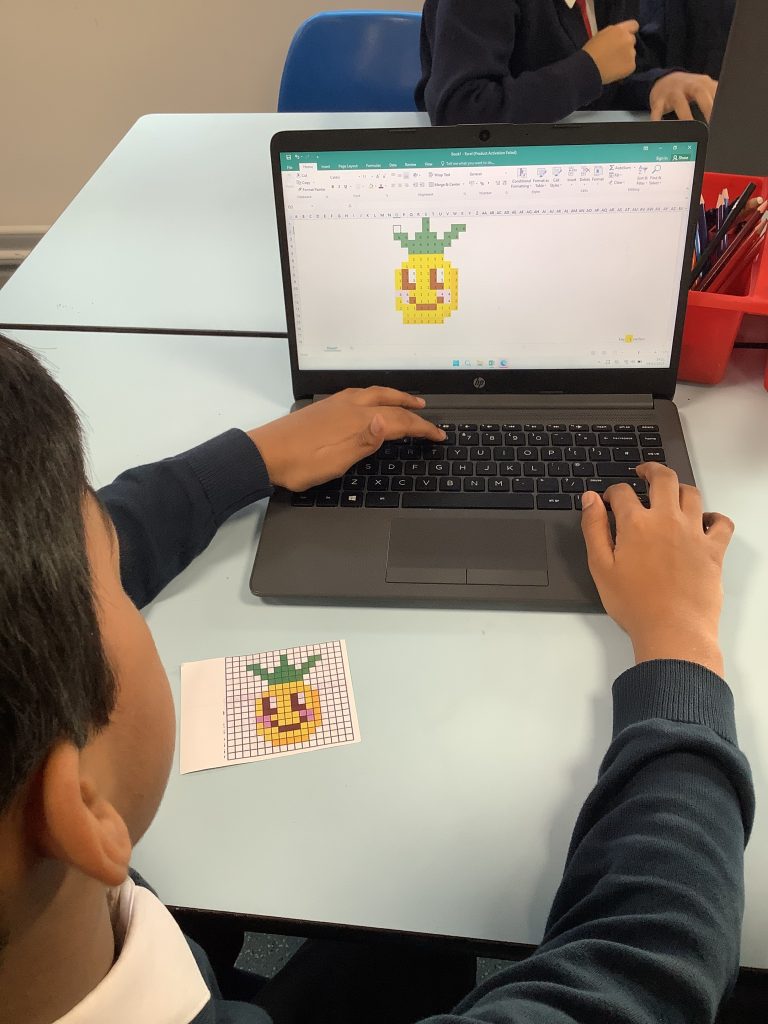
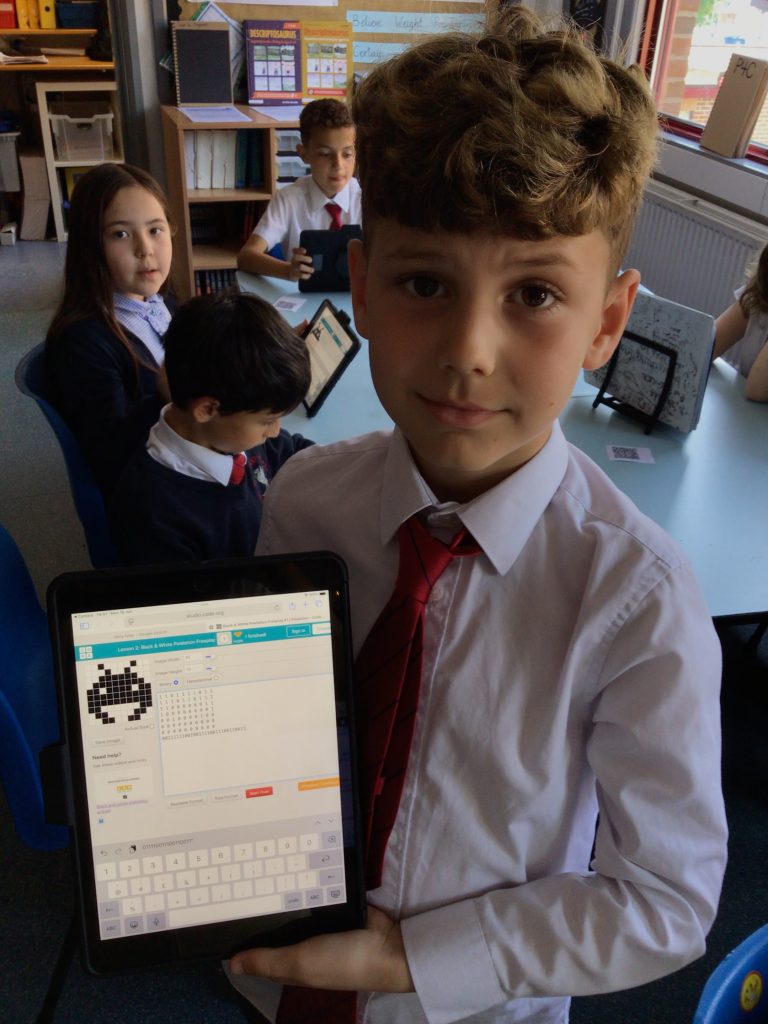
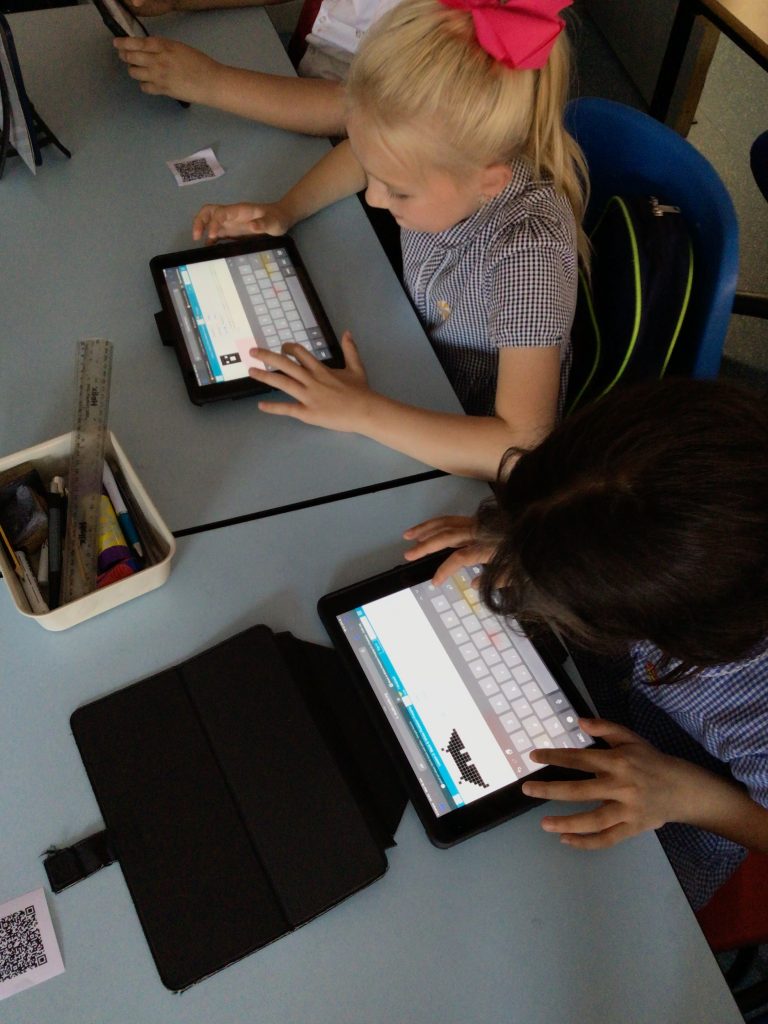
Today in computing, we have created pixel art by formatting instructions. First we set rules to send colour to the cells in our spreadsheet and assign each colour to a different number. Then we created our pixel art using this chart. Working as a team we have produced some brilliant art.
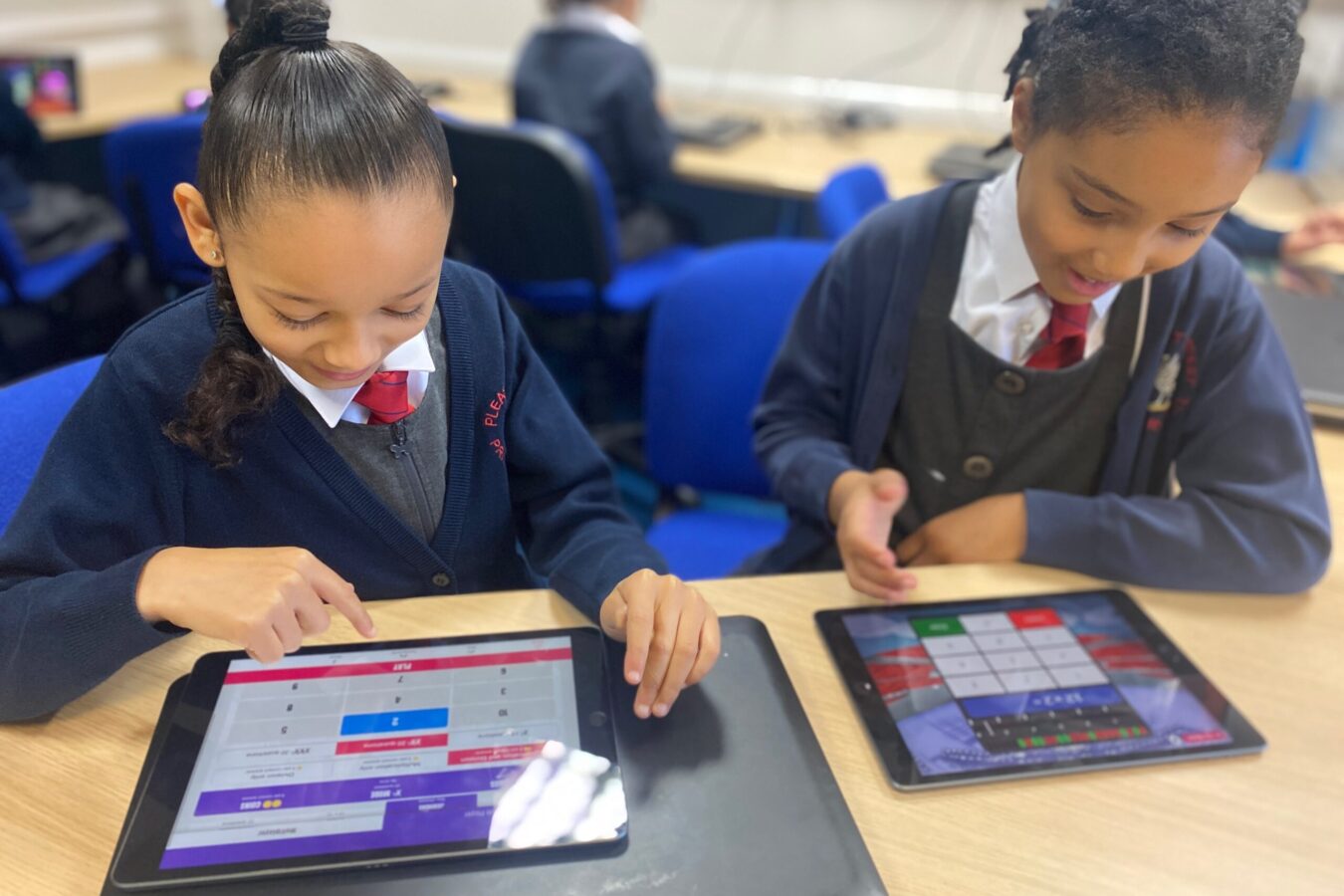
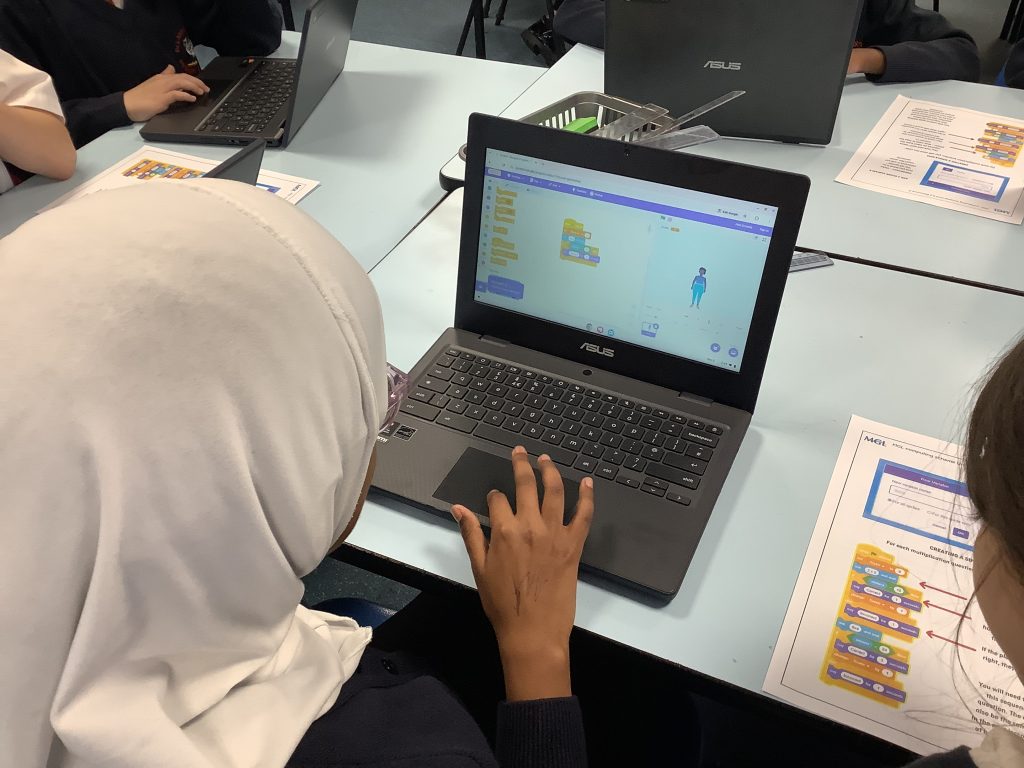
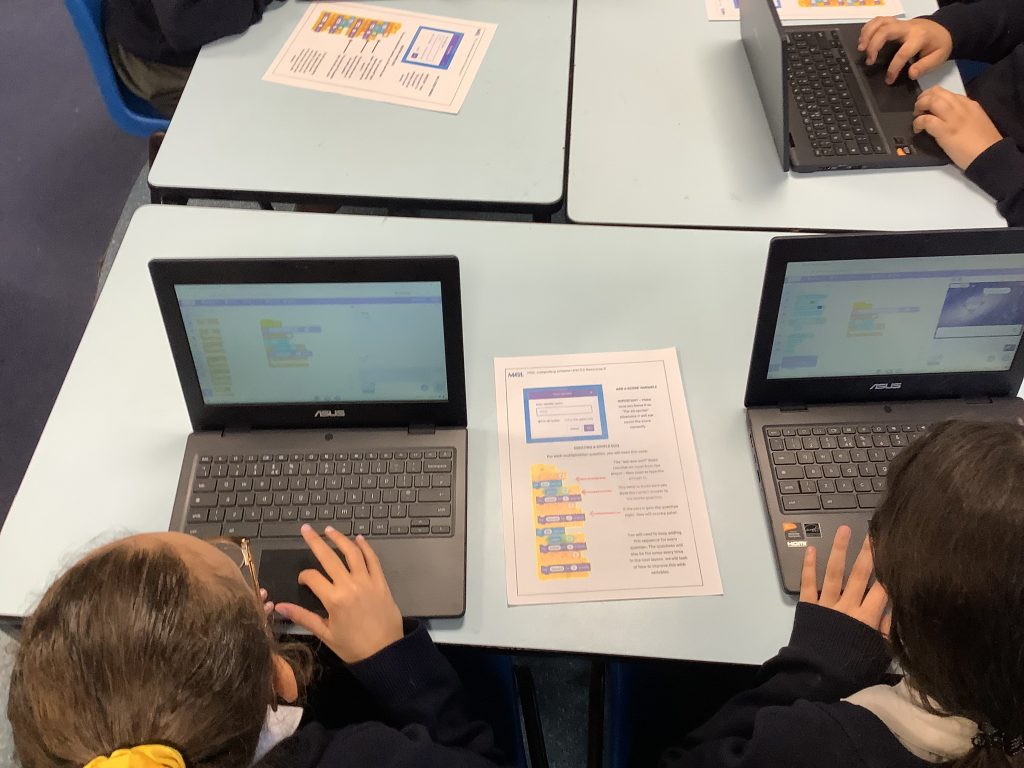
The class continued using variables this afternoon as they coded a maths quiz on Scratch. They had to create and name the variable to collect scores for multiplication questions!
During the half term Class 3 have been introduced to coding using Scratch. Children have been investigating how to use a range of Events to start programs, how to use coordinates and movements to control Sprite, how you can create costumes to change the appearance of Sprites and how you can combine elements of control to help with your program.
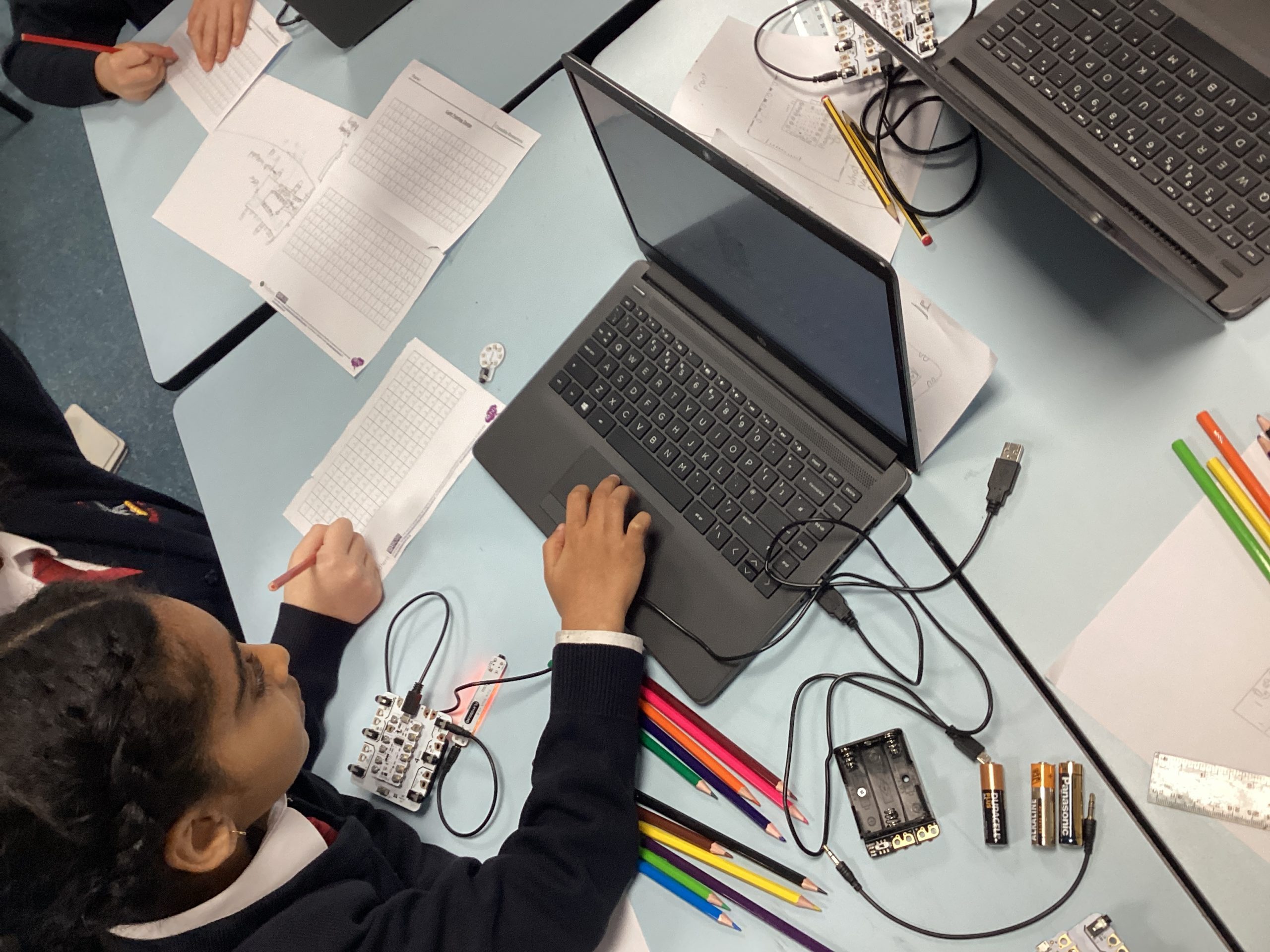
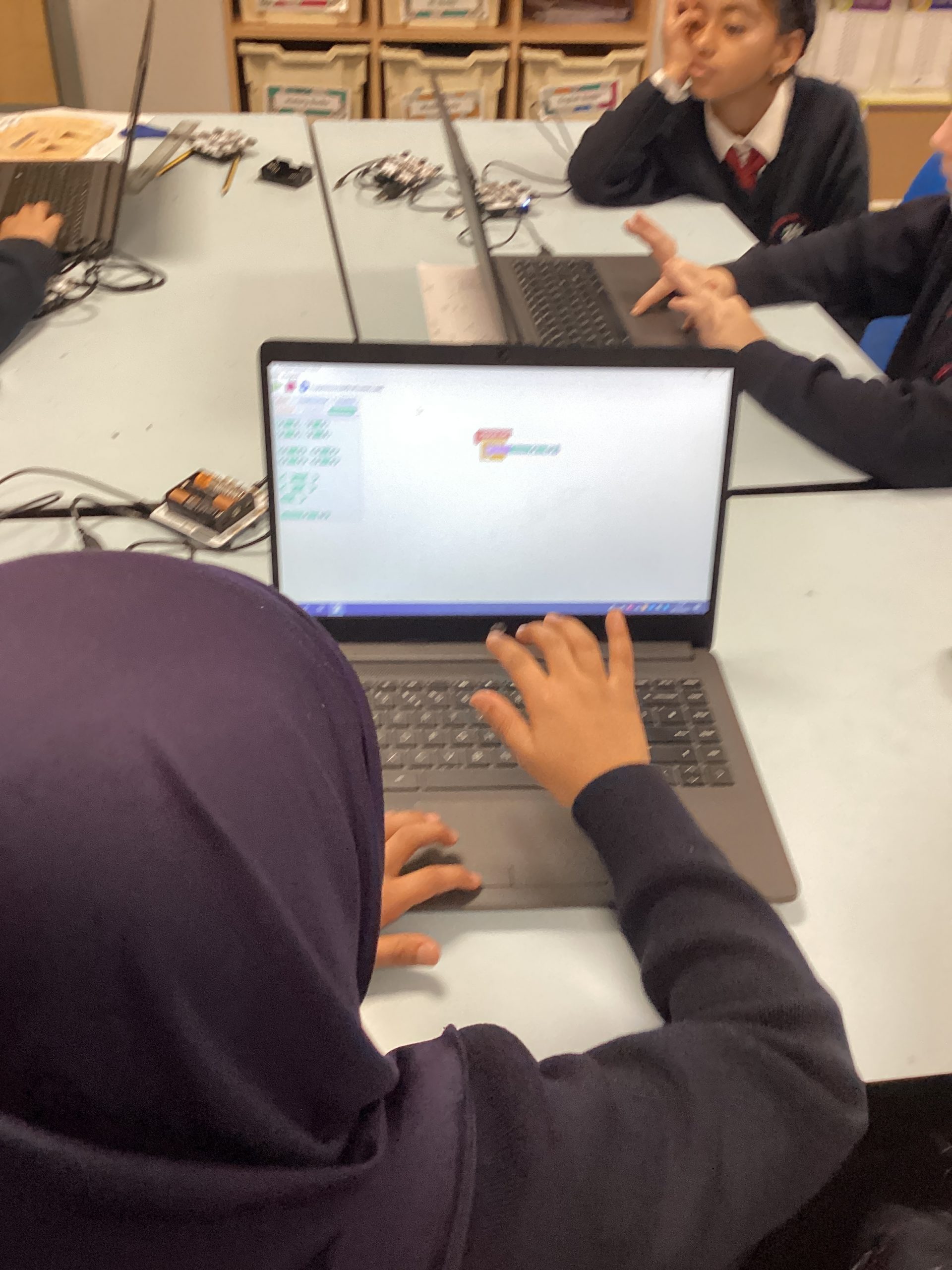
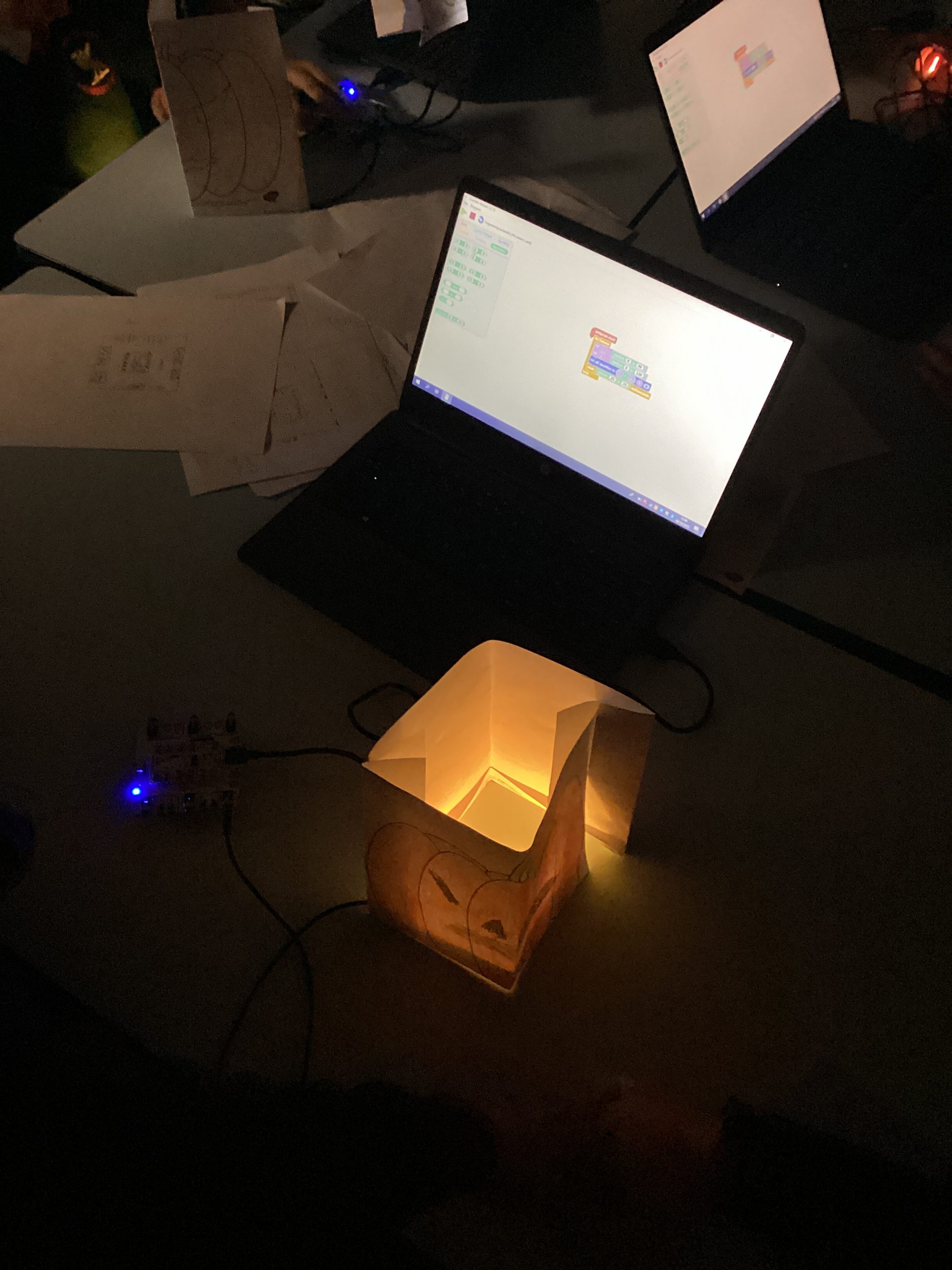
Class 5 have been exploring what a Crumble is and some of the key components that make it work. Each pair were given 5 minutes to explore the crumble and note down ideas about the roles the different parts played. Children then worked in pairs to program a crumble to display different coloured lights on the ‘Sparkle’. Children then designed a pattern from a pumpkin and coded the crumble to light up like a candle.
Over the past few lessons Class 6 have been investigating how to use Python coding, children have started off using Block based coding before moving on creating code using text. Children explored how to create different coloured backgrounds, use repeat loops to create shapes and use variables and lists to ask and answer questions.
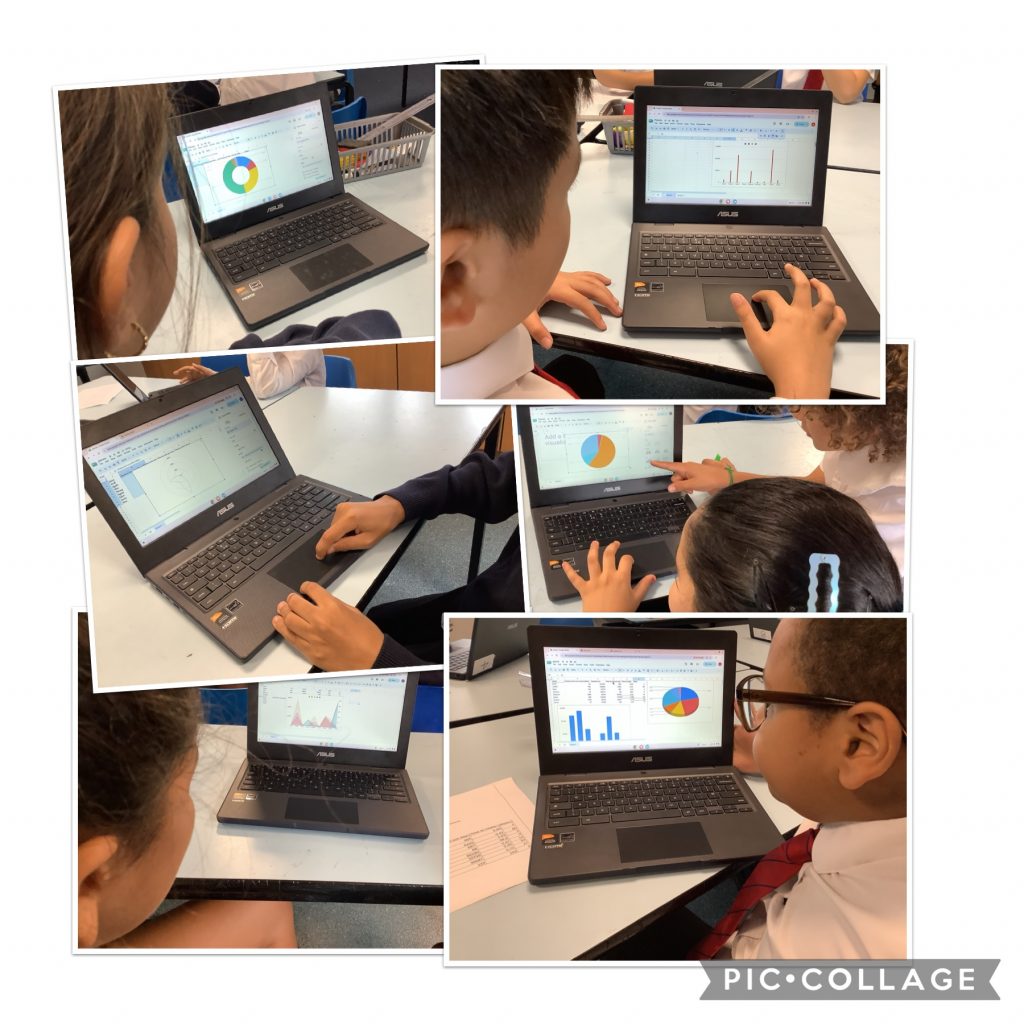
The children used the charts function to create a variety of charts to represent data. They also used the find and replace feature to understand how databases can be more efficient than a paper version.
Today we were learning how to make a game in our Computing lesson. We really enjoyed this as we got to work with a friend and decide what type of questions we were gonna ask.
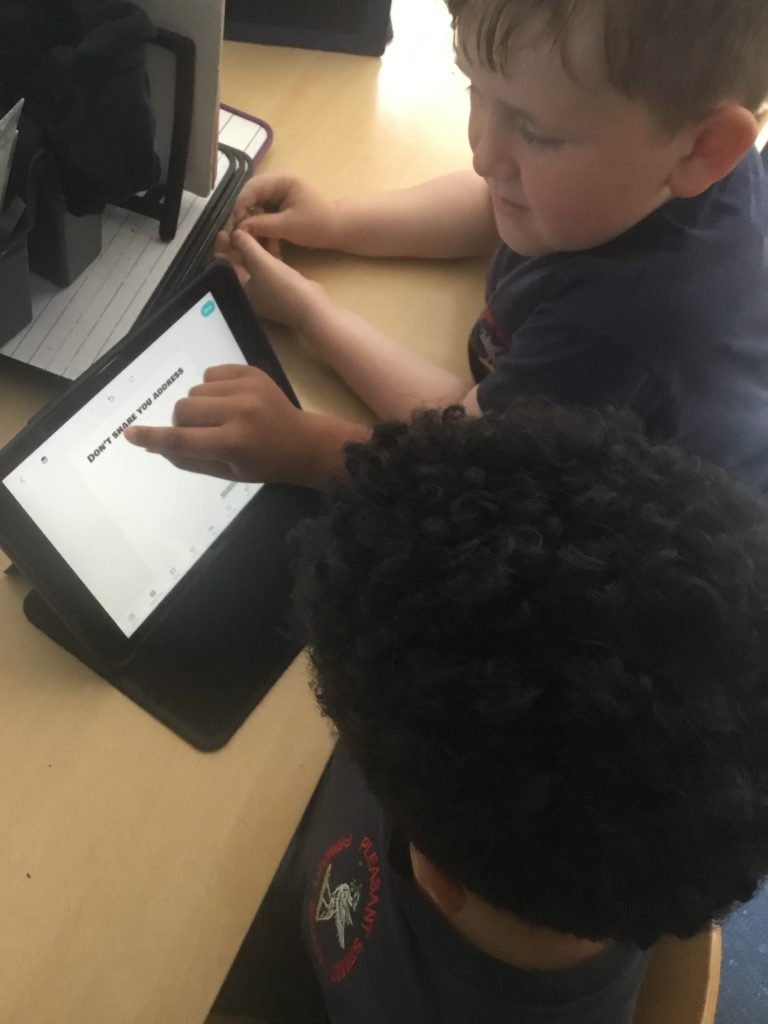
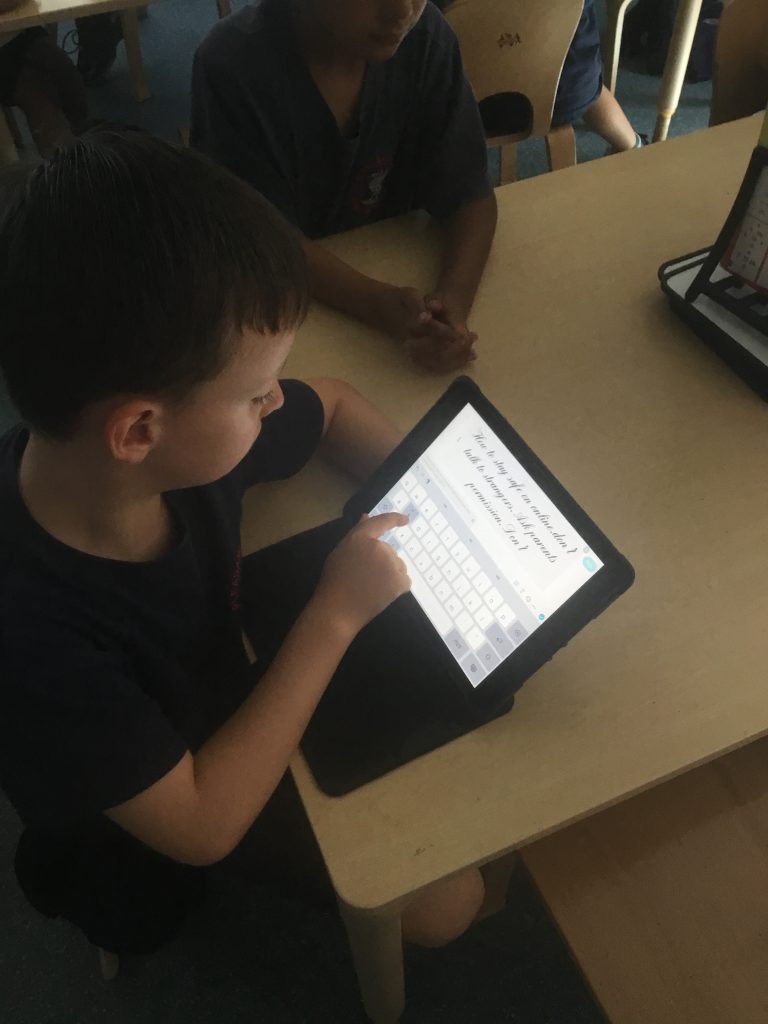
We have enjoyed learning all about e-safety. We have been learning all about protecting personal information, being cautious about online interactions, and knowing how to report anything that makes them feel uncomfortable or unsafe online.
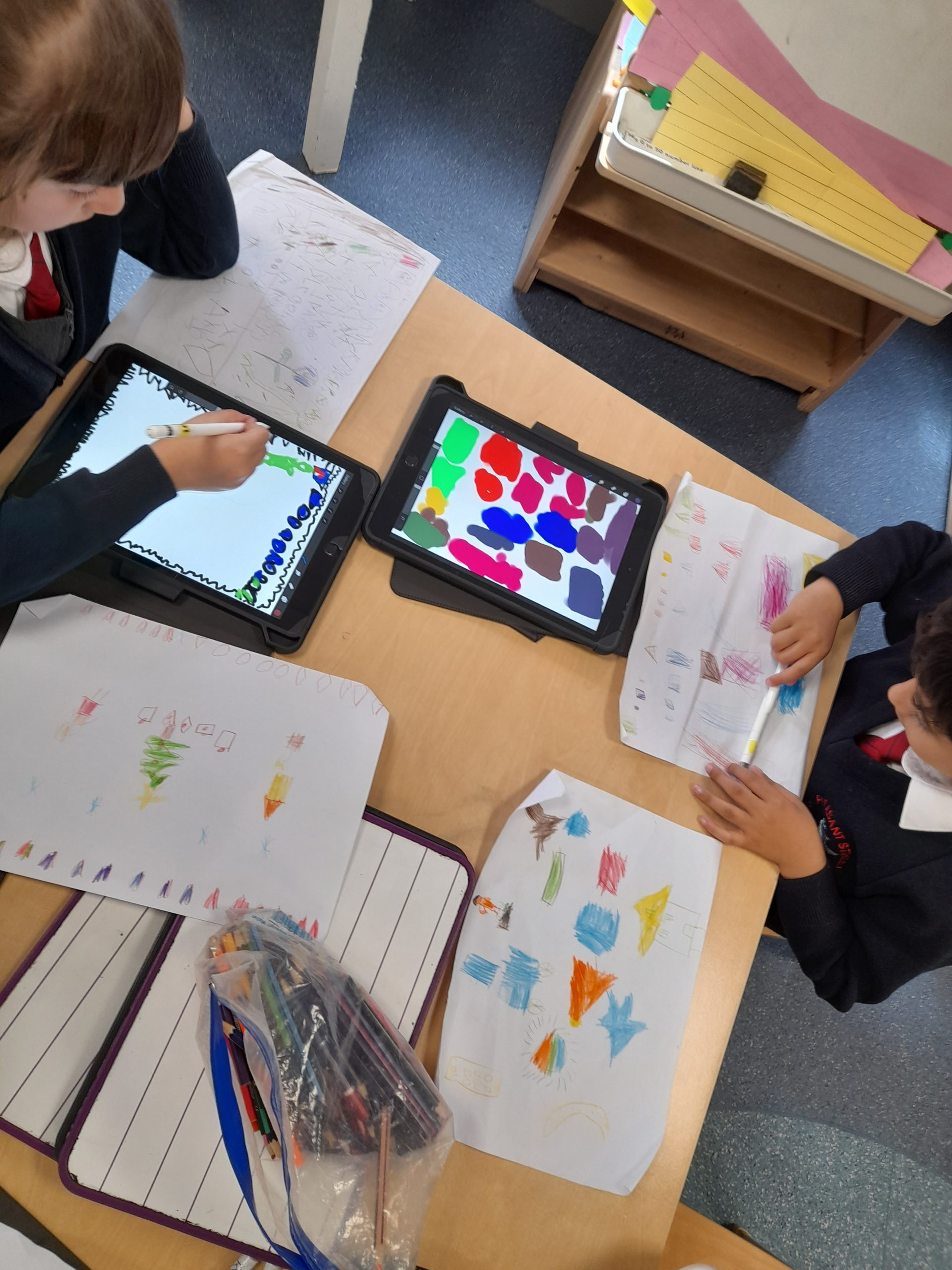
Class 1 spent their computing lesson using Apple pencils & iPads to create a digital piece of art. Children have been looking at the artist Kandinsky, they created a design on a piece of paper and then using Sketchpad and apple pencils recreated it to be a digital piece of work.
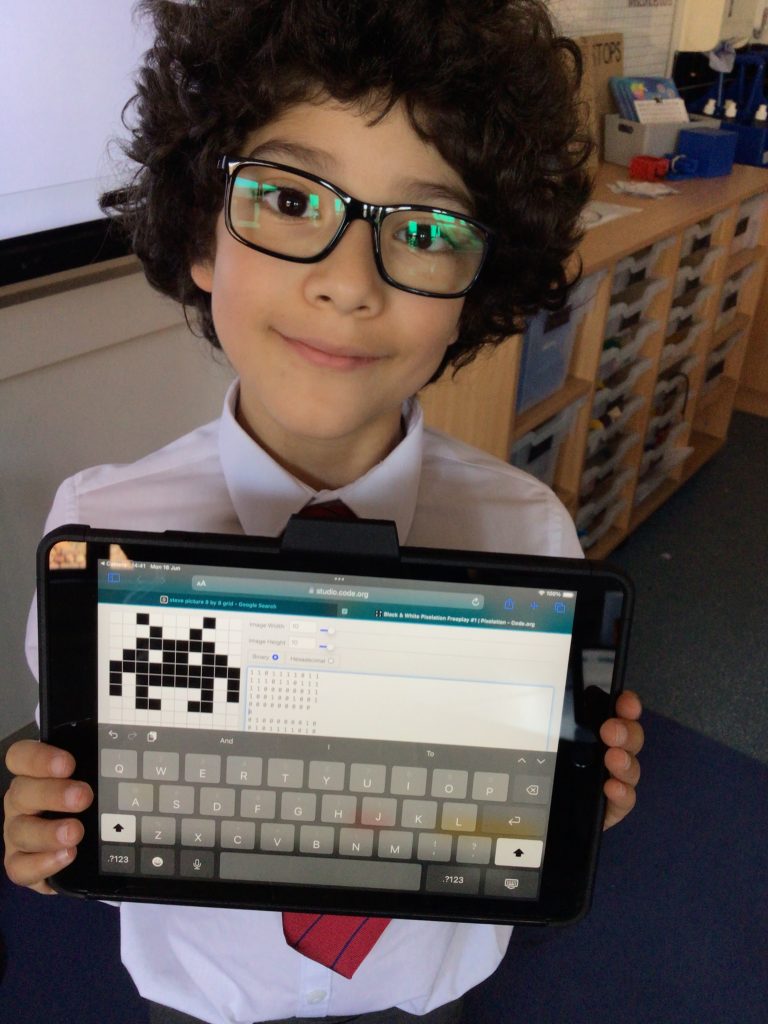
In computing we are learning about creating pixel art and this week we got the opportunity to create some using a code of 1s and 2s which programmed which pixels would be white and which would be black.
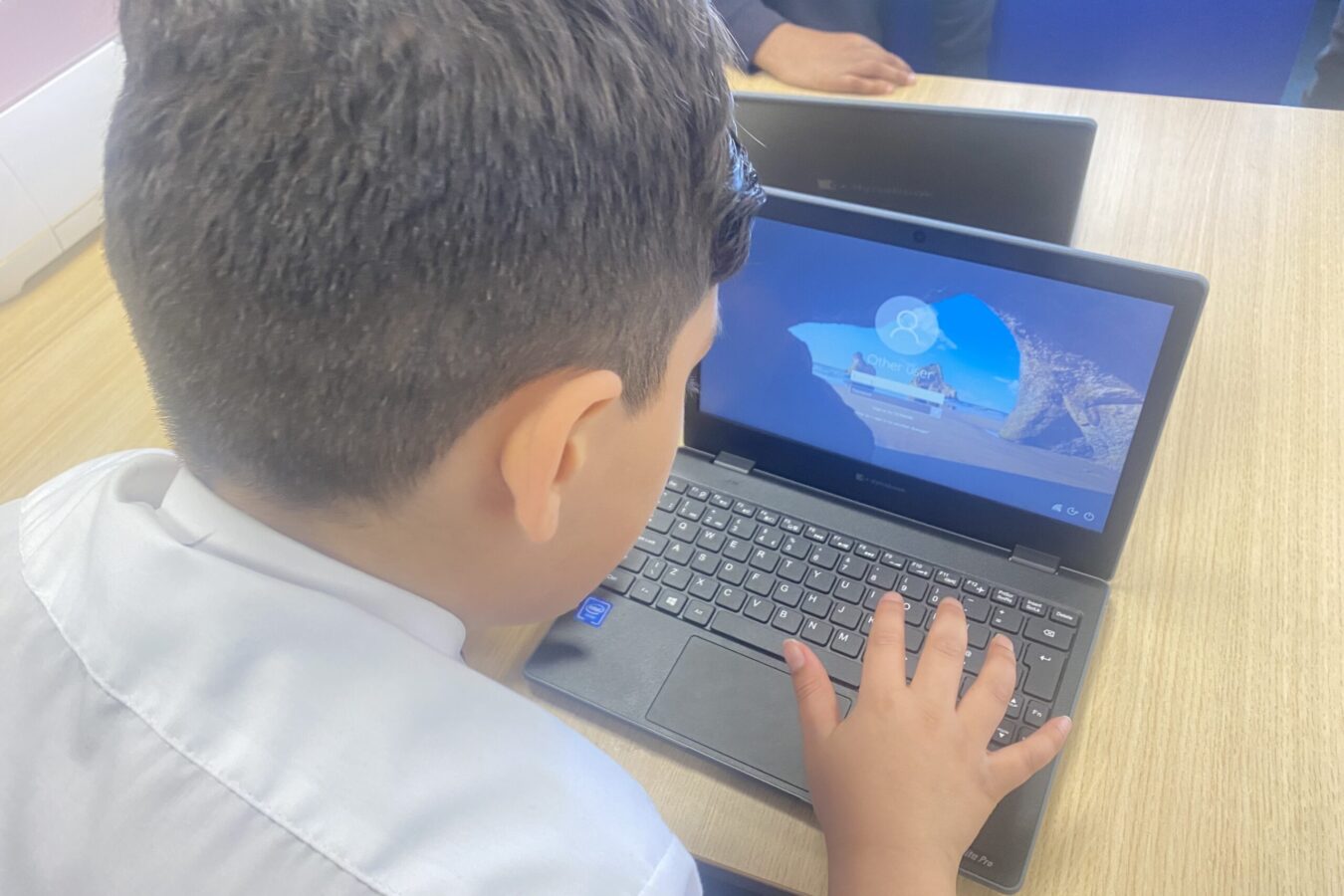
This week the children had a go at using the laptops in our computer suite. The children turned the laptops on, explored how to use the mouse and buttons and had a go at creating a picture on the app ‘paint’.
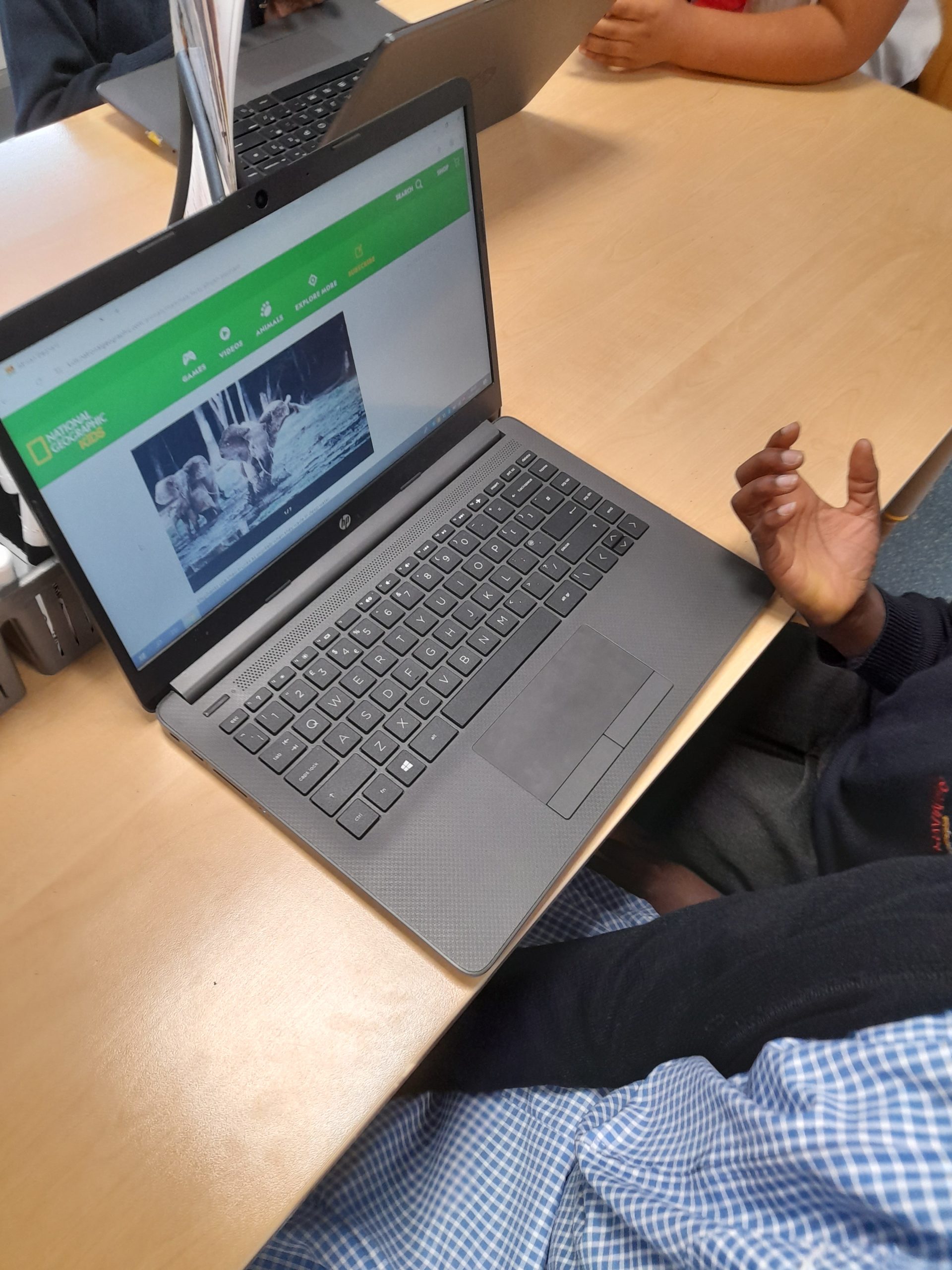
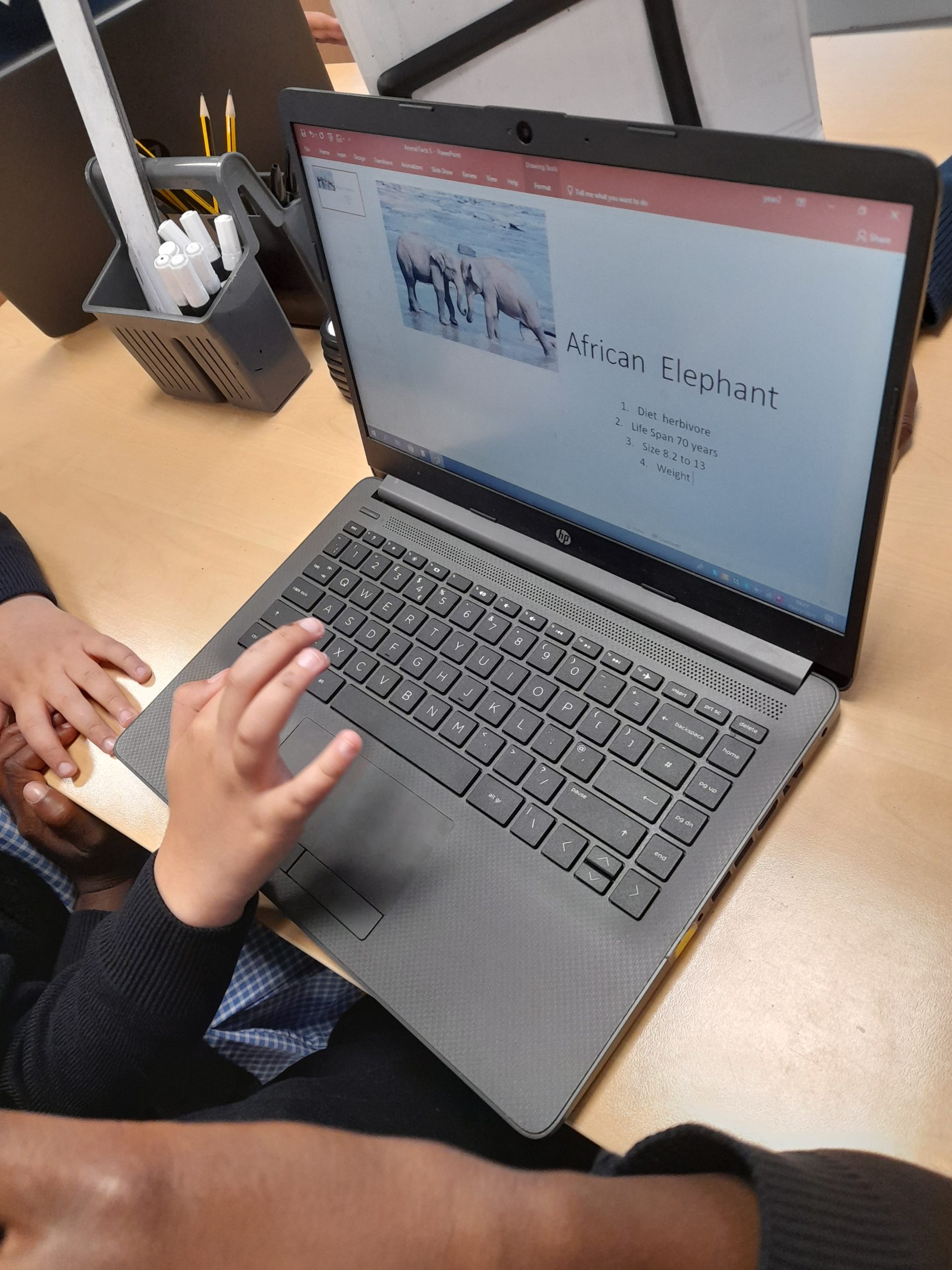
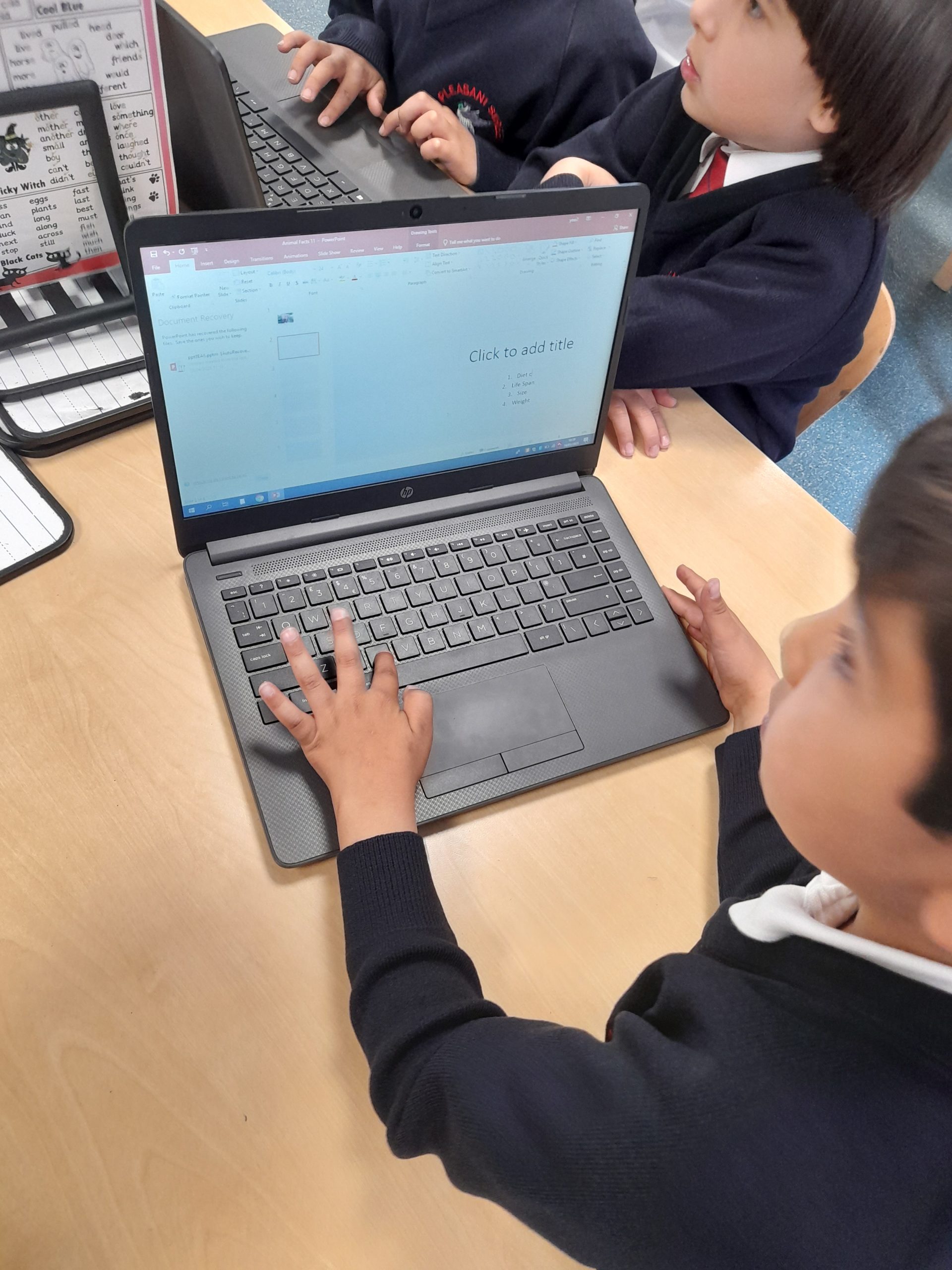
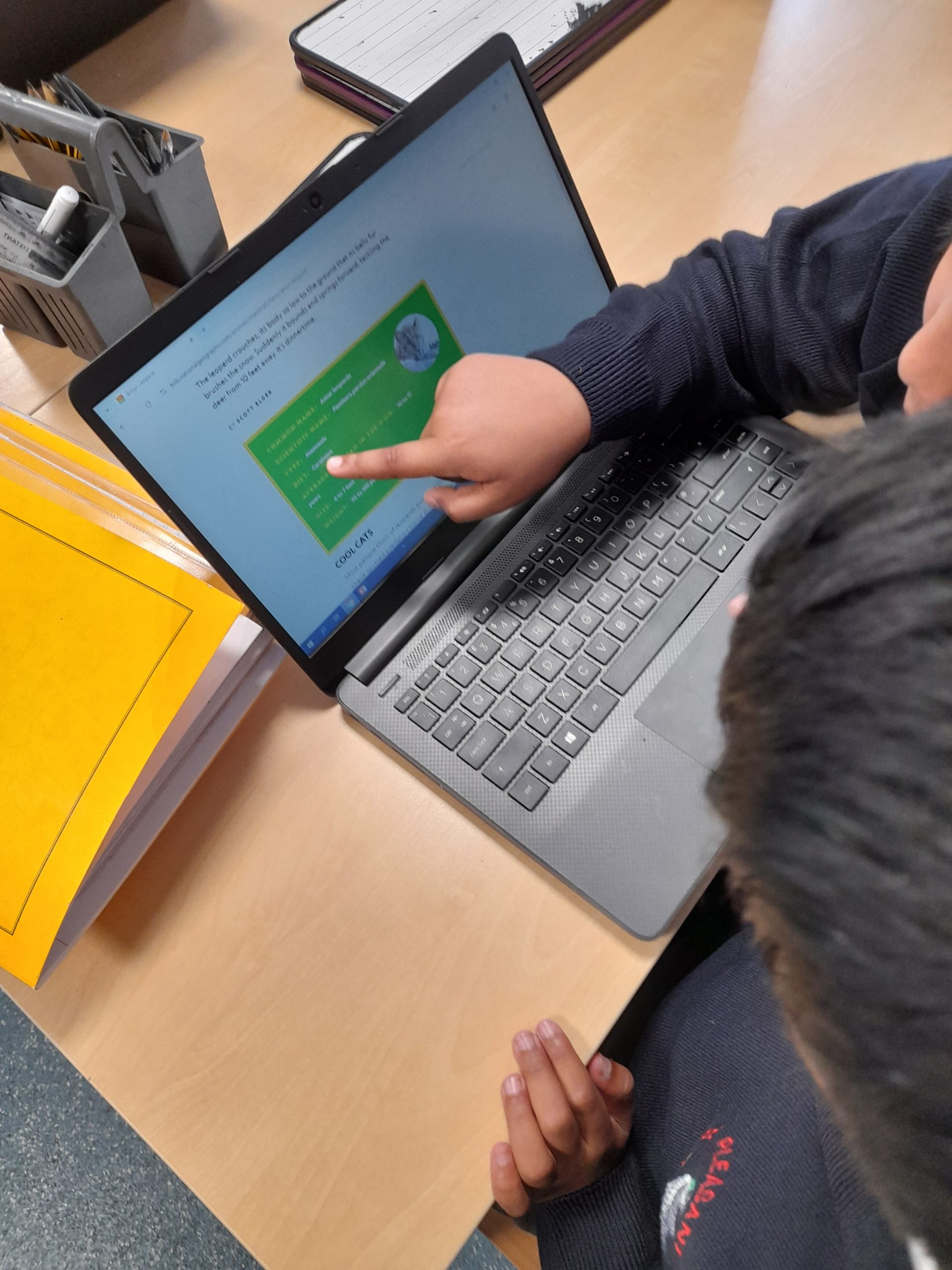
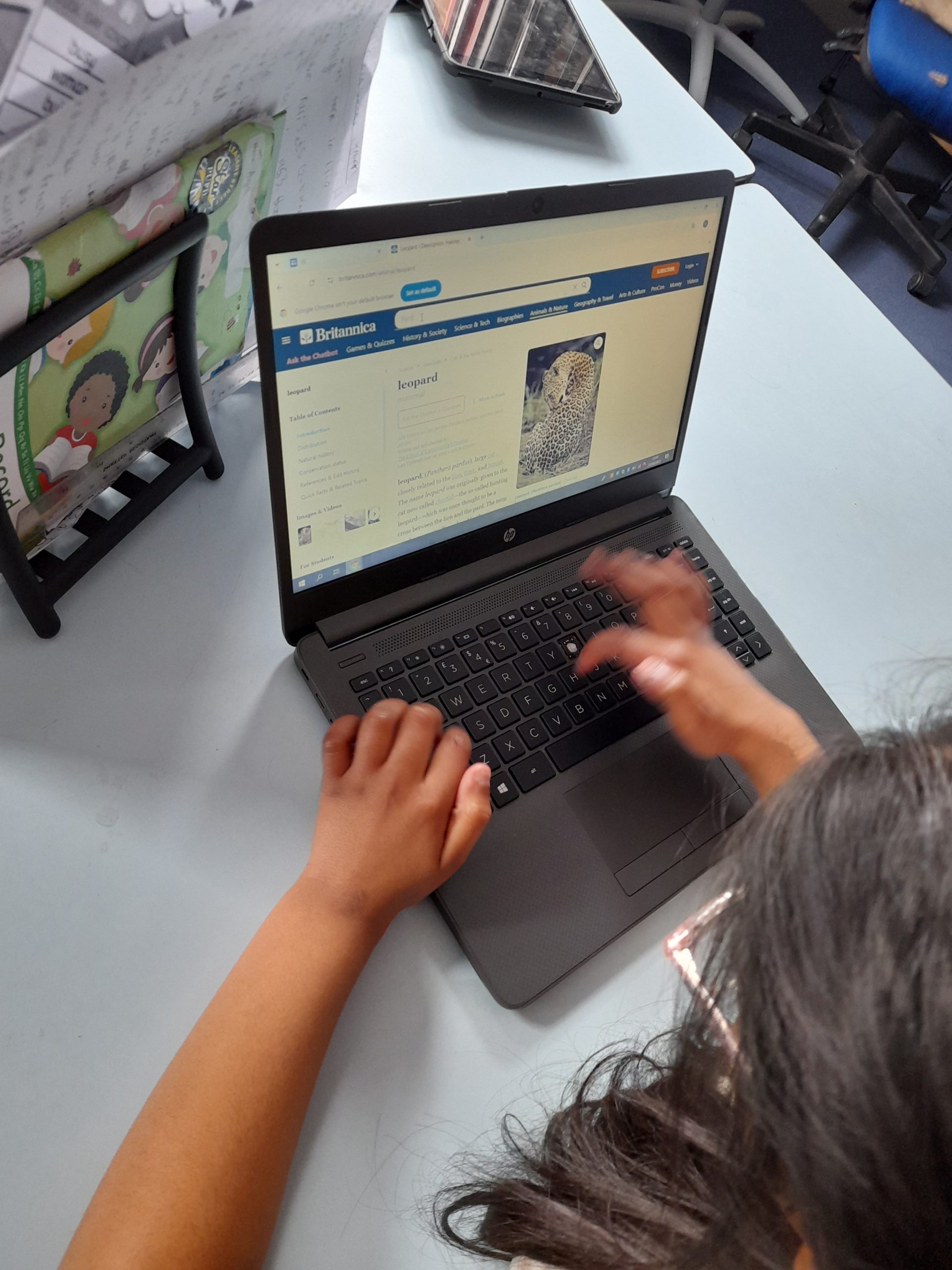
Class 2 continued looking at databases with the focus today being on creating data cards. Using an outline provided on Powerpoint and the national geographic website children create data cards about different mammals, they inserted key facts and a picture for each animal.
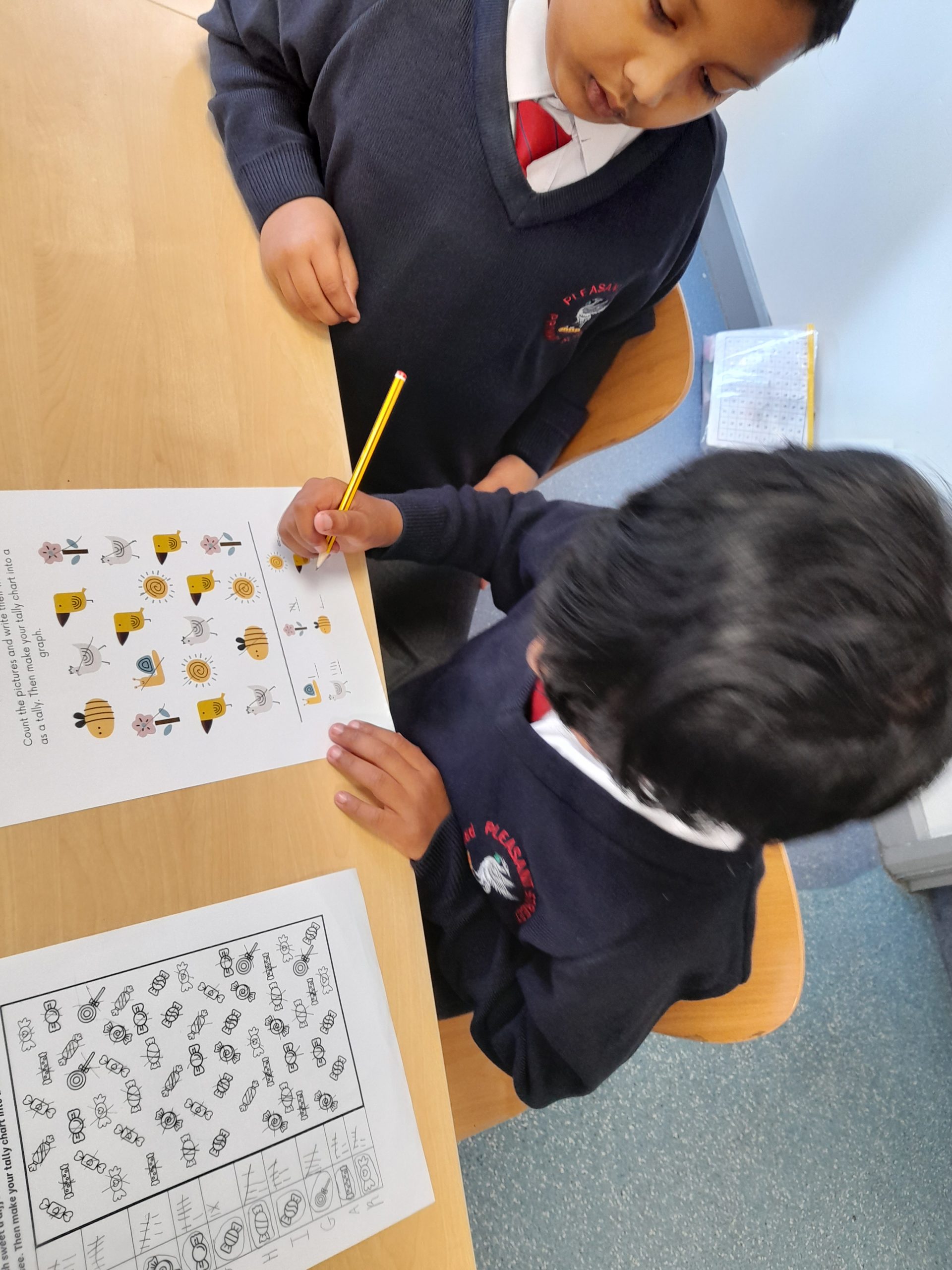
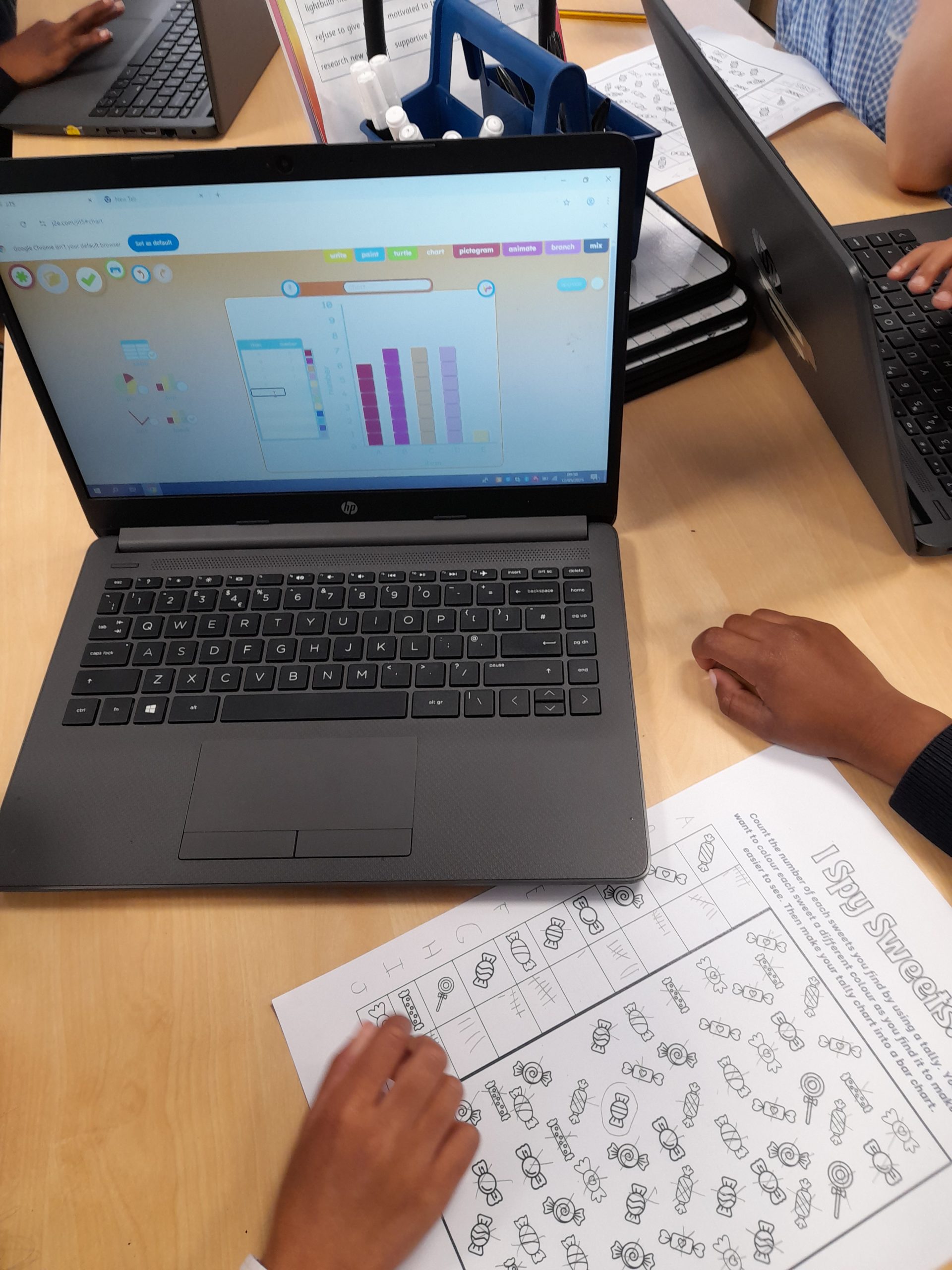
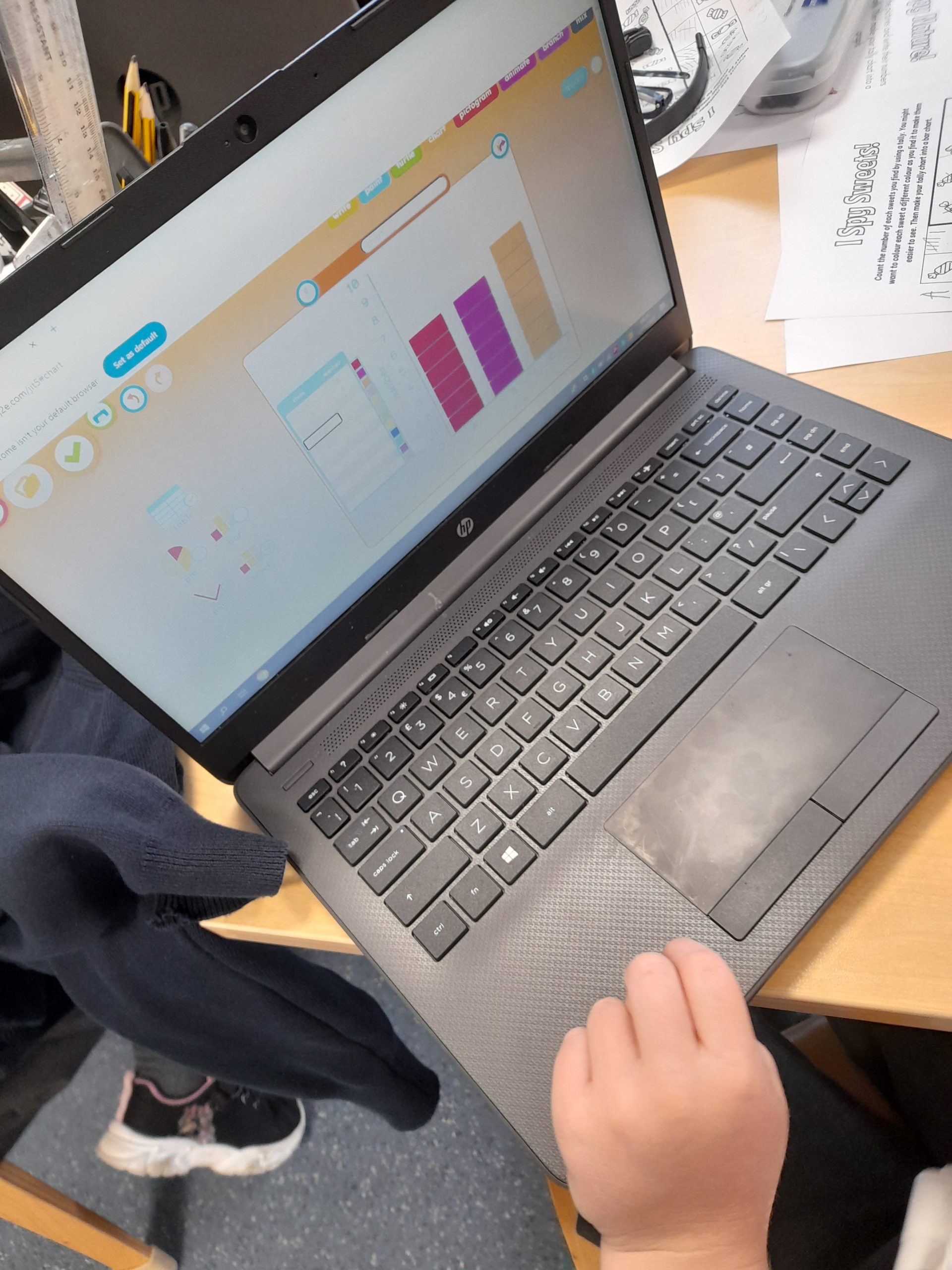
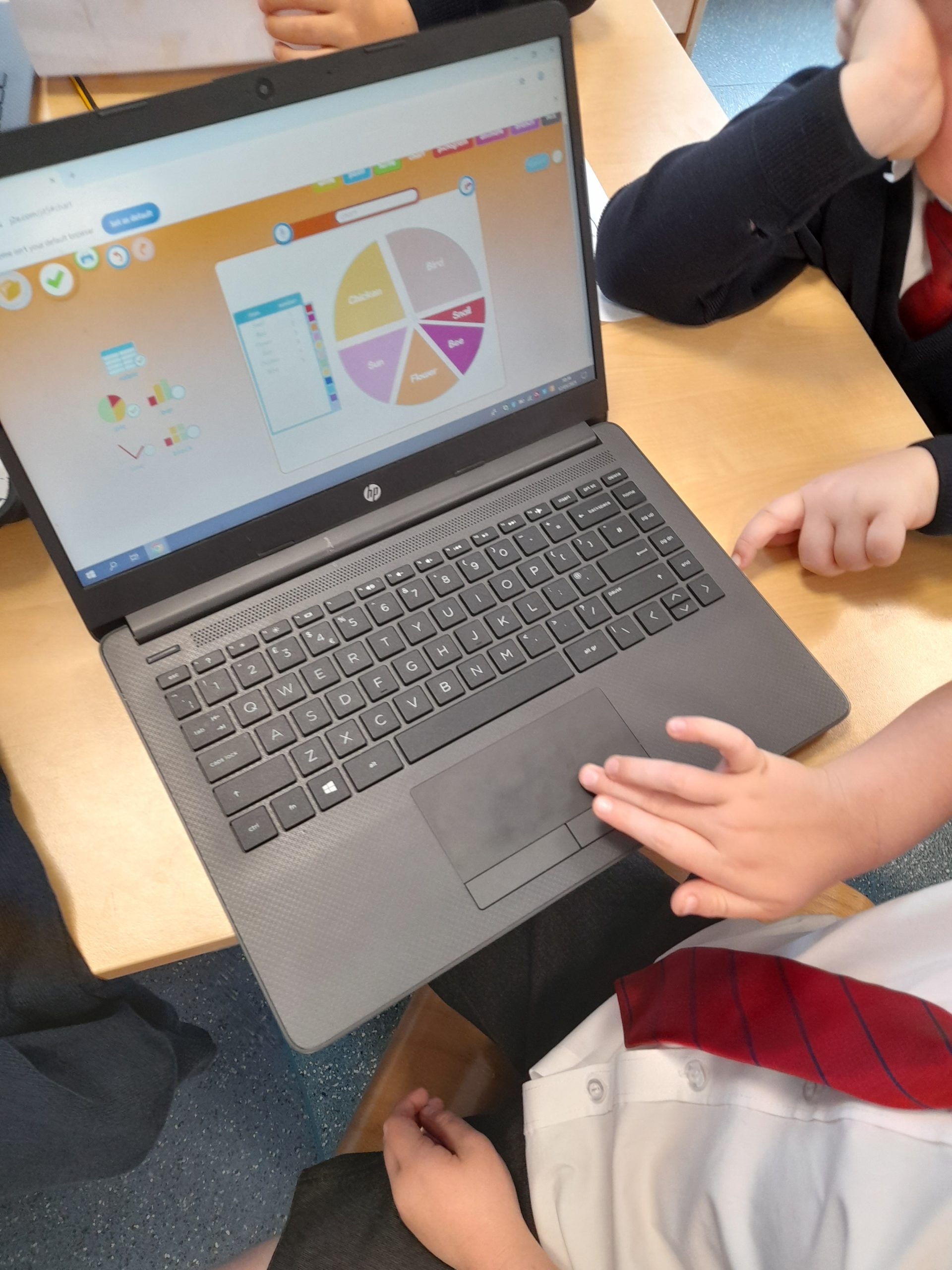
Year 2 continued to explore Data collection this morning. We recapped pictograms and tally charts from the previous lesson. Children created a tally chart of different amounts of sweets on a sheet, from this we then looked at how we can use Bar charts and pie charts to also represent data.
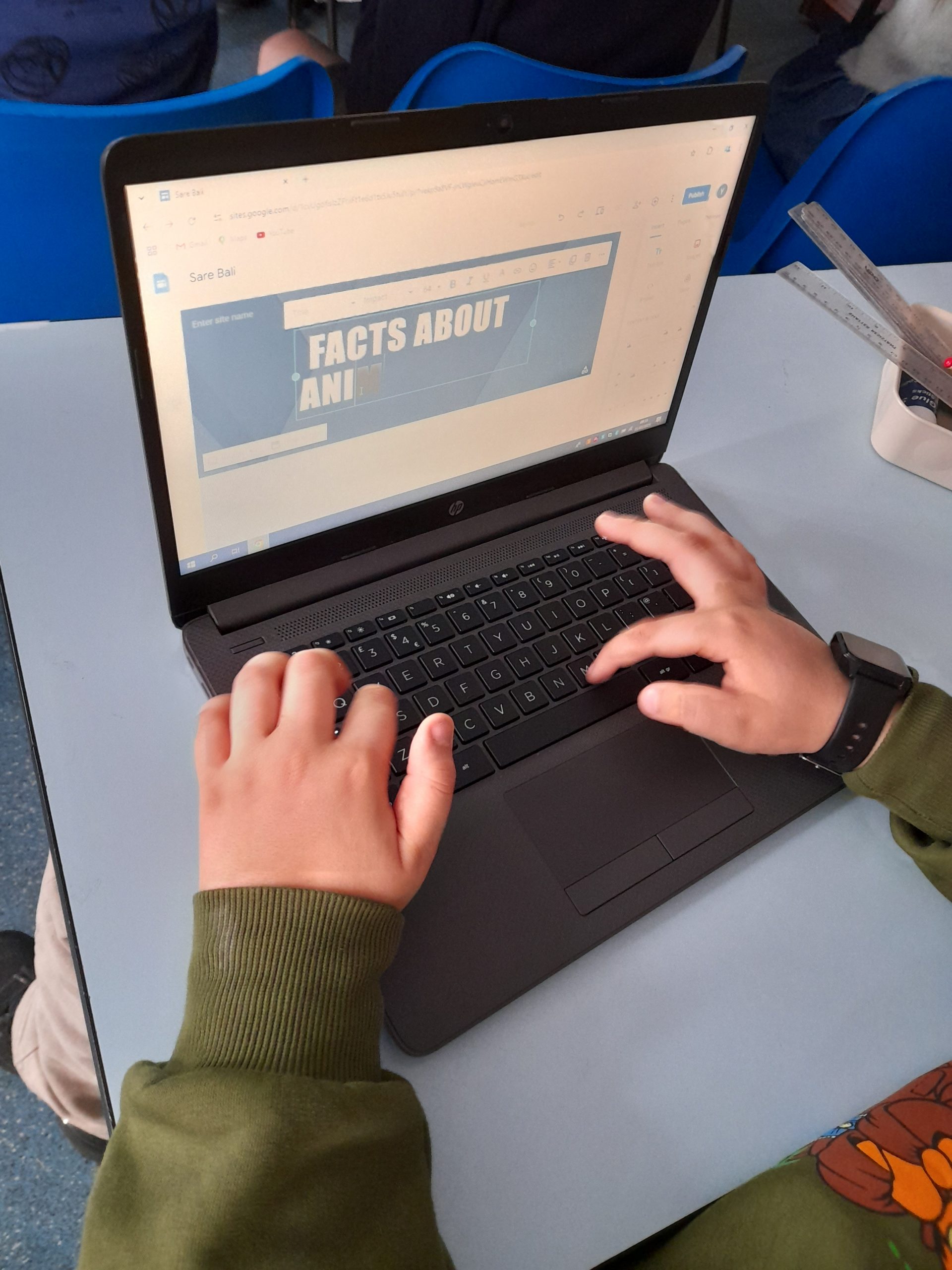
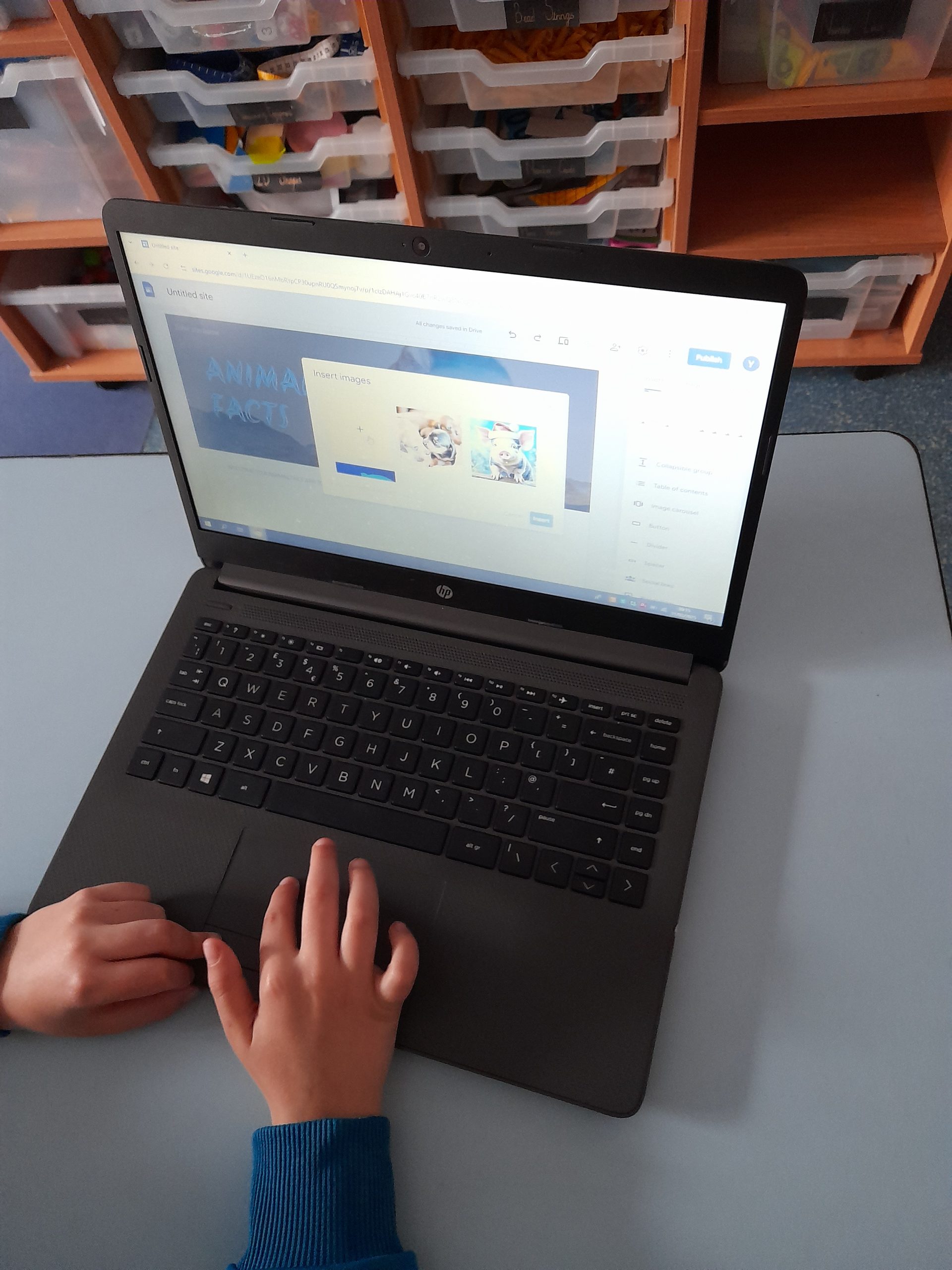
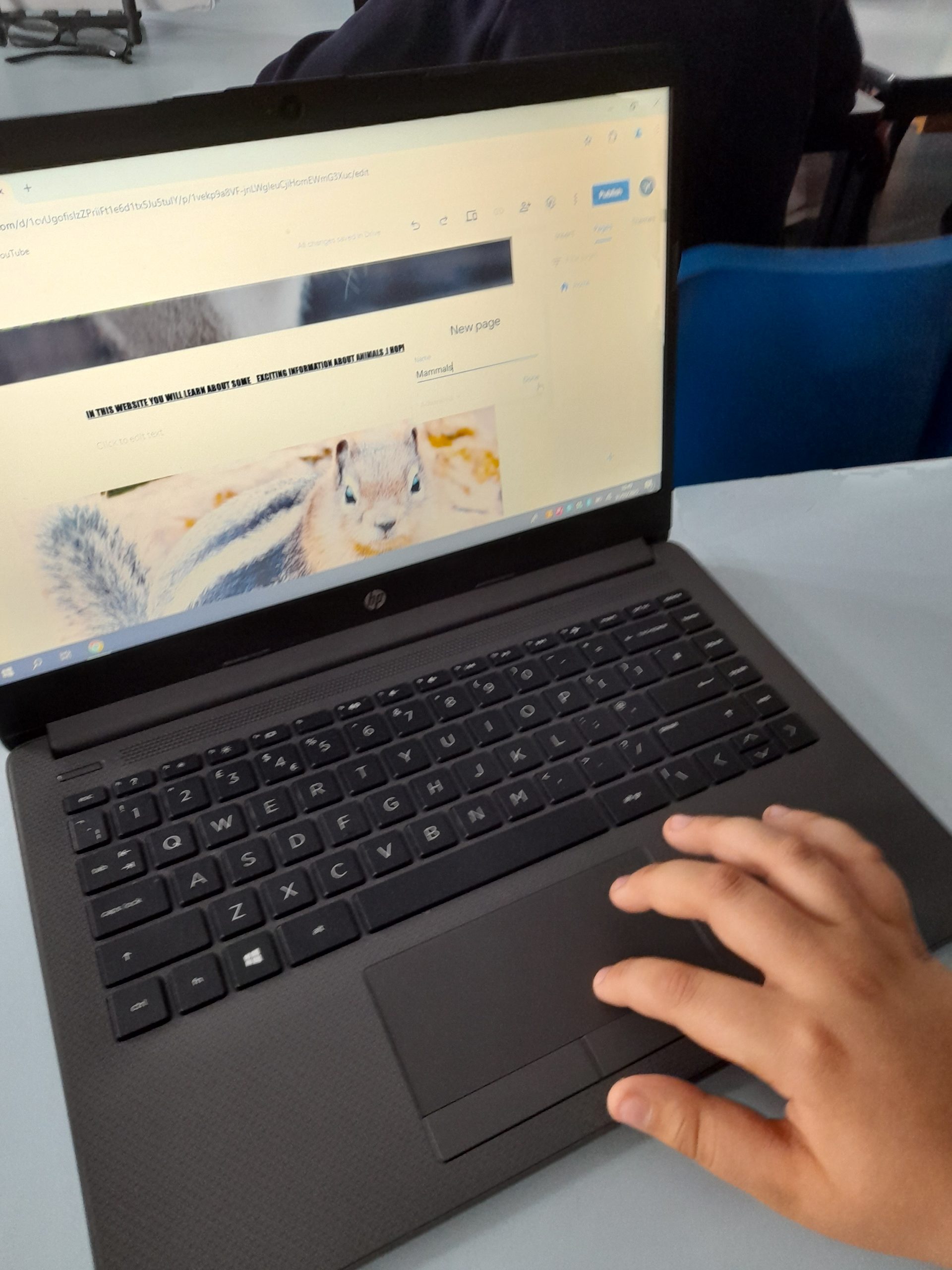
This morning Class 4 have been exploring the basics of Google sites. We discussed some of the important features of websites and what we see when we visit different sites. Children then moved onto looking at how we can create a basic website on Google, as a class we created a fact website about Animals. Children created a homepage and pages based on the different ‘classes’ including images, a range of fonts and videos.
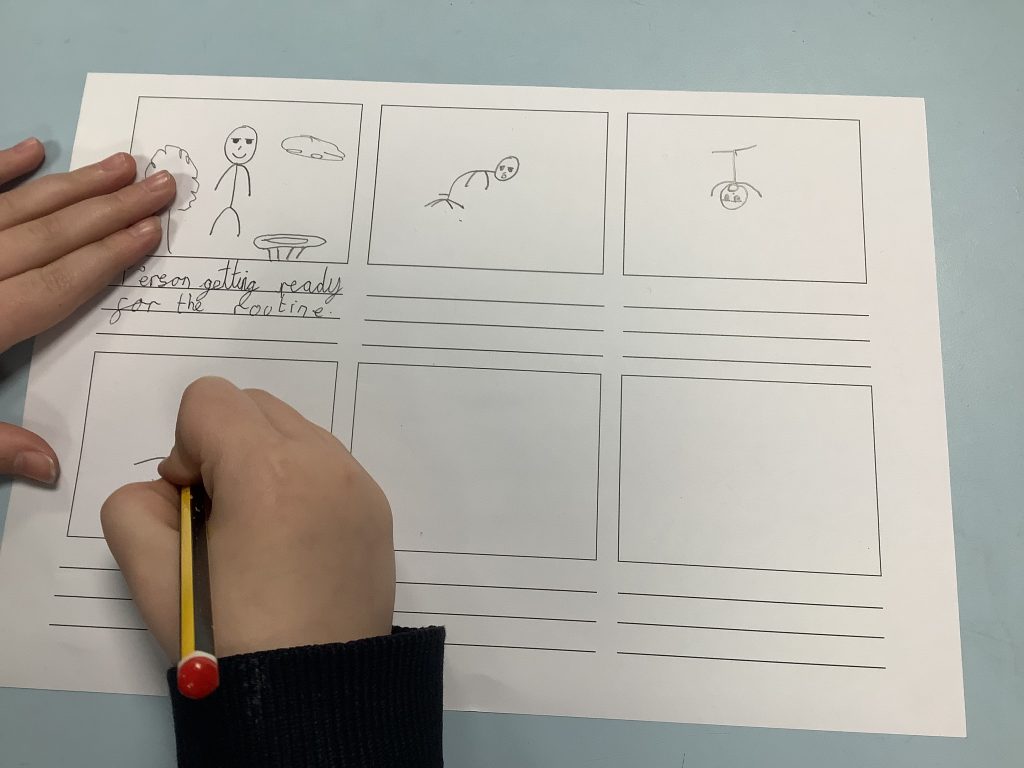
Yesterday children had their final computing lesson of the unit. They spent the morning looking at the similarities and differences with different coding challenges compared to controlling a Beebot. Children worked in pairs using prediction, debugging and sequencing to complete the coding challenges.
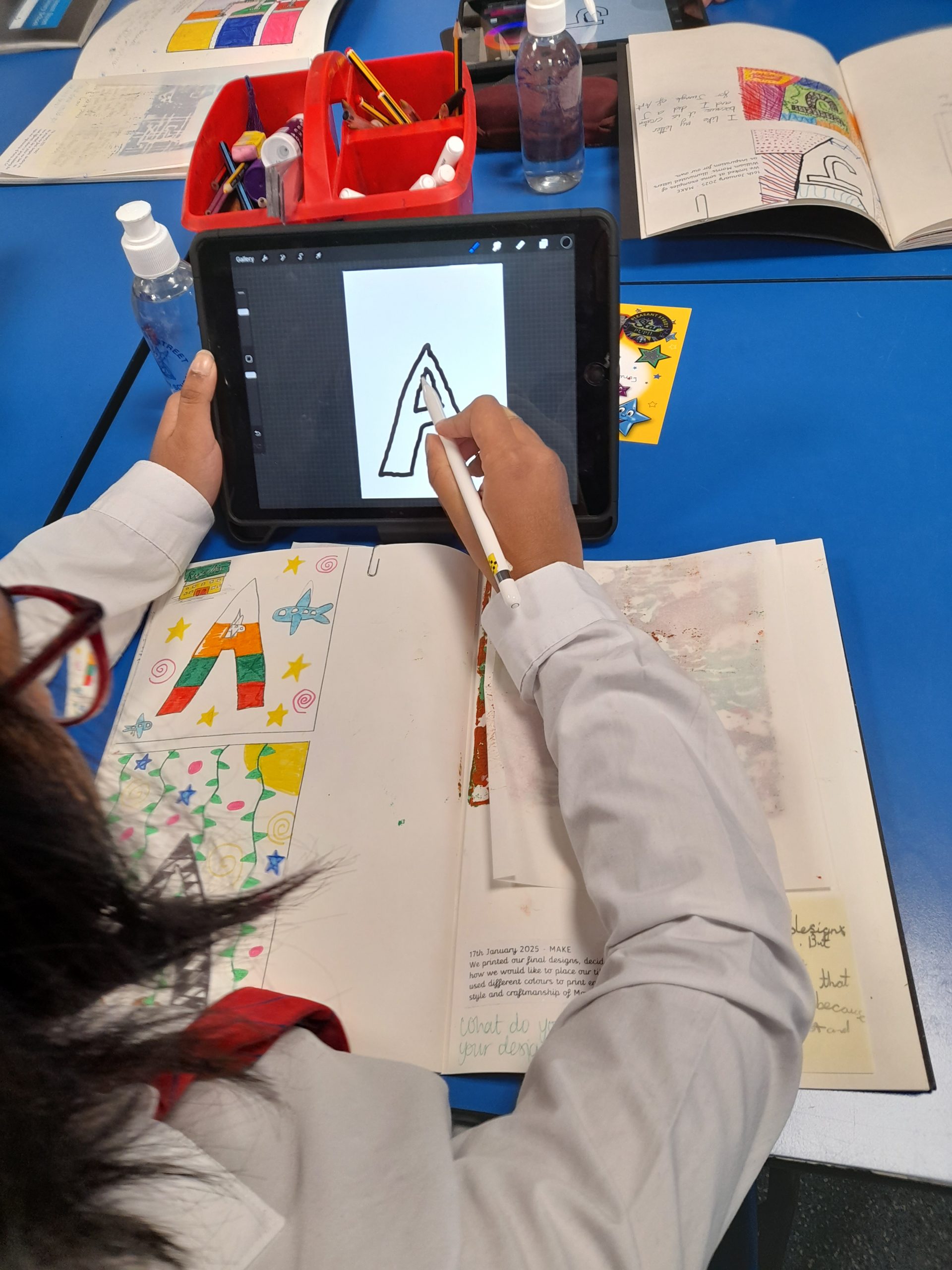
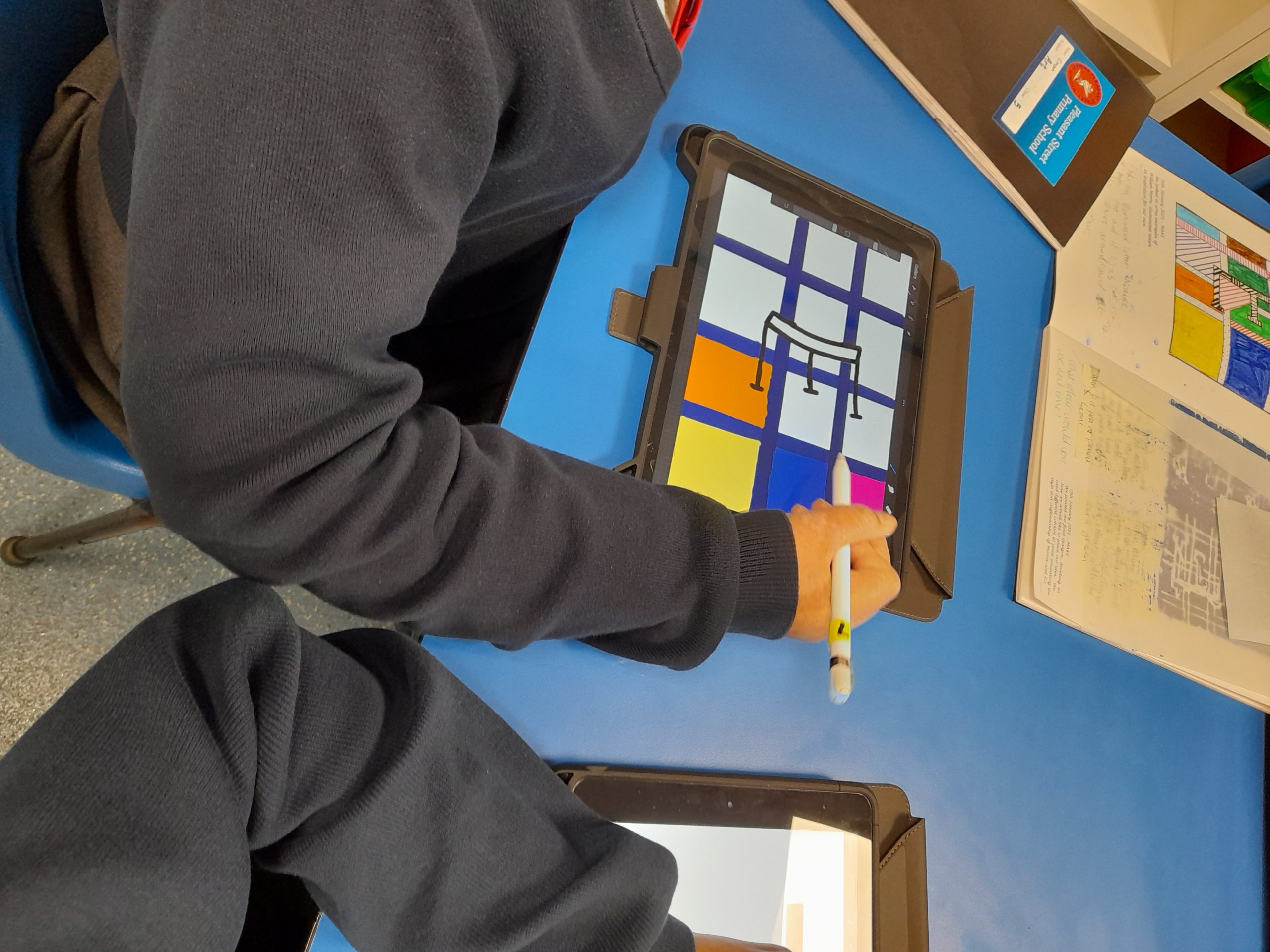
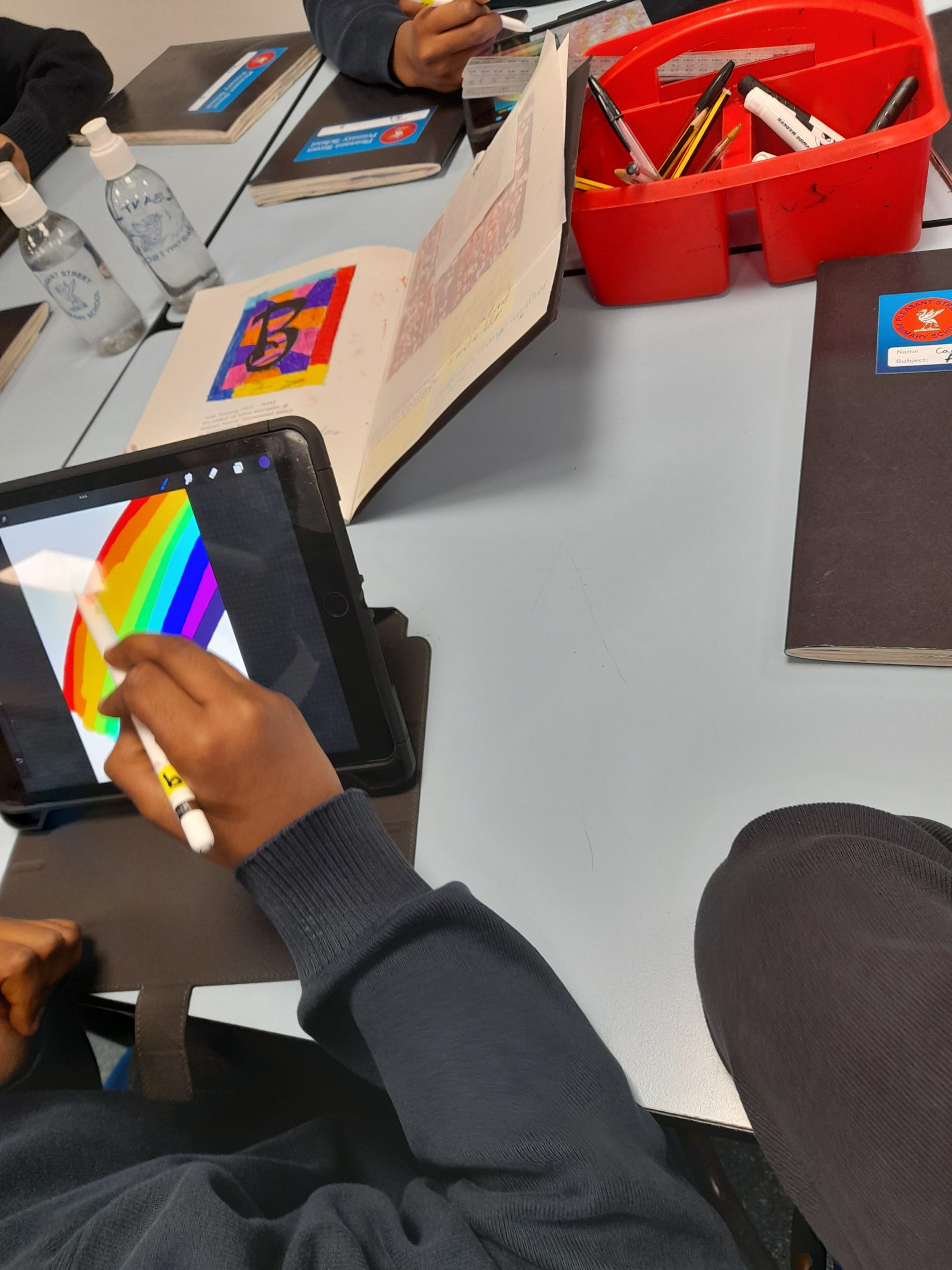
Year 6 have been looking using Pro create and apple pencils to make a digital piece of art work. Children spent some time getting used to the application and how the apple pencil worked, selecting different brushes and exploring other additional features. Children then moved onto creating their digital piece of artwork by using an example drawing from their Sketch books.
Class 1 continued to look at how Beebots worked. Today the focus was on being able to predict and debug a task the Beebot needed to complete. Children worked in partners to be able to get the Beebot to go towards person A, turn around and come back. We recapped how the clear function works and the best way to program a Beebot. Children then had the chance to complete some different levels on the Beebot application.
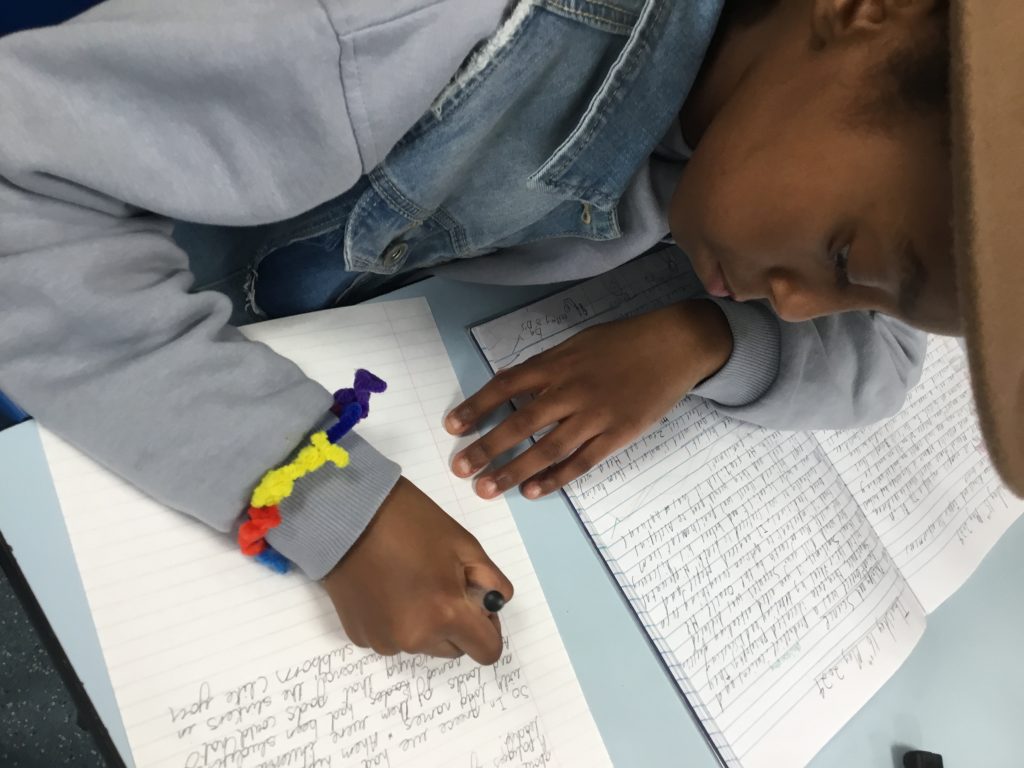
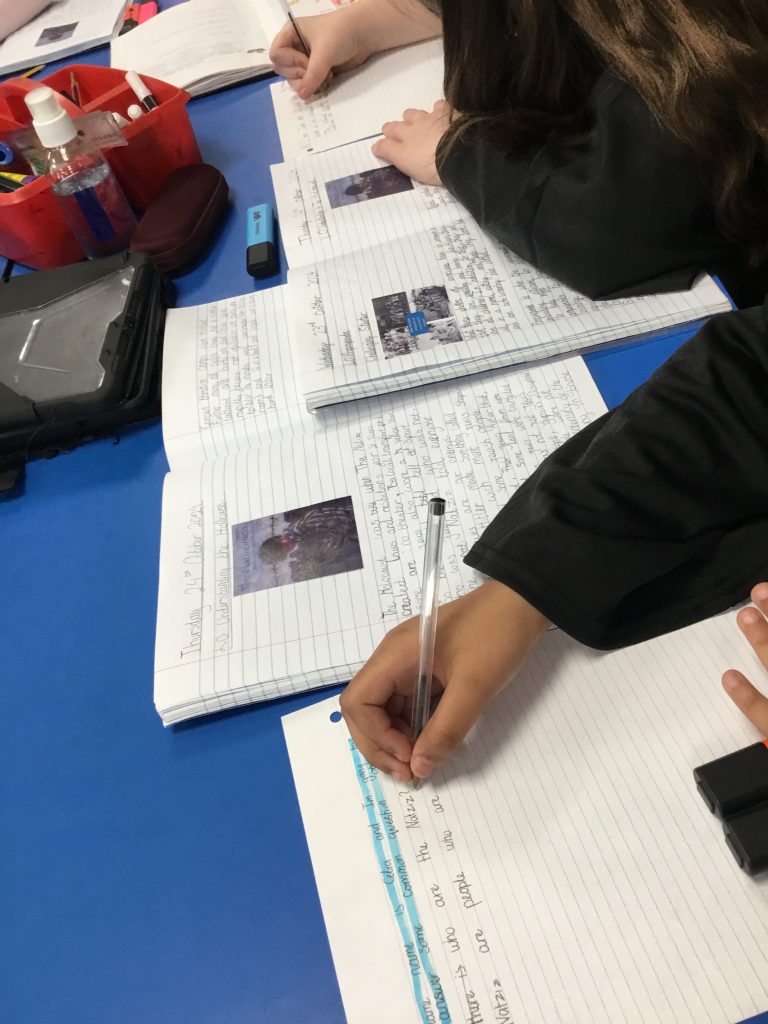
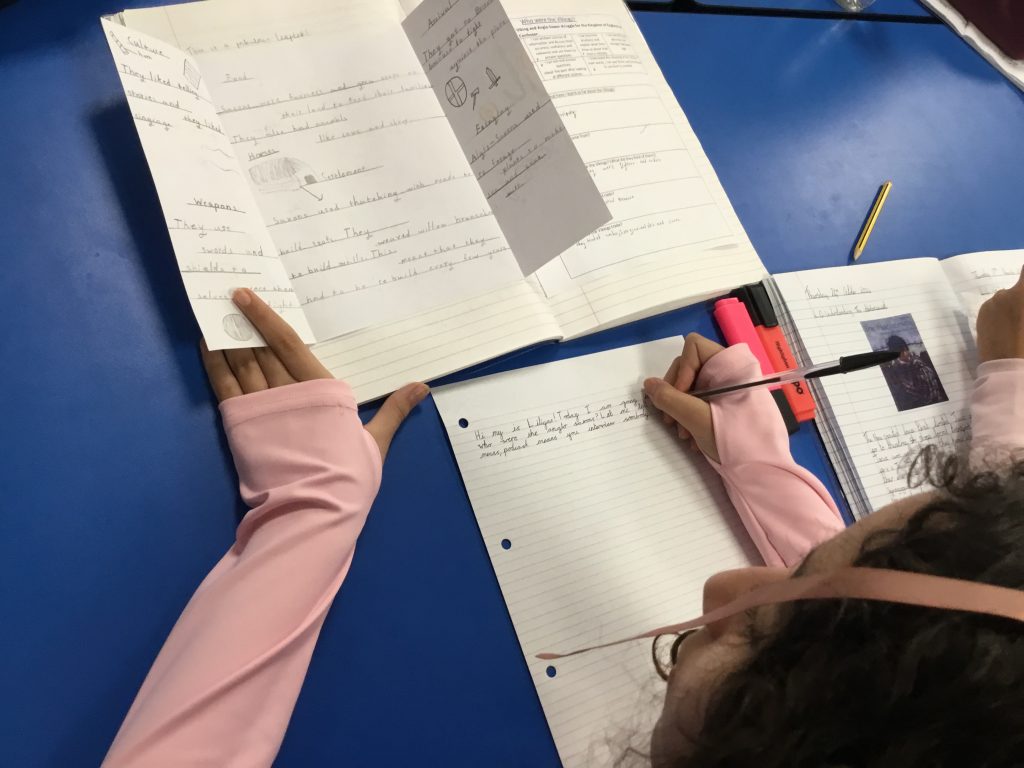
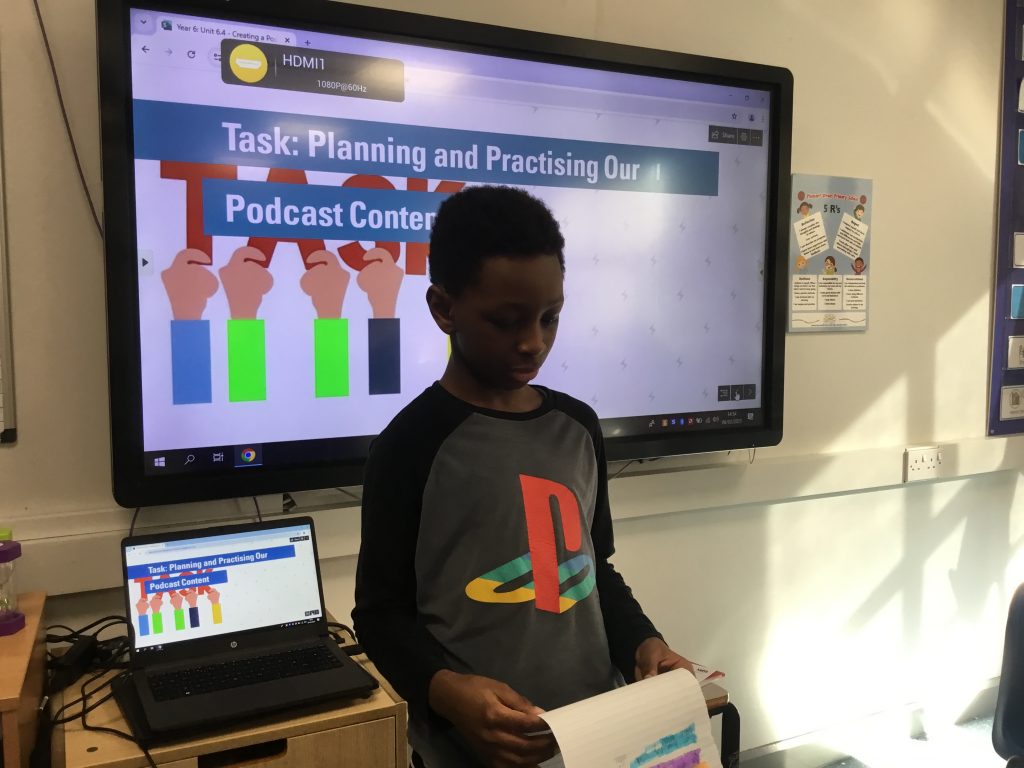
We adapted a piece of writing, ready for our recording of our podcasts.
06-03-2025
Today in Class 6 we were choosing from our books what topic we would like to talk about in our podcasts. We focused on practicing our speaking against the success criteria and adapting the writing for recording.